Google combines free storage across Gmail, Drive and +Photos, 15GB for consumers, 30GB for Apps

A nice little pre-I/O surprise today from Google: Everyone who uses Gmail, G+ Photos and Google Drive now gets 15GB of free space across all three platforms instead of the previous 10 GB for Gmail and another 5 GB for Drive and Google+ Photos. That’s a lot of combined space

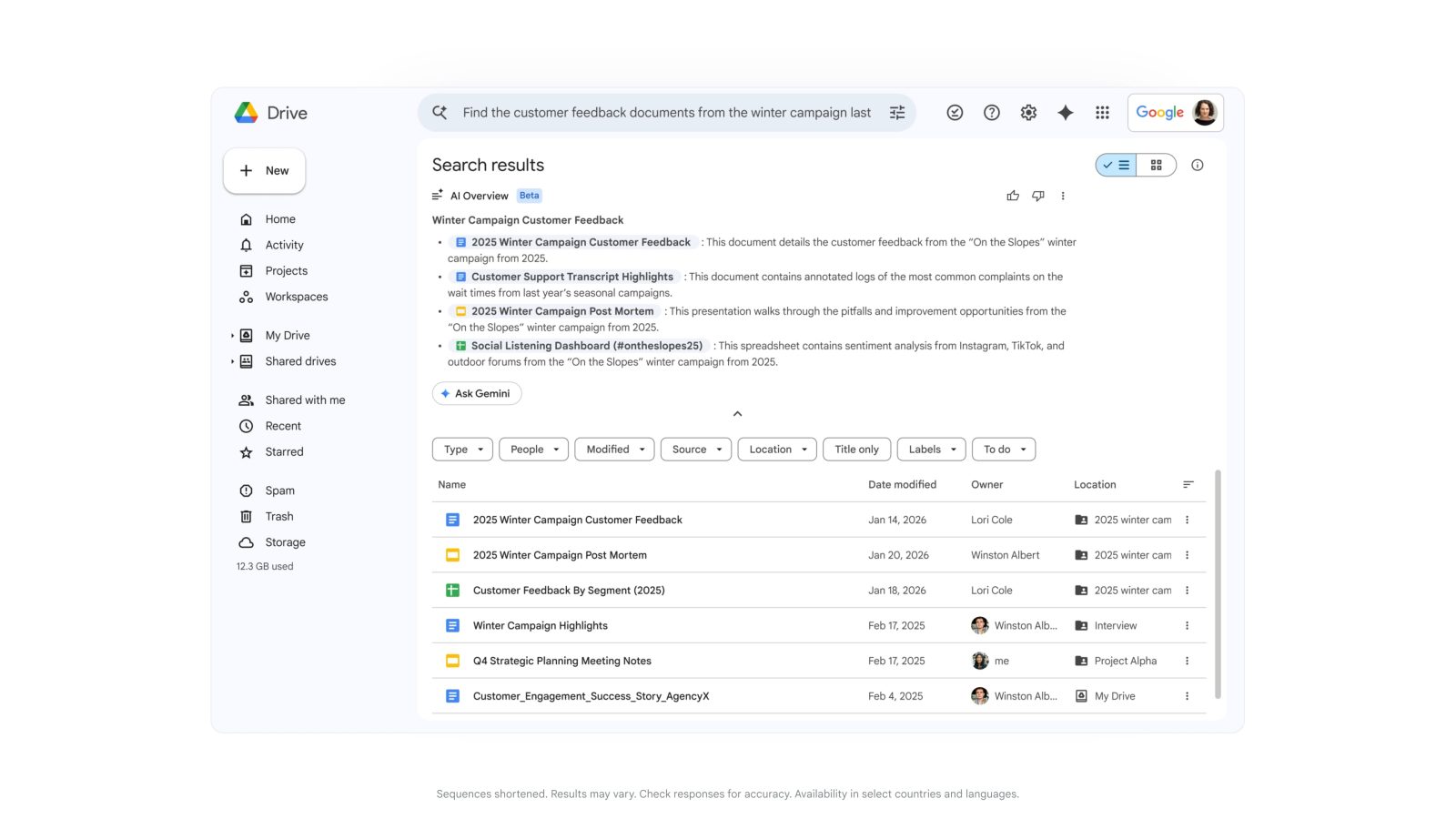
We’ll also be making updates to the Google Drive storage page, so you can better understand how you’re using storage space. Simply hover over the pie chart to see a breakdown of your storage use across Drive, Gmail, and Google+ Photos. And if you need more storage, this is your place to upgrade, with plans starting at $4.99/month for 100 GB.

Pro tip: This change means you’re no longer limited to a 25 GB upgrade in Gmail—any additional storage you purchase now applies there, too.

These changes to Google Drive storage will roll out over the next couple of weeks. Google Apps users will also be getting shared storage, so visit the enterprise blog to learn more.

Enterprise users get 30GB between the three platforms. Read more

Google Drive is down (update: Back for some)

Update (3:24 ET): I’m back online. are you?

If you are having issues with Google Drive, you aren’t alone. We’ve just lost our access to our online documents though our local sync seems to be working fine. Google’s Apps status page just went code orange indicating they are investigating the issue. Now let’s start talking about how safe your documents are in the Cloud.

Screen Shot 2013-05-10 at 3.07.00 PM

Screen Shot 2013-05-10 at 3.07.37 PM

New ‘Save to Drive’ code makes it easy for website owners to deliver media to readers’ Google Drive accounts

Google just announced a nice bit of API code that will allow developers to to make it easy for readers of websites to download files to their Google Drive account.

Adding a Save to Drive button on your website is easy. You simply have to include the script and HTML tag below:

<script src="https://apis.google.com/js/plusone.js"></script>
<div
 data-filename="My Statement.pdf"
 data-sitename="My Company Name"
 data-src="/path/to/myfile.pdf">
</div>

It isn’t hard to see how this could come in handy.

Read more

Google adds new profile pictures and one-click group chat to Drive

Group-chat-Google-drive-profile-picturesGoogle announced some new handy features for Drive on its official Google Drive Blog today. To make it even easier to quickly see who you are collaborating with inside a file in Drive, Google has added profile pictures in addition to names at the top of the web app. Hovering over the new profile pics will let you see details and add users to circles on Google+:

Now when you open a file in Drive, you’ll see the profile pictures of other viewers at the top instead of just their names, making it easy for you to do a quick scan of who else is in the file. You can hover over a photo to see details about the viewer and add them to your circles on Google+ — all without ever leaving Drive.

Google is also providing easy, one click access to starting group chats with both new features rolling out to users in the next couple of days. Google also confirmed it will be adding support for new files types soon, such as Google Sheets.

Google preparing to launch ‘Google Keep’ note taking app for Google Drive?

While we have yet to get all the official details from Google, we get hints at a new feature today that could be headed to Google Drive via leaks from the Drive source code discovered by 1E100. Within Drive’s source code are hints at a new service dubbed “Google Keep,” including links to a new icon for the service, an Android app, and at one point the Google Keep web app itself. Google has since removed the evidence, but our friends over at Android Police were able to capture the screenshots above before Keep was taken down.

There is some evidence that the app would include Evernote-like functionality, with one screenshot revealing an “Add to Keep” function for webpages. The app otherwise appears to provide functionality with color-coded notes, the ability to add and save pictures, create lists, share, etc.

The app could also launch as a standalone Android app, because 1E100 discovered http://g.co/keep redirects to https://play.google.com/store/apps/details?id=com.google.android.keep. We’ll keep you posted if we hear anything official from Google about Keep.

A few more screenshots below:

Read more

Google updates Google Drive app with spreadsheet editing and more productivity tweaks

Google just updated the Google Drive app for Android and iOS.

The app’s most noteworthy new feature is the ability to edit spreadsheets, just like Google Docs. The Drive Team elaborated on the latest update via the official Google Drive blog:

From the Drive app on your iPhone, iPad or Android device, you can create a new spreadsheet or edit an existing one. You can switch fonts, resize columns, sort data, and more. And just like on your computer, you’ll be able to see other people’s edits in real time as they’re made.

The newest version also boasts improved text formatting when pasting, while Android users can exclusively edit text within tables in documents and add a homescreen shortcut to any file in Drive.

The full changelog (on Google Play):

  • Edit Google spreadsheets in new native editor
  • Edit contents of tables in Google Docs editor
  • Formatting is maintained when copy/pasting within Google Docs
  • Single tap to enter edit mode in Google Docs editor
  • Add a shortcut to Drive files/folders to your homescreen for quick access
  • Send Link now supports copying link to clipboard

Read more