Google Chrome

See All Stories

Available for Windows, Mac, and Linux, Google Chrome is the most widely used desktop browser in the world. Since its launch in 2008, Chrome has expanded to Android, iOS, and is the basis of a cloud-based operating system.

Chromebooks Chrome

Available for Windows, Mac, and Linux, Google Chrome is the most widely used desktop browser in the world. Since its launch in 2008, Chrome has expanded to Android, iOS, and is the basis of a cloud-based operating system.

History

Chrome was developed out of frustration at the state of browsers that limited Google’s increasingly complex web apps. In creating its own browser, Google could push the state of the web and build the best experience for its products.

Launched in September for Microsoft Windows, Chrome quickly gained 1% of the total desktop market share by the end of the year. A developer preview in 2009 brought Chrome to Mac OS X and Linux, but a stable version was not available until May 2010. In November 2011, Chrome overtook Firefox in worldwide usage and in September 2012 became the most widely used web browser beating Internet Explorer.

In July 2009, Google announced a project to build an operating system that stored applications and user data in the cloud. The thin client OS was publicly demoed in November, but it was not until 2011 that the first Chromebooks shipped from OEM partners.

A beta version of Google Chrome for Android launched in February 2012, with a stable version ready by June. Google also released an iOS version, but it is limited technically due to security restrictions enforced by Apple.

Features

Chrome shares many of the same features and underlying technology across all platforms. The browser and OS maintain version number parity across all platforms. Every six weeks a major version is released to the Stable Channel and a new developer version is introduced in the Canary Channel. A Beta Channel acts as an intermediary way to access new features without too many bugs.

Security

The automatic Chrome update system downloads updates in the background and insures that users are always on the latest version of Chrome. There are many minor patches between between major updates that delivers security fixes and keeps users secure. Chrome maintains a Safe Browsing blacklist of malicious sites that pop up a bright red warning so users can turn back.

Tabs are sandboxed to make sure processes cannot interacting with critical memory functions and other processes. Besides for security, a multi-process architecture gives each site and plug-in a separate process. As such, a crash will only take down that tab and not the entire application.

Since the first version, Chrome has had a private browsing feature. Incognito mode prevents the browser from storing cookies or history and can be opened alongside regular tabs.

Interface

The main Chrome interface has remained mostly the same over the years. In fact, the ‘Chrome’ name refers to the lack of UI elements and a focus on the browsing experience. An Omnibox acts as both the URL bar and search box. At the time, many browsers had two separate fields right next to each other. The Omnibox has prediction capabilities to help users find what they are looking for and is also present on the mobile apps.

Android apps

Later this year, Android apps and the Play Store will arrive on Chrome OS. Google previously experimented using ARC Welder to virtualize the Android run time and allowed apps to run on all platforms, including Mac, Windows, and Linux. The latest approach is limited to Chrome OS, but provides a much more native and fast experience. Apps open up as windows and can become phone or tablet-sized. Touchscreen Chromebooks will provide the best experience.

Chrome Dev Summit 2015 is kicking off at 9 AM PT, tune in here [Livestream]

If you’re a Chrome or web developer, you’re probably already aware that the Chrome Dev Summit is set to take place today and tomorrow. The event brings Chrome engineers and web developers together for a two-day “exploration of building beautiful and fast mobile web applications.” This is an important event for many people, especially considering the growing relevance of web apps.

This is a two-day event, as I mentioned, and day 1 is set to start at 9 AM PT on November 17th. Google has provided livestreaming video of the entire event, and you can tune in below…

Google quietly launches Chrome beta for iOS through Apple’s TestFlight

Google has quietly launched a Chrome beta for iOS through TestFlight, the beta distribution service Apple acquired last year and integrated into its own developer services. Google has yet to make an official announcement for the beta release, but users can already sign-up and download the beta when visiting Google’s Chrome beta download page on iOS.
Expand
Expanding
Close

Sony’s PlayStation Vue Internet TV service is coming to Google Chromecast

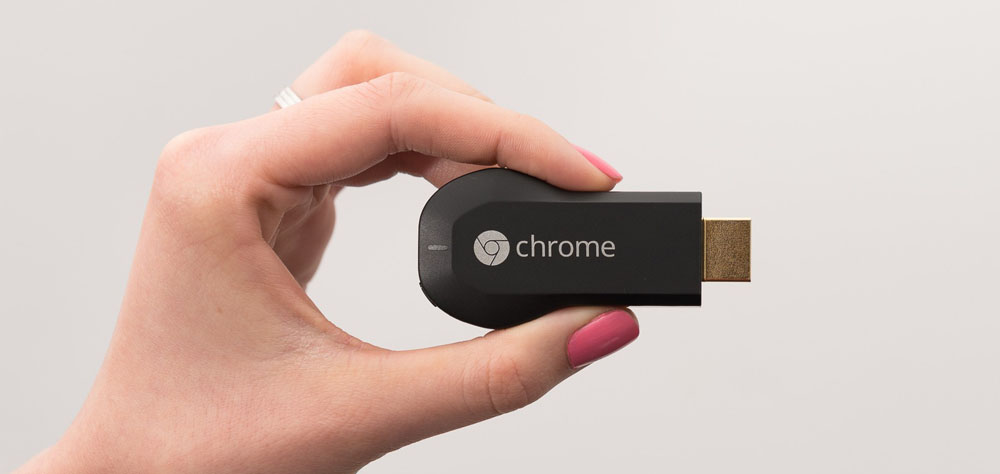
Sony announced today that it’s PlayStation Vue Internet TV service will soon be expanding to support Google’s Chromecast HDMI streaming hardware for the first time. The news comes as Amazon’s Fire TV and Fire TV Stick streaming devices become the first devices beyond PlayStation consoles to support Vue. While Amazon’s hardware is getting support today, Chromecast support will follow as it’s coming soon.


Expand
Expanding
Close

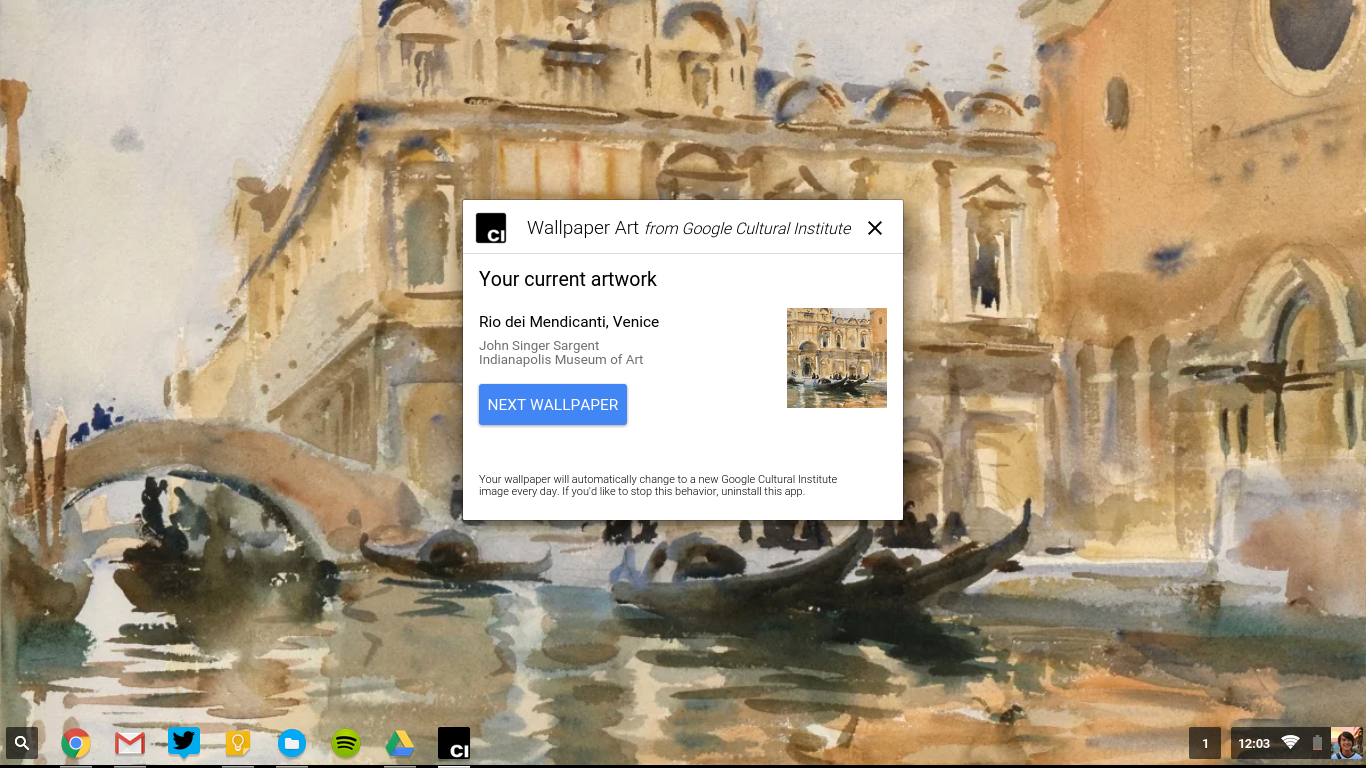
Google’s new ‘Wallpaper Art’ app puts beautiful artwork on your Chromebook

Google has many side initiatives, and one of them is the Cultural Institute that digitizes works of art from museums and archives around the world and puts them online.

Today, their Art Project released an app for Chrome OS that updates the wallpaper of your device to a different piece of art from their collection every day. Expect “masterpieces ranging from Van Gogh and Monet, all the way to contemporary works from street artists around the world,” according to Chrome evangelist François Beaufort in announcement post. If today’s piece doesn’t jive with your artistic taste, you can skip to the next wallpaper in the app.

The Chrome app is very similar to the Muzei Live Wallpaper app by Googler Roman Nurik that also changes the wallpaper on your phone and Android Wear watch face to a work of art. Another app that features work from the Google Art Project is the Street Art watch face for Android Wear. You can download the Google Wallpaper art app from the Chrome web store.

Chrome to stop supporting Windows XP, Vista, and older Mac OS X versions in April 2016

Google has said today that Chrome will no longer be supported on several legacy operating systems.

While Microsoft stopped supporting XP in April of last year, Google announced that they would continue providing updates and security patches to Chrome till the end of 2015:

Millions of people are still working on XP computers every day. We want those people to have the option to use a browser that’s up-to-date and as safe as possible on an unsupported operating system.

In a post today on the Chrome blog, Google announced when they will finally stop supporting XP: April 2016. Additionally, Windows Vista will stop getting support as well. On the Mac side, Google is dropping support for Mac OS X 10.6, 10.7, and 10.8 around the same time.

Google notes that the operating systems are no longer being actively supported by Microsoft and Apple, and they encourage users to move to a newer OS in order to receive the latest Chrome versions and features.

YouTube details ‘Project Butter’ initiative for smoother video in Chrome

With YouTube video as the motivation, Chrome recently received some enhancements to make the video experience as smooth as possible across devices. Dubbed “Project Butter” (not that Project Butter), YouTube engineers worked together with Chrome engineers to make optimizations to video playback.

YouTube engineers walked us through their thought process with the optimizations in a blog post:

Your device’s screen redraws itself at a certain frame rate. Videos present frames at a certain rate. These rates are often not the same. At YouTube we commonly see videos authored at 24, 25, 29.97, 30, 48, 50, 59.94, and 60 frames per second (fps) and these videos are viewed on displays with different refresh rates – the most common being 50Hz (Europe) and 60Hz (USA)… For a video to be smooth we need to figure out the best, most regular way to display the frames – the best cadence. The ideal cadence is calculated as the ratio of the display rate to frame rate. For example, if we have a 60Hz display (a 1/60 second display interval) and a 30 fps clip, 60 / 30 == 2 which means each video frame should be displayed for two display intervals of total duration 2 * 1/60 second.

Using that math, the team was able to come up with an algorithm that will allow Chrome to auto adjust to the optimal settings based on the display and the quality of the video being streamed. The improvements were introduced with Chrome 44:

In Chrome 44, we re-architected the media and compositor pipelines to communicate carefully about the intent to generate and display. Additionally, we also improved which video frames to pick by using the optimal display count information. With these changes, Chrome 44 significantly improved on smoothness scores across all video frame rates and display refresh rates… Smooth like butter

YouTube has more on the enhancements for video in Chrome 44 in its blog post here.

Google’s original Project Butter debuted with the announcement of Android 4.1 Jelly Bean, as an initiative to make the Android experience smoother and more user-friendly. For its purpose, the project was a success — Android 4.4 went on to become one of the most stable and beloved versions of Android yet, and was succeeded by Lollipop, a complete revamp that reinvented Android from the ground up.

As you may know, the current stable release of Chrome is version 46, and version 44 stable was released a few months ago.

Google’s OnHub gets its first OTA software update w/ minor improvements

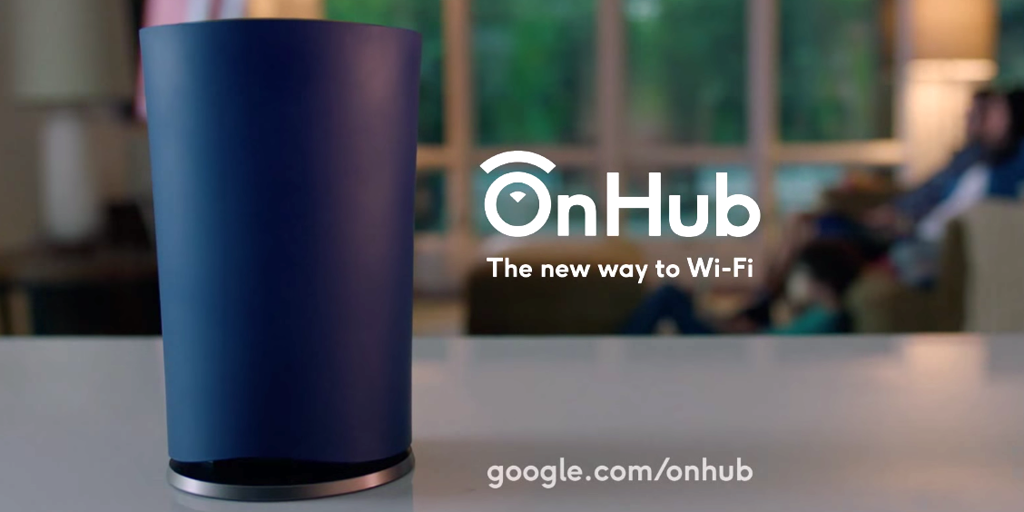
Google’s OnHub launched a few months ago, and now the expensive router is getting its first software update. It’s not clear at this point if the update is also rolling out to the newer ASUS model quite yet, but the original TP-LINK router is definitely getting it as has been confirmed by one owner on Google+.

There doesn’t seem to be anything groundbreaking here, as many of the things listed on the change log are just improvements to what’s already there. There is “improved client device naming,” optimizations for the antenna, “expanded use of 5GHz channels,” and more.

Interestingly, as noted by Android Police, the update seems to have been able to install itself on the router without requiring a reboot. As those who own pretty much any desktop OS, a Chromecast, or an Android phone will know, this is a really nice feature to have.

Here’s the full change log, as can be found on Google’s website.

Some highlights of this software update include:

  • Improved client device naming
  • Antenna optimizations
  • Expanded use of 5GHz channels
  • Improved port forwarding performance
  • General stability improvements

Chromecast 2nd gen. and Chromecast Audio now available via Spain Google Store

The second generation Chromecast and the Chromecast Audio were announced at the end of September, and the Google Store is one of many outlets where you can acquire these devices. Now, a couple months after being introduced in North America and other regions, those who are in Spain can grab the new Chromecasts from the Google Store.

You can head over to the Google Store now, where the Chromecast (2nd gen.) is available in three colors, and the Chromecast Audio is available in black.

Chrome extension ‘Fav Forever’ brings Twitter’s stars back just hours after they disappeared

Earlier today, Twitter ditched favoriting tweets in favor of liking them, and in turn replaced the social network’s beloved star icon with an adorable heart. This change is of course — as with every change that comes to pretty much every social network, ever — very controversial, with many arguing that it’s simply a lazy move. Many say that it’s simply more evidence of Twitter’s problems in a world where its main competitor is now moving beyond likes to reactions that are more complex.

But if you use Google Chrome, and statistics says that you probably do, favorites don’t have to be completely dead quite yet. Thanks to a new Chrome extension called “Fav Forever,” you can keep those stars around as long as you want…
Expand
Expanding
Close

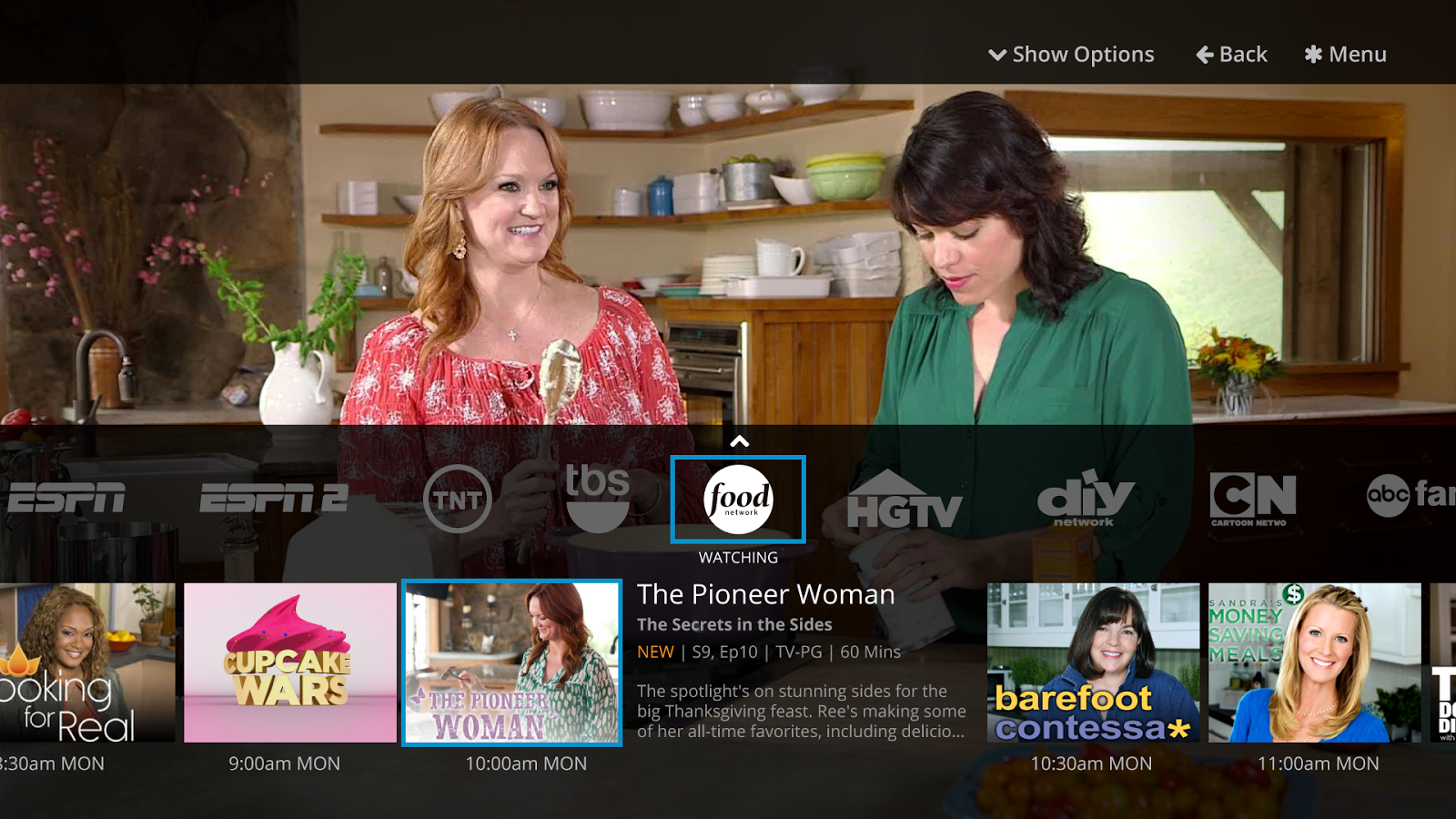
Latest Sling TV update lets you sling your favorite shows to your Chromecast

Dish Network’s Sling TV has been around for a while, but one feature that was long been missing from its Android and iPhone apps was Chromecast support. Now, following Google’s announcement last month that the feature was on the way, watchers of live on-demand TV programming via Sling TV can finally sling that content onto their big screen…
Expand
Expanding
Close

Google: Chrome OS not folding into Android, Material redesign + 2016 Chromebooks coming

Officially offering a denial to a report last week claiming Chrome OS would merge into Android by 2017, Google has taken to its Chrome blog to say Chrome OS is here to stay. Chromebooks that run the Chrome operating system has taken off especially well in the classroom, giving Google added incentive to ensure Chrome OS users that the platform isn’t facing any dramatic changes in the near future. Hoping to convince users that recent reports of the future of Chrome OS are wrong, Google has shared some usage numbers and even offered a peek into the future of Chrome OS…
Expand
Expanding
Close

Amazon follows through on threat, yanking Chromecast hardware from leading online retail store

Following through on a threat made earlier this month, Amazon has pulled Google’s Chromecast hardware from its online stores, regardless of whether it was being sold by Amazon directly or third-party vendors in Amazon’s Marketplace.

Amazon notified third-party merchants that it planned to remove Chromecasts and Apple TVs from its listings, claiming an interest in reducing “consumer confusion” over streaming media players that don’t “interact well with Prime Video,” Amazon’s streaming video service. Chromecast and Apple TV pages currently lead to 404 Document Not Found error pages, while attempts to search for the products now redirect to Amazon’s own Fire TV, Fire TV Stick, PlayStation TV, and a collection of off-brand alternatives. Certain Chromecast accessories remain available for purchase, however…


Expand
Expanding
Close

Defensive Google SVP: We’re still ‘very committed to Chrome OS’

Following reports yesterday that Chrome OS might vanish and be merged in to Android, one of Google’s chiefs was keen to defend the platform and state that it’s not going anywhere. Hiroshi Lockheimer, SVP of Android, Chromecast and Chrome OS tweeted that the company is still ‘very committed to Chrome OS’ and that the platform as a whole is seeing huge momentum…


Expand
Expanding
Close

Report: Google is moving on from Chrome OS, folding it into Android

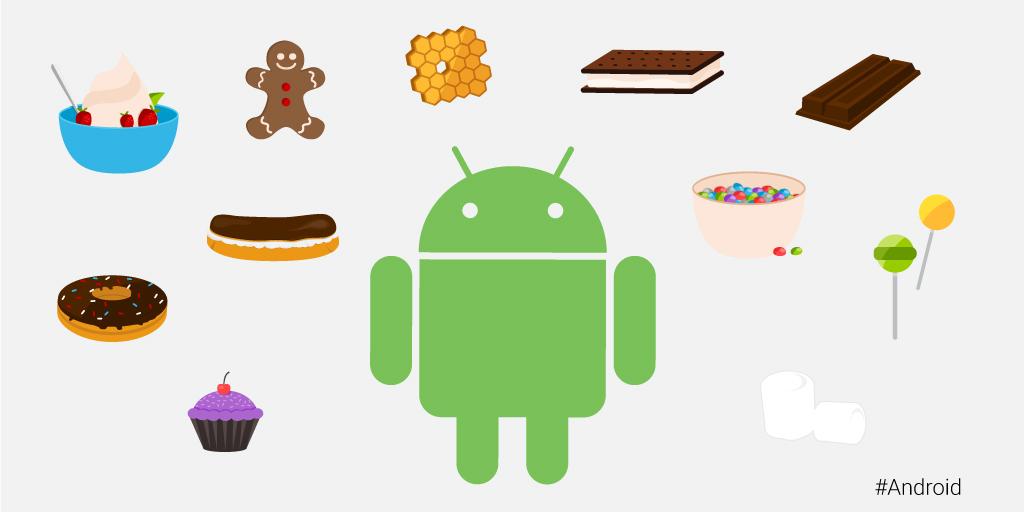
android-versions

This one has been a long time coming.

According to a report this afternoon from The Wall Street Journal, Google is — finally? is this worth a finally? — planning to fold its Chrome desktop OS into Android. The new, single operating system will be unveiled sometime in 2017 according to people familiar with the matter, but the Mountain View company reportedly has plans to show off an “early version” as soon as next year…
Expand
Expanding
Close

Chrome 47 beta brings splash screens for Android web apps, notification management for desktop, more

Google is releasing the beta of Chrome 47 today that introduces as number of new features across platforms including new splash screens for Android web apps, improved management for push notifications on the desktop, enhanced multitasking and more.

For the new splash screens, developers will be able to take advantage of splash screens when their web apps are launched from an icon saved on the homescreen. Google points out that  “apps can take a few seconds to load” and presenting a nice looking splash screen will “allow apps to show something meaningful to users as the app loads, improving perceived performance” for users.

In addition, Chrome 47 beta brings an improved push notification experience for desktop users on Mac, Linux, Chrome OS and Windows by introducing auto dismissing notifications:

“Sites such as social media or email can generate a large number of push notifications that take up screen space and aren’t particularly relevant unless viewed soon after posting. The new version of Chrome now allows developers to configure automatic dismissal of desktop notifications, improving the experience for these kinds of notifications. Sites can set NotificationOptions.requireInteraction to indicate the notification should remain onscreen until the user dismisses it.”

And lastly, the 47 beta release brings what Google refers to as “Cooperative multitasking with requestIdleCallback()”, something developers can take advantage of to improve performance by allowing apps to run during “idle time” when resources aren’t being used by other tasks.

Google has more info on the release here.

Spotify support is now landing on the original Chromecast via firmware update

We first reported last month that Google was bringing Spotify support to the Chromecast, and those who already have the second-generation Chromecast in their possession (like myself) have probably been toying with the feature for a while now. Google did mention at its event last month, however, that support for the streaming service would be coming to the first-generation Chromecast at some point within a few weeks. It looks like that update is now rolling out…
Expand
Expanding
Close

Chrome 46 comes to stable channel, removes ‘OK Google’ hotword search on desktop

Google earlier this week pushed the Chrome Android app to version 46, and now the browser’s desktop clients and Chrome OS are seeing the update as well. While Google has yet to publish and official list of changes for the Windows, Mac OS X, and Linux version (although we have noticed the removal of one major user-facing feature), we do have a quick look at the changes that version 46 is bringing to Chrome OS…
Expand
Expanding
Close

Chrome for Android updated to v46 w/ bug fixes and performance improvements

Google today has updated Chrome for Android to version 46 with a handful of under-the-hood bug fixes. These changes were originally introduced in the beta build of Chrome 46 but have now made their way to the stable version a little over a month later.

Google says that performance throughout the app has been greatly improved thanks to new optimized image loading and service worker instrumentation:

Tools like srcset allow developers to serve an optimized image variant in a responsive way, but it can be cumbersome and inefficient to use in practice. Developers can now negotiate with the server to download the best image variant for a device using straightforward HTTP request headers. These headers communicate DPR, Viewport-Width, and the intended display width of the resource being fetched to the server.

For developers, they can now animate any graphical object along an arbitrary path declaratively as a CSS property:

Previously, animating objects along an author-specified path required complex javascript code that could block important events like rendering and input. Developers can now animate any graphical object along an arbitrary path declaratively as a CSS property, allowing simpler code that doesn’t block rendering or input.

For the end user, this means that performance should be greatly improved with Chrome 46 on Android, as should stability. It’s available now on the Play Store.


Expand
Expanding
Close

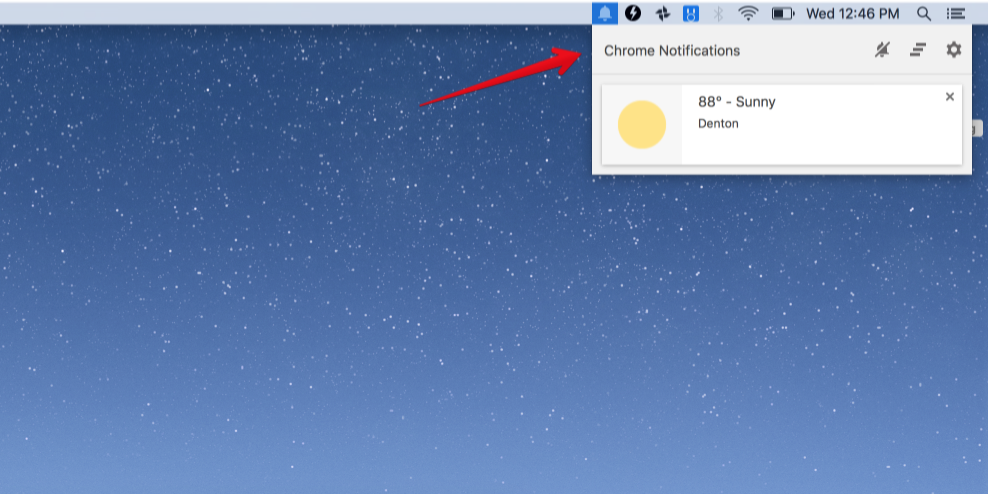
Google is removing the Chrome notification center because no one uses it

You probably know about this little notification center, but it’s very unlikely that you ever use it. That fact is according to data that Google itself has compiled, and — as is definitely not unusual — low usage means cutting features in the name of simplicity…

In some cases, these desktop notifications would appear while users were gone, so in 2013 Chrome launched the notification center, a place for users to find notifications from Chrome apps and extensions that they’d missed.

However, in practice, few users visit the notification center. To keep Chrome simple, it will be removed from Windows, Mac, and Linux in the upcoming release. The notification center on Chrome OS will remain unchanged.


Expand
Expanding
Close

Teardown 2-pack: iFixit cracks open Google’s 2015 Chromecast + Chromecast Audio

iFixit’s 2015 Chromecast + Chromecast Audio teardown

Two years after the original Chromecast HDMI streaming stick, Google decided it was ready last week to unveil the sequel with a redesigned and more capable 2nd-gen Chromecast as well as an entirely new product for streaming audio to old speakers called Chromecast Audio. Readily standing by, the folks over at iFixit have already picked up and torn apart both new streamers. Both look remarkably similar on the inside at first glance, and iFixit has some praise for how Chromecast handles HDMI this year…
Expand
Expanding
Close