Stay up to date on news from Google headquarters. Be the first to learn about plans for Android, Google Plus, Google Apps, and more!
Stay up to date on news from Google headquarters. Be the first to learn about plans for Android, Google Plus, Google Apps, and more!


Google announced today on Google+ that its updating its Google Translate app for Android with additional language support for two features including camera input translation and handwriting.
New languages for camera input translation, which allows users to take translate text capture with the device’s camera, include “Afrikaans, Greek, Hebrew and Serbian.” Google notes that the update brings the total number of supported languages supported for the camera translations feature to 34.
Simply tap the camera button, point at the text you want translated and take the picture, and brush over the text you want with your finger—in an instant you’ll see your translation.
The updated app also includes support handwriting characters in two additional languages: Hindi and Thai. That brings the total number of supported languages to 48.
The new version of Google Translate for Android is available for free on Google Play now.

Google announced today on its Cloud Platform Blog that the data stored in its Cloud Storage platform will now be automatically encrypted before written to disk at no additional charge to developers. Google said the process will not involve any input or configuration from developers and that the new encryption will cause “no visible performance impact”:
We manages the cryptographic keys on your behalf using the same hardened key management systems that Google uses for our own encrypted data, including strict key access controls and auditing. Each Cloud Storage object’s data and metadata is encrypted with a unique key under the 128-bit Advanced Encryption Standard (AES-128), and the per-object key itself is encrypted with a unique key associated with the object owner. These keys are additionally encrypted by one of a regularly rotated set of master keys.
Google noted that developers will still be able to encrypt data using their own methods and manage their own decryption keys, but from now on Google will free developers from the effort and cost associated with doing so. The new server-side encryption is active starting today for new data written to the platform, and Google says it will work with both new objects or for overwriting existing objects. It also said that “older objects will be migrated and encrypted in the coming months.”
In July, reports claimed that Google was also readying server-side encryption for files stored in its consumer-facing Drive cloud storage service.
Google announced on its blog today that it is soon rolling out the ability to view information from Gmail, Calendar, and Google+ directly in search results, providing users with a more personalized experience and an easier way to quickly look up important data across services. Some of the features have previously been available to Google Now on Android devices, but starting over the next few days English users in the US will begin seeing results for flights, reservations, and much more in Google search results on the web and mobile devices:
Ever had trouble checking your flight’s status on the go because it meant digging through your email for the flight number? Or wanted to just quickly see whether your package would arrive on time, without having to look up the tracking info first? You’ve told us it would be much easier if you could skip the fuss and just ask Google. Soon you’ll be able to find this info instantly in Google Search if it’s in your Gmail, Google Calendar or Google+. For example, just ask or type, “What’s my flight status?” or “When will my package arrive?”
The new results are triggered by queries such as “Is my flight on time?” or “my reservations” and will also work with Google’s recently introduced voice search features.
Google highlighted a few of the new results that you’ll begin seeing including flights, reservations, purchases, events, and photos from across all three services mentioned above:
Expand
Expanding
Close
A new update for the Google+ Android app rolling out in the coming days will make it easier for users to switch between multiple accounts, improve location sharing controls, and finally get rid of the in-app Messenger to make way for Google’s new Hangouts app.
Google employee Virgil Dobjanschi shared details on the new version of the app, noting that switching accounts will now be as easy as it is with Gmail:
Just like Gmail for Android, you can now switch between multiple Google+ accounts with a couple of taps (vs. signing out and signing in again). And the Google+ pages you manage are likewise in the app menu at all times.
The updated app also brings the ability to view and share photos and videos that are stored in Google Drive, and improved location sharing controls:
Expand
Expanding
Close


Google’s Streetview has taken us to some pretty interesting places lately. We’ve had the world’s tallest skyscraper, the Eiffel Tower, a Bond villain’s lair and a trek up to the top of Mount Fuji, but this is the first time we’ve been able to visit other dimensions – with a wander around inside Dr Who’s TARDIS.
Start here, outside London’s Earls Court tube station, then follow the instructions below the fold …
Expand
Expanding
Close
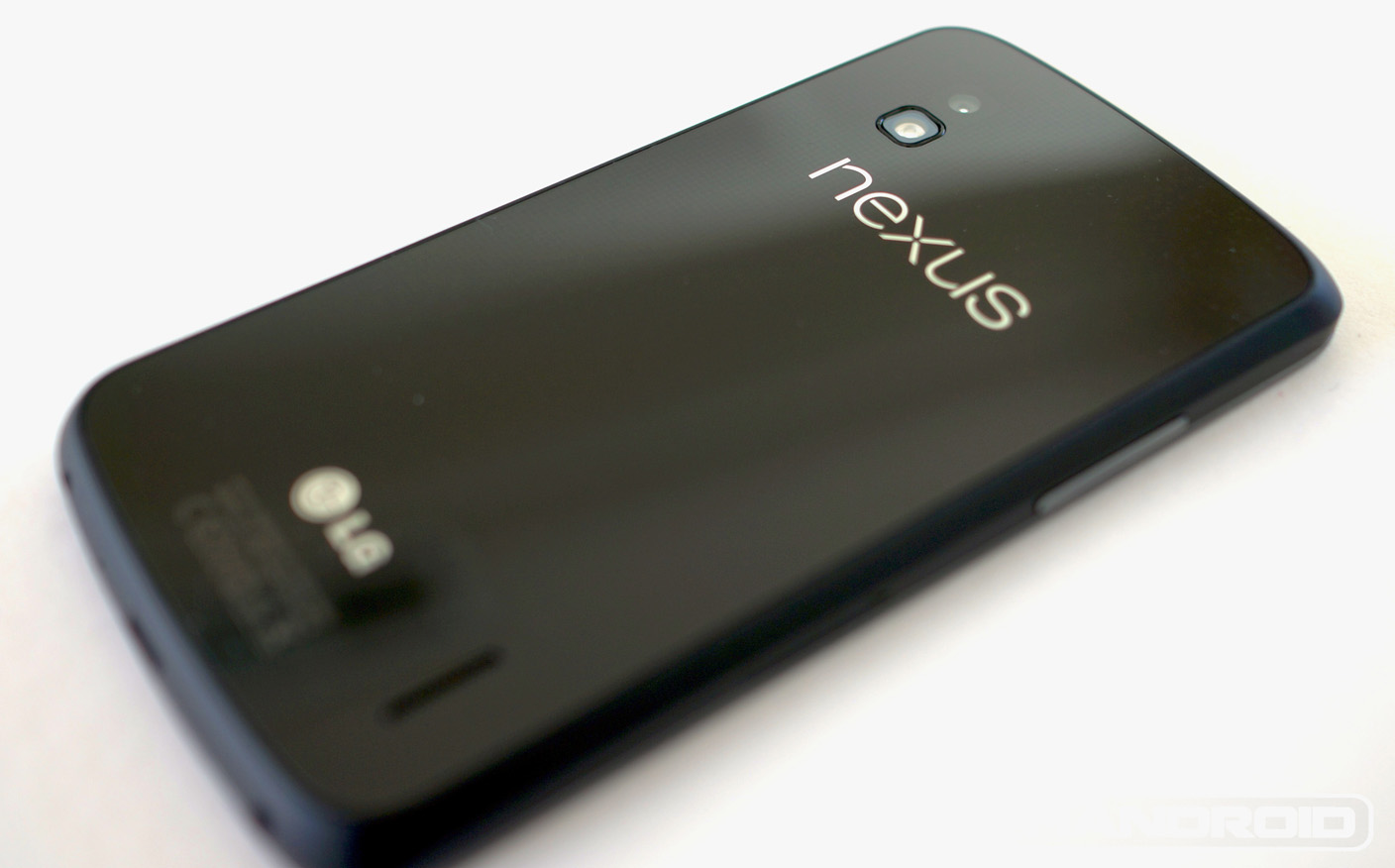
Photo: phandroid.com
Chinese site MyDrivers (comical Google Translate warning) is citing Korean sources suggesting that the Nexus 5, next year’s replacement for the Nexus 4, will be made by LG and based on the G2. An earlier rumor suggested that the handset would be made by Motorola.
It has already been rumored that LG would be making next year’s Nexus 7 …
Expand
Expanding
Close
It seems an increasing number of users have been experiencing the old “Package File Invalid” error when attempting to update or download apps from Google Play. While it’s not the first time users have experienced the issue, it does appear that more and more users in recent days have been unable to workaround the issue in order to update and download apps. Good news if you’ve been having the problem, AndroidCentral points us to a Google support thread that confirms the company is investigating the errors:
We’ve received reports that some users are getting “Package File Invalid” while trying to download or update apps.
We’re currently investigating a permanent solution, and there are no workarounds at this time.
We’ll continue to update this page with developments, so check back soon.
Google announced today on Google+ that it will be holding a two-day Chrome Dev Summit later this year to discuss “new web APIs, multi-device workflows, performance tips and the guts of Blink.” The event will be held at Google’s HQ in Mountain View and it will also be live streamed to all that can’t make it on YouTube.
The dev summit is scheduled for November 20-21 and Google says registration for developers will open soon. No word on whether or not we might see some new product announcements, but it’s likely this will be a much smaller event that Google I/O and its recent Nexus 7 event.
Google has a website for the upcoming Chrome Dev Summit for those that want to learn more and a survey to find out what developers are interested in learning about at the event. Here’s a bit of what to expect:
Google announced today that its recently launched Nexus 7 is now available to purchase in Canada through Google Play. The availability comes as the device launches in Staples, Best Buy, Future Shop and other retailers today in both the US and Canada, while the device has already been available to customers in the US through Google Play.
For those in Canada, the next generation @Nexus 7 can now be yours: http://t.co/JBfO2nnVoF
— Google Play (@GooglePlay) August 13, 2013
The refreshed Nexus 7 is available for $229 for the 16GB WiFi model and $269 for the 32GB model with both models listed as shipping in 1-2 business days. An LTE version of the new Nexus 7 is expected in the weeks to come but Google hasn’t provided an official launch date.
Google also started selling a new Nexus 7 sleeve on the Google Play today for $29.99 in both the US and Canada.
Photo: chromespot.com
When Google announced (and later began rolling out) conversational search back in May, the company saw that as only the start. The company’s plans for the feature take us all the way into the realms of a true virtual personal assistant.
If you haven’t yet tried conversational search in Chrome, the feature as it stands is useful but basic. Speak a search like “How old is Barack Obama?” and Chrome will speak the answer. With a person, you could then ask a series of follow-up questions like “How tall is he?”, “Who is his wife?” and “How old is she?” and they would know who you were referring to in each question. That’s the functionality Google is rolling out, remembering who or what you just asked about and interpreting pronouns appropriately.
But Google’s long-term plans are far more ambitious. In an interview with TechFlash, Google Research Fellow Jeff Dean talked to Jon Xavier about his team’s work on machine learning and neural nets to expand Google’s abilities in conversational search …
Expand
Expanding
Close

Photo: dailymail.co.uk
Larry Ellison is apparently still smarting from the court battle he lost back in May of last year when he accused Google of copyright infringement over its use of Java in Android, lost and ended up paying Google’s $4M court costs.
[protected-iframe id=”2135d75db9df4554c84495104a6ea43a-22427743-13611283″ info=”http://cnettv.cnet.com/av/video/cbsnews/atlantis2/cbsnews_player_embed.swf” width=”425″ height=”279″]
Oracle bought Java from Sun Microsystems, and claimed ownership of some of the code used by Google. Google argued that the small amount of replicated code was ‘fair use’ and that the rest of it was coded from scratch simply using similar approaches to Java. Oracle lost.
In an interview with CBS’s Charlie Rose, transcribed in Business Insider, Ellison accuses Page of violating Google’s company slogan, Don’t be evil. Transcript below the fold …
Expand
Expanding
Close

Google is increasing the bounty it pays to security researchers who discover and report bugs in Chromium by up to 500 percent after announcing that it has paid out a combined total of $2M in bug bounties across Chromium and Google-owned websites in just three years.
Today, the Chromium program is raising reward levels significantly. In a nutshell, bugs previously rewarded at the $1,000 level will now be considered for reward at up to $5,000. In many cases, this will be a 5x increase in reward level! We’ll issue higher rewards for bugs we believe present a more significant threat to user safety, and when the researcher provides an accurate analysis of exploitability and severity. We will continue to pay previously announced bonuses on top, such as those for providing a patch or finding an issue in a critical piece of open source software.
This follows earlier similar increases for reporting website vulnerabilities back in June.
Although the sums of money offered for reporting vulnerabilities are substantially lower than could be made by selling the info on the black market to those who would use it for nefarious reasons, the thinking behind bug bounties is it encourages those who would never dream of misusing the info to file prompt reports. Many large tech companies offer bug bounties, with Microsoft – a long-time hold-out – joining in a month ago.
SoundCloud announced today on its blog that users can now listen to sounds from SoundCloud directly on Google+ thanks to new integration it’s been working on with Google. The news comes following Google+ sign-in integration that SoundCloud launched back in May.
Starting today, users will be able to “Share any SoundCloud URL to your Google+ circles and the widget will appear, automatically in the post.” In other words, you’ll be able to listen to SoundCloud links directly on Google+ through a familiar player without having to open a new tab.
And it’s effortless — check out how artists like Pearl Jam, Snoop Lion and Armin Van Buuren are already using the integration to share their latest tracks (look out for the hashtags: #soundcloudplus and #summersound).
According to a new report from Geek.com, Google will be dropping Samsung and picking ASUS to manufacture the next-gen Nexus 10. The site has correctly reported on a few product releases in the past, but today’s report goes against what we heard earlier straight from Google’s own Sundar Pichai.
Expand
Expanding
Close

Google’s insistence that there is room for both Google TV and Chromecast has seemingly been confirmed by an apparent new Sony-branded Google TV making its way through FCC approval.
The FCC filing spotted by @cj_000 (via Engadget) has all the hallmarks of a new Google TV device.
The NSZ-GU1 has an IR blaster like other Google TV boxes, and Bluetooth where the Chromecast doesn’t include either. The power adapter it’s tested with also could be overkill for a simple dongle-like device
Despite some speculation that it could be a Chromecast stick, it seems unlikely.
Google SVP Sundar Pichai recently told AllThingsD that Google TV “will be a full-fledged Android for television,” and that the company will be announcing more manufacturing partners at CES next year. One of those projects is believed to be an Android-powered set-top box with a motion sensor similar to Microsoft’s Kinect.
Google announced today on the official search blog that it is rolling out a new feature in search results that will help users to easier find in-depth articles on a varying number of topics. While Google has been working over the last year to include more quick answers and information directly in search results, it estimates that around 10% of its users are instead looking for in-depth information for queries. Starting over the next few days, users will now see a selection of in-depth articles in a new section for certain search topics (as pictured above):
If you care about censorship, you’ll find a thought-provoking article by Salman Rushdie in The New Yorker, a piece by our very own Eric Schmidt and Jared Cohen in the Guardian, and another greatarticle about Iran. If you’re in the mood for something lighter, search for [lego], you’ll find great in-depth articles about many different facets of the topic from gender to engineering to art. For some more examples, check out new search results for population growth, capital punishment and e-waste.
Google says that the new section will include articles from well-known publishers, lesser-known publications and blogs.
The company has a help page here for publications interested in optimizing their site for the new feature, and also outlines restricted content including some subscription-based access websites that don’t offer “first click free” access to new readers.

Before Google I/O 2012, Android tablets hadn’t been all that successful, due in large part to their high price and lack of serious support from Google. Then, however, Google introduced the $199 Nexus 7 tablet and started a battle of who could make the best, most affordable tablet. More than a year later, it’s quite clear that Google was the winner of that battle. Other manufacturers could not release an affordable tablet that was worth buying– and its biggest 7-inch competitor, the iPad mini, remains a full $100 above the Nexus 7’s asking price.
When the first rumors hit claiming that the device would cost $229, $30 more than the original model, I was a tad worried, but once Google officially announced the specifications, all that worry went away. The new Nexus 7 improves on its predecessor in just about every way imaginable. It has a faster processor, higher resolution screen, a new rear camera, the latest version of Android, and more. All that doesn’t necessarily mean the device is better, however. Is the Nexus 7 still king of the Android tablet market? Can it compete with the iPad mini?
In an effort to improve its local reviews and compete with services like Yelp, Google has just launched a new service dubbed City Experts (via Engadget). The network is open to users on Google+ who have reviewed at least 50 places already and are located in select cities in the U.S., U.K., Australia, and Japan. In order to remain in good standing, City Experts must provide at least five new reviews each month that meet Google’s guidelines of being well written, are three or four sentences long, and include an image.
Are you an expert on all the best places to eat, shop and play in your city? If so, then we want you to join the Google City Expert program and start receiving exclusive perks! The Google City Expert program brings together the most active users on Google Maps who write reviews and upload photos of local places. A
Those who meet all of these guidelines will be rewarded with exclusive invites to local events, “special online recognition”, and “custom swag”, which is Google-branded items.
There are some projects that are so cool they send a little shiver down your spine, and for me this is one of those. It shows OpenGlass testing two Glass projects aimed at visually-impaired users.
Question-Answer allows someone to ask what an object is, receive an answer from Twitter users and then hear that answer spoken. Memento allows a sighted user to teach Glass to recognise objects, and will then tell a visually-impaired user what they are looking at …
Expand
Expanding
Close

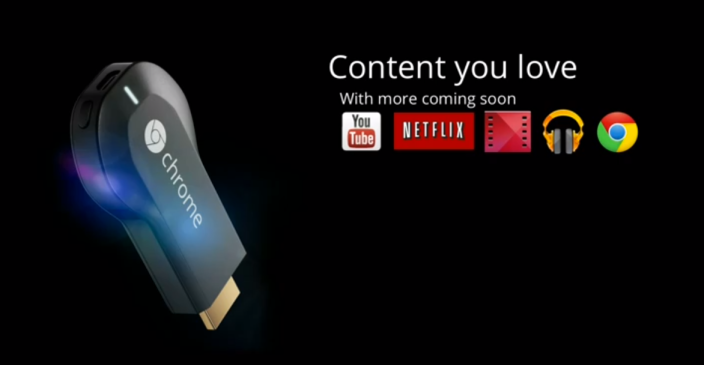
“We are actively working with Google to bring Hulu Plus to the platform,” Hulu rep Meredith Kendall said. “At Hulu, we’re constantly innovating to provide our users with access to their favorite TV shows anytime, anywhere, on any device.”
What a stark contrast to when GoogleTV was released and Hulu blocked, yes BLOCKED, Google TVs from accessing Hulu content. Yes, a few years makes a big difference and Hulu has since gotten comfortable on set top boxes, but I think the model where Google puts content owners in control has struck a chord with content distributors. They are 100% in control of what goes on Chromecast.
“Here’s how you put your content on a Chromecast. They are $35 and going to be everywhere. Do what you want” works.
Vimeo, HBO, Redbox, and many others are also jumping on board.
Expand
Expanding
Close
That $35 stick is looking less and less like a novelty item and more and more like a serious option for those looking to view content on their TV as developer Koushik Dutta has created an Android app to allow both photos and video to be streamed from a smartphone …
Expand
Expanding
Close
After a brief announcement back in June that it had partnered with Starbucks to offer free, unlimited music through its new Google Play All Access streaming service, Google today announced that it will soon be supplying WiFi to all Starbucks locations in the US. That also includes its new gigabit Google Fiber internet service where available:
When your local Starbucks WiFi network goes Google, you’ll be able to surf the web at speeds up to 10x faster than before. If you’re in a Google Fiber city, we’re hoping to get you a connection that’s up to 100x faster.
Up until now, AT&T provided free Wifi access to Starbucks customers in the US (and T-Mobile before that), but it appears that will no longer be the case following the roll out of Google’s networks in the coming weeks.
Google plans to start rolling out its new Starbucks networks next month and hopes to have all 7,000 US locations up and running on its networks within 18 months. Google noted, “You’ll know your new network is ready to go when you can log in to the “Google Starbucks” SSID.”
Expand
Expanding
Close
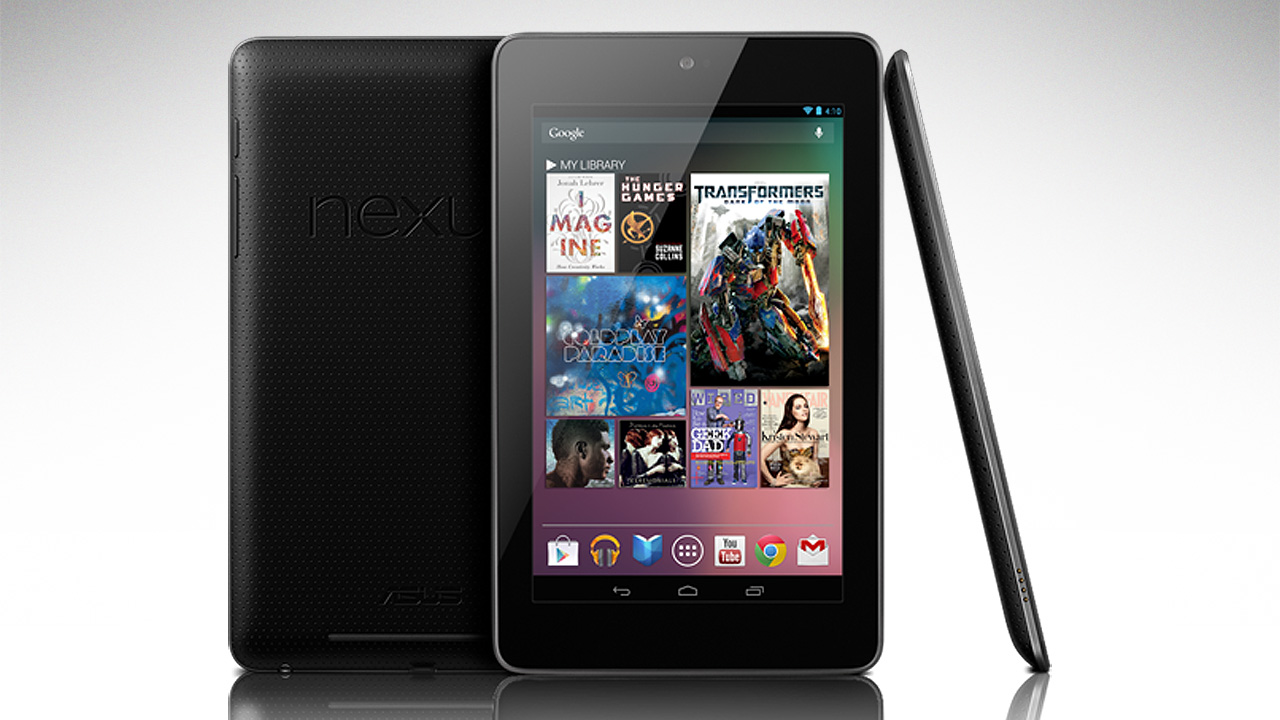
While all eyes may be on the new Nexus 7, those with 2012 models may want to hold fire before handing over their cash for the shiny new model. AnandTech (via GigaOM) reveals that an upgrade to Android 4.3 could give the older model a whole new lease of life.
One of the common complaints late in the life of the original Nexus 7 was slow storage I/O performance, leading to an inconsistent user experience. After a fresh flash, the Nexus 7 was speedy and performant, but after months of installing applications and using the tablet, things began slowing down. This was a friction point that many hoped would be fixed in the new Nexus 7 (2013) model, which it was. There’s even more to the story though, it turns out Google has fixed that storage I/O ageing problem on all Nexus devices with the Android 4.3 update …
Expand
Expanding
Close
Google’s new $35 Chromecast device has huge potential in a living-room environment, but as PC World notes, the device also could be a major player in the enterprise market as a presentation tool. If you have to give a presentation now, it’s tricky to make sure you have the right converters to connect to the projector at the office, and if you get there and it turns out you needed VGA, not DVI, you’re in big trouble. With the Chromecast, all you would have to do is bring it to your meeting and have your documents stored in Google Drive. From there you can cast all of your Chrome tabs to the big screen with no issues.
The Chromecast would also be the perfect device to take on a family outing, as it would allow you to easily watch Netflix content on any TV with an HDMI connection at your hotel.
While it may take a little work to get all your documents in Google Drive, the process has gotten simpler and simpler over time and with more businesses switching to Google Apps anyway, there’s no reason not to use a Chromecast in the office.
Expand
Expanding
Close