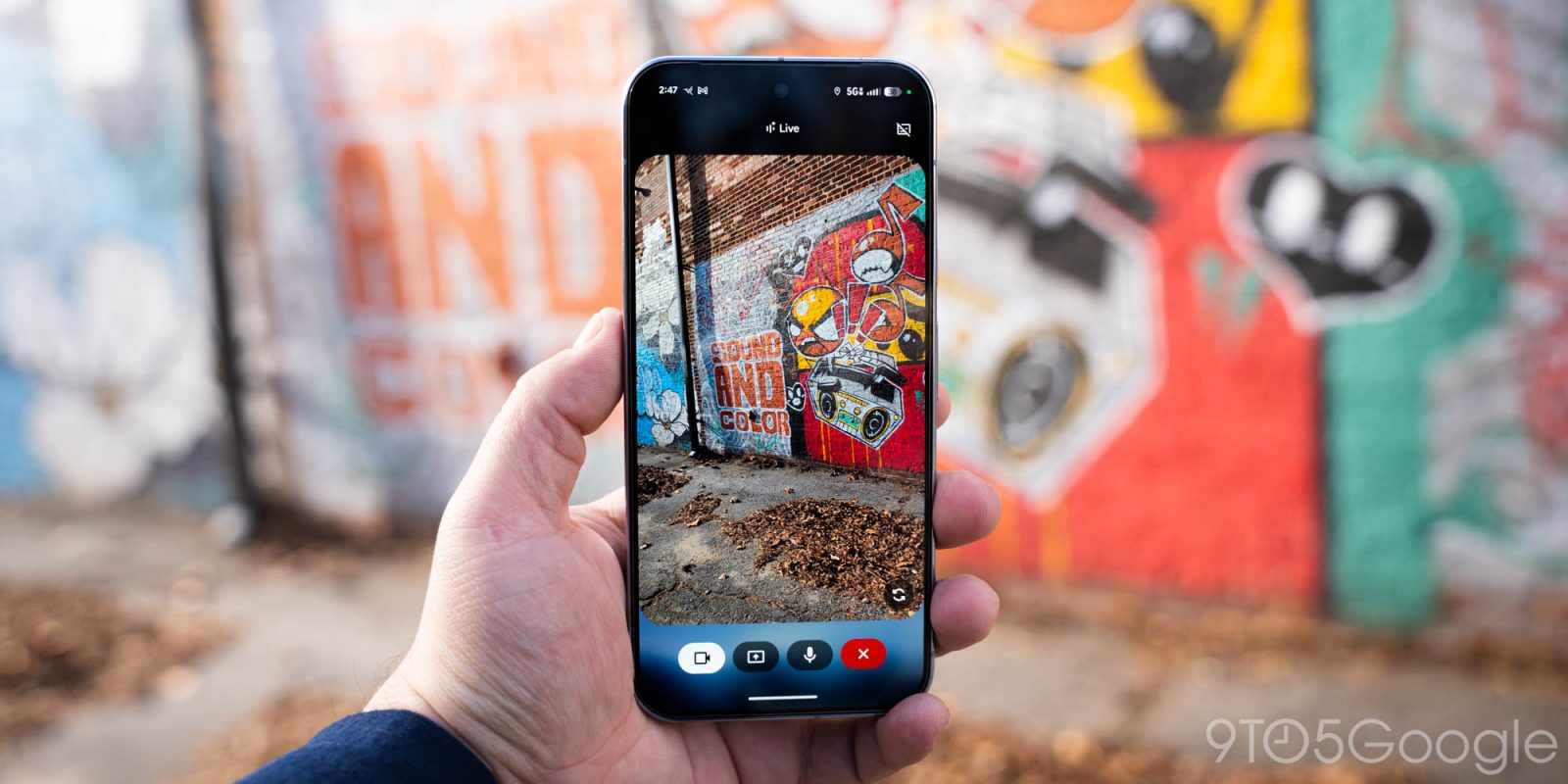
Gemini Live preps big upgrades with ‘Thinking Mode’ and ‘Experimental Features’


Earlier this month, Chrome Duplex’s bottom toolbar gained several shortcuts to make the design more useful. The latest iteration in Chrome Canary now addresses a major issue, with this possible redesign to the Android browser finally taking shape.
Expand Expanding Close
For the past several months, Google has been working on major redesigns for Chrome on Android. Chrome Home switched to a bottom bar, but was canceled in favor of Chrome Duplex earlier this year. A recent version of Chrome Canary details Google’s latest look for the interface.

The Internet has matured quite a lot over the years, and while websites now load faster, look nicer, and offer more features than ever before, a lingering frustration is when a video automatically plays without your permission.
Thankfully, according to Googler François Beaufort, you’ll soon be able to mute entire websites so that you don’t have to be bombarded with videos you have absolutely no interest in.
At the beginning of June, Google announced that it was working on an “ad filter” for Chrome that would be fully available for all users starting in 2018. The ad filter’s goal is to block advertisements on websites that are considered to be intrusive, and if you’re running Chrome Canary or Chrome Dev on Android, it looks like you can test out the ad filter now.
The Google Pixel has a convenient Night Light feature that can automatically tint the screen to reduce eyestrain during evening hours. Chrome OS is now testing a near identical feature in the latest Canary channel, which also features new power management controls.
Google wields a lot of influence on the web as the developer of the most popular desktop browser in the world. As detailed in a draft proposal (via Venture Beat), the company wants to effectively kill Flash by blocking the plugin and prioritizing HTML5 by the end of the year.
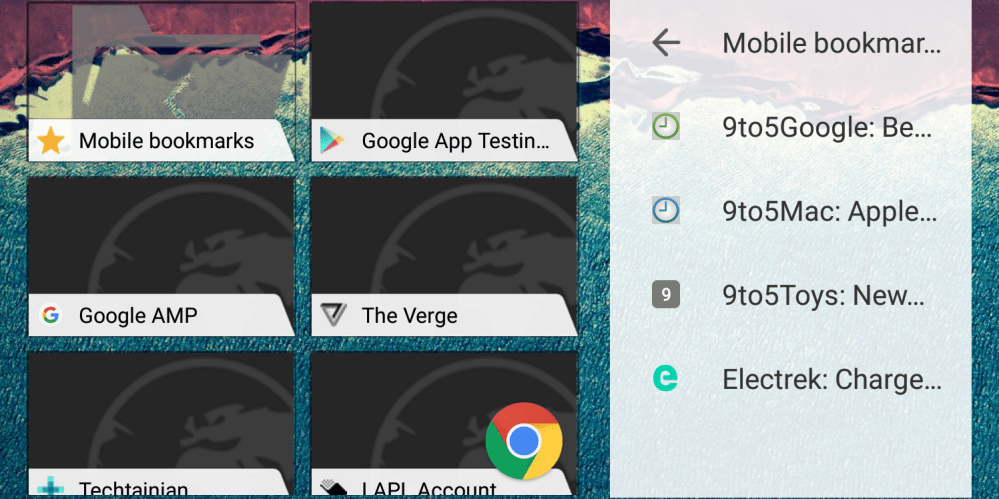
Chrome 47 removed the rarely used notification center from desktops last year, but many Mac users have long wondered why the browser doesn’t use the native OS X center for notifications. Now, it appears Google is actively working on adding that feature and a preview is available in the Canary channel. Additionally, Chrome Dev for Android has removed merge tabs and has a redesigned bookmarks widget…



Google announced on its AdWords G+ profile today that its display ads will soon be 100% HTML5. From June 30th this year, display ads built using Flash can no longer be uploaded into AdWords or DoubleClick Digital Marketing. From January 2nd, 2017, Flash format display ads will no longer run on the Google Display Network or through DoubleClick.


YouTube has had support for 60fps video for quite a while now, but now the Mountain View company says it is introducing 60fps video for live streaming in browsers that support HTML 5…
Expand
Expanding
Close


Google today has announced that it is introducing a way to automatically convert Adobe Flash-based ads to HTML5. Google says that eligible Flash ad campaigns, both existing and new, will automatically be converted to HTML5 when uploaded through AdWords, AdWords Editor, and a variety of third-party tools.
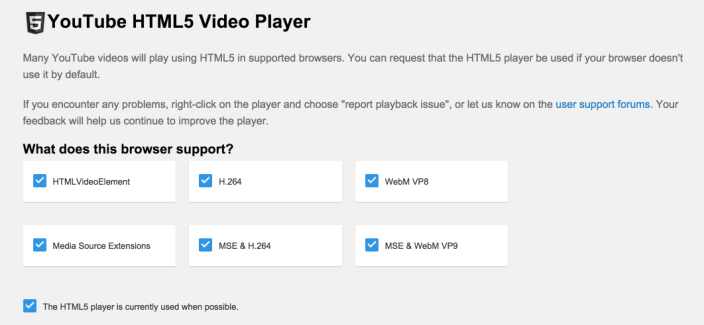
Google has announced today, five years after introducing a test version of the feature, that HTML5 video on YouTube is now the default setting for video playback. Before today, Adobe Flash was used for playing YouTube videos, and users needed to go to YouTube.com/HTML5 (pictured above) to toggle the HTML5 player (if your browser supported it).


Google has a history of leaving small Easter eggs in its products and recently the search giant snuck a small gem into its Chrome browser. Discovered by Chrome evangelist François Beaufort, there’s a small endless runner game hidden in the latest version of Chrome’s Canary build. In order to launch the game, you’ll need to take your system offline and attempt to connect to a webpage.
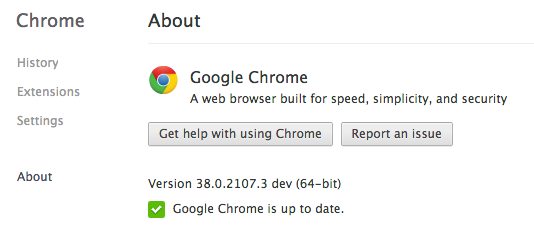
Google recently released a 64-bit version beta version of Chrome for Windows 7 and 8 users and for an encore the company has turned its efforts towards Apple’s OS X. The search giant has silently added 64-bit support to its Chrome Canary and Dev channels for Mac users. If you’re running the latest version of Canary on your Mac, the software should read as 64-bit capable in its About tab.
Today, Google announced 64-bit Chrome support for Windows 7 and 8 users. Available through Mountain View’s Canary and Dev channels, these new additions will provide users with an enhanced browsing experience that improves Chrome’s speed, security and stability. In order to take advantage of Google’s new offerings, you’ll need to have a system capable of running 64-bit software, so make sure your setup is up to the task before clicking that install button.
Just a short while after releasing an update to Chrome OS, Google is now pushing out an update to the Chrome browser on Android. Although minor, the update does include a few improvements. The update bumps the app to version 35.0.1916.122, as well.
With this update, the app now has an undo tab close button, which allows you to undo closing a tab, should you have done it by accident. The app also now supports fullscreen video with subtitles and HTML5-based controls. Google also notes that Chrome now has support for some multi-window devices, as well as support for casting “some” videos with Chromecast. It’s unclear, however, what devices and videos this update adds support for. Nevertheless, casting videos with Chromecast is a great addition. Most of these features have been in beta for about a month now.
The update to Chrome for Android is available on the Play Store now, although it appears to be a staged rollout and may take a little while to hit your device. 
An experimental feature in Chrome that is set to prevent phishing attacks, may be backfiring, according to security firm PhishMe. Google is in the process of testing an “Origin Chip” that hides the view of a website’s full URL. This new setup instead displays the domain name of the site being visited, along with a search bar available for fast access. The idea is that only displaying a site’s domain name is far less distracting than a lengthy URL.
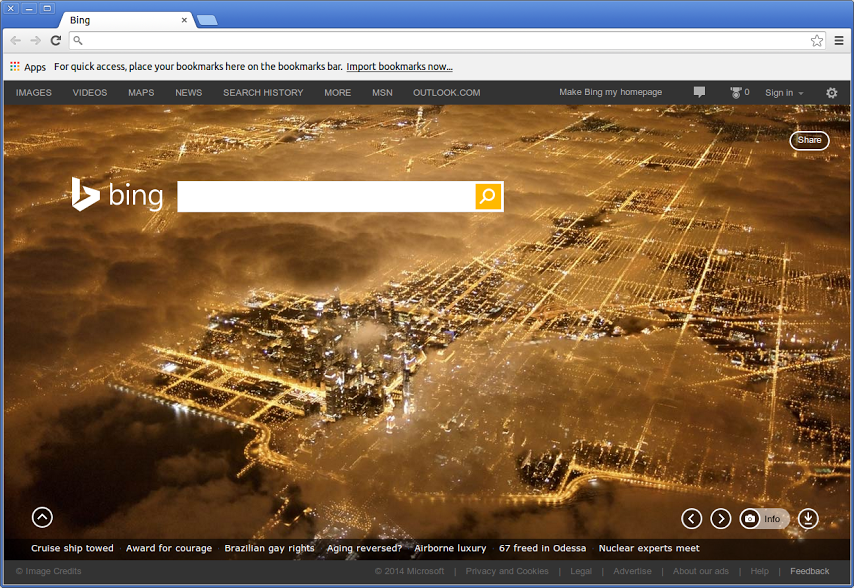
Google and Microsoft are rivals in just about every sense of the word, but every now and then these two juggernauts play nice with each other. Case in point, the newest version of Chrome Canary features a new tab page loaded with Bing’s famous images for people who use Google’s browser, but prefer Microsoft’s search engine.

Following yesterday’s release of Chrome Beta 35 for the desktop, the Android beta started rolling out last night with a few notable new features that will soon be making their way to all users. In the beta, you can now “Undo Tab Close,” which means if you accidentally close a tab you’ll now be able to restore it. There are also improvements for multi-window devices, which we assume means tablets that support apps running side by side, as well as “fullscreen video with subtitles and HTML5 controls.”
Perhaps the most notable feature is initial support for Chromecasting videos. Google is making it easier to cast videos from Chrome for Android to the TV through its $35 Chromecast HDMI stick, but for now it’s not sharing a lot of details on what videos you can expect to work. It does note that “YouTube support for casting videos is not complete.”
You can expect these features to be rolling out for all users in the near future. Until then, you can try out the new features in the updated beta release.
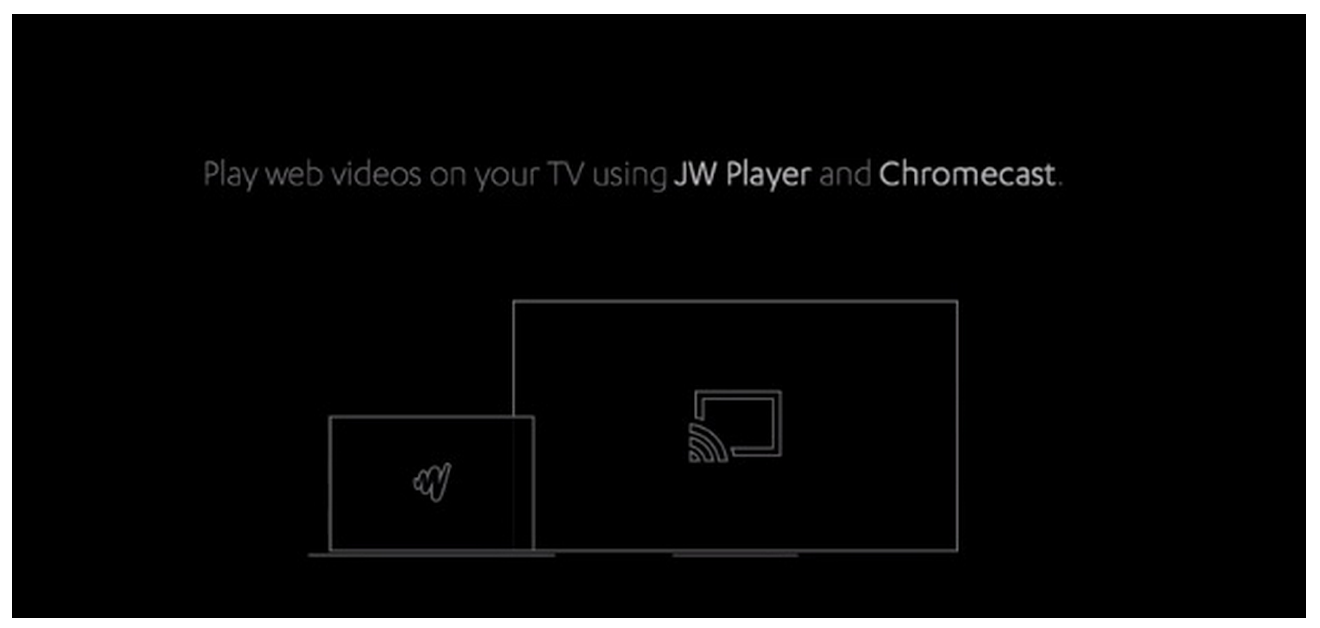
Chromecast, Google’s $35 HDMI streaming stick, is about to support streaming of a lot more video content online as JW Player prepares to introduce support. Gigaom reports that the popular HTML5 and Flash video player that is used on millions of websites to host video content will announce today that it’s launching a beta of Chromecast support.
The company is also working on some interesting new features with its Chromecast implementation:
Expand
Expanding
Close

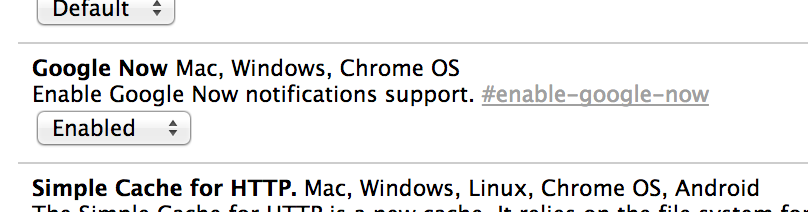
There have been indications for a long time that Google Now was eventually coming to the Chrome browser on the desktop. Via the Google Operating System Blog, the service has finally surfaced in the most recent release of Chrome Canary (Google’s name for the app’s ‘alpha’ channel builds).
As expected, Google Now in Chrome closely mirrors Google Now on Android. The contextually-relevant cards (which show information such as weather, news or upcoming flights) appear in Chrome’s Notification Center on the desktop. This area be found in the Window’s taskbar or the Mac’s menubar, represented by a bell icon.

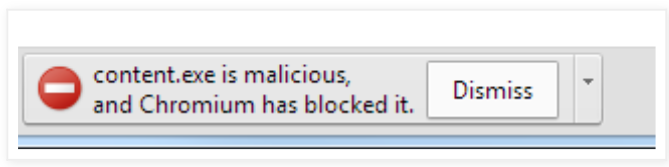
Google has added automatic blocking of malware from the latest ‘Canary‘ build of its Chrome browser.
Bad guys trick you into installing and running this kind of software by bundling it with something you might want, like a free screensaver, a video plugin or—ironically—a supposed security update. These malicious programs disguise themselves so you won’t know they’re there and they may change your homepage or inject ads into the sites you browse […]
In the current Canary build of Chrome, we’ll automatically block downloads of malware that we detect.
Confusingly, Google has four versions of its Chrome browser available at any one time: the official, public release; a developer version; a beta version, for those who want early access to new features; and Canary. Canary is essentially a beta version that installs as a second browser, so you can use that most of the time and fall back to the official version if something doesn’t work.
While not all Canary features make it into the official build, this one seems likely to – and would make Chrome the ideal browser to recommend to any of your less-techy family and friends who cheerfully download anything and everything, usually identifiable by the fact that the top half of their browser window comprises half a dozen different toolbars …

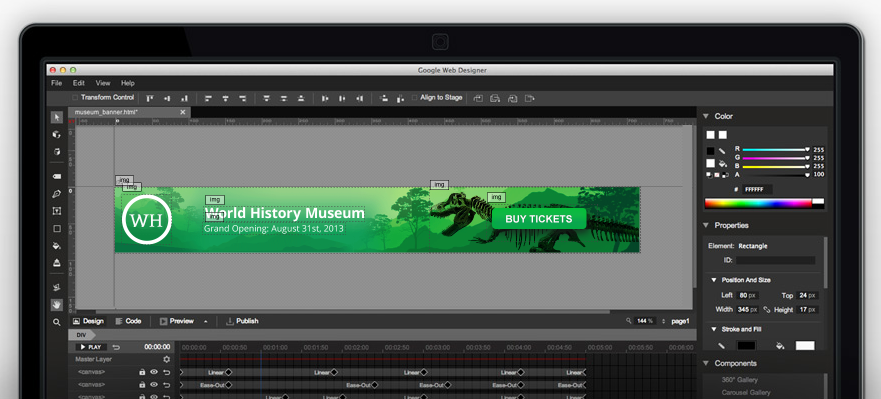
Google today announced that it is launching a public beta for its new Web Designer tool that allows users to build interactive ads and other HTML5 content. Google says that with HTML5 ad spend expected to overtake Flash spend within the next two years, it’s aiming to provide easy-to-use tools that will allow publishers to quickly and easily create and publish HTML5 ads:
We’re working hard to solve this development challenge by offering agencies powerful yet easy-to-use tools for HTML5 production. In this vein, we announced DoubleClick Studio Layouts for HTML5 back in August, which lets you create HTML5 ads in minutes, and last week we announced Ready Creatives in AdWords, which creates HTML5 ads for you in seconds. Today, we’re excited to announce the public beta of Google Web Designer, a new professional-quality design tool that makes HTML5 creative accessible to everyone from the designer to the dabbler.
Google walked through a few of the features of Web Designer in its blog post:
It also noted that access to Web Designer will be free for all, at least for the time being.
The Web Designer beta is available to download on Google’s website. Google has a getting started guide here, and high-speed demo of an ad being created in the Web Designer beta is below:
http://www.youtube.com/watch?v=kHj7fqbNaQw&feature=youtu.be
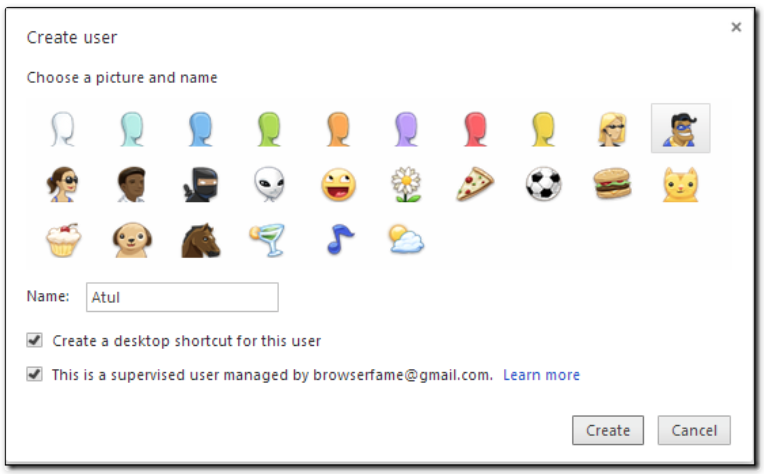
BrowserFame spotted a feature in the Canary (development) version of Chrome that would allow parents and schools to created ‘supervised user’ accounts whose access to the web can be controlled by a master account.
The approach is an extension of the standard accounts available in Chrome, allowing different users to have different settings and to be automatically signed-in to Google services …
Expand
Expanding
Close


Google announced its new HTML5 creation tool called Web Designer (via Tech Crunch) that it says will ship “in the coming months.”
Google Web Designer will empower creative professionals to create cutting-edge advertising as well as engaging web content like sites and applications – for free.
In its announcement, Google notes that “90% of multiple device owners switch between screens to complete tasks,” emphasizing the importance of HTML5 based content to reach users on mobile devices.
Expand
Expanding
Close