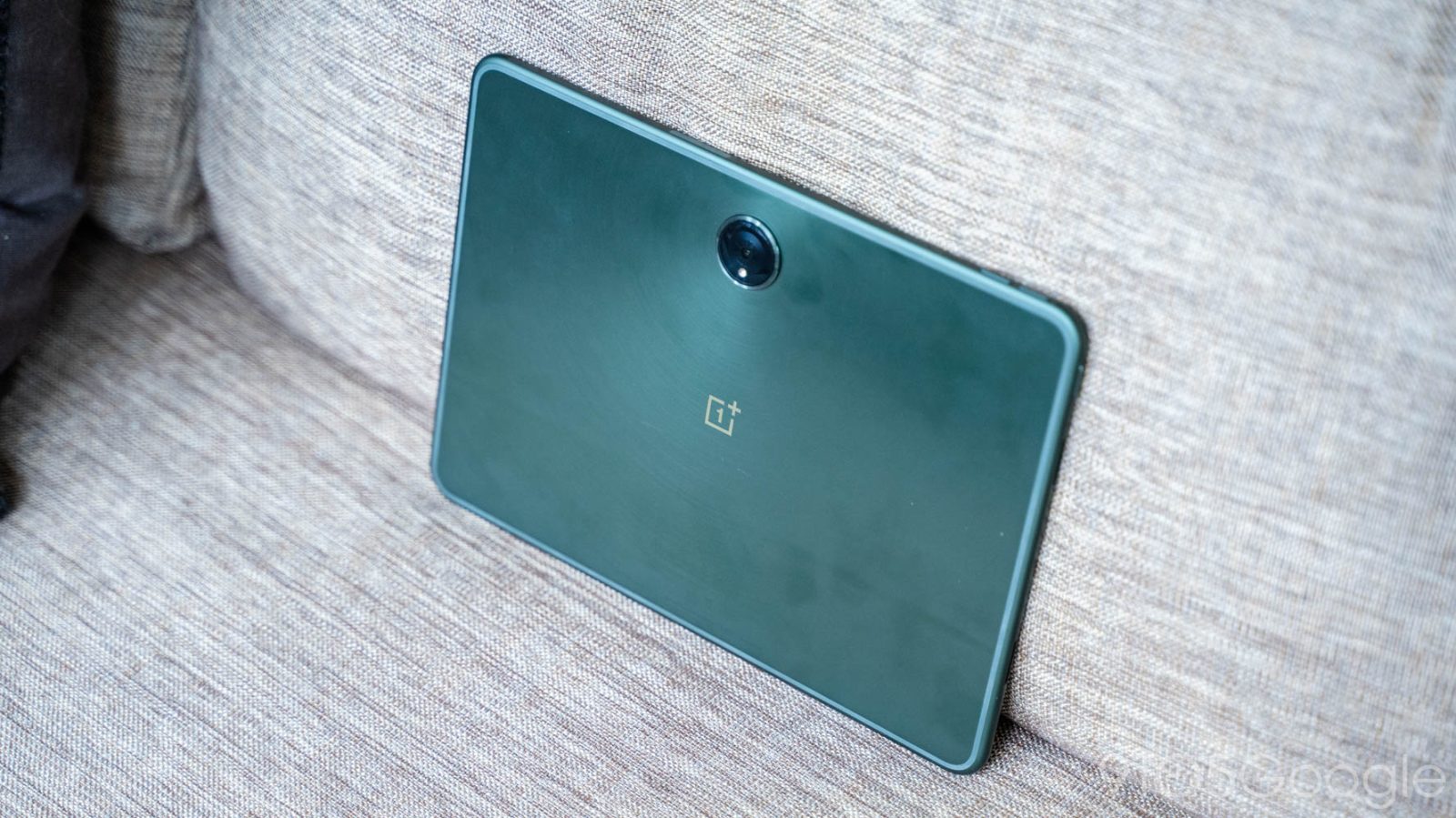
The OnePlus Pad was one of the best Android tablets in recent memory and, apparently, it’s getting a sequel this year in the “OnePlus Pad 2.”
Expand Expanding CloseOnePlus Pad 2 is reportedly launching later this year


Ben Schoon is a Senior Editor at 9to5Google, working for the publication as one of its primary news writers since 2016.
In 2013, Ben helped start an independent tech publication where he learned the skills used at 9to5Google including writing, product photography, and videography. He is located in the city of Winston-Salem in North Carolina where he lives with his wife Melissa. Ben is an avid disc golf player.
He primarily covers Android products, including Google Pixel devices, Samsung Galaxy smartphones, as well as devices from OnePlus, Oppo, Motorola, and more. Beyond just covering news about these products, Ben also spends time using these products himself, speaking from experience with the articles he writes. Some of Ben’s most recent hands-on reviews include; Pixel 8 Pro, Pixel Watch 2, Samsung Galaxy Z Fold 5, Samsung Galaxy S23 Ultra, Motorola Razr+, HP Dragonfly Pro Chromebook, and more.
Ben is also a leading source for information about Google’s Android TV, diving deeply into important parts of the platform including its powerful Operator Tier, explaining future changes to the platform, and reviewing its products such as Chromecast with Google TV, Nvidia Shield TV, and more.
In 2019, Ben leaked one of the first in-person photos of the Pixel 4 before later revealing the Recorder and Pixel Themes apps months ahead of launch. In 2020, Ben also reported on multiple upcoming Pixel devices including Pixel 5a and the first report of Google working on a foldable Pixel smartphone. That same month, he was also the first to correctly report the $49 price point of what became the Chromecast with Google TV.
Ben Schoon is active on Twitter, @nexusben, but can also be found on Instagram and LinkedIn. For questions or tips, you can email him directly, and his portfolio is also available online.
Email: schoon@9to5mac.com | Encrypted Email: benschoon@protonmail.com
The OnePlus Pad was one of the best Android tablets in recent memory and, apparently, it’s getting a sequel this year in the “OnePlus Pad 2.”
Expand Expanding Close
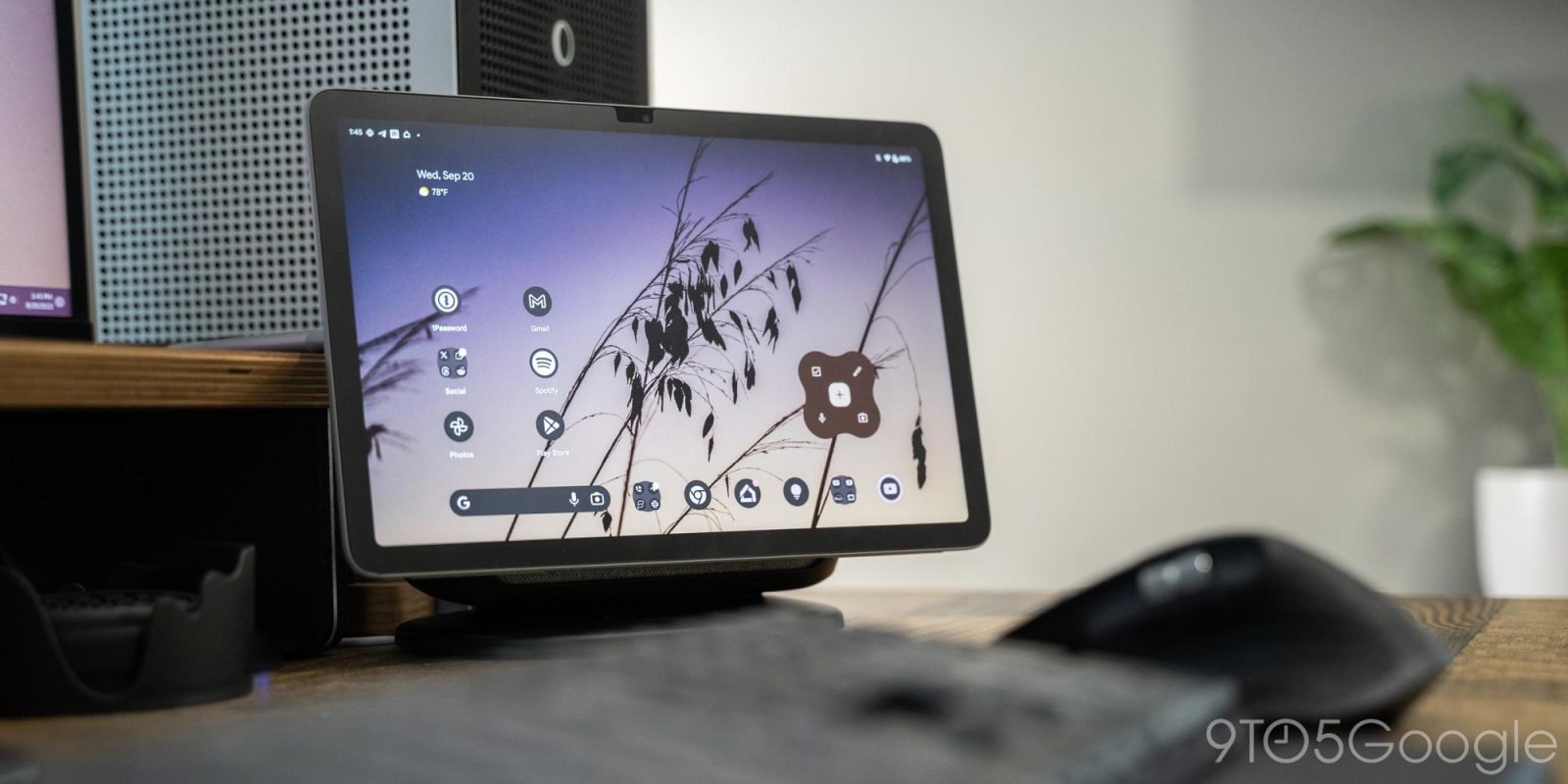
Back in the way earlier days of Android, Google supported the ability to run widgets on the lockscreen, but the functionality faded away in later releases. Now, Android seems to be reviving lockscreen widgets, as some early work shows.
Expand Expanding Close
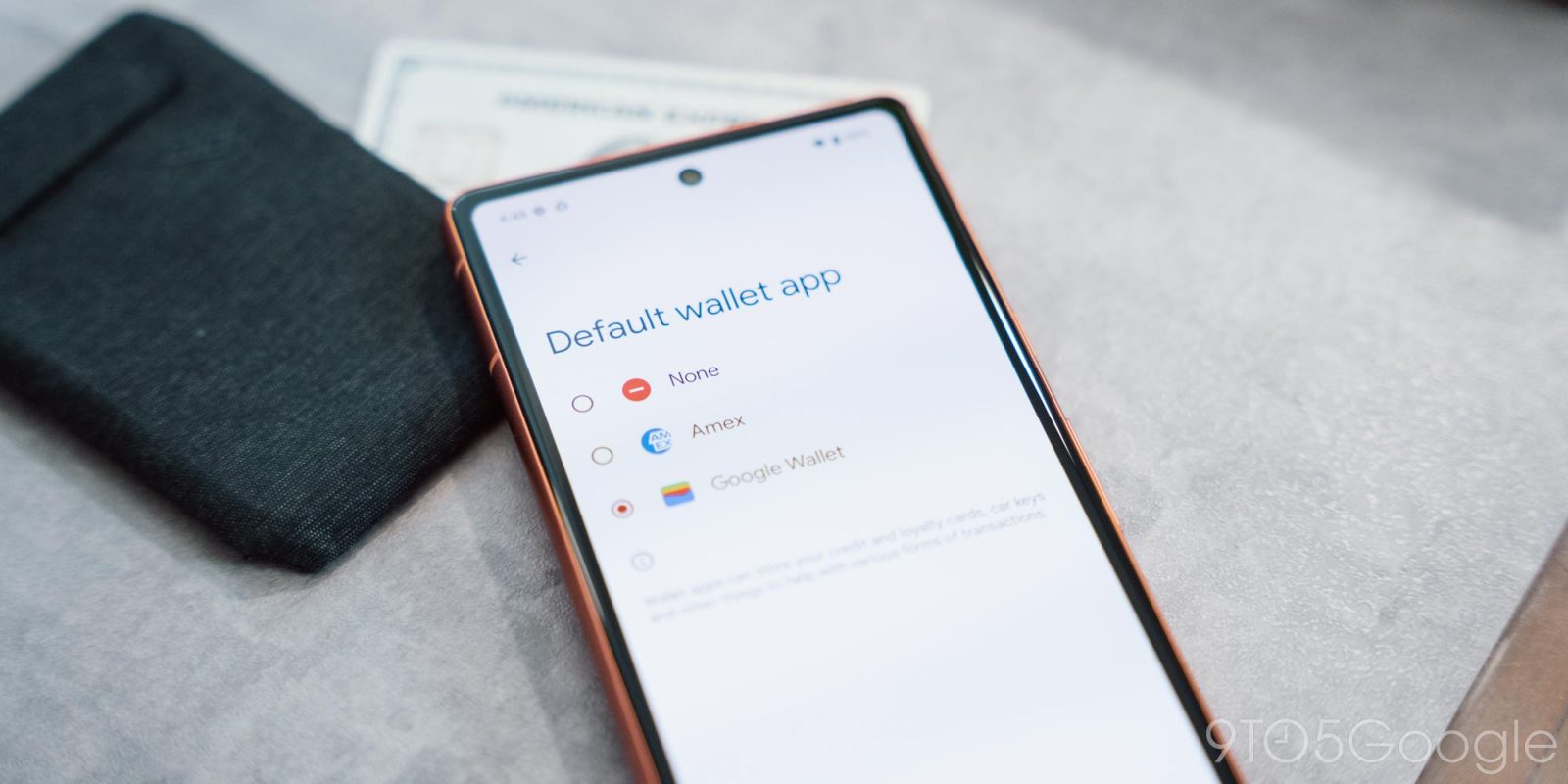
Google just released Android 15’s first beta and, with it, a new option to set a default wallet app.
Expand Expanding Close

While its look has been updated over the years, the core design of YouTube’s website hasn’t changed drastically in a long time. In a new test, though, YouTube.com is getting a big overhaul that pushes key elements to the sidebar, and no one seems to like it.
Expand Expanding Close
OnePlus is facing a potentially big hindrance in India, as a huge number of retail stores in the country are removing OnePlus products from their stores.
Expand Expanding Close

After a separate redesign in 2023, YouTube TV is now rolling out a new revamp to the Library tab that houses your recordings. There’s only one problem. No one seems to like it very much.
Expand Expanding Close
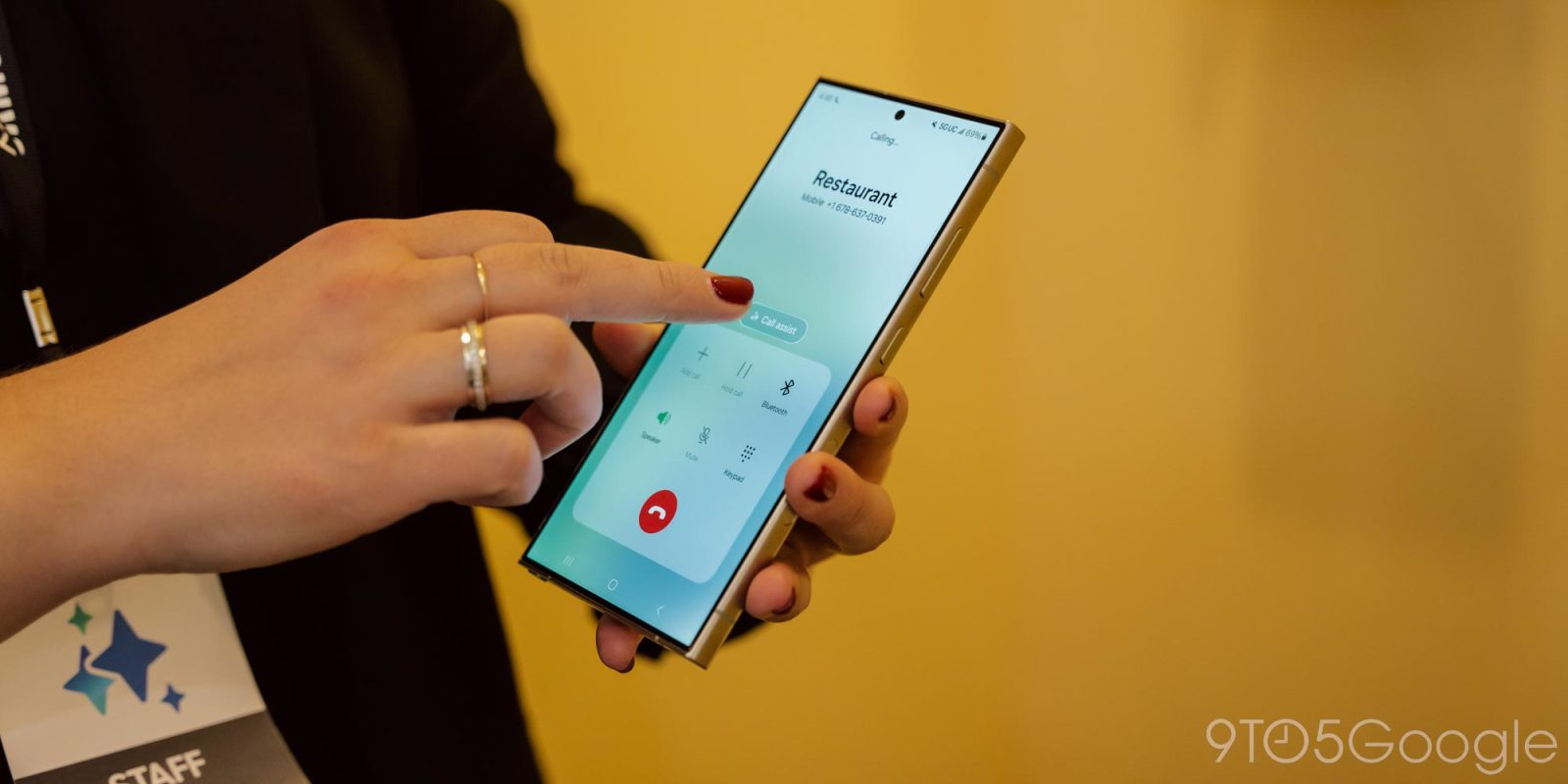
In announcing the expansion of language support for its new AI features, Samsung has also directly confirmed that Galaxy AI is coming to more devices sometime soon.
Expand Expanding Close
The Google Photos app for Android appears to be bringing a web feature to mobile, as the ability to convert stored photos to a lower “storage saver” format is in the works.
Expand Expanding Close

Recently a new update started rolling out to Nest Wifi Pro owners, but it comes with an annoying bug that is breaking some Matter smart home gear for users.
Expand Expanding Close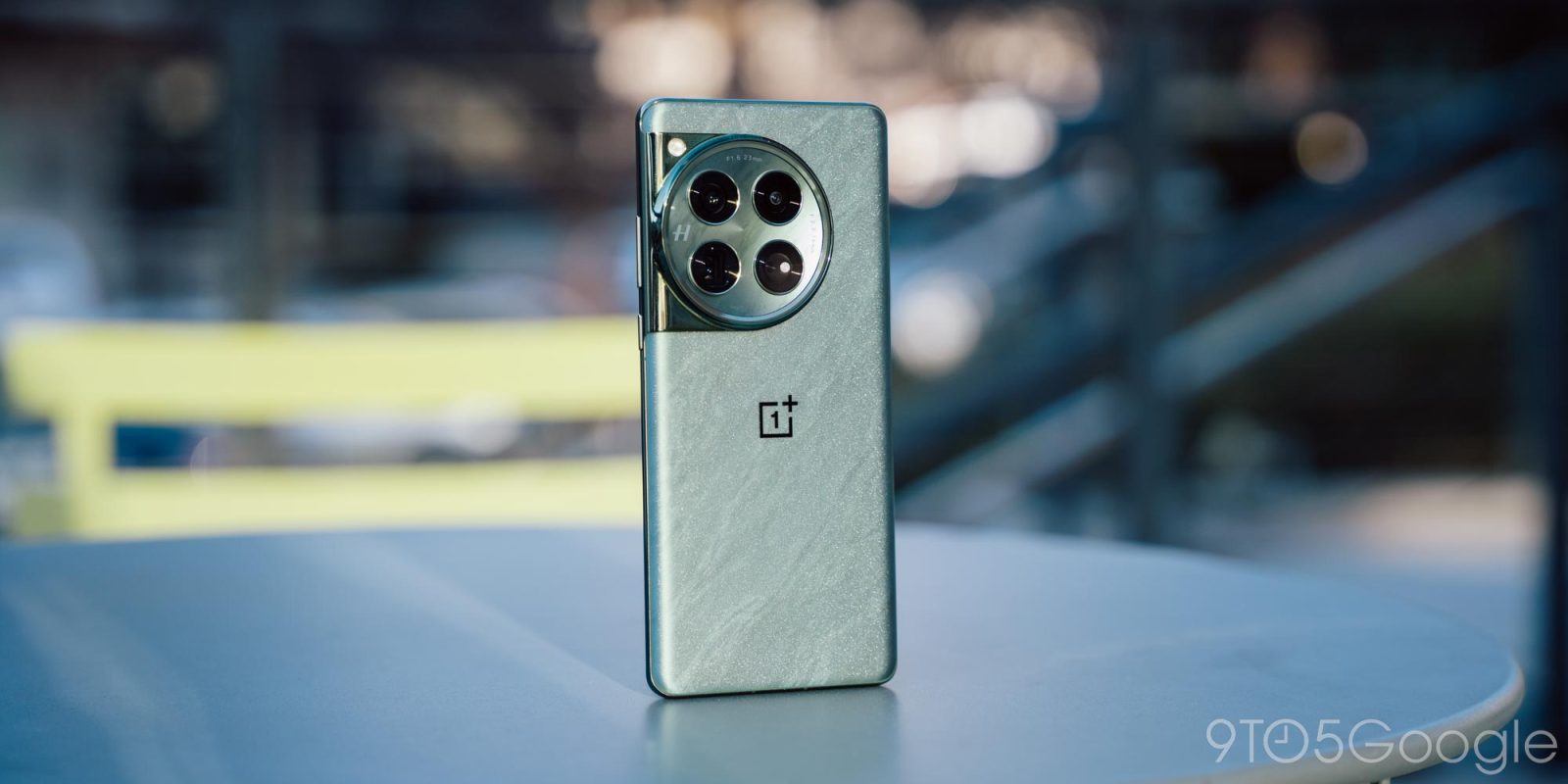
If you’ve been eyeing a OnePlus 12 or 12R, there’s an offer right now that not only gives you a free pair of earbuds, but also a big discount on the OnePlus Watch 2.
Expand Expanding Close
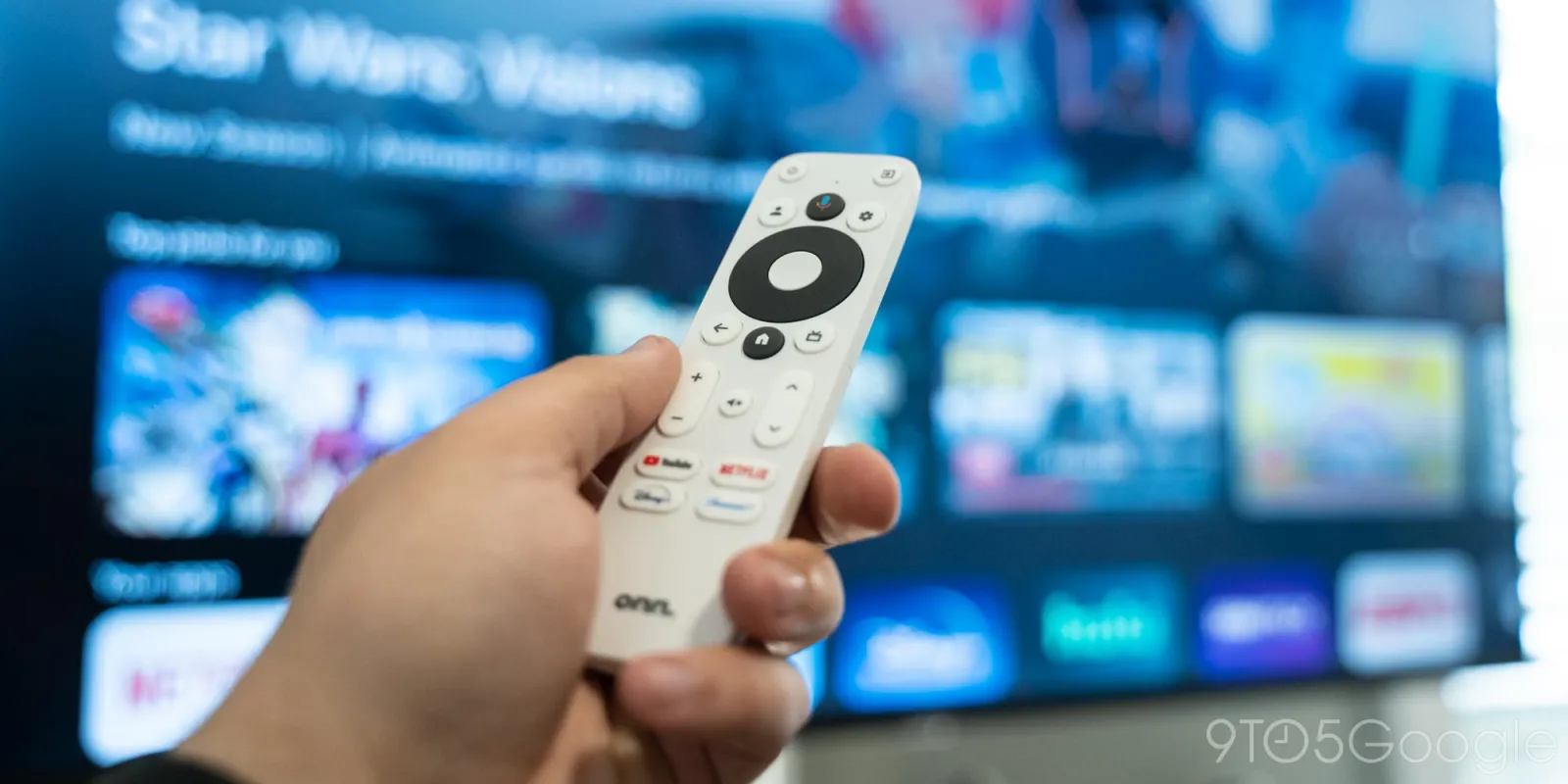
For the longest time, getting a spare remote for Android TV or Google TV was a big hassle but, over time, it’s gotten a whole lot easier.
Expand Expanding Close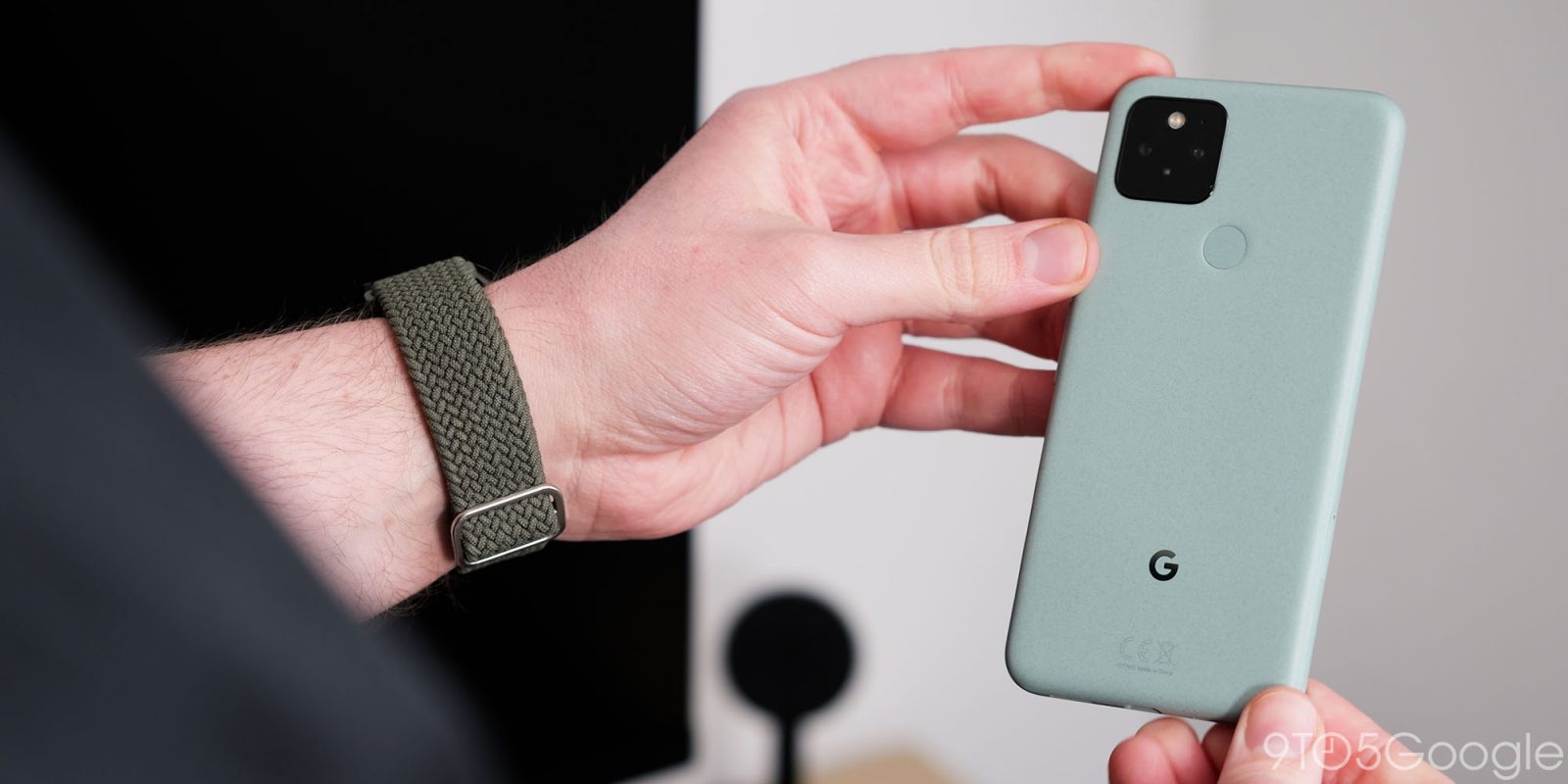
Custom Android ROMs aren’t nearly as common as they once were, but many were still useful for getting additional functionality or changing up the experience on the device. “Pixel Experience,” a custom Android ROM that echoed the UI and features of Google Pixel on other devices, is sadly now shutting down.
Expand Expanding Close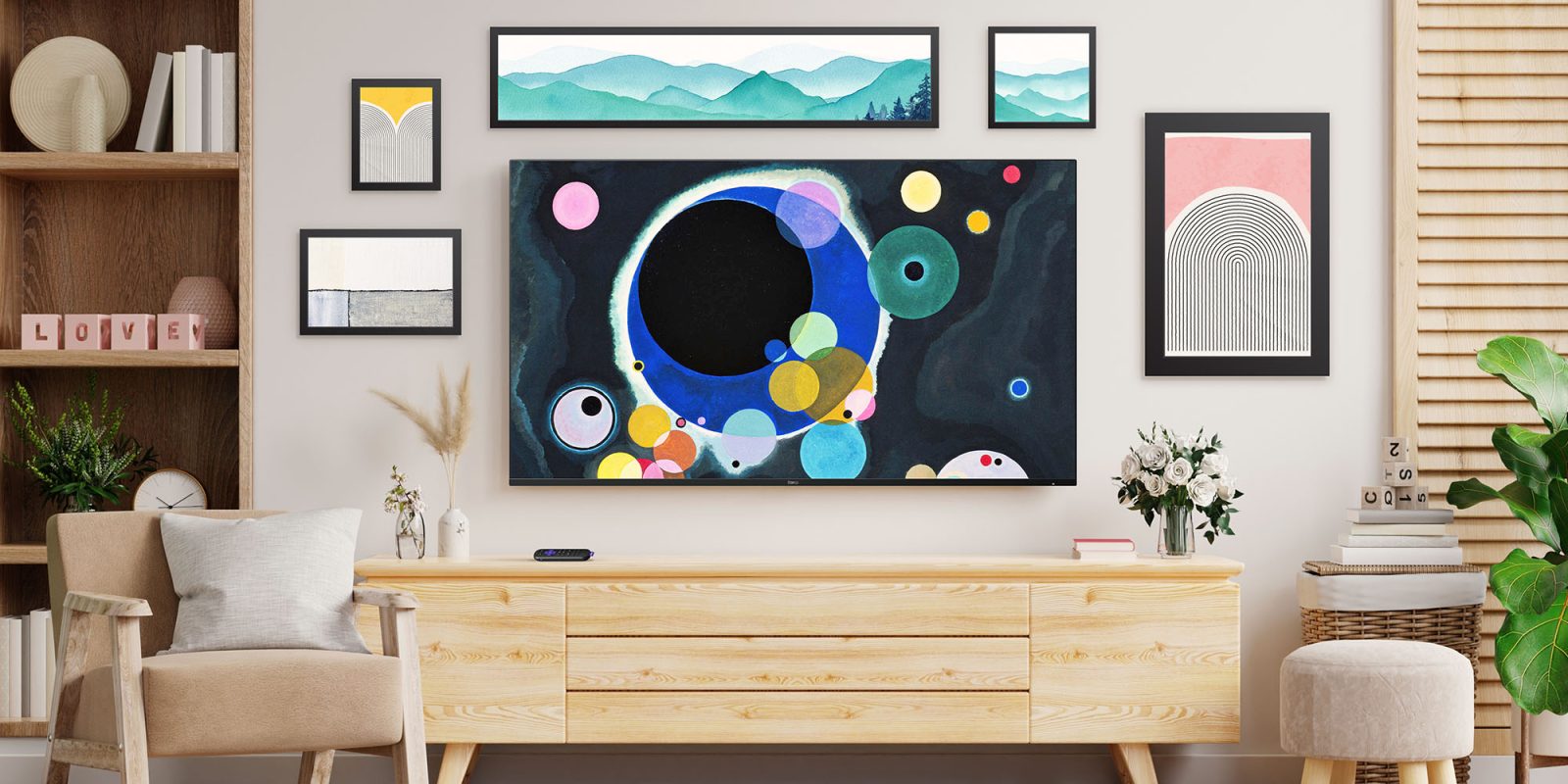
After being announced previously, Roku OS 13 is now rolling out to users with new features including a new art screensaver called “Backdrops” and several other new features.
Expand Expanding Close
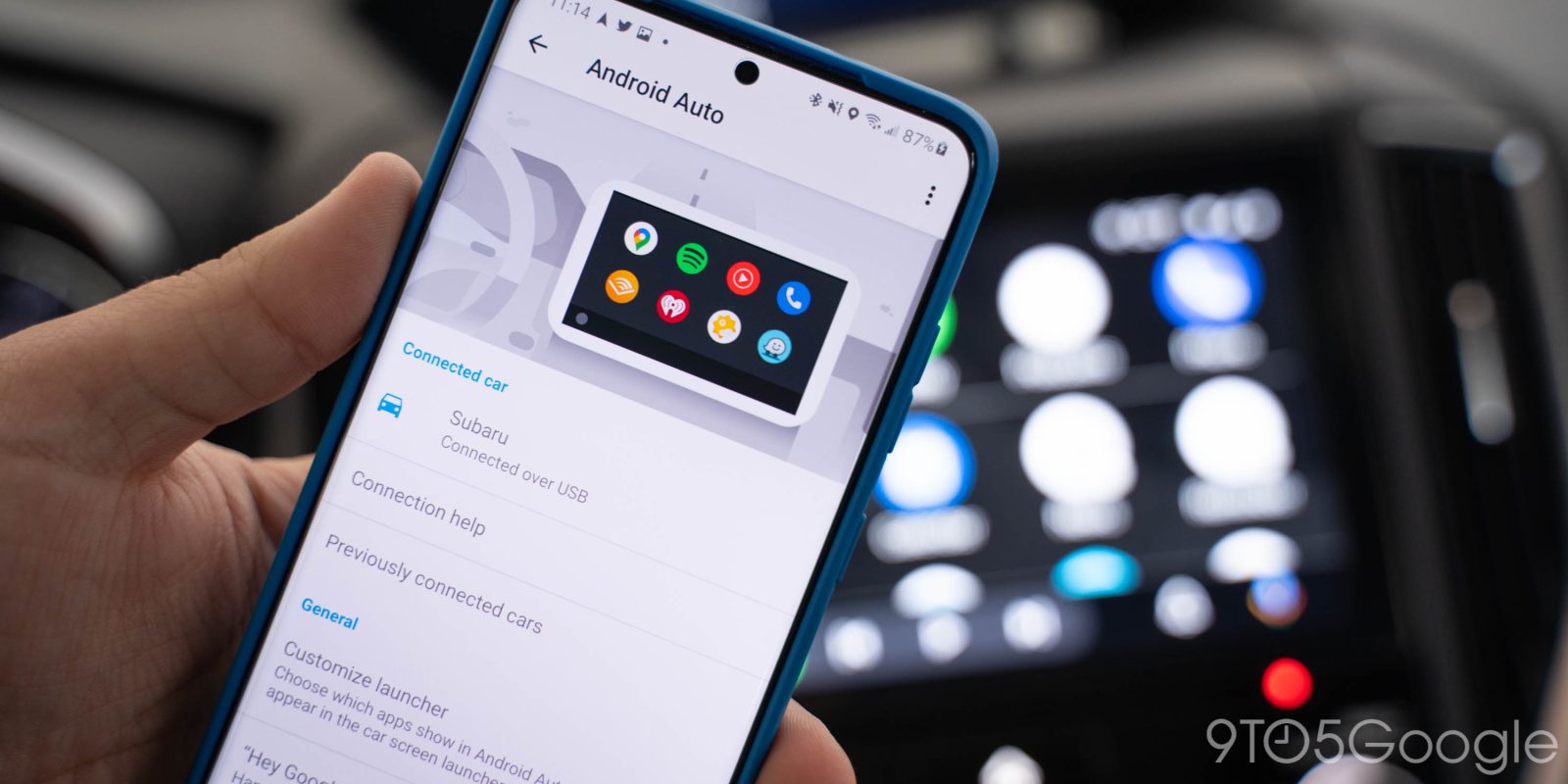
Android Auto has changed a lot over the years, but one thing that hasn’t is the settings menu, and it’s severely overdue for it.
Expand Expanding Close
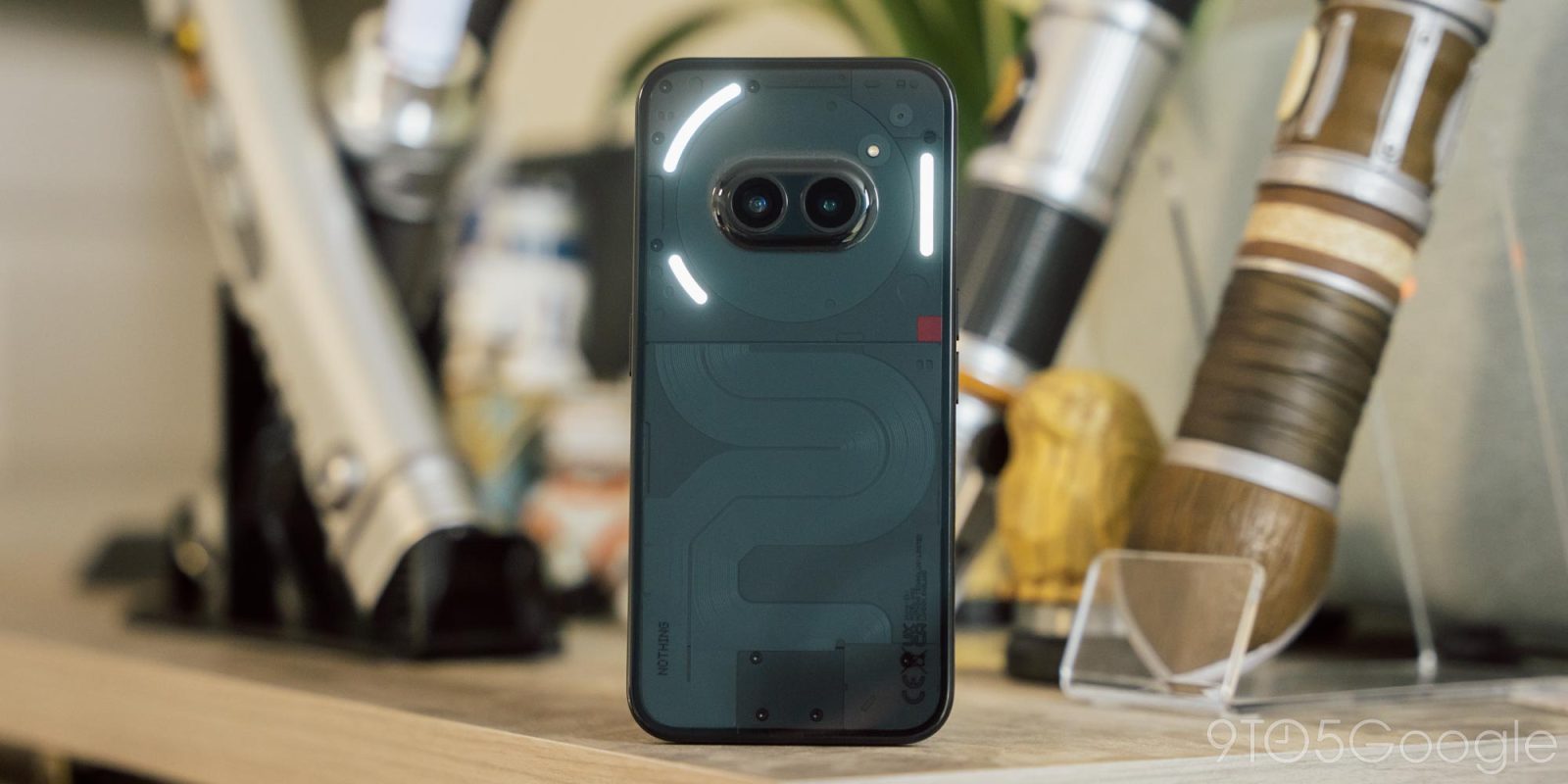
Cheap phones got good a long time ago, but over the past several years, they’ve started to circle back to old ways yet again, with more and more bloatware and compromises. They generally just feel like you’re getting what you pay for, and that’s why Nothing Phone (2a) stands out – it’s just a bit better than that.
Expand Expanding Close
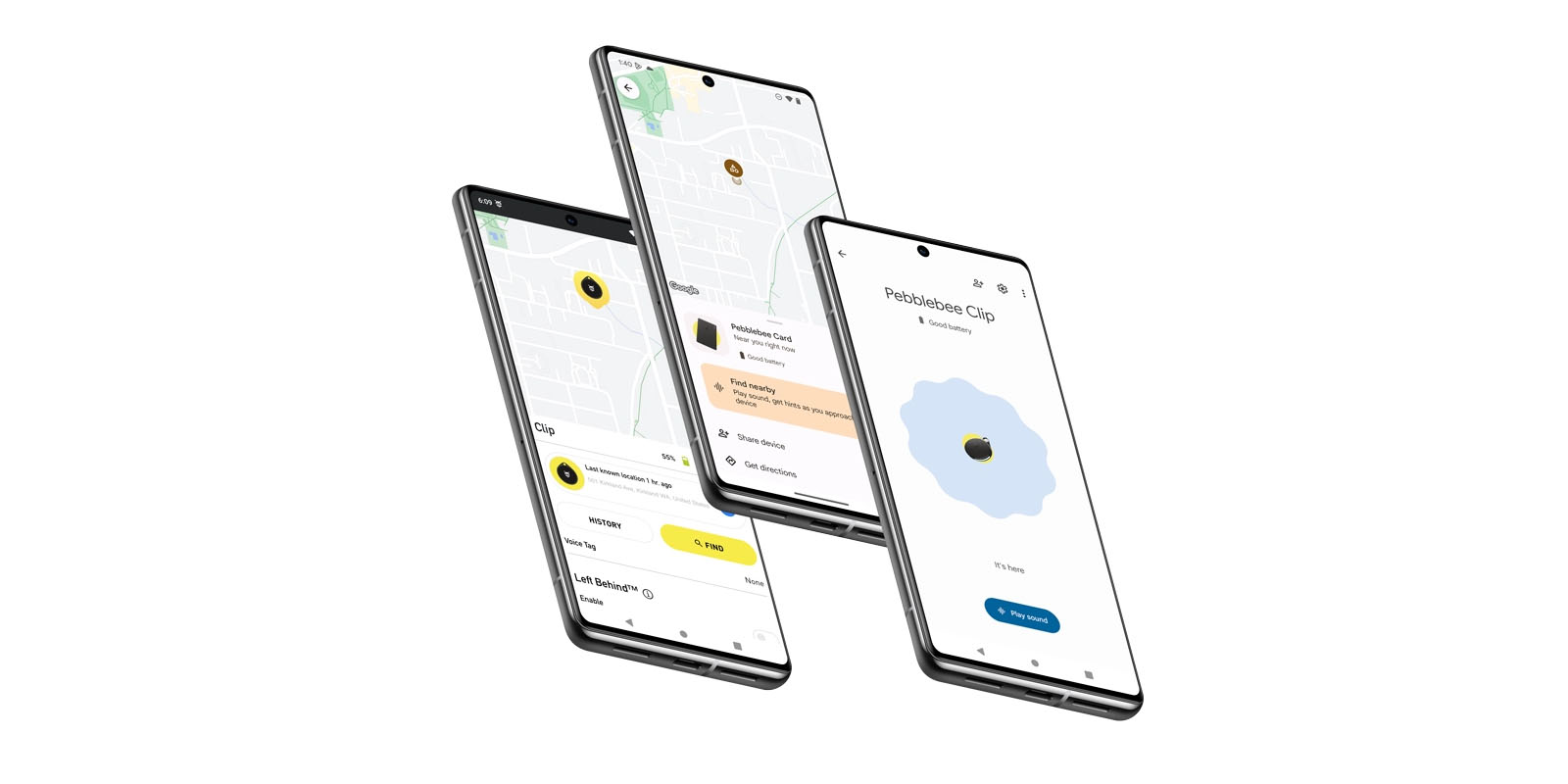
The new Android Find My Device network is finally rolling out and, with it, AirTag-like trackers. But what if you live in a home with both Android phones and iPhones? That’s where these specific trackers from Pebblebee will be handy, as they work with both Android Find My Device and Apple Find My networks.
Expand Expanding Close
Beeper, the all-in-one chat app that launched back in 2021, is finally opening its services to all users, dropping invites for good and the waitlist that hundreds of thousands are on.
Expand Expanding Close
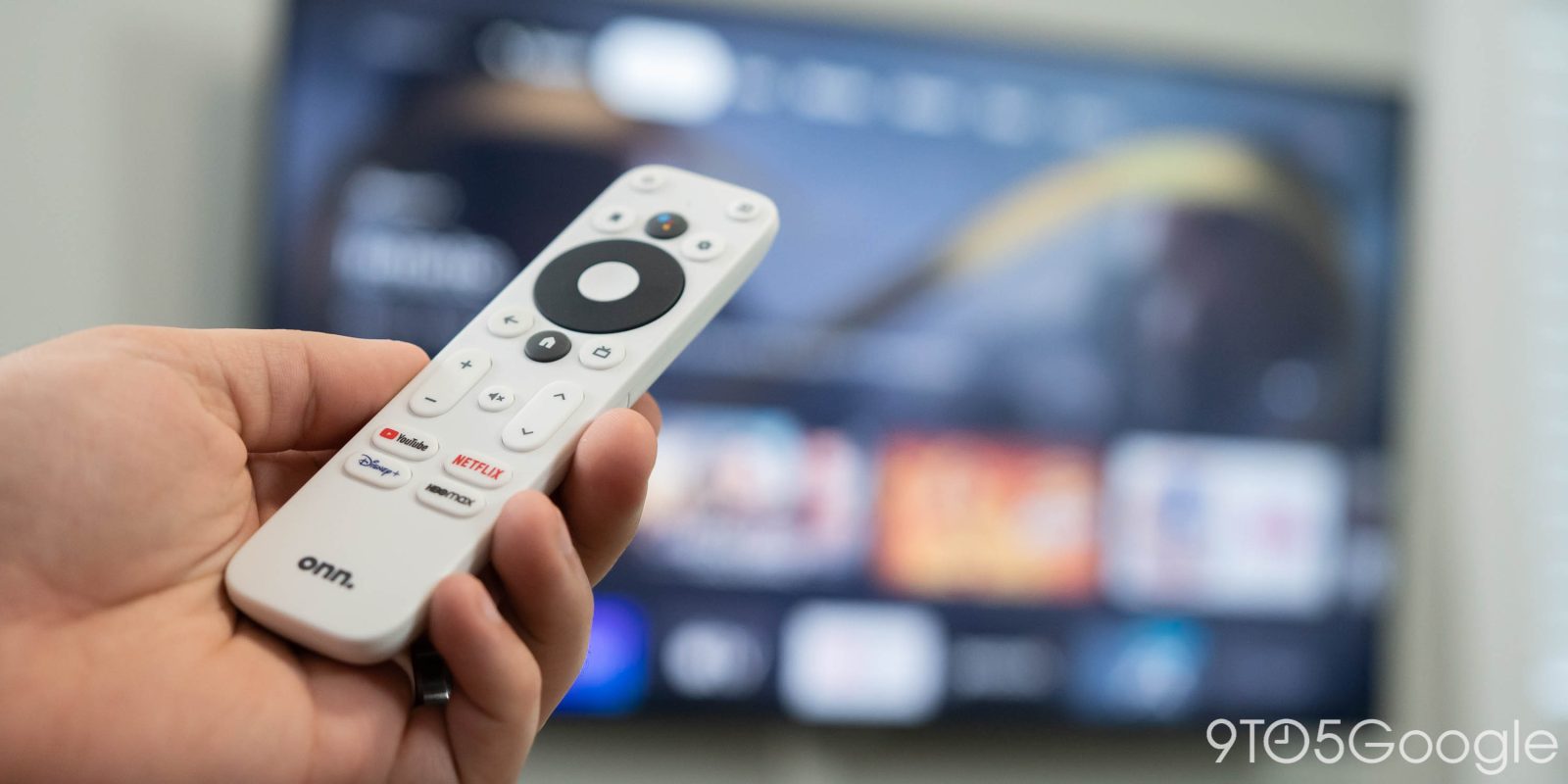
Walmart has been putting out super-affordable Android TV and Google TV streaming devices for the past few years, but it seems the company is now preparing a “Pro” device.
Expand Expanding Close

Google’s latest Nest Doorbell is currently suffering through a bug that causes audio to constantly drop in and out while viewing the live feed.
Expand Expanding Close
According to a new leak, the OnePlus Watch 2 could get a third color option in “Nordic Blue.”
Expand Expanding Close
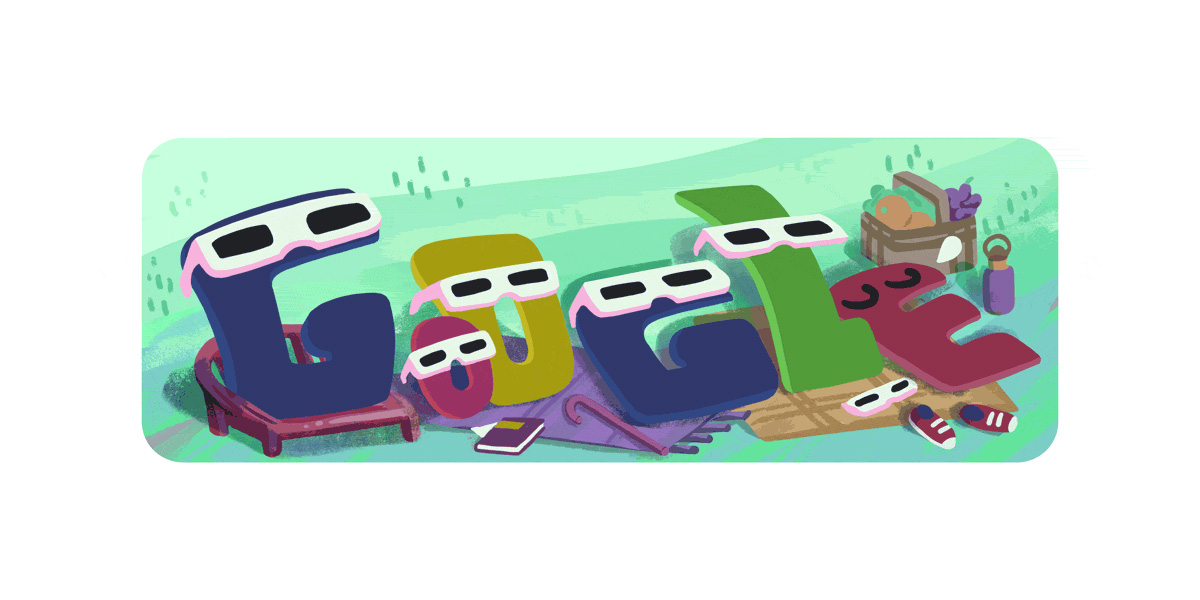
Millions across North America today watched as a total solar eclipse crossed the continent. The exciting event was fun for many but, in the hours following, searches for “my eyes hurt” on Google quickly spiked.
Expand Expanding Close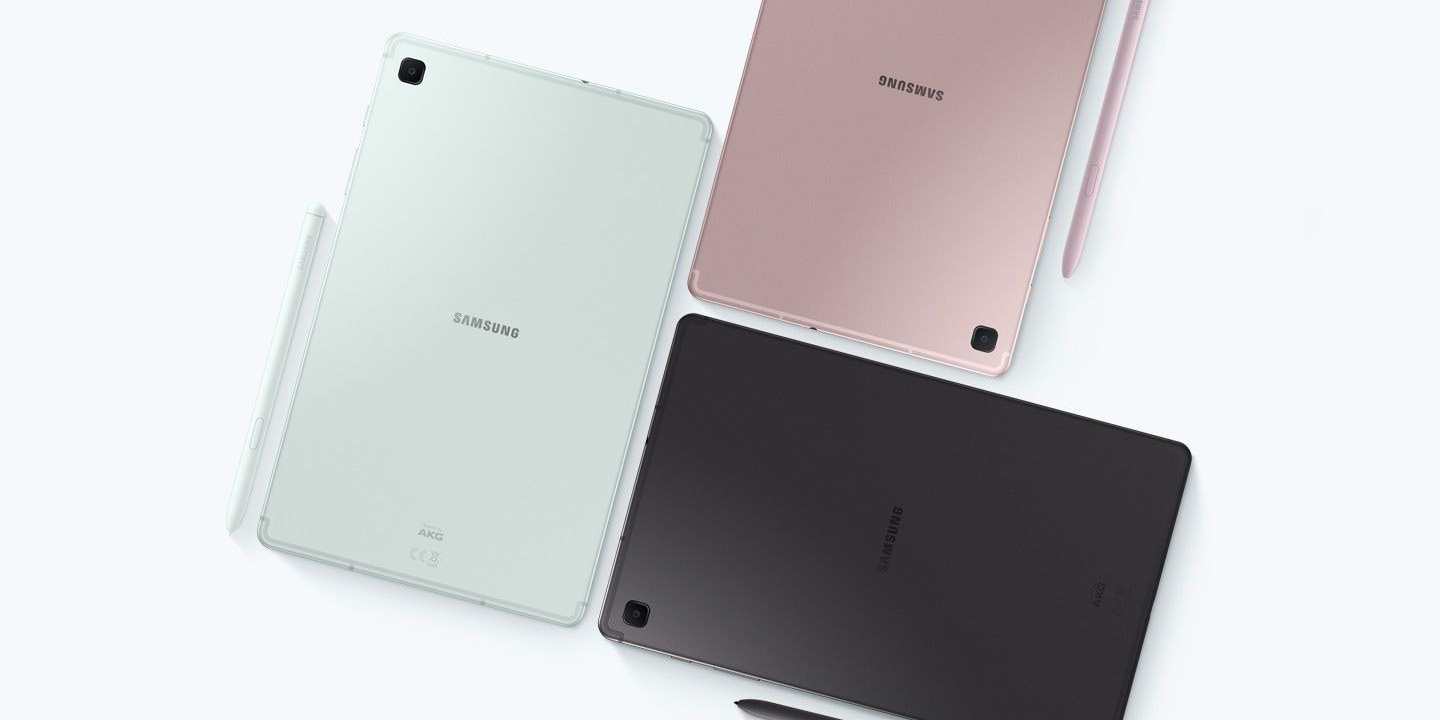
After debuting internationally in recent weeks, Samsung has released its refreshed Galaxy Tab S6 Lite (2024) in the US solely on Amazon.
Expand Expanding Close
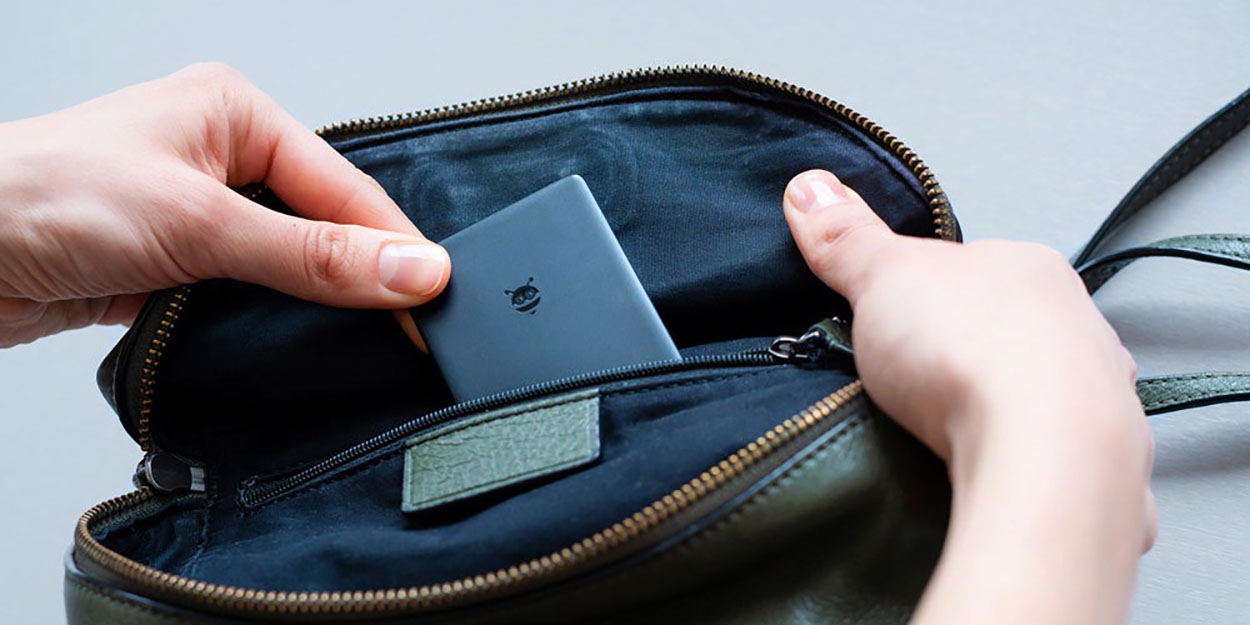
Ahead of today’s launch of the long-awaited Android Find My Device network, Pebblebee and Chipolo had announced trackers designed for the network. Now that they’re finally about to ship, though, Pebblebee has quietly raised the price of its trackers.
Expand Expanding Close
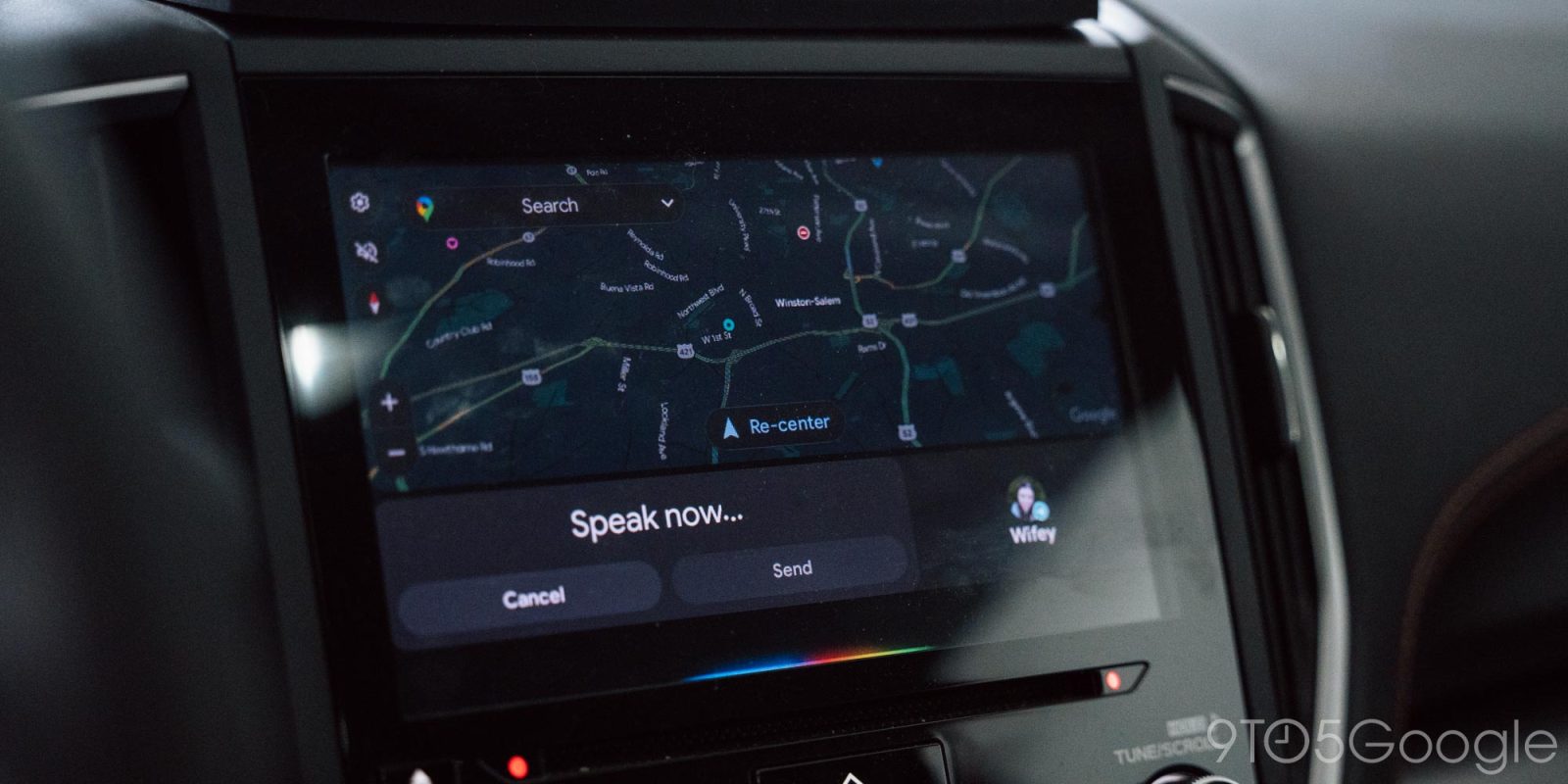
Hands-free messaging through Google Assistant is one of the most useful parts of Android Auto, but a new behavior is emerging which leaves the platform reading out the message you’re sending twice before it actually sends it.
Expand Expanding Close