Google Photos


A very quiet new addition to a recent Google Photos update has added delightful haptic feedback when using the scroll tab in your extended image/video library.
Expand Expanding Close
Google Photos shared albums might be set to get even more collaborative with evidence of an “Ask friends for photos” feature that will allow you to request images directly from your friends and contacts.
Expand Expanding Close
At the start of this year, Google announced that it was revamping its desktop client strategy for Drive. The new “Google Drive for desktop” that replaces “Backup and Sync” by adding automatic Google Photos upload is now appearing for some users.
Expand Expanding Close
Now that Google Photos no longer offers free unlimited storage for your images and videos, you might be on the lookout for an alternative. After trialing a number of options, here is our shortlist of the best free Google Photos alternatives.
Expand Expanding Close
Android 12 brings with it a renewed focus on widgets as part of letting users better customize their devices to reflect them. As we first reported last night, Google Photos is working on a “Your memories” widget for Android.
Expand Expanding Close
This year, in response to iOS 14, Google has begun a new push for more and better home screen widgets in Android apps. It seems Google Photos will be the next first-party Android app to get a widget, showcasing your images from one year ago.
Expand Expanding Close
Last June, Google redesigned the Photos app with cleaner navigation, new logo, and a map view. In response to “user feedback and comments,” Google Photos is reverting one change to bring the “Sharing” tab back to the bottom bar.
Expand Expanding Close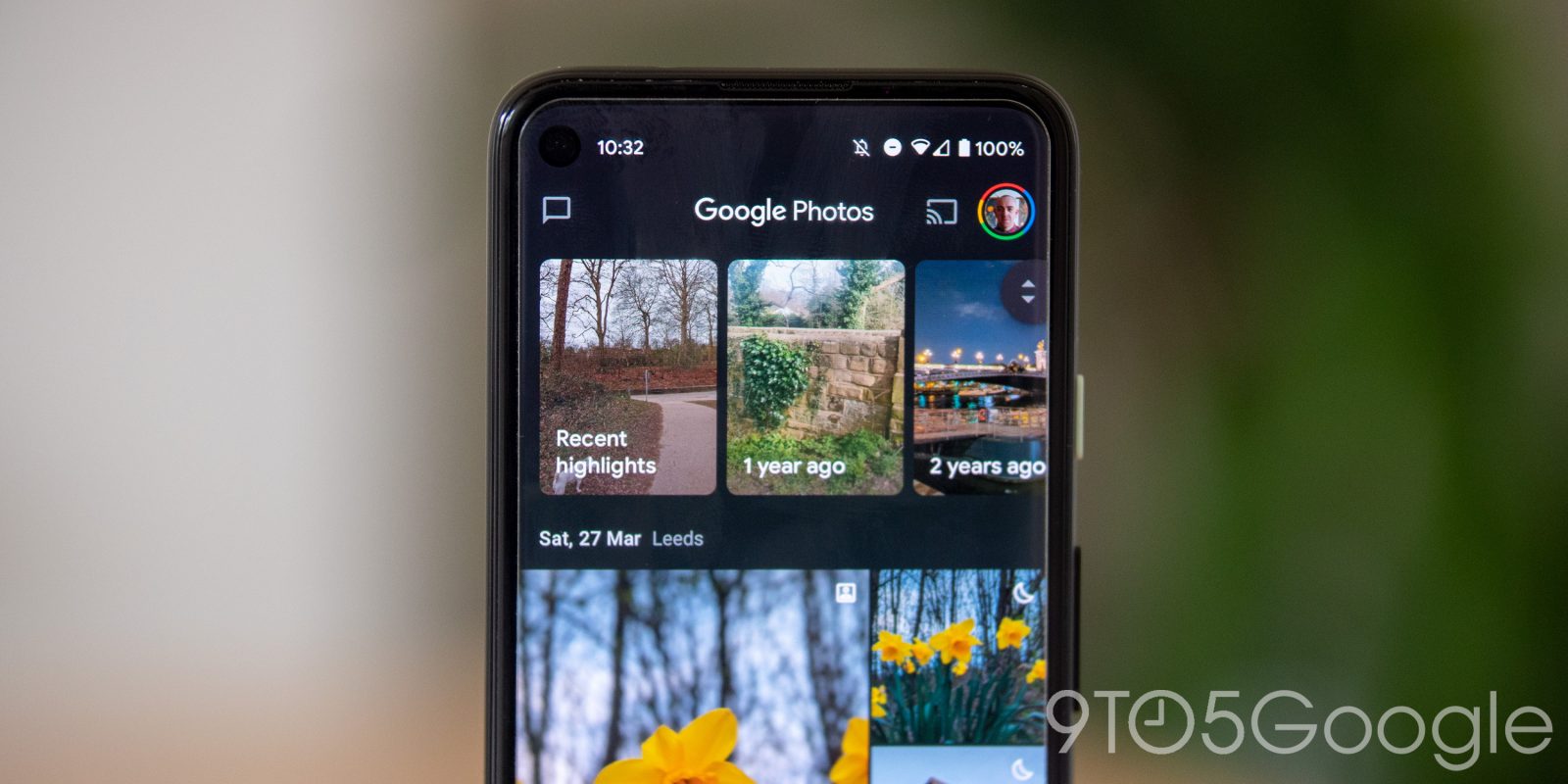

Six years after its debut, Google Photos is about to change in a major way. Free, unlimited storage on Google Photos is going away at the start of June, taking away one of the platform’s most attractive offers. That doesn’t change all of the other valuable tools Google offers, though. Here’s how you can still get the most out of it.
Expand Expanding Close
Besides astrophotography time lapse, the key addition from June’s Pixel Feature Drop is the Google Photos Locked Folder that was first announced at I/O. It’s now beginning to roll out via a server-side update.
Expand Expanding Close
After rolling out the features on Android in recent months, Google Photos on iOS is getting an editing overhaul this week.
Expand Expanding Close
With the launch of the Pixel 5 and 4a 5G last year, Photos got a redesigned editing experience focused on smart suggestions and more granular controls. A small tweak today sees the Markup tools for drawing and adding text get elevated in the Google Photos editor.
Expand Expanding Close
Google Photos is now rolling out yet another AI-generated Memory collection to highlight some of your “Best of Spring 2021” photos and videos.
Expand Expanding Close
Starting tomorrow, June 1, Google Photos will change forever by ditching the free and unlimited storage that made the service so popular. In a poll, though, most of our readers said Google Photos is worth paying for.
Expand Expanding Close
At the start of June, the Google Photos storage policy change announced last year will come into effect. Ahead of that, Google Photos is rolling out the promised “review and delete” tool and a renamed “Storage saver” tier.
Expand Expanding Close
Google Photos is ending its perk of free unlimited storage starting on June 1, 2021. It was a huge selling point for the service for years, which, understandably, has many wishing they could keep it. The good news, though, is that Google Pixel owners will still be eligible for a few Photos perks. Let’s break it down.
Expand Expanding Close
As storage changes loom, Google Photos is expanding its print offerings in Japan. Starting this week, Google Photos users in the country can get prints from 7-Eleven.
Expand Expanding Close
Starting on June 1, Google Photos will make its biggest change since launch by bringing unlimited storage to an end. As most users will need to pay going forward, it begs the question, will you switch from Google Photos to another platform?
Expand Expanding Close
The arrival of Android 11 brought with it the effects of Scoped Storage which, on phones that weren’t Pixels, also led to an annoying Google Photos quirk that included more prompts and “out-of-sync” warnings. On Android 12, those annoying trash prompts and more will be gone for Google Photos users on all devices.
Expand Expanding Close
If you use Google Photos on a phone from Xiaomi, Oppo, and most notably from Samsung, your screenshots are probably mixed into all of your pictures. This is because of how Samsung and others store screenshots on your device, but apparently, Android 12 will force them to do it the correct way.
Expand Expanding Close
Privacy was a pretty big focus of Google I/O 2021, with one of the big new announcements being a “Locked Folder” headed to Google Photos. That feature is going to be a bit more limited than you probably expected, though.
Expand Expanding Close
At I/O 2021 on Tuesday, Google spent part of the keynote talking about privacy and security. It’s following that up with a prominent “We protect your privacy” message in Gmail and Google Photos.
Expand Expanding Close
A really neat part of the machine learning algorithms used by Google Photos is the ability to identify similar core image traits and create the popular — and constantly evolving — Memories collections. During the I/O 2021 keynote, Google confirmed that Memories collections are set to get even more personalized, and we’ll even get 3D enhanced Cinematic photos joining the mix.
Expand Expanding Close
In a privacy push at Google I/O 2021, the company has announced a couple of new tools that will be rolling out. First, the option to quickly delete the last 15 minutes of activity on your Google account and, second, a “Locked Folder” on Google Photos for Android.
Expand Expanding Close
Google Photos growing Memories collections now has a caffeine-focused “Blissful buzz” selection that will showcase some of your best cups of coffee.
Expand Expanding Close