how-to
A collection of tutorials, tips, and tricks from the 9to5Google team helping you fix and get the most out of Android, Google Assistant, Chromebooks, Android TV, and more.
A collection of tutorials, tips, and tricks from the 9to5Google team helping you fix and get the most out of Android, Google Assistant, Chromebooks, Android TV, and more.
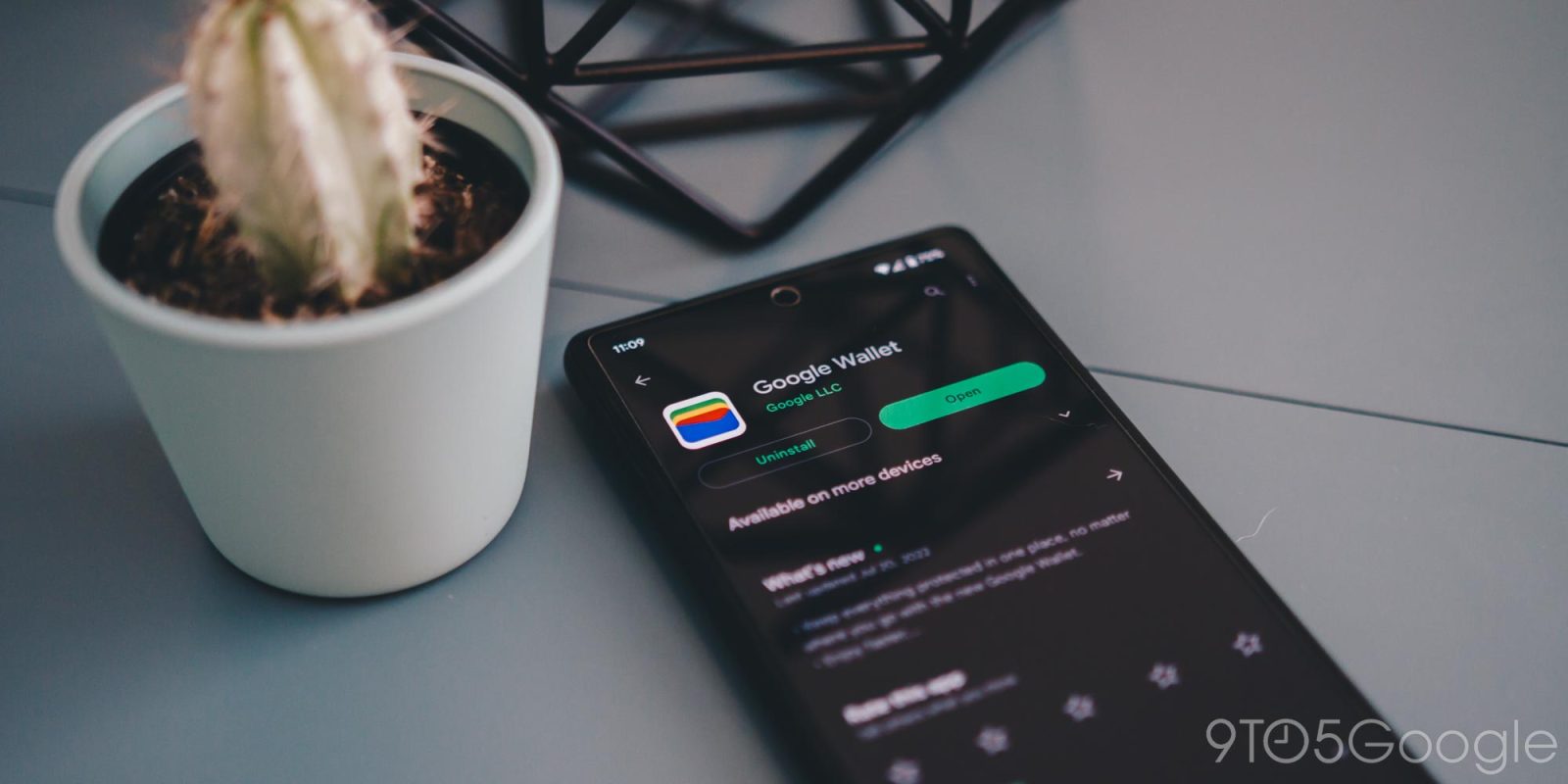

Google Wallet is finally here with some streamlined changes that have felt a little overdue. This guide will take you through how to install it from scratch or update your existing Google Pay app to Google Wallet.
Expand Expanding Close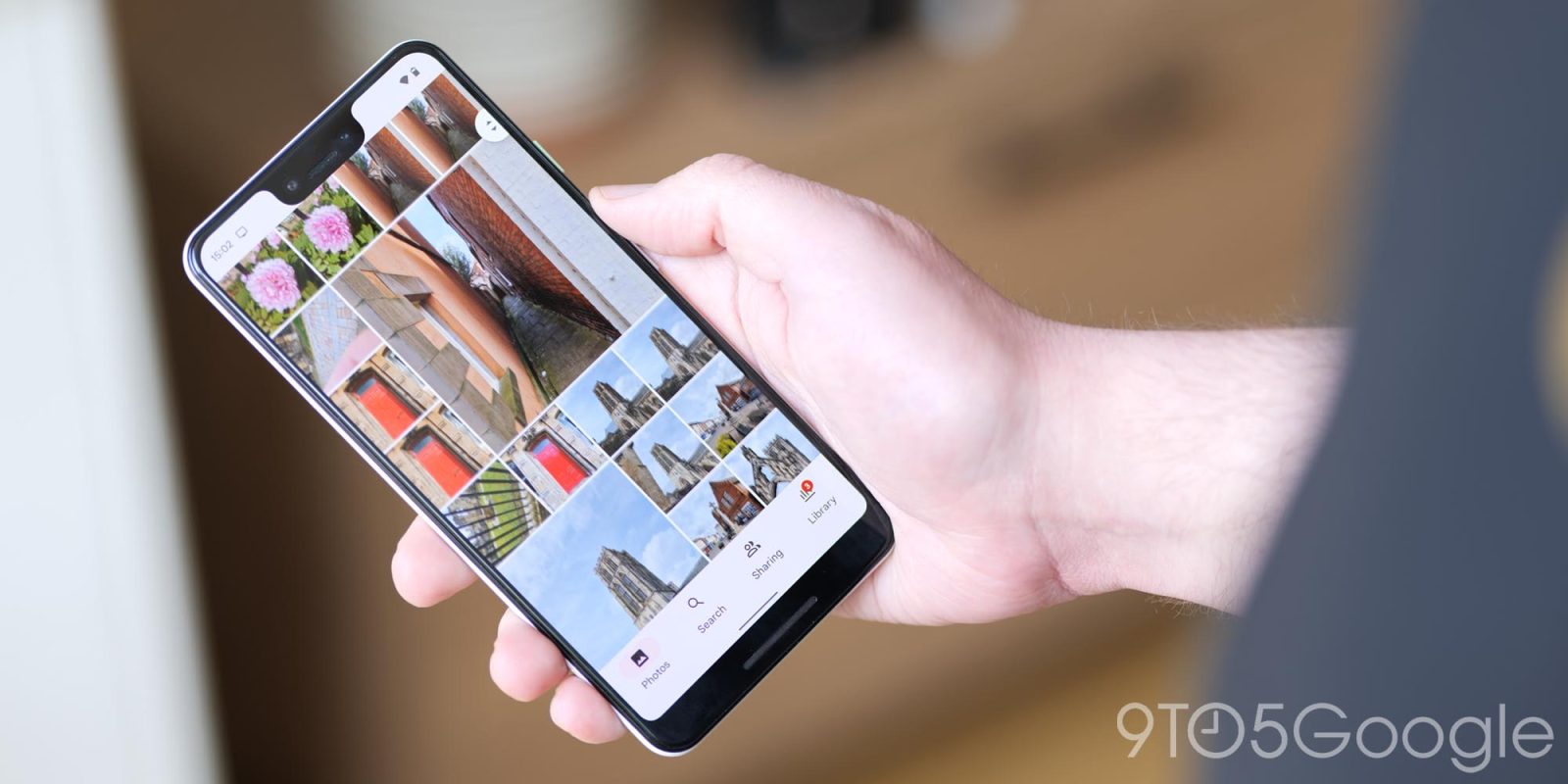
Google Photos is all about keeping memories organized and right within reach at any time. In Google Photos, every image has a slew of data captured along with the picture itself. That includes the date, time, and even location. This guide will take you through how to access that image data for every picture in Google Photos.
Expand Expanding Close
Local businesses are getting hit hard by scam one-star reviews on Google Maps and Search. Fortunately, there’s a way to report what you think are scammers trying to sully a local business’ good name. This guide will take you through the steps of flagging scam reviews on Google Maps and Google Search.
Expand Expanding Close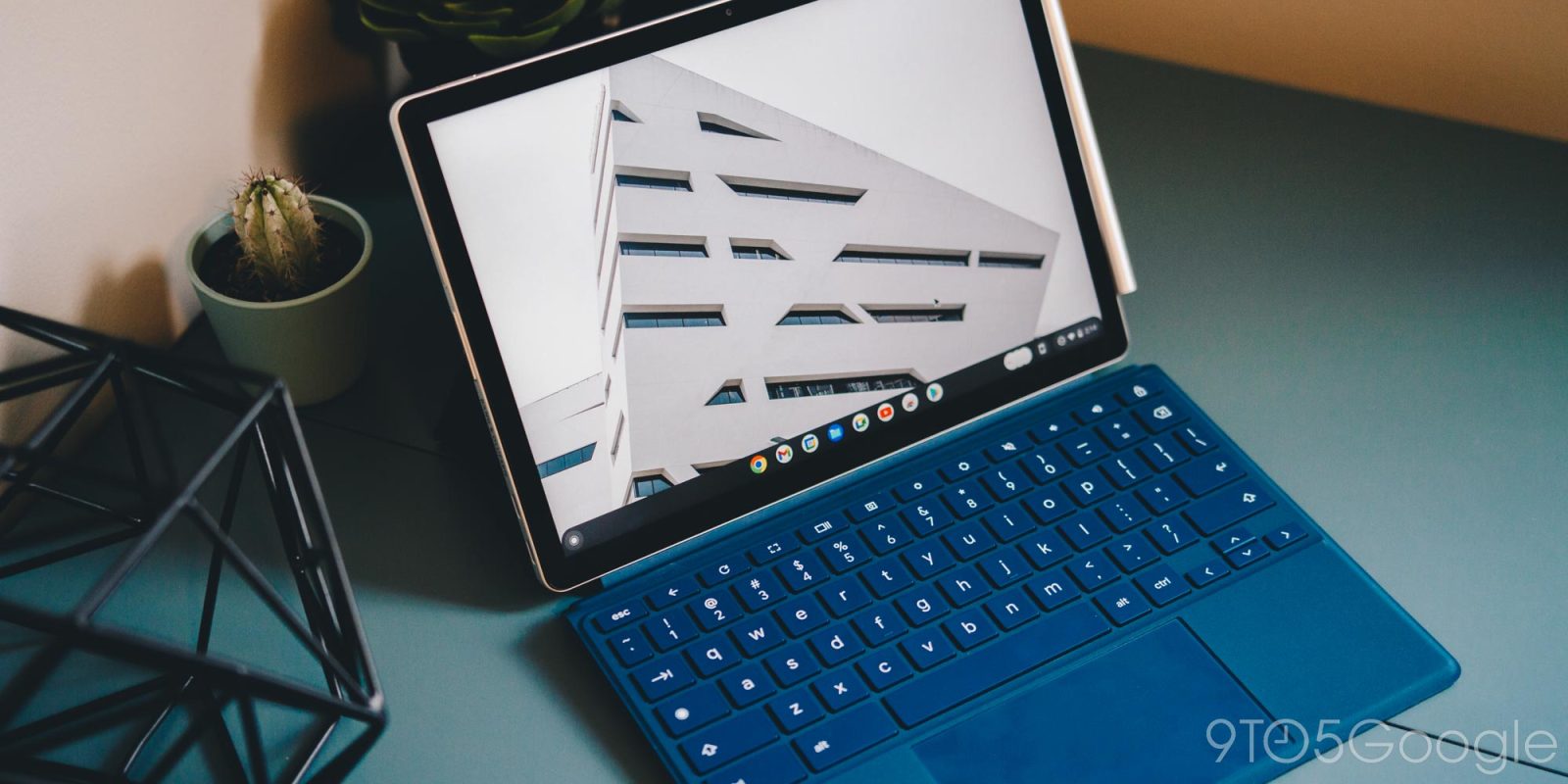
The average keyboard only has so many characters labeled on it for use. Beyond that, there are plenty of other symbols and punctuation that are worth using, yet have no home on a Chromebook’s QWERTY keyboard. This guide will show you how to use Unicode shortcuts to type special characters on a Chromebook.
Expand Expanding Close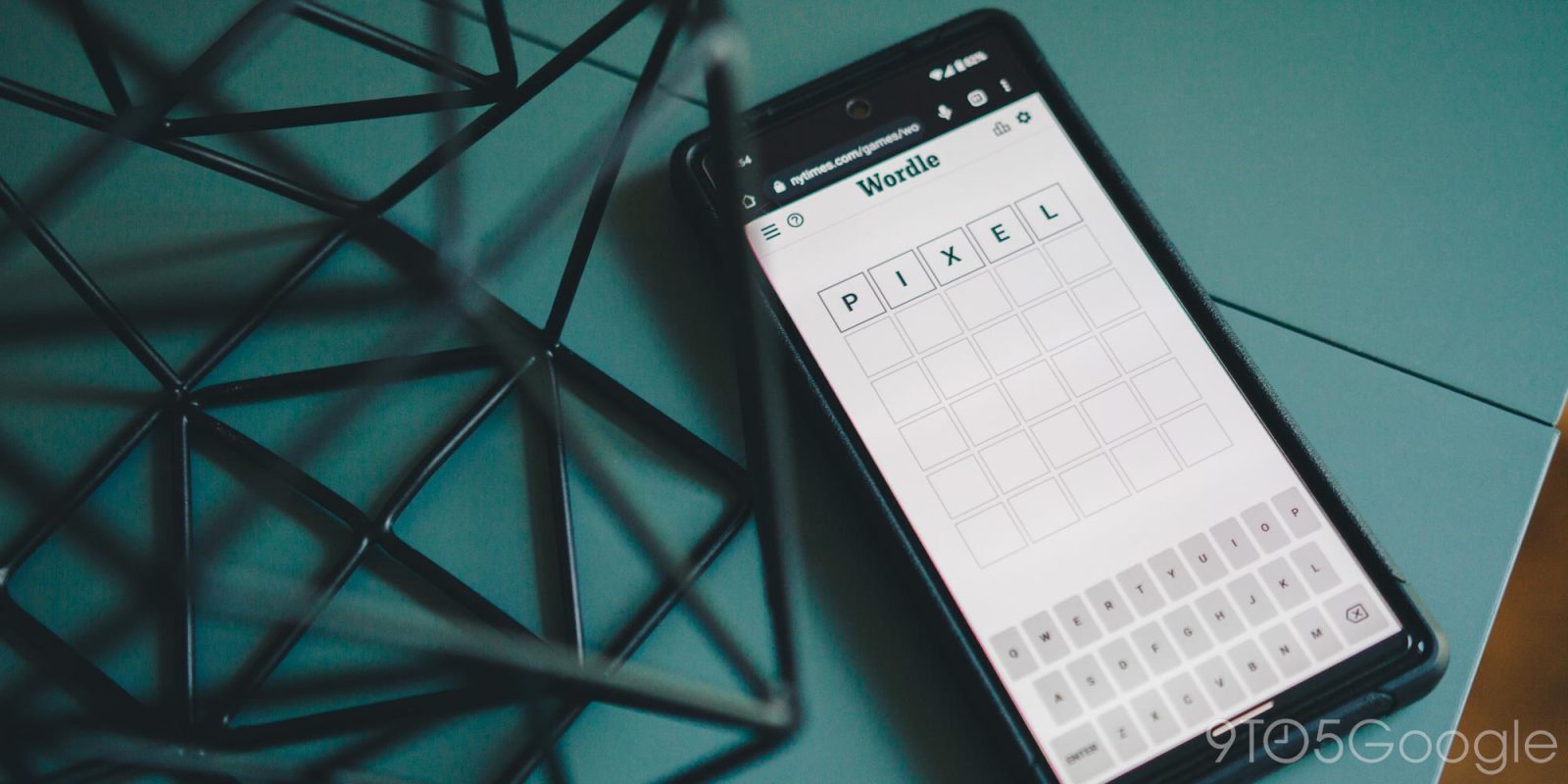
Over the past few months, the absurdly popular word game – Wordle – has taken the world by storm. Up until this point, your scores and winning streaks were only available on the device you played on. Now, however, all of these Wordle stats can sync across devices. Here’s how.
Expand Expanding Close
The odds that you come across an app every so often wanting access to Google Drive is generally pretty high. Many apps use your Google Drive as a backup method, making it easy to store your data. Unfortunately, this can also be a security risk. This guide will take you through how to delete app data and revoke access in Google Drive.
Expand Expanding Close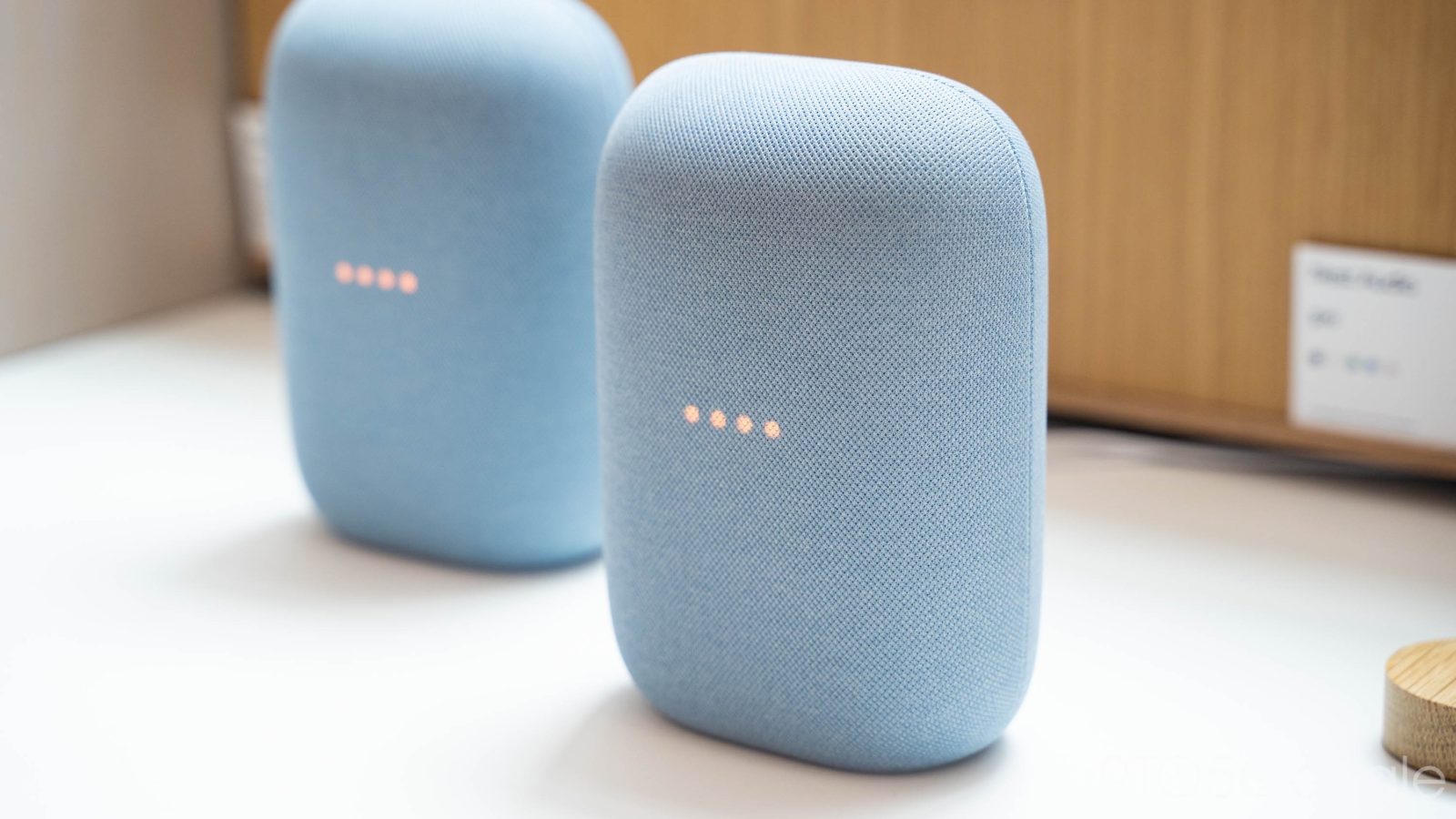
One of the distinct advantages of having Wi-Fi speakers is the ability to wirelessly play music on multiple devices at the same time. It just so happens you can do this through the Google Home app on your phone by creating speaker groups. All you need is a few Google Home compatible speakers and some great music to play.
Expand Expanding Close
With Samsung being so on-the-ball lately with OS and security updates, you’re always changing system versions. In some cases, it’s important to know what version of Android or One UI you’re on. This guide will take you through the steps to finding out what version of Android or One UI your Samsung Galaxy device is on.
Expand Expanding Close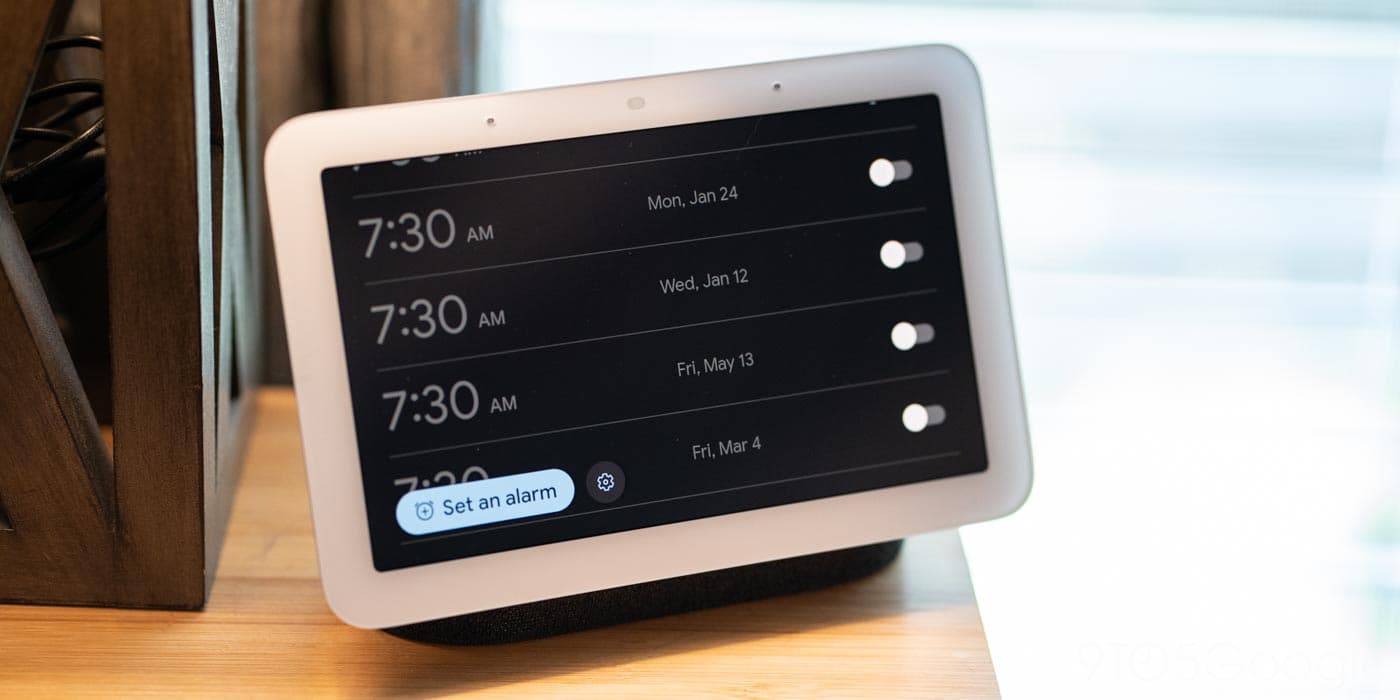
Have you ever set an alarm only to have something change and suddenly that alarm is no longer needed? On top of that, you may have completely forgotten that you ever set an alarm. That’s enough to ruin your day. To avoid this, you can manage and delete the alarms you set on your Nest Hub in the Google Home app. Here’s how.
Expand Expanding Close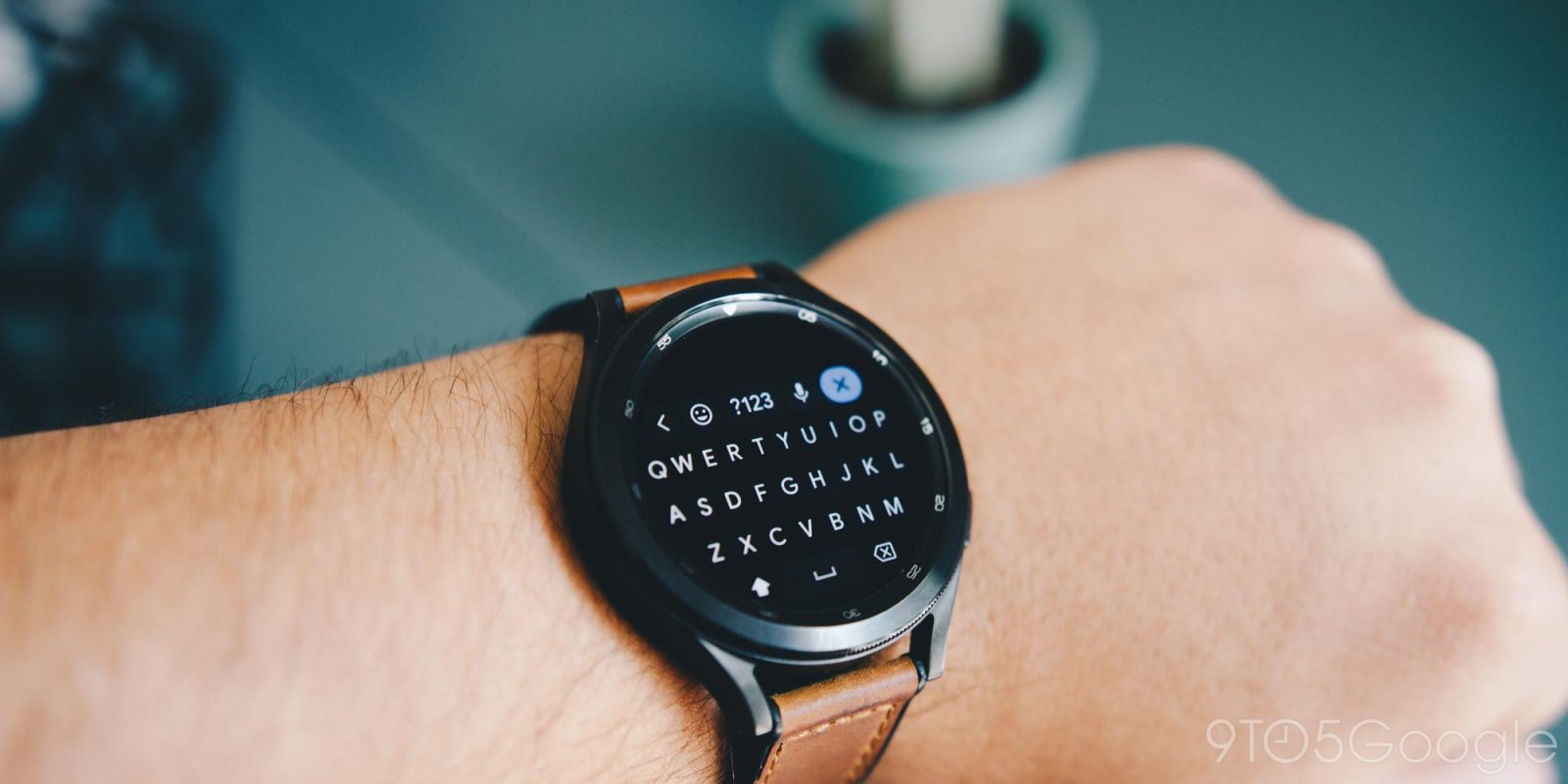
The Galaxy Watch 4 is, as a whole, a great device. However, dictation and the stock keyboard are not strong points of the watch in any capacity. Fortunately, those who want a full QWERTY keyboard for the Galaxy Watch have options available. This guide will take you through exactly how to set up Gboard’s QWERTY keyboard on the Galaxy Watch.
Expand Expanding Close
Did something happen and you need to download the video your Nest Camera captured? Or did someone drop by and leave a voice message on your Nest Doorbell? In either situation, viewing and exporting your Google Nest Doorbell and Nest Camera video recordings would be your next move. Here’s how to do that.
Expand Expanding Close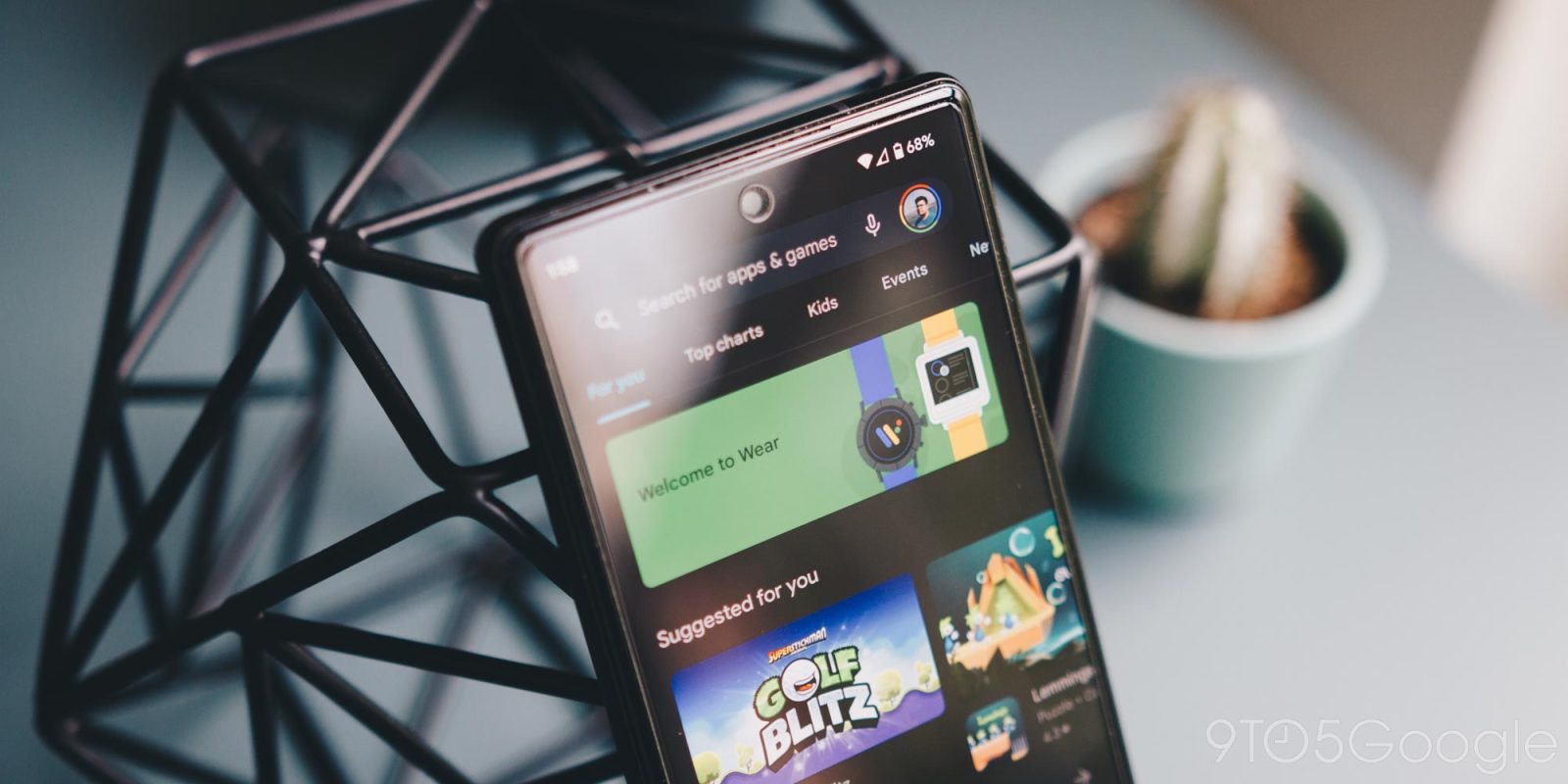
By default, automatic app updates on Android are turned on. This means that during certain times, the apps you get from the Google Play Store will be updated on their own, with no manual activation. But what if you want to turn that off? Here’s how to stop automatic app updates on Android.
Expand Expanding Close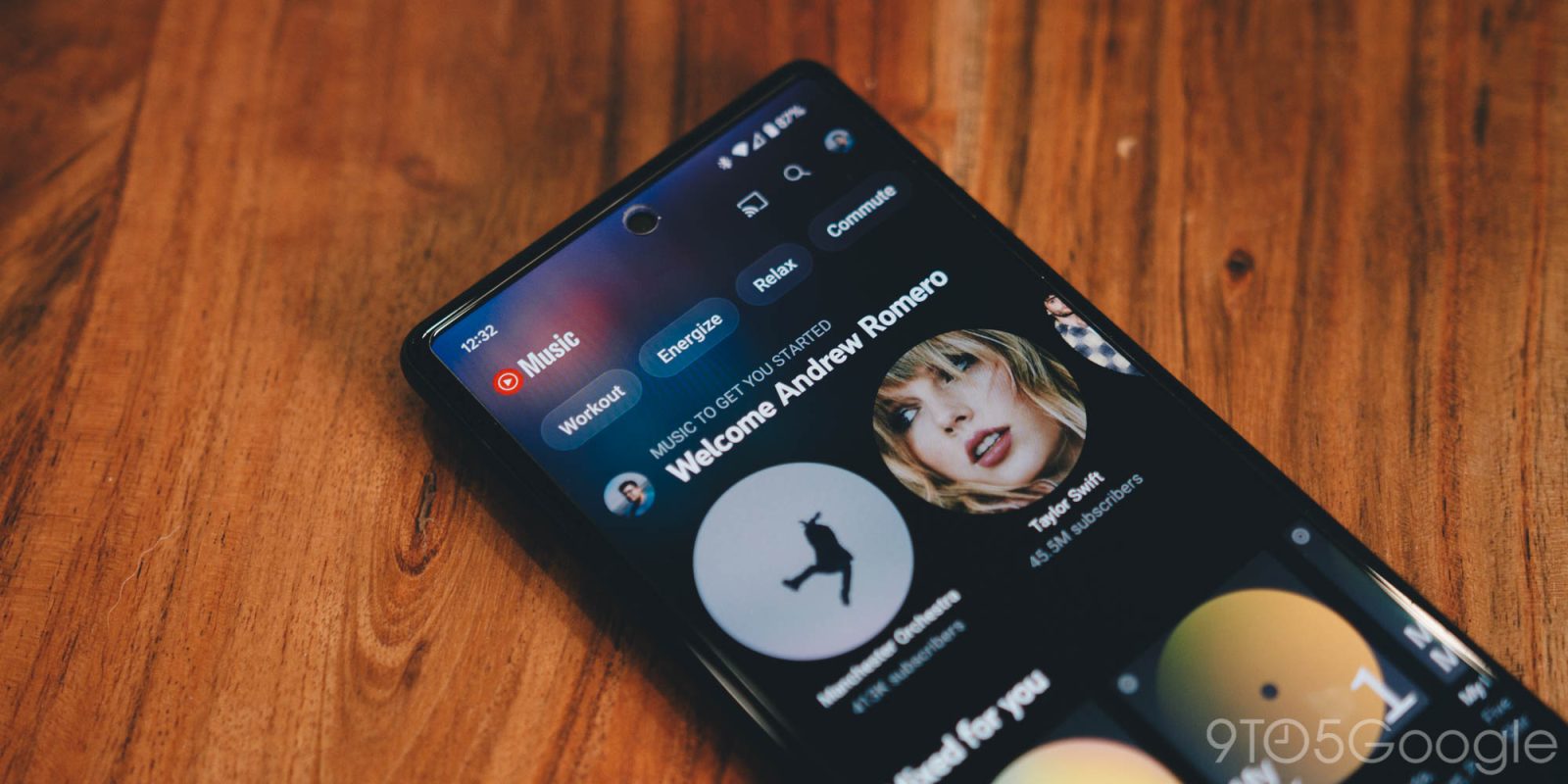
YouTube Music is a vast service that covers tons of genres, playlists, and albums from thousands of artists around the world. That being said, there will be some times when you can’t quite find the track you’re looking for. Fortunately, YouTube Music lets you upload your own music to keep with you in your account. Here’s how to do that.
Expand Expanding Close
Android TV and Google TV are great options for streaming media, playing cloud-based games, or even turning your TV into a virtual fireplace. Ok, well, mostly the first two. But did you know that you can use your phone as a remote control for your Android TV/Google TV? Here’s how.
Expand Expanding Close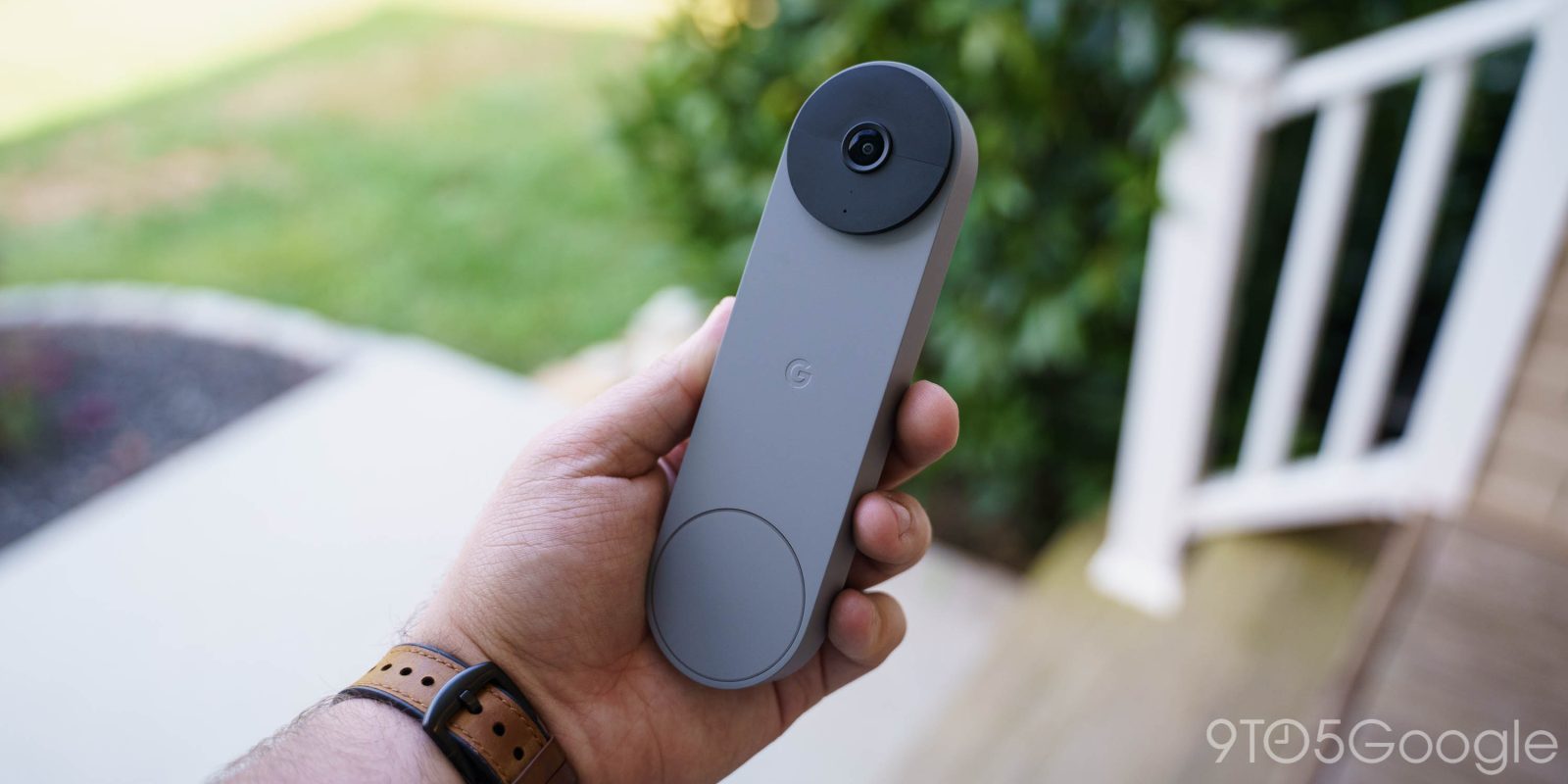
When it comes to deciding whether to buy a wired-in Nest Doorbell or a battery-powered one, there are a couple of things to consider: How long does the battery actually last, and how can I extend it? This guide will take you through just that and hopefully help you extend your Nest Doorbell battery life.
Expand Expanding Close
Buying things and paying for subscriptions online has been completely normalized and is one of the easiest ways to do so. Google lets you add and keep debit and credit card information stored in your Google Account, so you have that info wherever you go. One important aspect of this is being able to manage payment methods in your Google Account, whether that’s adding or removing them. Here’s how to do that.
Expand Expanding Close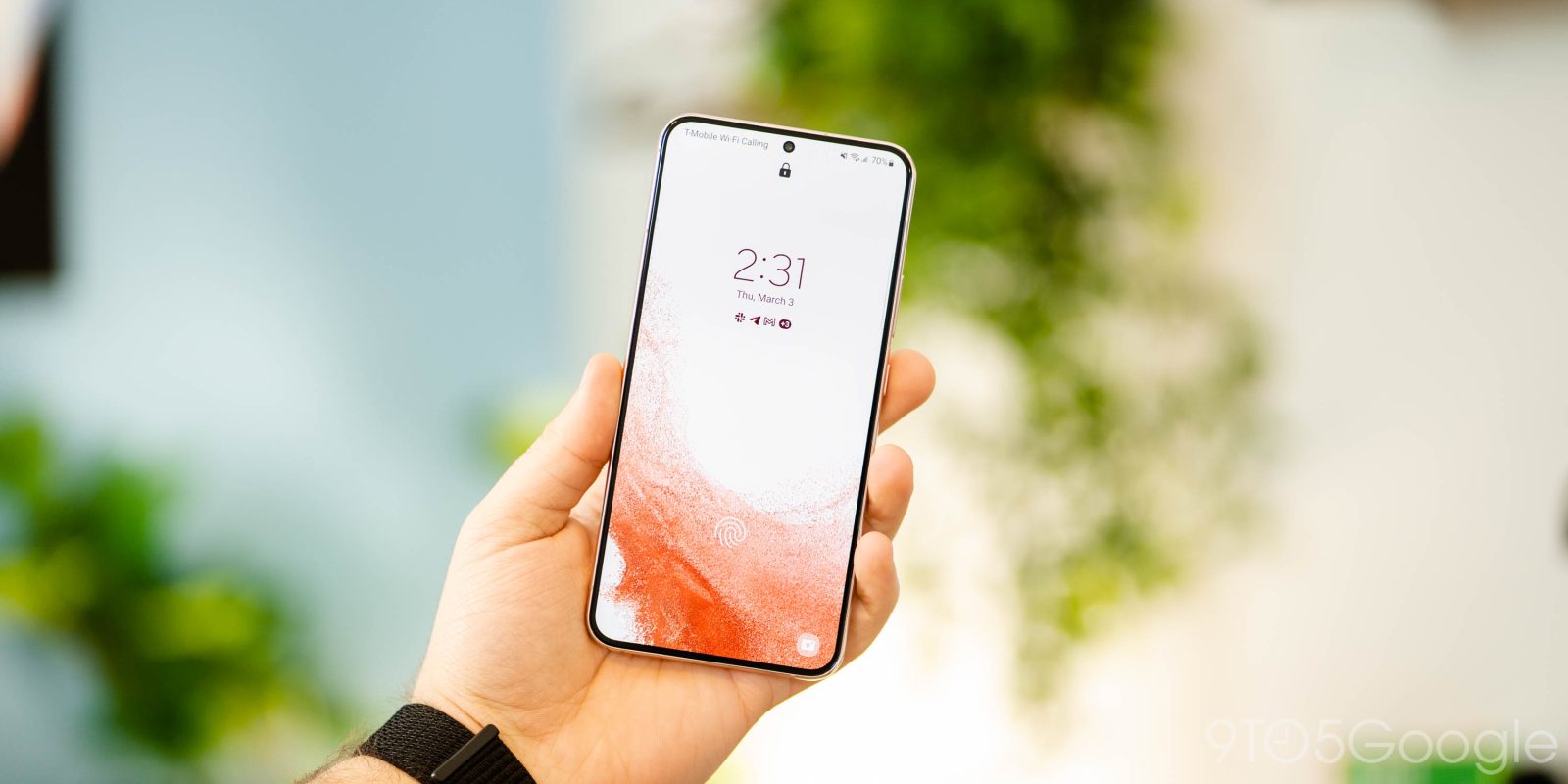
Each OEM has its own little touches on Android – that’s especially the case with Samsung, which has an app for just about anything, including your touchless payment methods. In the case that you don’t want to use Samsung Wallet, you can deactivate it, uninstall or remove it from your device, and disable homescreen shortcuts. Here’s how.
Expand Expanding Close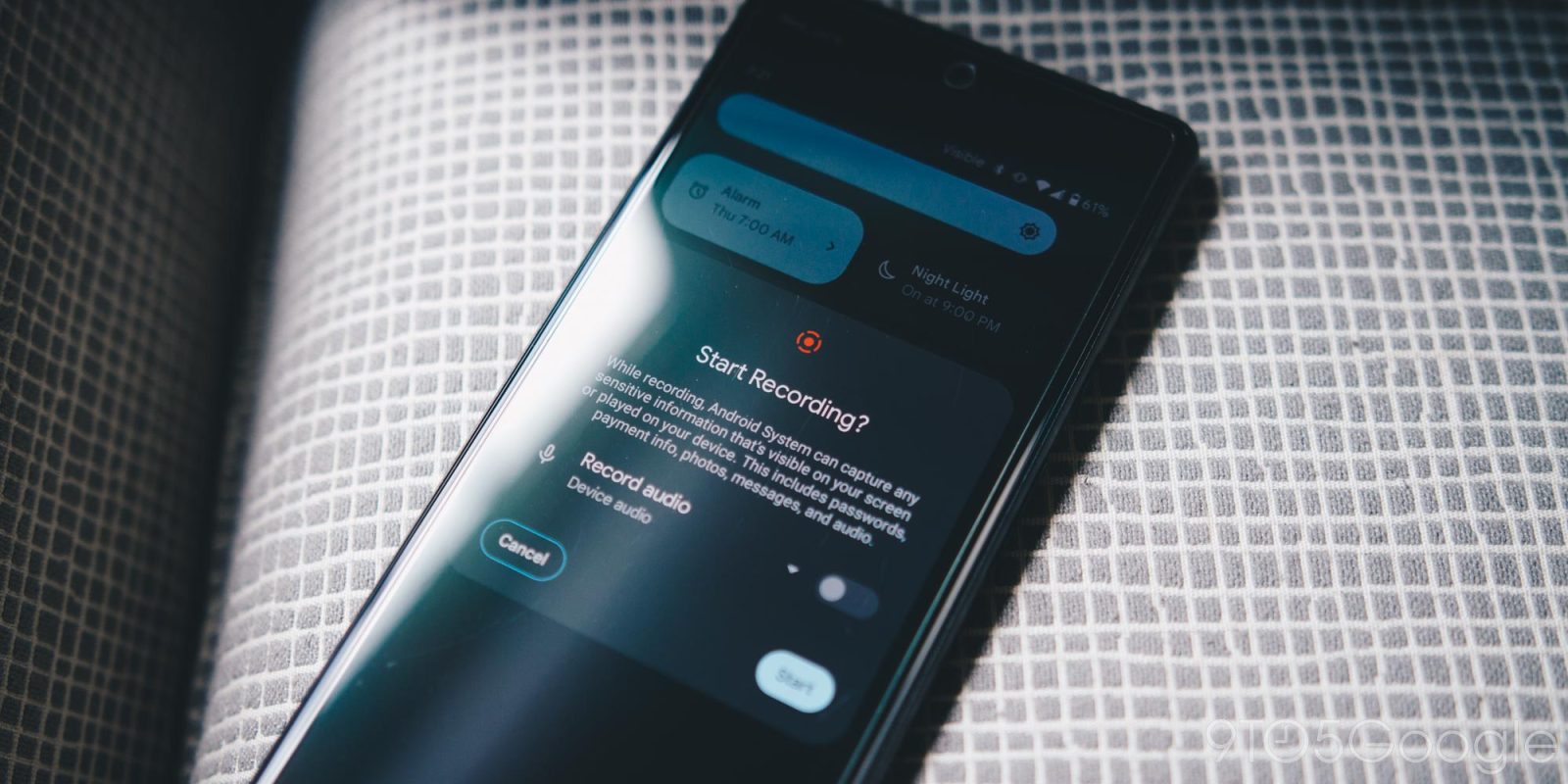
Forget taking screenshots! Capturing screen recordings on Google Pixel is the way to go. That’s mostly a joke, although screen recordings do come in handy more often than you think. Here’s how to create them.
Expand Expanding Close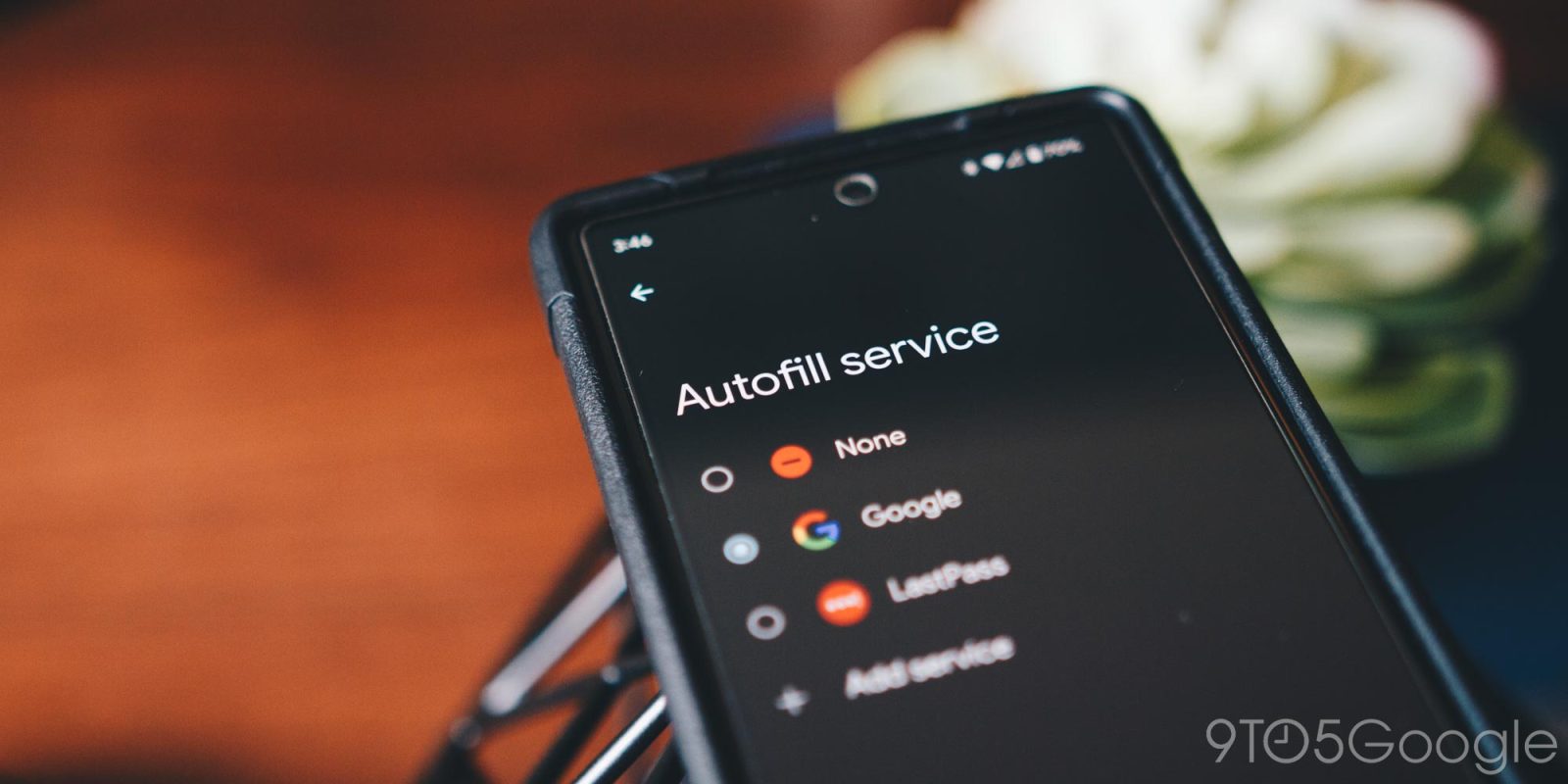
With so many password management services out there, it can be tempting to make one of them your default autofill provider on your Android device. Unfortunately, our experience has resulted in bug after bug when using third-party password services. This guide will help you change your Pixel or Samsung device password autofill settings and adjust them to your liking.
Expand Expanding Close
Coming in as a new Twitter Blue feature for Android, the app now lets you customize your navigation bar. You can switch out that Spaces tab for other ones, like direct messages and communities. Here’s how to switch it up in Twitter Blue for Android.
Expand Expanding Close

You’re tired of it, and I’m tired of it. Tired of the lack of options out there for apartment dwellers who want to deck their space out in smart home products. The Google Nest Doorbell is no different. Fortunately, we found an easy and safe way to install a Nest Doorbell in an apartment without having to drill a single hole or unpeel a single sticker.
Expand Expanding Close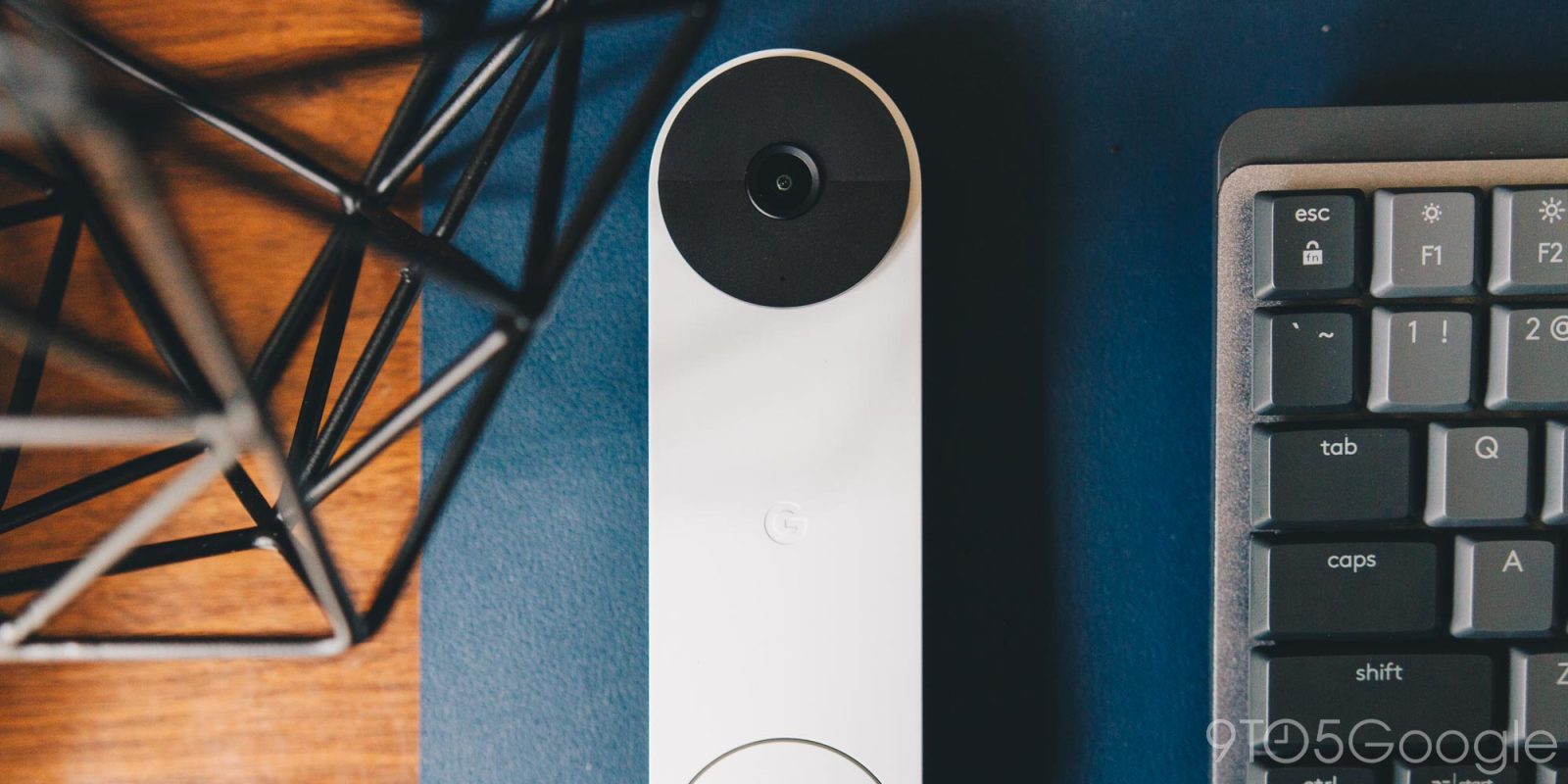
Doorbells don’t have to make the classic “ding dong” we’re so accustomed to hearing. In fact, the Nest Doorbell offers a few different ringtones so you can switch things up and not have to settle for the played-out sound you’re used to hearing. Here’s how to do it.
Expand Expanding Close
We live in the cloud. That’s just how things are now. Pages are being printed less often and most of our work is done online and shared with others through programs like Google Drive. To embrace that shift, Google Docs has added a feature called “Pageless” editing. Here’s how it works.
Expand Expanding Close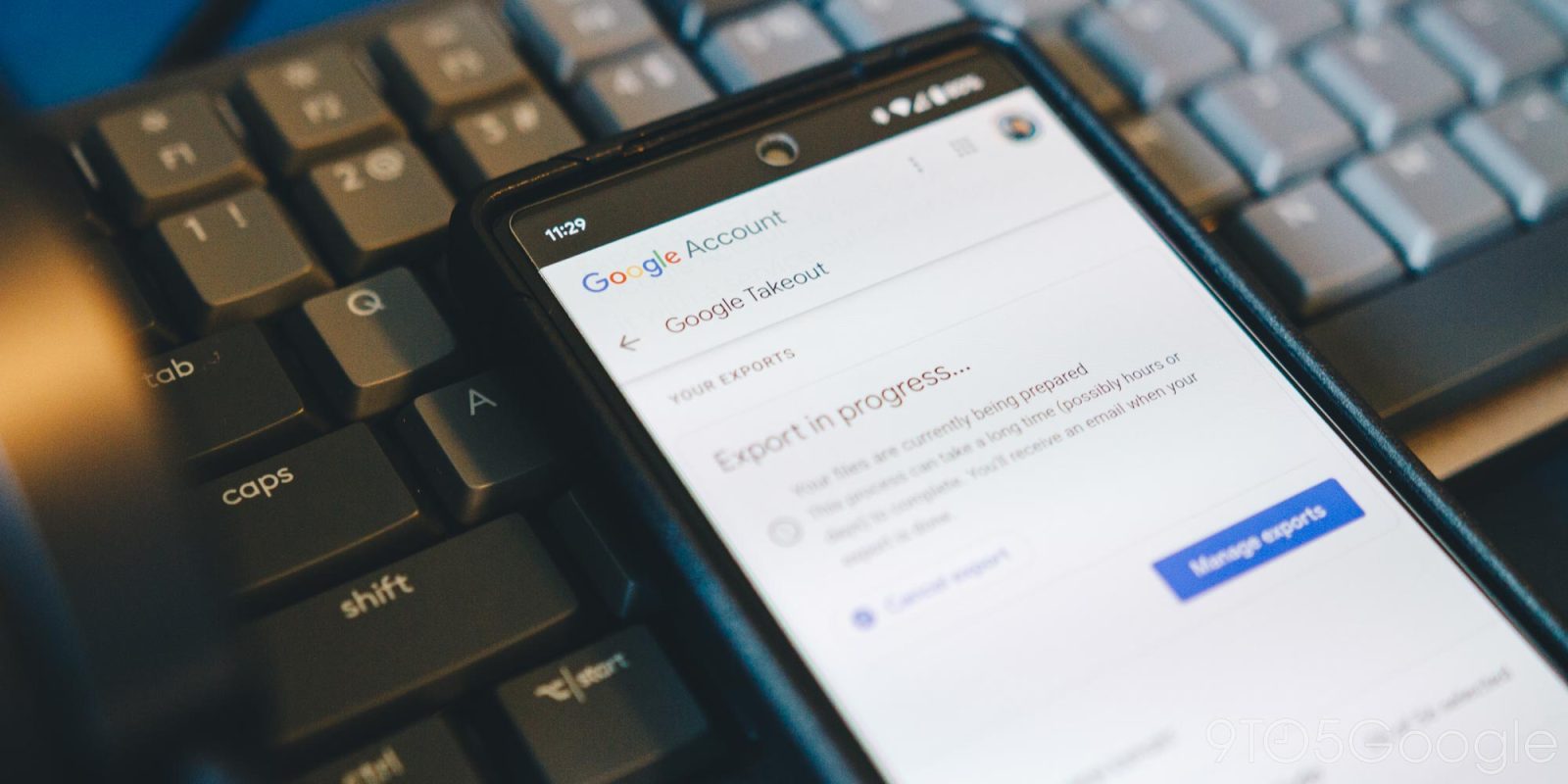
Google Hangouts has a ticking clock hanging over its head and is set to shut down for good. Fortunately, you can move your Google Hangouts data by downloading it and keeping it safe locally. This guide will take you through exactly how to do that.
Expand Expanding Close