how-to
A collection of tutorials, tips, and tricks from the 9to5Google team helping you fix and get the most out of Android, Google Assistant, Chromebooks, Android TV, and more.
A collection of tutorials, tips, and tricks from the 9to5Google team helping you fix and get the most out of Android, Google Assistant, Chromebooks, Android TV, and more.
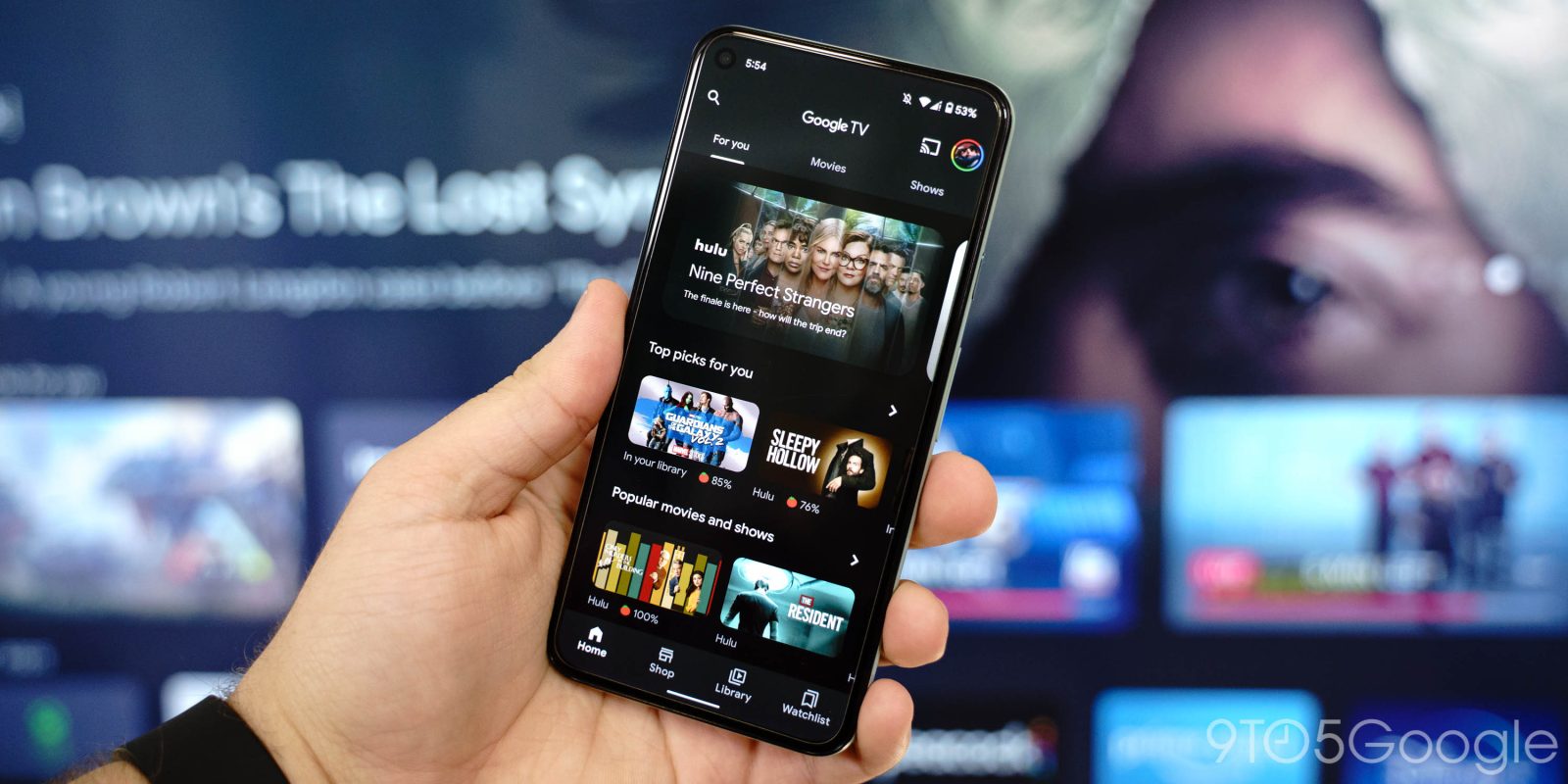

There are a number of reasons you’d want to download and watch a movie from Google Play offline. Fortunately, with the Google TV app on mobile, that feature is built right in, allowing you to watch movies offline anywhere you go. This guide will explain the process of downloading movies as well as where you can find them.
Expand Expanding Close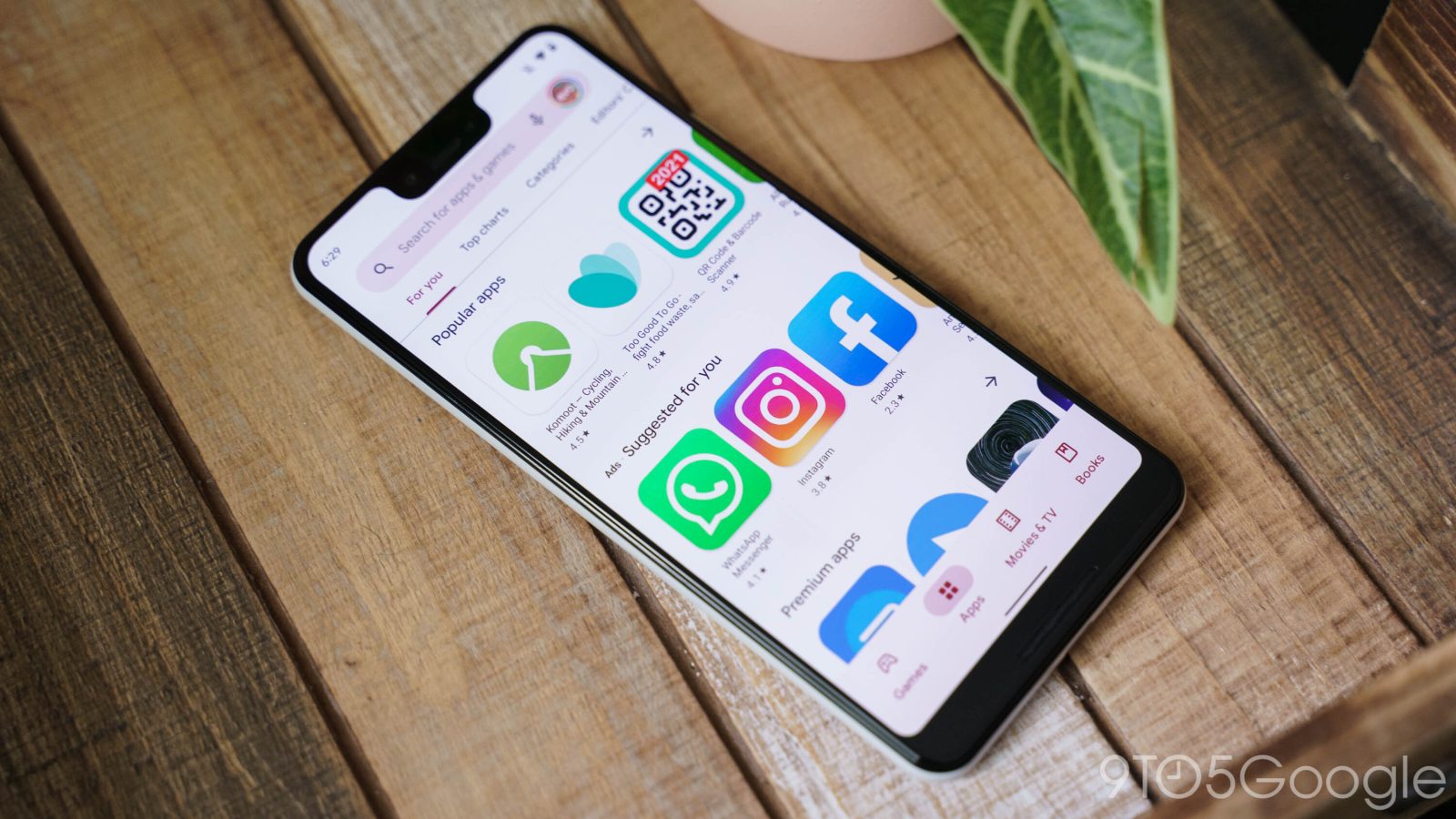
The Google Play store offers tons of content for all customers – not just Android users. Movies, TV shows, books, and more can be found in the Play Store. A gift card for the Google Play store is a great gift for anyone. So how do you buy one and how can it be used? Read our guide to find out.
Expand Expanding Close

In case you hadn’t noticed, the Pixel line of phones – while great devices – are absolutely not without issues. Among those issues tends to be adaptive screen brightness problems, wherein the Google Pixel on Android adjusts brightness under the wrong circumstances. Follow along with this guide to learn how to reset and fix that issue.
Expand Expanding Close
No Google app on Android or iOS is without bugs and issues. Fortunately, there’s a way you can contact support and leave feedback for Google app developers. Follow this guide to learn how.
Expand Expanding Close
Whether you’re fed up with Netflix’s raised prices or lack of actual good content, you might be considering leaving and choosing something a little more up your alley. No matter which service you’re switching to, you can follow this guide to learn how to cancel your Netflix membership on Android.
Expand Expanding Close
Google is set to officially launch the Stadia for Android TV/Google TV experience on Wednesday, but a trick has been discovered to get playing today.
Expand Expanding Close
Twitter has begun making its Clubhouse-like “Spaces” available to more people — here’s how to disable notifications for them.
Expand Expanding Close
Ahead of the launch of the Pixel 5, the Google Camera and Google Recorder apps, among others, became unable to be sideloaded due to verification errors. Thankfully, a solution — if, perhaps, a temporary one — has been discovered.
Expand Expanding Close
While Google’s Cast ecosystem is fairly open, allowing connections from both Android and iOS devices, Apple’s AirPlay isn’t nearly as easy. Here’s how to connect to AirPlay devices from an Android phone or tablet.
Expand Expanding Close
Last month, Google announced that higher tier plans of Google One would be getting a VPN service for Android, iOS, and more. Google One’s VPN service has begun rolling out to Android devices in the United States; here’s a quick guide on how to use it.
Expand Expanding Close
There’s no denying that Fortnite is one of the biggest titles in gaming today, and these days, many of the same folks who would want to play Fortnite already have a Chromebook, perhaps through school. Here’s the best way to play Fortnite on your Chromebook.
Expand Expanding Close
Google has been working hard to bring many G Suite apps together into one, using Gmail as the “home for work,” but not everyone is a fan of the change. Here’s how to disable the Google Meet tab in Gmail for Android and iOS.
Expand Expanding Close
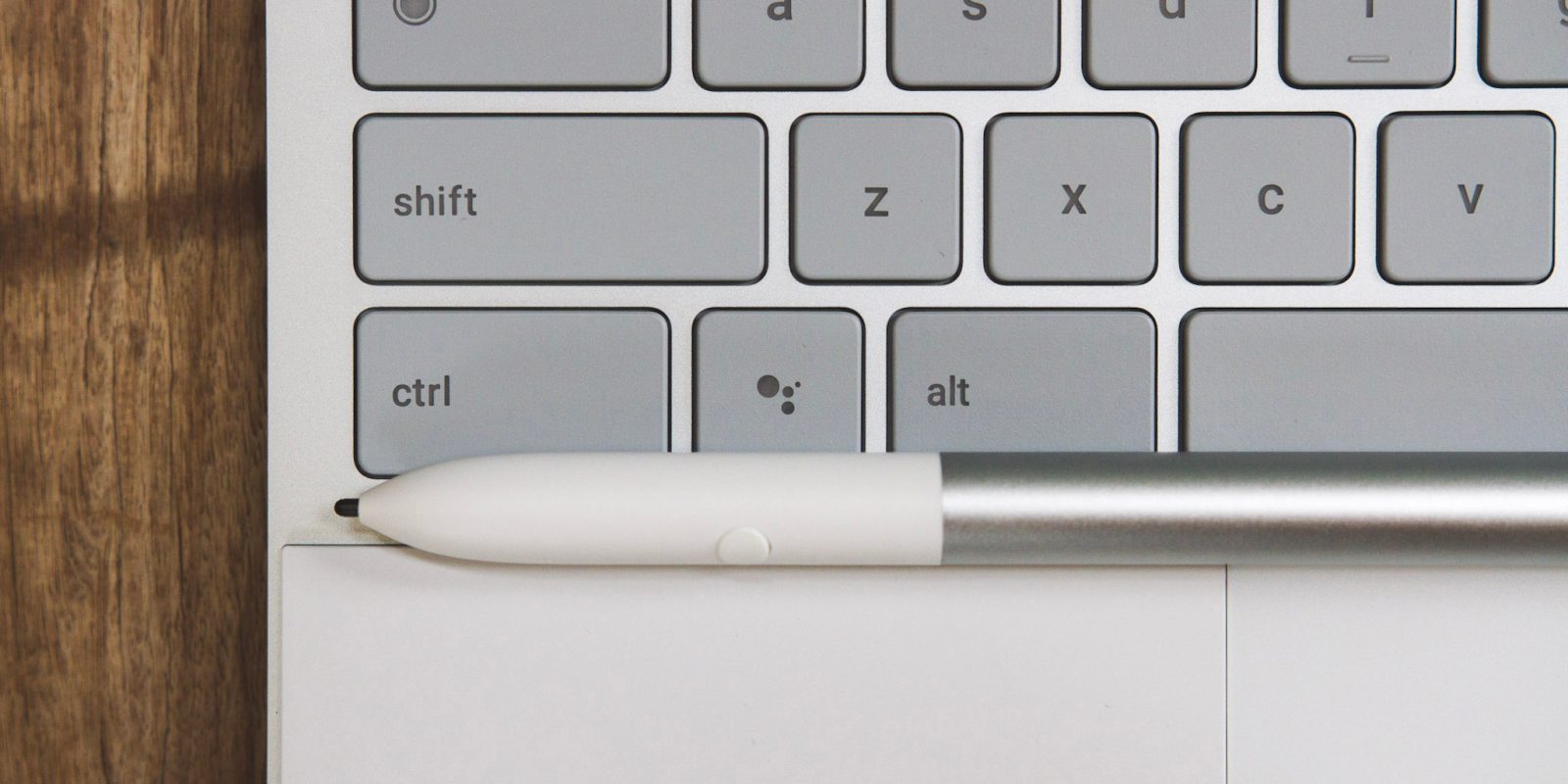
In the age of smartphones, screenshots have become an essential way to quickly share, as they allow others to see exactly what you’re seeing. That said, the way to take screenshots on your Chromebook or Chrome OS tablet isn’t exactly obvious, so here’s a quick how-to.
Expand Expanding Close
From time to time, publishers will run a promotion that includes a code for a free game on Google Stadia — free DOOM 64 with early purchases of DOOM Eternal, for example. Here’s how to redeem codes on your Google Stadia account.
Google Stadia recently enjoyed a public launch, and if you’re anything like us on the 9to5Google team, you’ve probably added your coworkers as friends for the occasional after-work game session. But what if you maybe want to jump into Destiny 2 for a few minutes without showing everyone what you’re playing? It’s actually very easy to more or less appear offline on Google Stadia to hide your mid-day gaming sessions from your friends and/or co-workers.
Arguably, the best feature of Android 10 is its dark mode toggle, allowing you to swap your phone and its apps over to a newer, darker theme. While not every app has a dark mode, Android 10 has a way to force apps to be dark. With a little help from a third-party app, DarQ, you can now change specific apps to use dark mode — and even schedule dark mode to be enabled — without needing root.
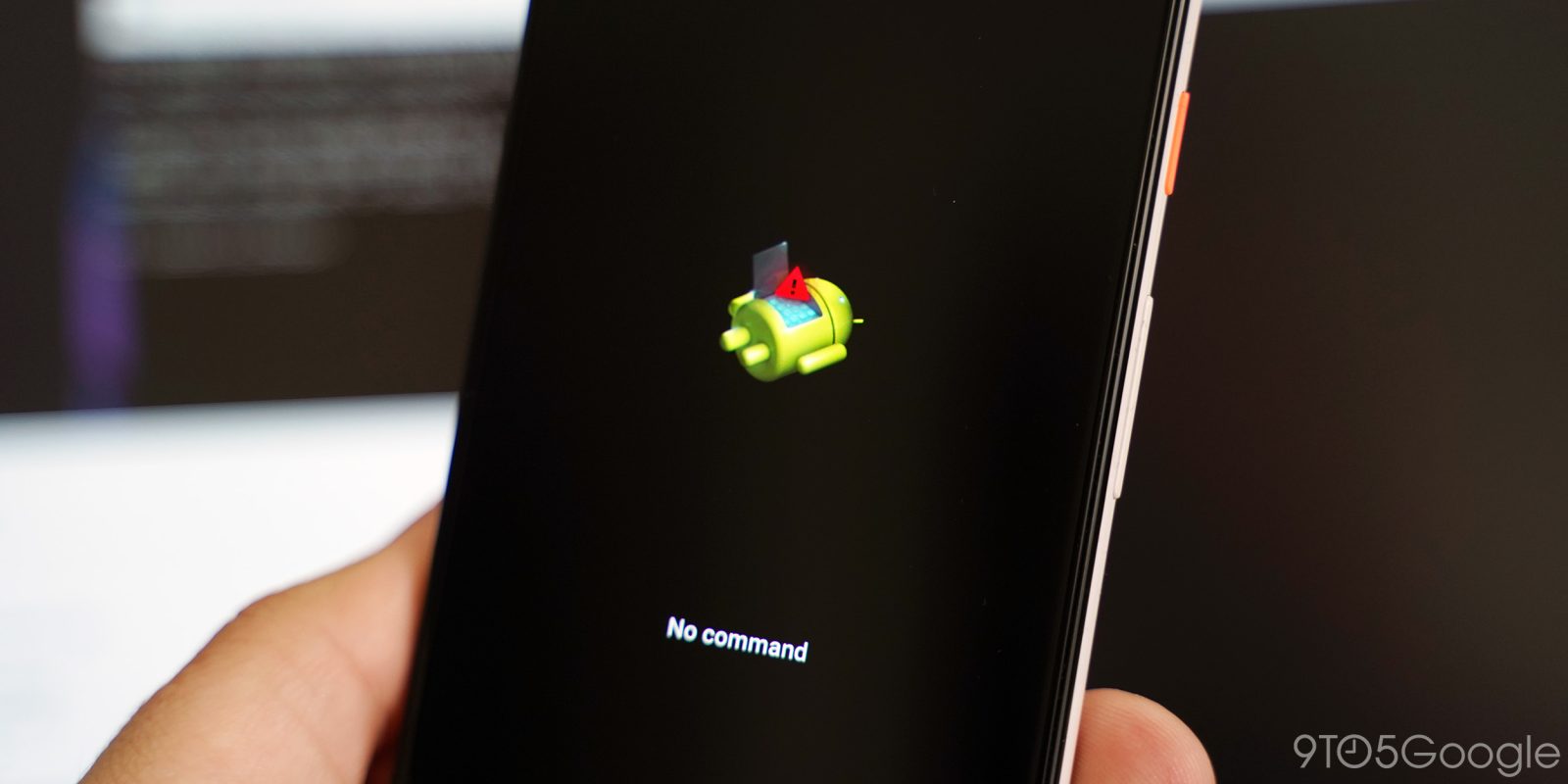
Every month, Google releases a new Android security patch, resolving any and all security issues that have been uncovered in Android and their own Pixel phones. These updates — sometimes called an “OTA” as they’re supposed to arrive “over the air” — typically arrive on your phone automatically over time, but you can also manually install or “sideload” the update which has now become easier than ever, thanks to the Google Pixel Repair Tool.

Super Bowl LIV takes place later today, Sunday, February 2. This year’s game sees the San Francisco 49ers taking on the Kansas City Chiefs in Miami. Here’s how to watch Super Bowl LIV live at 6:30pm ET/3:30pm PT on Android, Chromecast, and other platforms.
So, you received a Nest Wifi as a gift or maybe picked a new router from a Black Friday sale, to help improve your connection to Google Stadia. Now you need to connect that controller (and all your other devices) to your new network. Here’s how to change the Stadia Controller’s WiFi settings to connect it to a new network.
Today’s the big day of the Android 10 launch on Google Pixel phones, and one of Google’s continued focuses has been on their Digital Wellbeing initiative. With Android 10, Digital Wellbeing is picking up two new capabilities, Focus Mode, which keeps you from using distracting apps, and Site Timers, which allow you to control how long you use certain sites, just like you can with apps. Here’s how you can use these features to better balance your life.
Almost every day here at 9to5Google, we try to uncover the latest developments happening in Google Chrome and Chrome OS. The frustrating thing is that it’s often weeks or months before the things we report on make it to our devices. If you’re brave enough to use less-than-stable software to try out these latest features, then Chrome OS’s Canary update channel is for you—here’s how to make the switch.
Now that Android Q is in the hands of far more users, thanks to Google bringing Beta 3 to over a dozen non-Pixel devices, a lot of folks are just getting acquainted with the new features we’ve covered in the first two betas. Unfortunately, Google also made some of the experimental features, hidden behind “feature flags,” like native screen recording support, harder to access. So here’s how to enable screen recording in Android Q Beta 3.



Widgets have long been a hallmark feature for Android. When comparing the two major mobile platforms at face value, it has always been — at least until the most recent updates to iOS — easy to say that customizable widgets are one of the reasons you might want an Android phone over an iPhone. Well, widgets haven’t gone anywhere. They’re still around on Google’s new Pixel phone, and here’s how to manage them…

In designing the Honor 8, the company wanted to make sure that users would have control over as much of the functionality on the phone as possible. One such example of this is the device’s notifications. Honor 8 has a Settings section that allows the user to change which types of notifications they want to receive on an app-by-app basis, and this quick little guide will help you learn how to use it…