Google Photos


Way back in June, Google Pixel phones were the very first Android devices to gain the ability to secure images and videos behind an on-device passcode or biometrics. After confirming that more devices would get access soon, it appears that the Locked Folder feature in Google Photos is now arriving on non-Pixel Android devices.
Expand Expanding Close
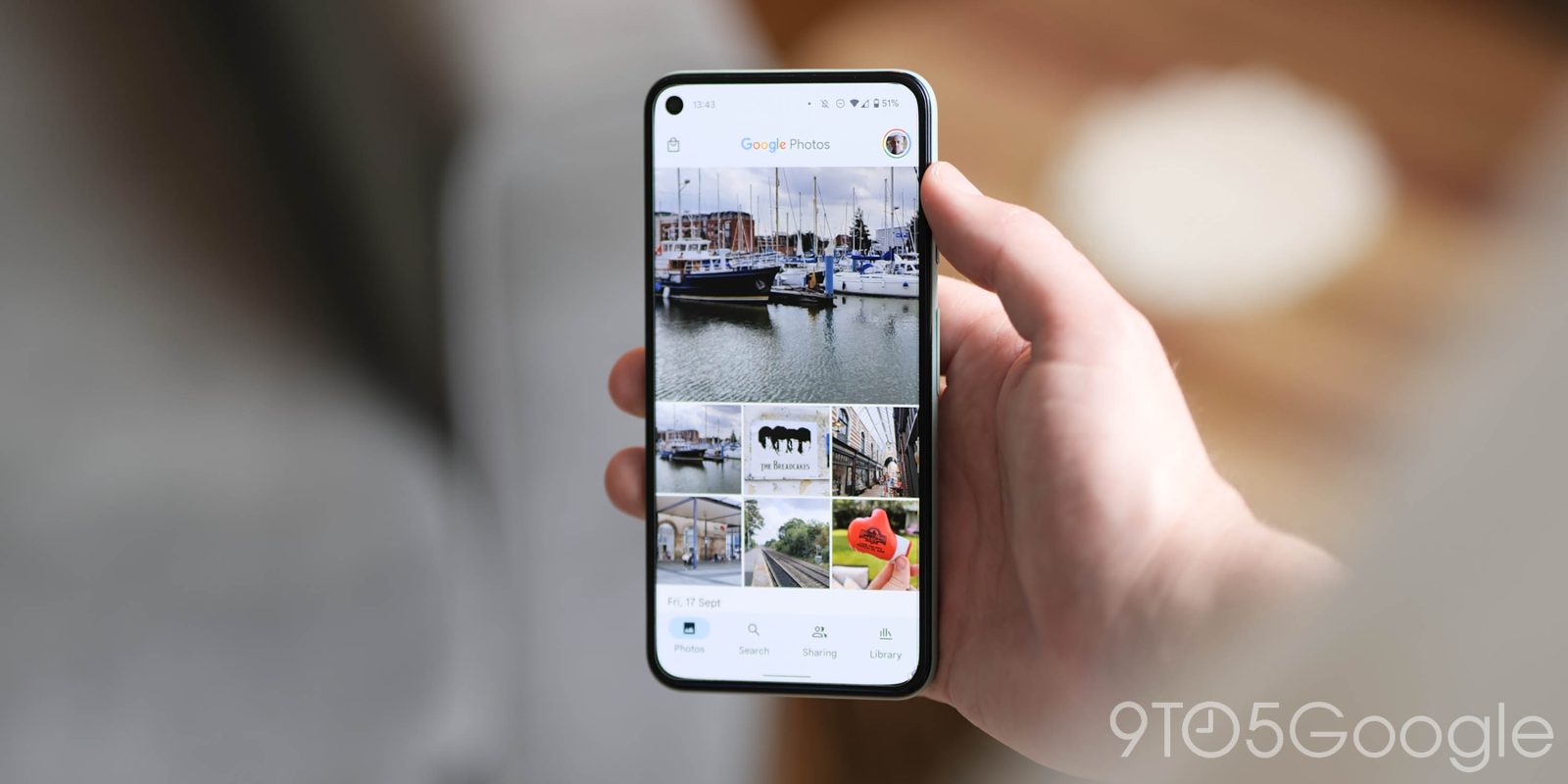
Google Photos is gaining more directly curated holiday-themed Memories collections to help you reminisce about previous celebrations.
Expand Expanding Close
Following Gmail last week, Play Books, Google Photos, and YouTube Music are set to get new widgets on Android.
Expand Expanding Close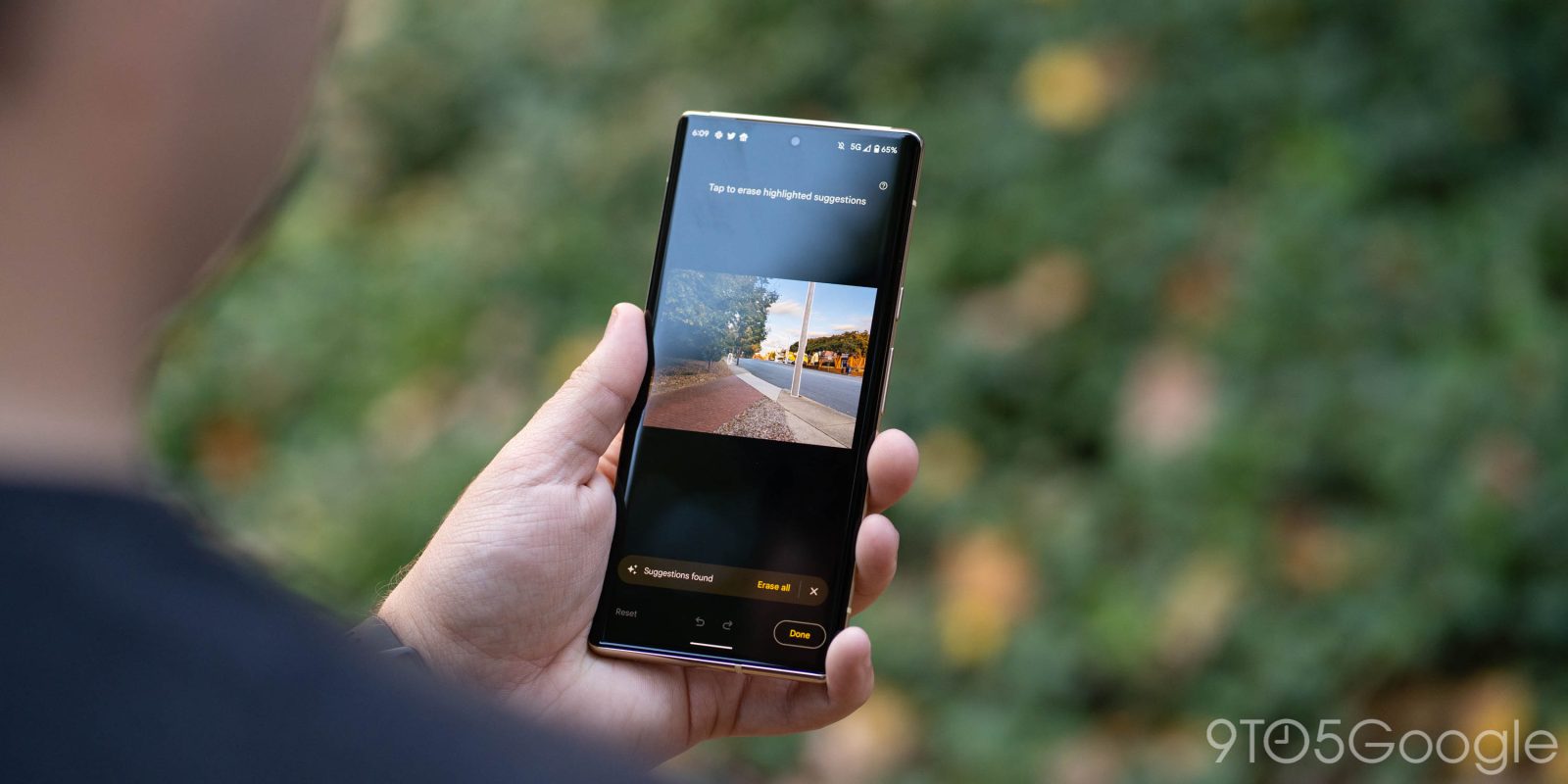

One of the exclusive Pixel 6 features that’s gathered a lot of attention is Magic Eraser. As fun as it is, though, it depends on specific releases of the Google Photos app, and the latest Photos update on Pixel 6 seems to remove Magic Eraser from the app entirely.
Expand Expanding Close
With last year’s Pixel phones, Google introduced new machine learning-powered editing tools that later came to all Android devices with Google One. iOS users with a One subscription now have access to those new filters in Google Photos.
Expand Expanding Close
Google is all-in on Rich Communication Services (RCS) as its main consumer messaging strategy. That said, Google Messages is working on the ability to have video usually sent over MMS be sent using Google Photos instead.
Expand Expanding Close
The Google Photos “Your memories” widget introduced in August is set to get a Material You upgrade that will let you customize the shape, just like in the Pixel 6 promo videos.
Expand Expanding Close
Introduced earlier this year to Pixel phones, the “Locked Folder” feature in Google Photos adds an extra layer of security to your most sensitive captures. Soon, the Google Photos will add support for Locked Photos on iOS devices, too.
Expand Expanding Close
Following the Nest Hub, the “Memories” carousel will soon be available in Google Photos on the web to let you feel nostalgic “no matter what device you’re on.”
Expand Expanding Close
Google Photos and Assistant Smart Displays are the perfect combination of hardware and software. That requires setting the appropriate clock today, but the Google Photos integration is getting deeper, with Memories soon set to appear in the Nest Hub “Your day” tab.
Expand Expanding Close
Google Photos has now added the ability to edit the time and date of when an image or video in your library was taken directly from your Android phone.
Expand Expanding Close
Back in June, Pixel phones were the first to receive the ability to secure images and videos behind a passcode. Google today confirmed that the Locked Folder in Photos is set to soon arrive on all other Android devices.
Expand Expanding Close
With the launch of iOS 15 and iPad OS 15, Google announced a handful of app updates to support the latest platform features today. This includes new XL widgets, Focus mode, and Spotlight support.
Expand Expanding Close
Google Photos may cost more now, but it still remains one of the best backup services out there for clearing storage on your phone and backing up your photos and videos to the cloud. Now, the Google Files app can automatically delete media from Pixel smartphones that has already been backed up with a feature called “Smart Storage.”
Expand Expanding Close
Soft and hardcover photo books were the first Google Photos print product, and the lineup has since expanded to several other offerings. Google Photos is now letting you get prints in more sizes and as a delivery instead of having to pick them up in a store.
Expand Expanding Close
Google Photos auto-generated Memories collections are expanding at an increasing rate, and the “Like royalty” collection showcases large palatial properties and stately homes.
Expand Expanding Close
Google Photos is now surfacing another AI-generated album of images and videos as part of the “Best of Summer 2021” Memories collections.
Expand Expanding Close
As one of the best features of Google Photos and Pixel devices in general, Top Shot and the small portfolio of images captured before and after a shutter press enable you to get the finest image you might not have actually ended up with. A neat new Top Shot preview chip appears to be in testing within Google Photos that really does help find that perfect shot.
Expand Expanding Close
The ever-expanding Google Photos auto-generated Memories collections are expanding yet again with the addition of an “Ancient wonders” selection that features old architecture and natural rock formations.
Expand Expanding Close
NASA’s Perseverance landed on Mars six months ago and has been chronicling its mission with good imagery and video. Google is marking the anniversary with a very fun ad that imagines if the Mars rover used Google Photos.
Expand Expanding Close
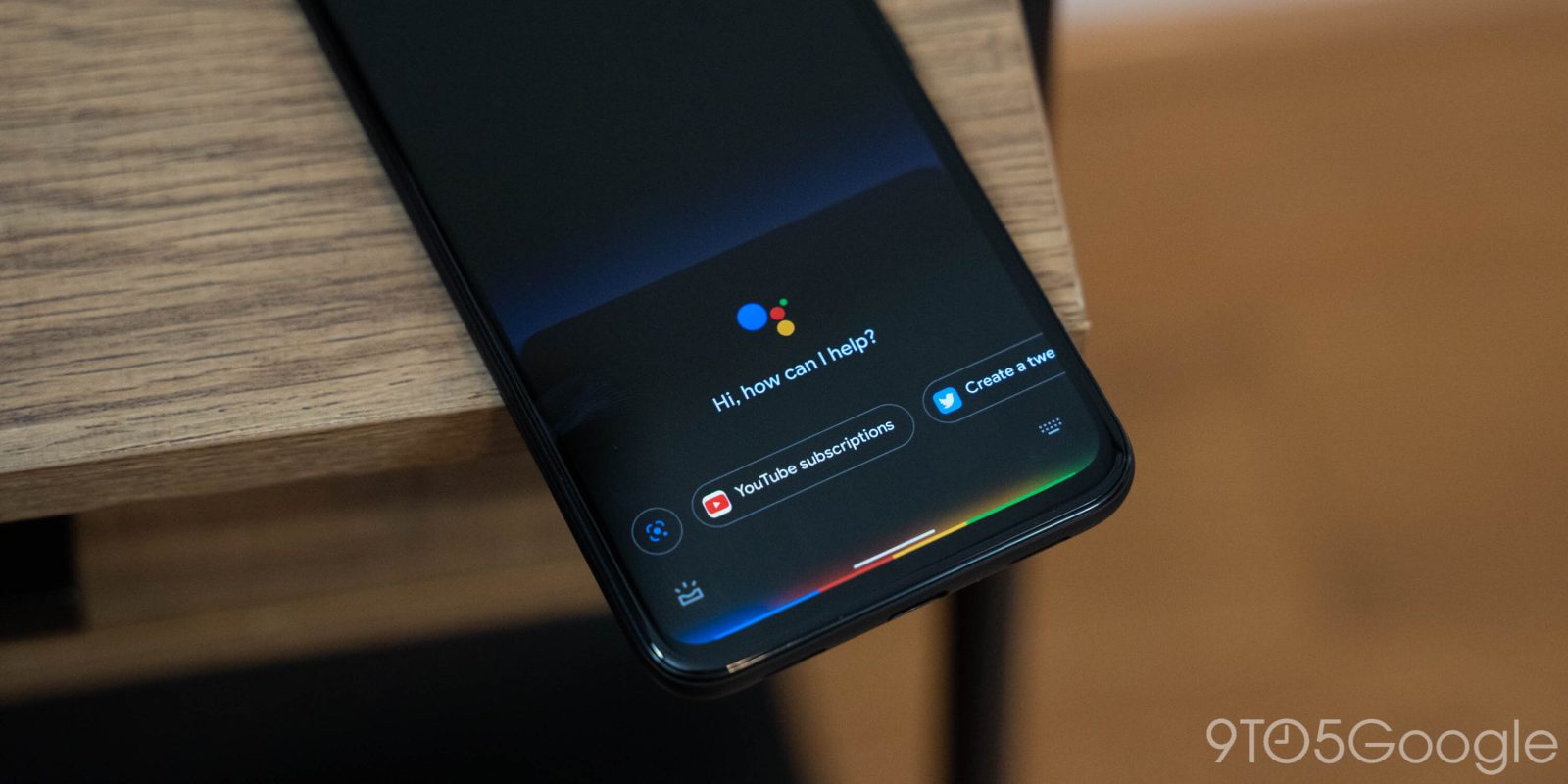
The Google Assistant preferences page allows you to sign in and select what services to use on Smart Displays and speakers. A small tweak today sees Google Assistant separate settings for “Photos” from “Videos.”
Expand Expanding Close
One of the best additions to Google Photos in recent years has — somewhat weirdly — been the Memories collections that add a bit of nostalgia to your day. While popular, it’s often hard to get to grips with where an image has come from, but an expanded menu now lets you quickly check all of the details and info of selected Memories within Google Photos.
Expand Expanding Close
Following iOS 14 last fall and Android 12 in the coming weeks, Google has a renewed focus on homescreen widgets, a UI element that it pioneered. One of the first revamped widgets to launch widely is “Your memories” for Google Photos.
Expand Expanding Close