Android 10


Android Q’s first beta makes a few changes audio lovers are sure to appreciate. For one, the always-on display on Pixel now shows the currently playing track. Along with that, however, Android Q has a new output switcher as well as revamped lockscreen album art.
There are a ton of minor changes that will go unnoticed in Android Q for a while, but one small change Google made shows off one strength of its new Pixel 3. In Android Q, new haptic feedback occurs while selecting text and it’s glorious.
There are a bunch of useful new features baked in Android Q as part of the Feature Flags menu. One of the most exciting, however, is a newly added screen recorder. Here’s how to turn on and access the built-in screen recorder on Android Q.
One of the biggest gripes I’ve had about Android over the years is just how slow the sharing menu is. Not long ago, Google mentioned that fixing the menu was a “big job,” but a priority for the company. Now, the first beta for Android Q is delivering a whole new sharing menu which is both faster, and a bit more useful too.

If you’re like me and treat your notification shade like a to-do list of things you’ll come back to later, you’ll know that sometimes the “newest” notification gets lost in a sea of recent ones with higher priority. Google has managed to solve this issue for Android Q in the simplest way possible, by adding a notification bell.
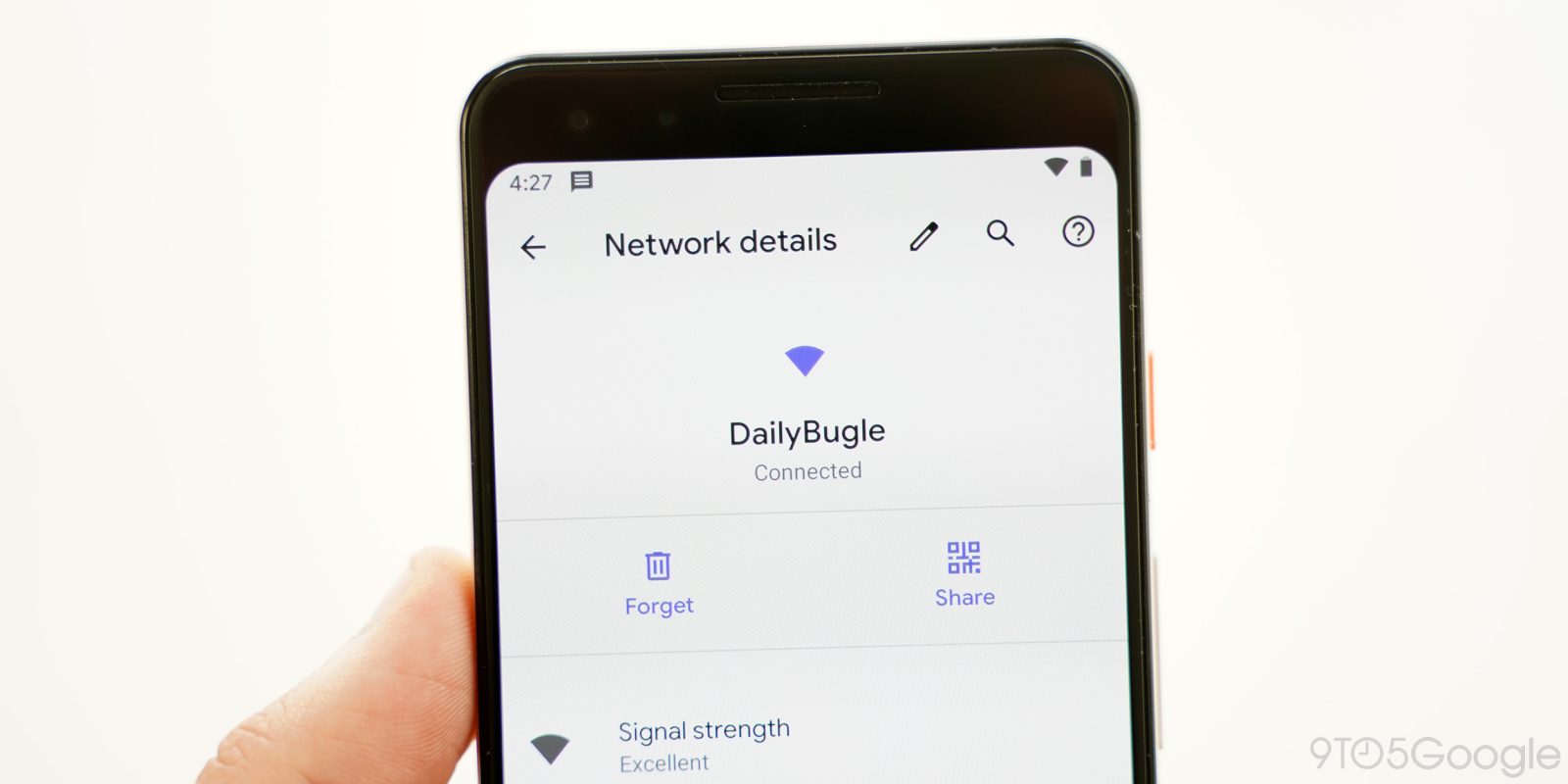
Among tons of other changes we’re finding in Android Q today, Google has revamped the Wi-Fi settings in a couple of big ways. Android Q brings “Easy Connect” to Wi-Fi with faster setup and sharing thanks to QR codes.
Expand Expanding Close
Every time a new beta version of Android comes out, it usually introduces something fun, and some annoying tweak we’ll have to get used to. In Android Q beta 1, Google has changed notifications to where they can only swiped away to the right.

Google announced the Android Q Beta this afternoon and it’s shaping up to be a big release even in its early form. There are already a number of functional and visual changes. We’re enrolling in the Beta Program and sideloading the OTAs right now to explore them all, but in the meantime, catch up on all the new features for apps and developers with our updating (reverse chronological) list below.
Now that Android Q is here and we’re digging into Google’s latest and greatest OS, there’s something really strange going on. In a twist, every mention of dark mode has disappeared from Android Q.
Android Q is here and the while the biggest focus is privacy, Google has also added some shiny new features to the OS as well. One of the first new things we’ve found while digging into Android Q is the arrival of theming.
Among the many surprises of today’s Android Q announcements, such as releasing later in the day than expected and skipping from Developer Preview right to Beta, came another welcome surprise for owners of the original Google Pixel and Pixel XL.
Google just launched the first beta today for the next version of Android, Android Q. Instead of launching with a developer preview, you can immediately get in on the action for Android Q with the official beta program, open now to each and every Google Pixel device. Here’s how to enroll.
Google this afternoon launched the Android Q Beta for all Pixel phones. Renamed from Developer Previews, this and future releases are considered “betas.” In total, there will be six updates starting today until the public release in Q3 of 2019.
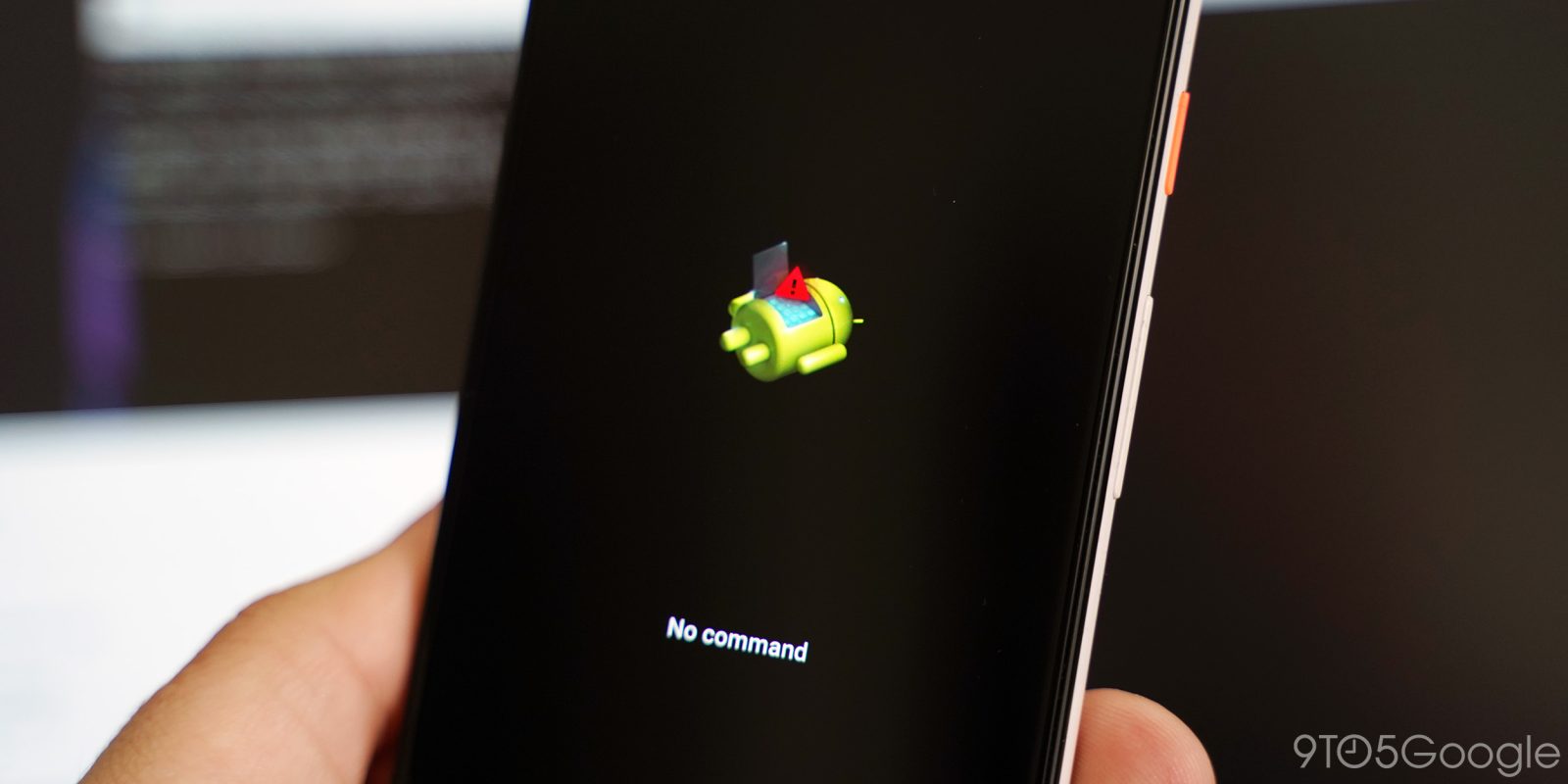
Google released the very first beta preview today for Android Q. If you want to give it a shot early, here’s how to sideload the Android Q beta on your Pixel 3, Pixel 3 XL, Pixel 2, or Pixel 2 XL.
For the fourth consecutive year, Google is providing an early look at the next major version of its mobile operating system. The Android Q Beta today reveals an improved permissions privacy that will publicly debut on consumer devices later this year.
Developer Previews allow Google to get feedback at a point in the development cycle when meaningful changes are possible. For Android Q this year, users can send feedback through the recently launched subreddit, bug tracker, and new Android Beta Feedback app.
Google last week transitioned the Android Beta community from Google+ to Reddit in likely preparation for Android Q. In recent weeks, signs have picked up, with the latest being Google opening the Android Q bug tracker, while the company last week discussed that more OEMs are joining the Beta Program.
Android Q has barely been mentioned by Google publicly at this point, but we’ve already been hands-on and more with the next version of Android. Now, before even a developer preview hits the scene, one developer has already successfully rooted a build of Android Q.
Last month, we covered the strong possibility of Android Q providing new APIs for RCS messaging to third-party app developers, based on some evidence in Android code. It appears that Google’s plans may have changed in the intervening month, according to a new commit.
Google’s Digital Wellbeing app, currently an exclusive to Pixel phones, allows you to set usage timers for your apps, which block you out of the app when they expire. A similar usage timer feature is coming for Android Q devices in Google Chrome’s first Digital Wellbeing integration.
Android 9 Pie introduced a new gesture navigation system that makes heavy use of a pill-shaped icon to go home, open the app drawer, and jump into multitasking. The latter replaced the Recents button, and Google might now be testing a way to remove the back button with Android Q.

While Safer Internet Day was on Tuesday, Google has turned the event into a week-long affair of new features and tools. Today, it is focusing on Android with Adiantum to bring encryption to low-powered devices like entry-level phones and other smart devices that don’t run on processors optimized for AES.
Android Q leaked earlier this month and confirmed a number of features like the system-wide dark mode and a renewed focus on privacy. We’ve since been able to get our own hands-on with Google’s next major operating system, and can reveal some upcoming functionality.
Benchmarks are usually hit or miss in terms of accurately revealing information about future devices. In terms of what’s coming next from Made by Google, the past few weeks have been populated with Pixel 3 Lite leaks. However, a “Google coral” device just emerged with unsurprising specs for a next-generation Pixel 4.