Stay up to date on news from Google headquarters. Be the first to learn about plans for Android, Google Plus, Google Apps, and more!
Stay up to date on news from Google headquarters. Be the first to learn about plans for Android, Google Plus, Google Apps, and more!



The AMP Project — to speed up and improve mobile web pages — is picking up steam since its announcement six weeks ago, and now we know that it’s expected to launch in an official capacity early next year. A bevy of new media organizations and ad tech companies have announced their support and commitment to the open source project, as well.


According to a recent filing with the FCC, Google is looking to test something with experimental radios that use a wireless spectrum in all 50 states and in Puerto Rico. The details on these tests are incredibly sparse at this point, but Google wants to start the process on January 1st and test for 24 months (via BI).


Keep up with the best gear and deals on the web by signing up for the 9to5Toys Newsletter. Also, be sure to check us out on: Twitter, RSS Feed, Facebook, Google+ and Safari push notifications.
Heads up! During Black Friday/Cyber Monday you’re going to have to follow us on Twitter to get the best deals since many sell out too quickly to post.
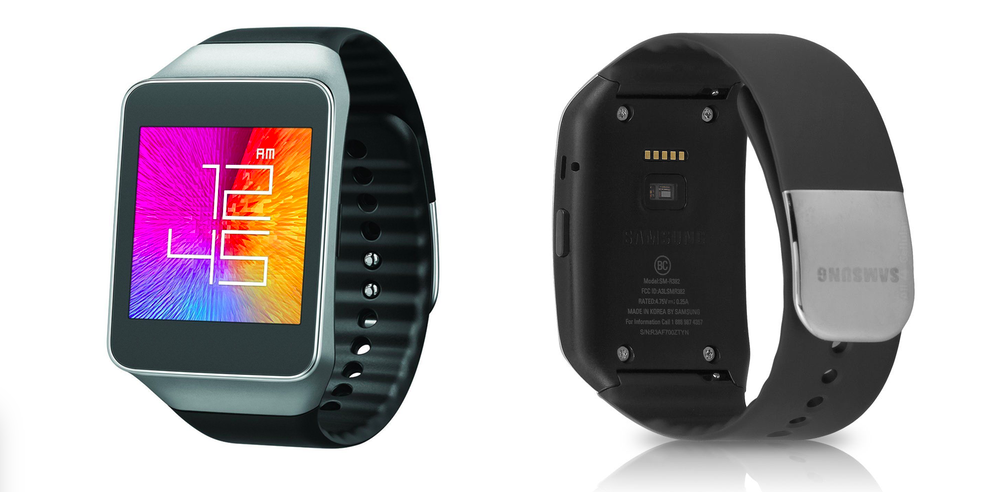
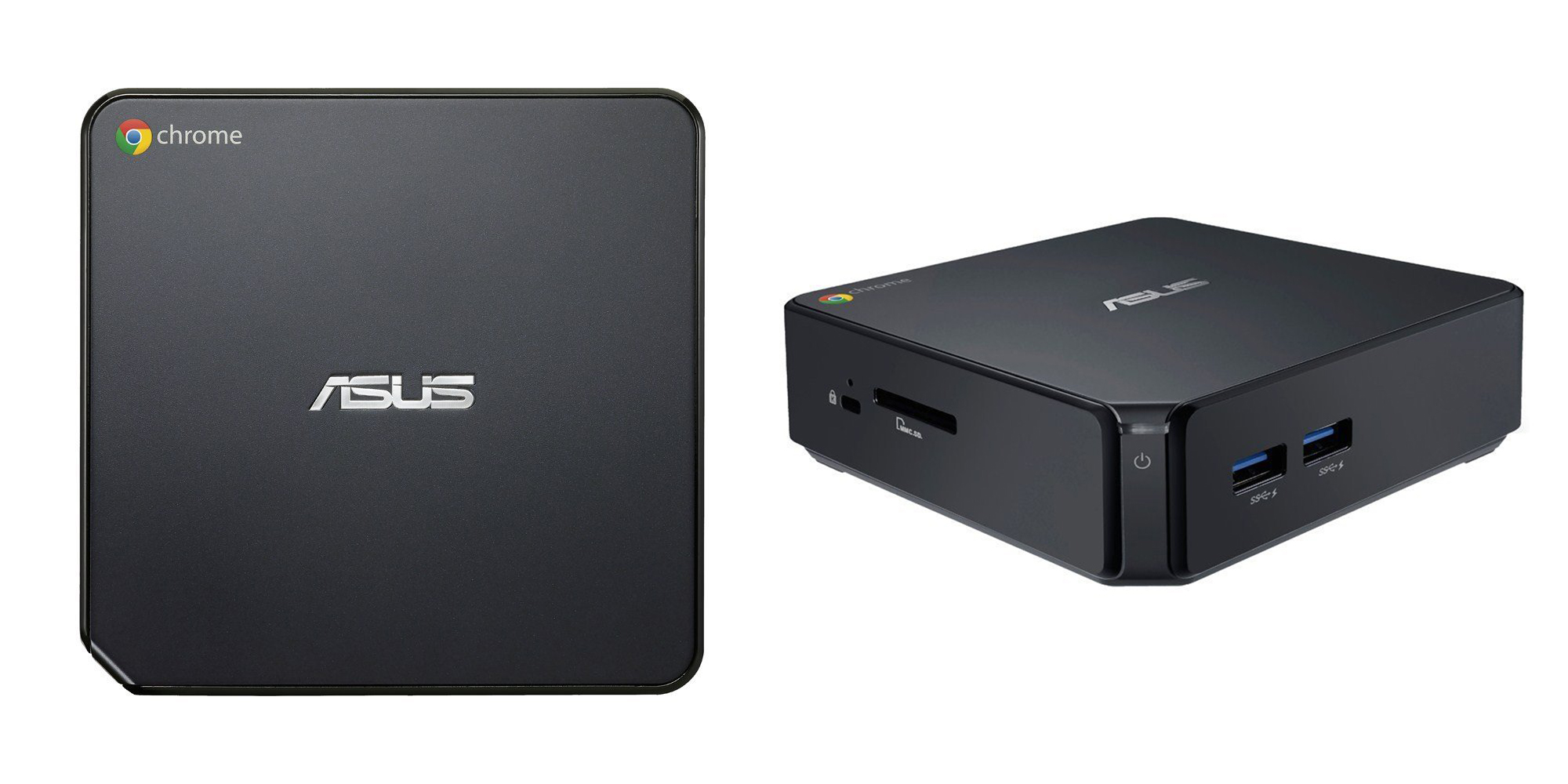


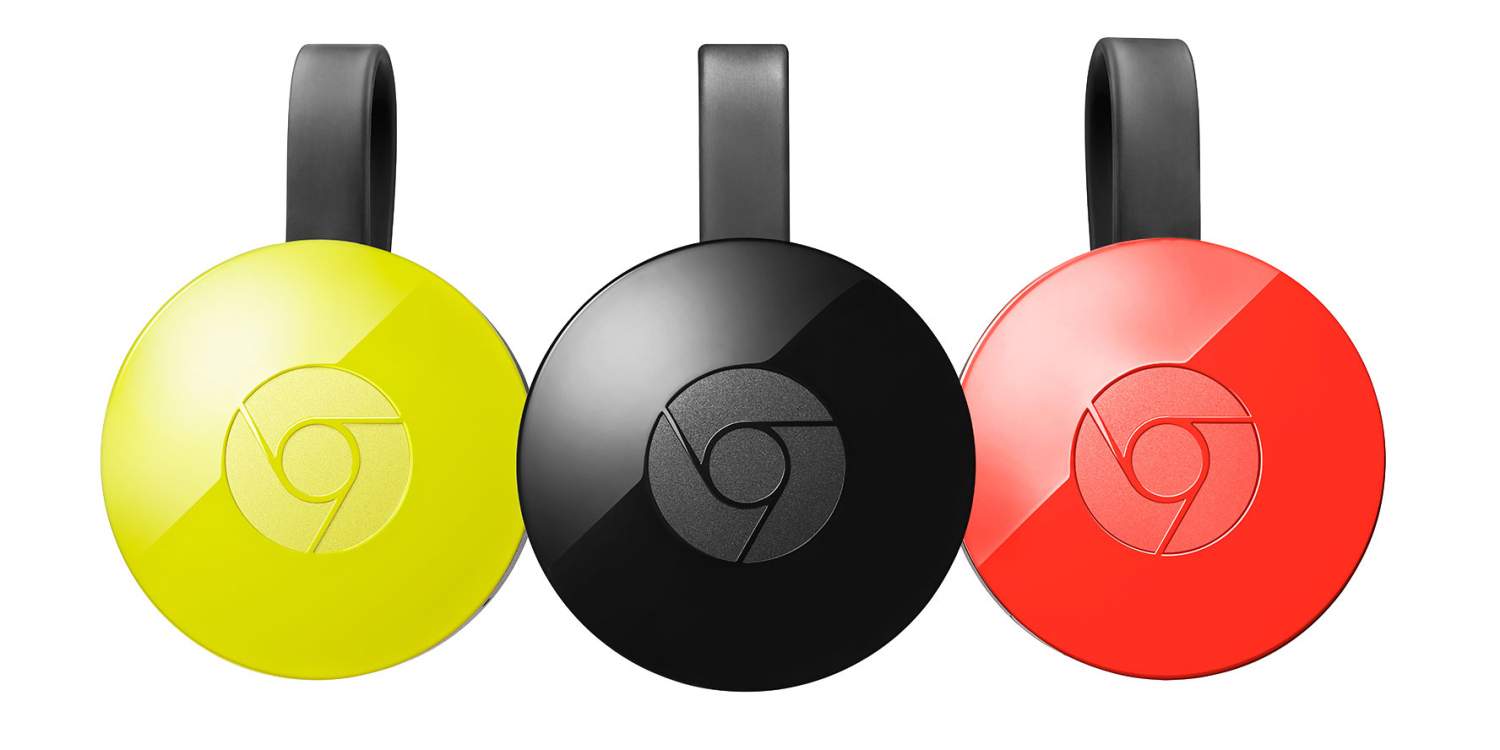
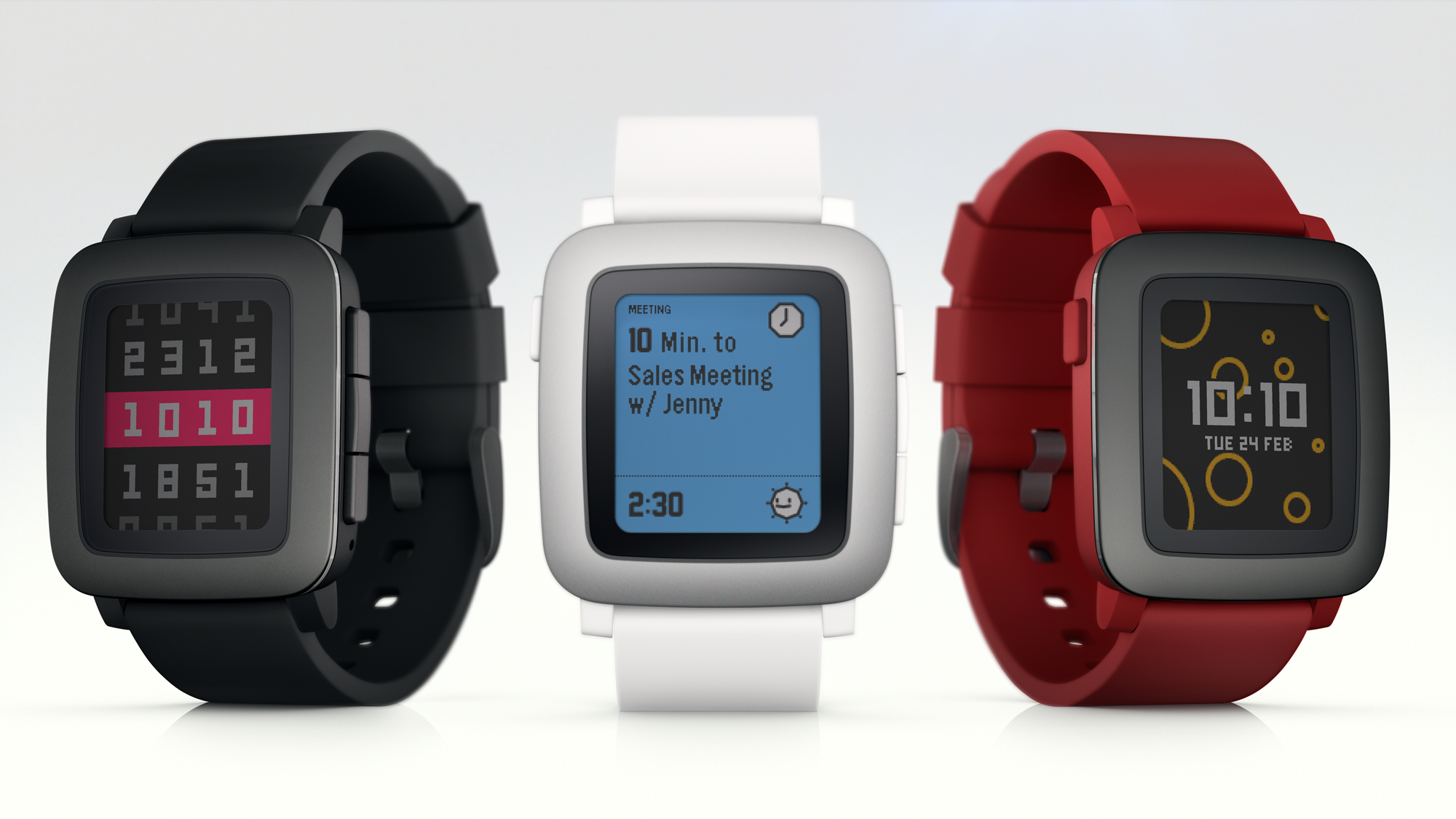

If you’re looking to buy some Google-y phones and tablets and laptops and smartwatches for your loved ones this holiday season, look no further. We’ve had our hands on most Android phones, Android Wear smartwatches, and Chromebooks to come out over the last 12 months, and now it’s time to decide which are the best of the best. Read on…
Expand
Expanding
Close
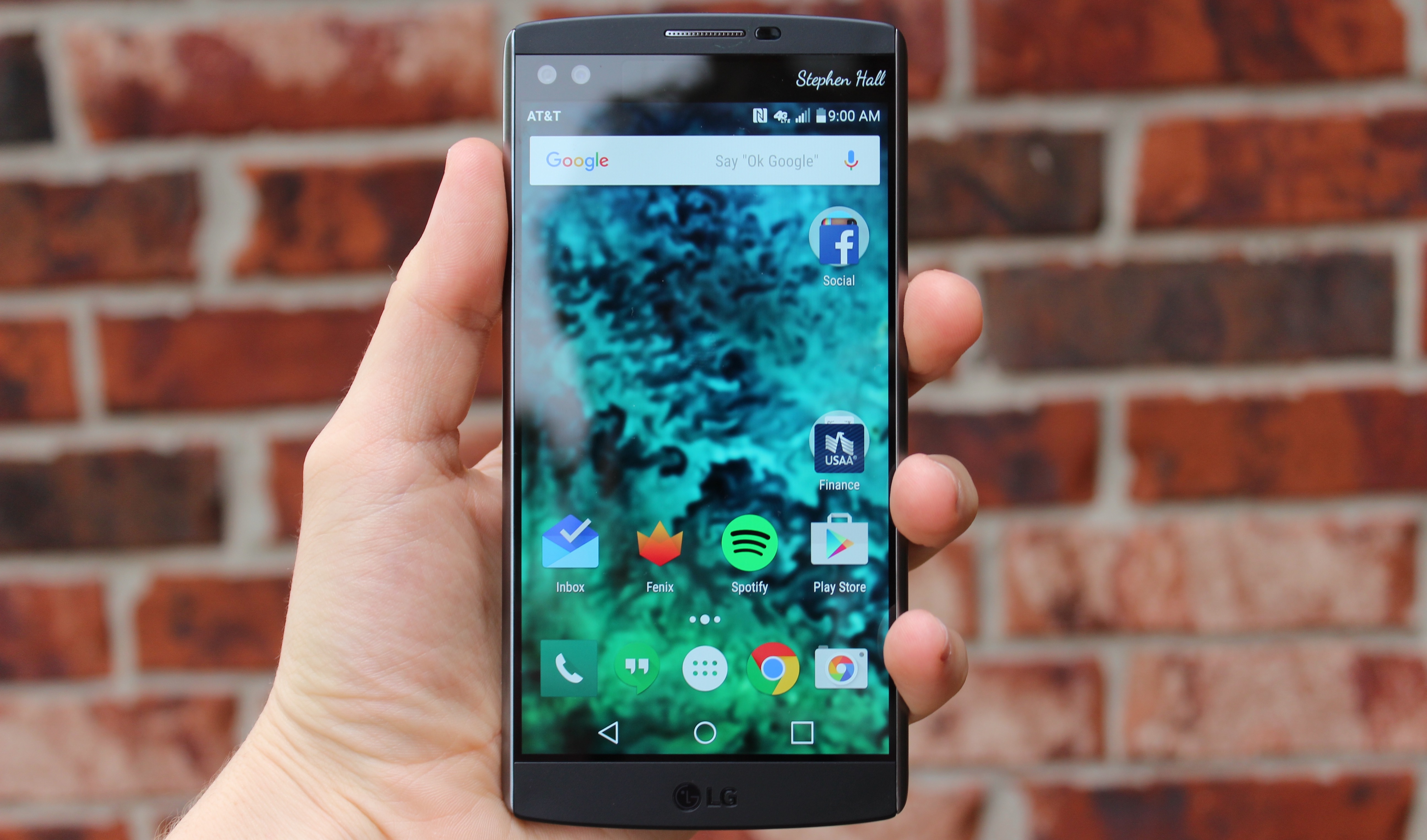
I used a Nexus 5X throughout most of October (and was very frustrated with it), but earlier this week the LG V10 showed up at my doorstep — and I just had to give it a shot for a couple weeks. Although my opinion may be skewed thanks to my less than joyful experience with the 5X, I actually found the LG V10 to be a contender for best handset I’ve used this year. It’s huge and heavy, yes, but at least for me, it’s more than feature-complete enough. And it’s especially great when you ditch LG’s software…
Expand
Expanding
Close


Google has today updated its Transparency Report with more examples of ‘right to be forgotten‘ requests it has received, stating in each case whether it accepted or rejected the request. This follows other examples last year of easy and difficult cases.
The cases make it clear that Google has to balance fairness to the individual against the wider public interest. For example, while it might agree to remove decades-old information about private individuals, it refused to do so for a public figure in Hungary.
A high ranking public official asked us to remove recent articles discussing a decades-old criminal conviction. We did not remove the articles from search results …

Over the weekend, executives from Yelp and TripAdvisor noticed that Google was pushing restaurant, or POI results from its services down in favor of its own. Neither of the popular location information services was particularly pleased to see it happening, but Google claims it was due to a “bug” and that it will be fixed…just as soon as possible!
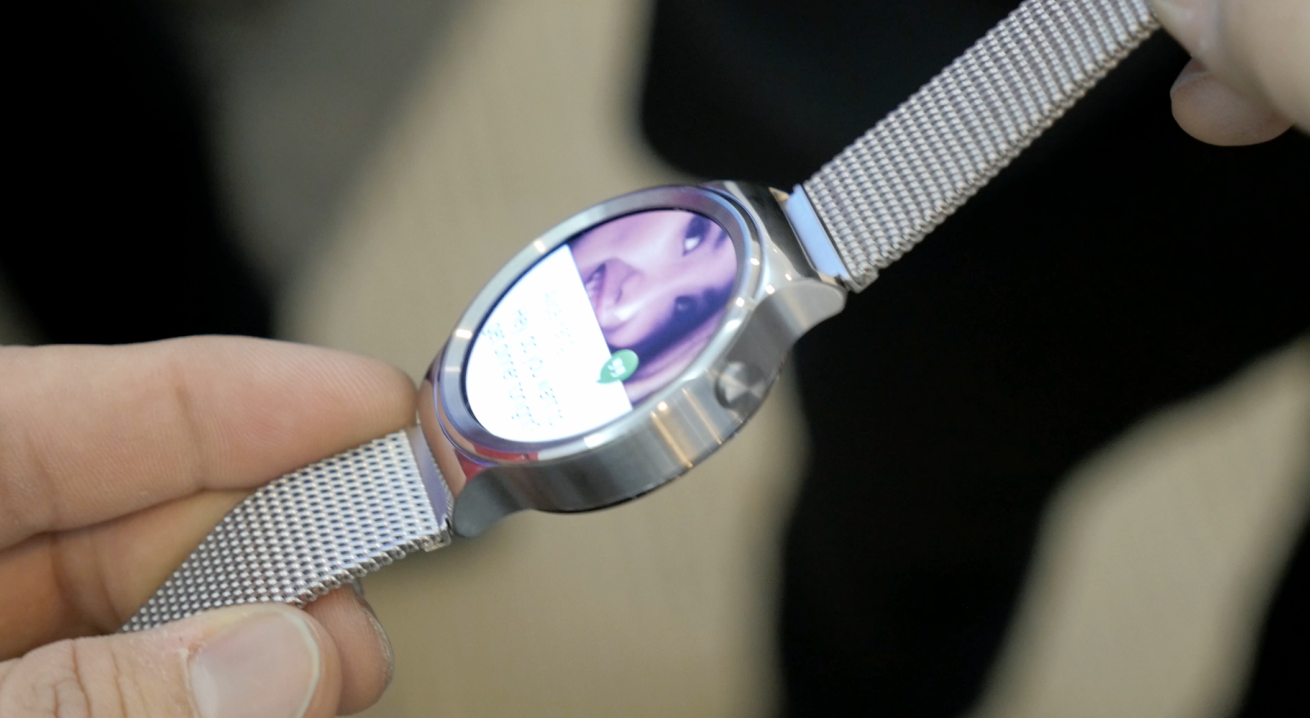
I’m in agreement with most that the Huawei Watch is one of the best Android Wear smartwatches of the year (and thereby one of the best smartwatches of the year, period), and now it’s getting a little better. According to a post on the Huawei Community blog, the device is now getting a minor maintenance release with optimizations all-around a new watch face, and a new app…
Expand
Expanding
Close

Owners of the recently-released Nexus 6P on Australian carrier Telstra have been complaining of sporadic 4G issues since the phone first launched, and now it appears (via Ausdroid) that these users are receiving an OTA update to fix these issues.
The update comes in at a solid 71.1 MB and specifically mentions improving “4G network connectivity for your Nexus 6P.” The build number is MMB29N, and the Android security patch level is still at November 1, 2015. Reports from Twitter suggest that the problems are indeed resolved.

You can download the OTA update directly from Google’s servers by clicking the link below, and info on how to install it can be found in our guide.
Google’s partnership with Lucasfilm and Disney to promote the new Star Wars movie has already seen everything from themed backgrounds in Gmail to an X-Wing marking your position in Google Maps, but the company is not done yet.
Searching for ‘a long time ago in a galaxy far far away’ leads to a great Easter egg, where the results are shown Star Wars intro style. It’s not just a dumb graphic, it’s the real search results, and each is clickable.
And there are Google Cardboard VR experiences (and custom viewers) coming soon …
Expand
Expanding
Close
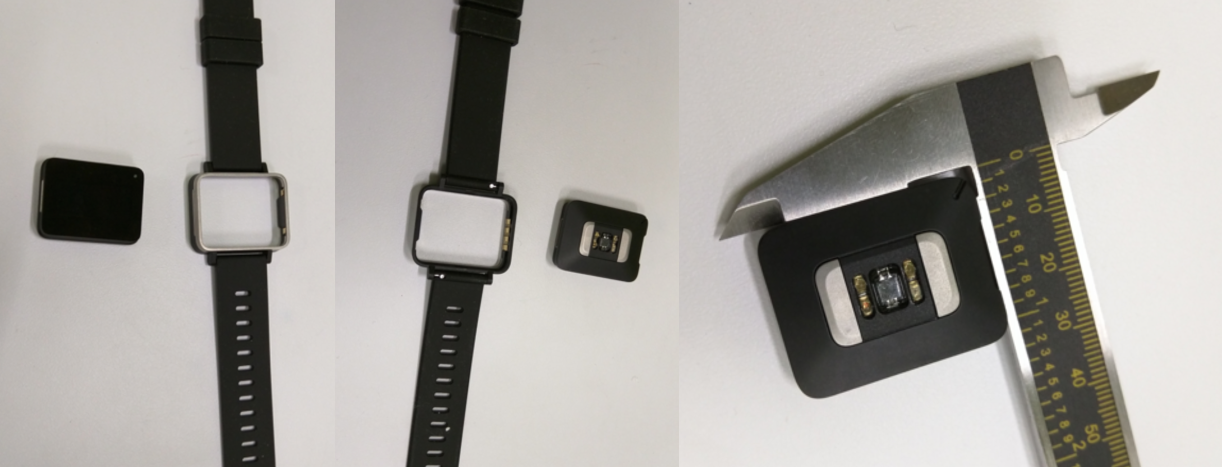
The then-under-Google X Life Sciences team made its “capicola” health tracker official in an interview with Bloomberg earlier this year, but until now we’ve only seen one stock image of the device. Andy Conrad, head of the life sciences team, was quoted at the time as saying that this device is to be used primarily for medical purposes, such as prescribed to patients or used in clinical trials. Now, we have another look at the device — which has the FCC ID A4R-CAP1 — in a little more detail…
Expand
Expanding
Close

The latest numbers in Google’s transparency report show that the search giant currently receives more than 65 million requests a month to remove links to pirated content – which works out at 2M per day, or 1,500 per minute.
That’s a doubling in number in a little over a year, the company reporting that takedown requests hit 1M in August 2014. Go back to 2011, and the numbers were measured in the mere hundreds.
Google introduced a new automated system last year designed to help fight piracy …
Expand
Expanding
Close
In an exclusive interview with TIME, Google’s chief software engineer Amit Singhal revealed that the company once developed a wearable product which works in a similar manner to the Communicator pin badges worn by the Enterprise crew in Star Trek: The Next Generation. The Bluetooth-connected lapel pin could be activated by a single tap and had a built-in microphone…
Google has gone all out and partnered with Lucasfilm and Disney to celebrate the upcoming Star Wars movie. Upon choosing the light or the dark side of the Force, users will begin to see their Google apps and services on the web, Android, and iOS become customized to reflect their pick…
Google has updated its Handwriting Input app to include five new languages. Now, customers who speak Arabic, Persian, Urdu, Hebrew and Burmese will be able to scribble words on to the input pad, instead of having to tap or swipe across the virtual QWERTY keyboard. By adding these five new languages, Google’s handwriting recognition tool now supports 82 languages from across the globe.
What’s great about the tool from Google is that, even if you have untidy handwriting, the software still seems to do a good job recognizing your scrawling and changing it in to text on screen. In most cases, it seems to understand what I’m trying to write, even though my scribbles aren’t the most legible. Google describes it as such:
Google Handwriting Input allows you to handwrite text on your phone or tablet in 87 languages. It supports printed and cursive writing, with or without a stylus. Google Handwriting Input also supports hundreds of emojis, so you can express yourself in any Android app.
Key features:
• A useful complement to touchscreen typing or voice input
• A fun way to enter emojis by drawing
• Useful for languages that can be challenging to type on a standard keyboard
• Works across your Android phones and tablets running Android 4.0.3 and up
• If you claim your handwriting is terrible, try it out and see if it can convince you otherwise
Google Handwriting Input version 1.5.1 is available to download for free from the Google Play Store and is compatible with any Android device running Android 4.0.3 or later.
A report by the UK’s telecoms and Internet watchdog Ofcom says that children are too trusting of what they find on the web, a surprisingly high percentage of them taking search results on trust, and unable to identify paid ads.
One in five online 12-15s (19%) believe information returned by a search engine such as Google or Bing must be true, yet only a third of 12-15s (31%) are able to identify paid-for adverts in these results.
The report found that the position was even worse with YouTube …
Expand
Expanding
Close

Sundar Pichai has taken to the Google for Work blog today to announce that Diane Greene, co-founder of VMWare, is taking lead of a newly-organized group at Google that combines the company’s cloud businesses. Besides the obvious Google Cloud Platform, this move pulls in Google for Work and Google Apps to make one integrated team…
Expand
Expanding
Close
Keep up with the best gear and deals on the web by signing up for the 9to5Toys Newsletter. Also, be sure to check us out on: Twitter, RSS Feed, Facebook, Google+ and Safari push notifications.
Heads up! During Black Friday/Cyber Monday you’re going to have to follow us on Twitter to get the best deals since many sell out too quickly to post.
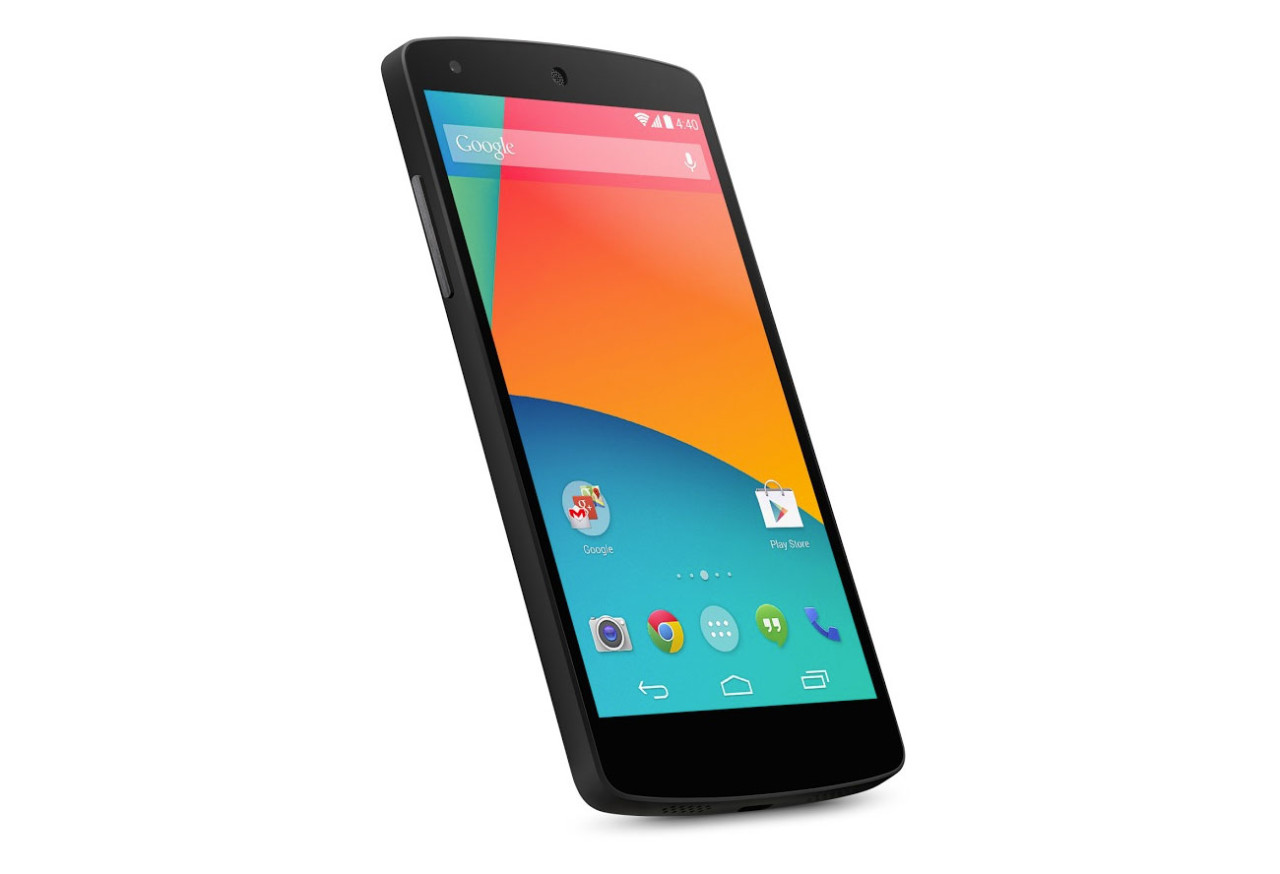
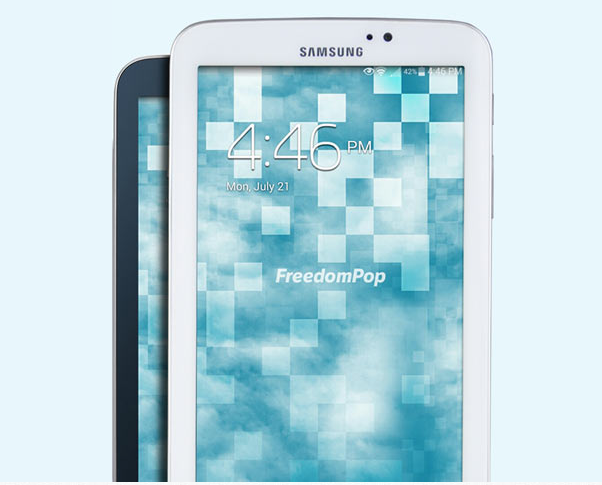
[tweet https://twitter.com/9to5toys/status/667440584332812288 align=’center’]
[tweet https://twitter.com/9to5toys/status/667354257641861120 align=’center’]
Android Studio 1.0
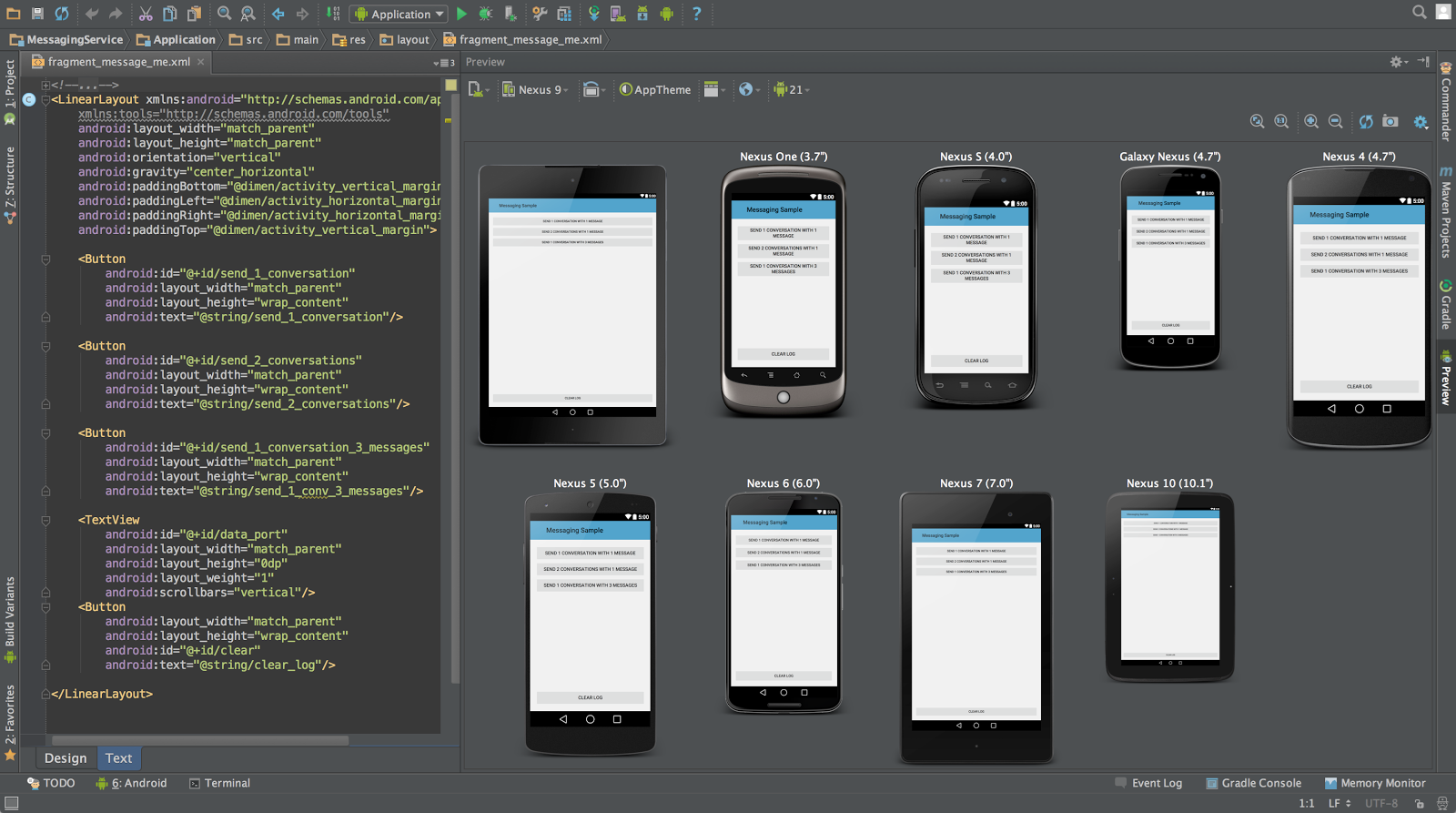
Last week we told you that Android Studio 1.5 became available in the beta release channel, and now Google has announced that it’s being pushed out to everyone. This release is “focused on delivering more stability,” Google says. Most of the upgrades here are under the hood.
Here’s a rundown of some of the bug fixes in this version:
You can check for updates within the app, or head over to the Android Studio site to grab a fresh version if you need it. Android Studio comes with the Studio IDE, the SDK tools, and the Android 6.0 platform and emulator.

Google over the past several months has spoken a lot about its ever-growing cloud business. It recently dropped prices across the board for its Cloud Platform, and now one Google executive believes the business will soon grow to outpace revenue brought in by the company’s ad division…
Google today is rolling out an update to its iOS app that brings the app to version 10.0 and includes a handful of visual changes. With today’s update, the voice search feature has been redesigned to be more inline with Google’s Material Design aesthetic, while the Google Now cards in the app are now organized in a much more straightforward way.

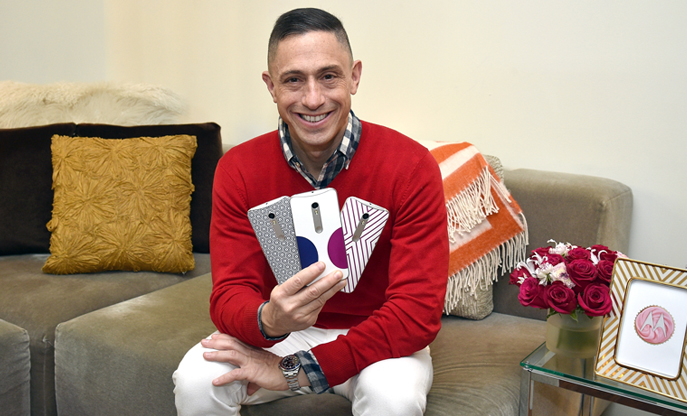
Well-known designer Jonathan Adler has put together a new Moto X Pure Edition collection, all intended to capture the “spirit” of Moto Maker. The designs most definitely also have a holiday feel to them, so they might make a great gift if you know someone panning for the latest Moto X.
This holiday season, Motorola has something for every style lover on your list, including an all new Moto X Pure collection designed by the iconic Jonathan Adler. The limited-edition collection features three eye-catching, stylish phones that Jonathan felt captured the spirit of Moto Maker, our online phone design studio.
The collection will be available for pre-order at Motorola.com/JonathanAdler beginning November 24, and will officially go on sale December 3 for $474.99 (32GB). To help round out the rest of your shopping list, we asked Jonathan to share his top holiday gifting tips for the style-obsessed friends and family in your life.
Here’s what the three new phones look like:

Google acquired app streaming startup Agawi earlier this year, and now it looks like the Mountain View company is putting their technology to good use. As of today, users will be able to stream certain apps straight from Google’s mobile search results. Google is also going to show “app-first” content (that without a web-based counterpart) in search results starting today as well…
Expand
Expanding
Close

The new Google+ interface is rolling out on the web today, and if you’re anything like me, you don’t have much patience for slow rollouts. I still hadn’t been prompted to click the “Let’s go” button and get the new layout, but luckily I stumbled on a way (via Sean S) to opt myself in without any wait time. Here’s how…
Expand
Expanding
Close