Basics

See All Stories

If you’re new to Android, Chrome, or anything related to Google, it can sometimes be a little difficult getting yourself familiar with the platforms. That’s why we created Basics!

Whether you’re looking for help changing your wallpaper, adding apps to your home screen, removing apps from your home screen, or just want to know how to set an alarm, we’ve got you covered.

All of our Basics guides can be found below, in the order they were published.

You can change the Galaxy S8’s navigation buttons to the standard Google layout

Site default logo image

The Galaxy S8’s Infinity Display is nothing short of impressive, but it wasn’t without some compromise, at least, if you view physical buttons as a good thing. To achieve it, Samsung had to ditch its signature button in favor of on-screen navigation, but it kept the same layout, which I dislike. Thankfully, you can change it to Google’s standard layout.


Expand
Expanding
Close

How to install Android O Developer Preview factory images on Pixel, Pixel XL, Nexus 5X, Nexus 6P, Nexus Player, and Pixel C

Site default logo image

Just like last year, Google decided to announce the upcoming version of Android well before the company’s developer conference this summer. Plus, just like last year, Google is giving developers (and anyone else with a compatible Pixel and Nexus device) the opportunity to test out a pre-beta build of Android O months before its official release.

If you have the Pixel, Pixel XL, Nexus 5X, Nexus 6P, Nexus Player, or Pixel C, there’s a build of Android O available for you to install prior to the update’s official unveiling later this year. Be aware however, that this is a very early build of the OS and is riddled with bugs, glitches, and overall performance jankiness. If that doesn’t sway you, though, keep reading…


Expand
Expanding
Close

Site default logo image

How to use Google Now on Tap screen search with Google Assistant

One of Google’s quietly fantastic products in the past few years was Google Now on Tap. While it didn’t prove to be something we used every day, its impressive screen search features come in handy. Google Assistant, though, replaces Now on Tap, and it makes this functionality just a bit harder to find,

But it is still there, so here’s how to find the Google Now on Tap screen search within Google Assistant.


Expand
Expanding
Close

Site default logo image

How to access Google Now cards with Google Assistant

Google Assistant is available on (or rolling out to) almost any Android smartphone at this point, and despite Google’s efforts to round out the experience of using Assistant, it’s still a jarring experience when coming from Google Now on Tap. Since the rollout started, one of the biggest questions I’ve seen is how to access Google Now cards with Google Assistant, so let’s take a closer look.


Expand
Expanding
Close

Site default logo image

How to enable the app drawer on the Honor 6X with EMUI 5.0

Despite its flaws, the Honor 6X is a surprisingly solid mid-range device. Its biggest flaw, though, is the software layer. Out of the box, the Honor 6X runs on top of EMUI 4.1, which is an undeniably poor experience, especially in the western world. Thankfully, that’s changing, and it solves a lot of problems with the phone. So, here’s how to enable the app drawer on the Honor 6X with EMUI 5.0


Expand
Expanding
Close

Site default logo image

How to add a Google Now gesture to Action Launcher 3

With the death of the Google Now Launcher just weeks away, many are looking for alternate options. Thankfully, there are several great ones available. However, there’s not a single launcher on Google Play that can truly replicate the Google Now Launcher’s best feature – a left swipe for Google Now. So, here’s how to add a Google Now gesture to Action Launcher 3.


Expand
Expanding
Close

Site default logo image

How to add a Google Now gesture to Nova Launcher

With the death of the Google Now Launcher just weeks away, many are looking for alternate options. Thankfully, there are several great ones available. However, there’s not a single launcher on Google Play that can truly replicate the Google Now Launcher’s best feature – a left swipe for Google Now. So, here’s how to add a Google Now gesture to Nova Launcher.


Expand
Expanding
Close

Site default logo image

How to set your home and work address on Google Home

giftguide_schoon_7_googlehome

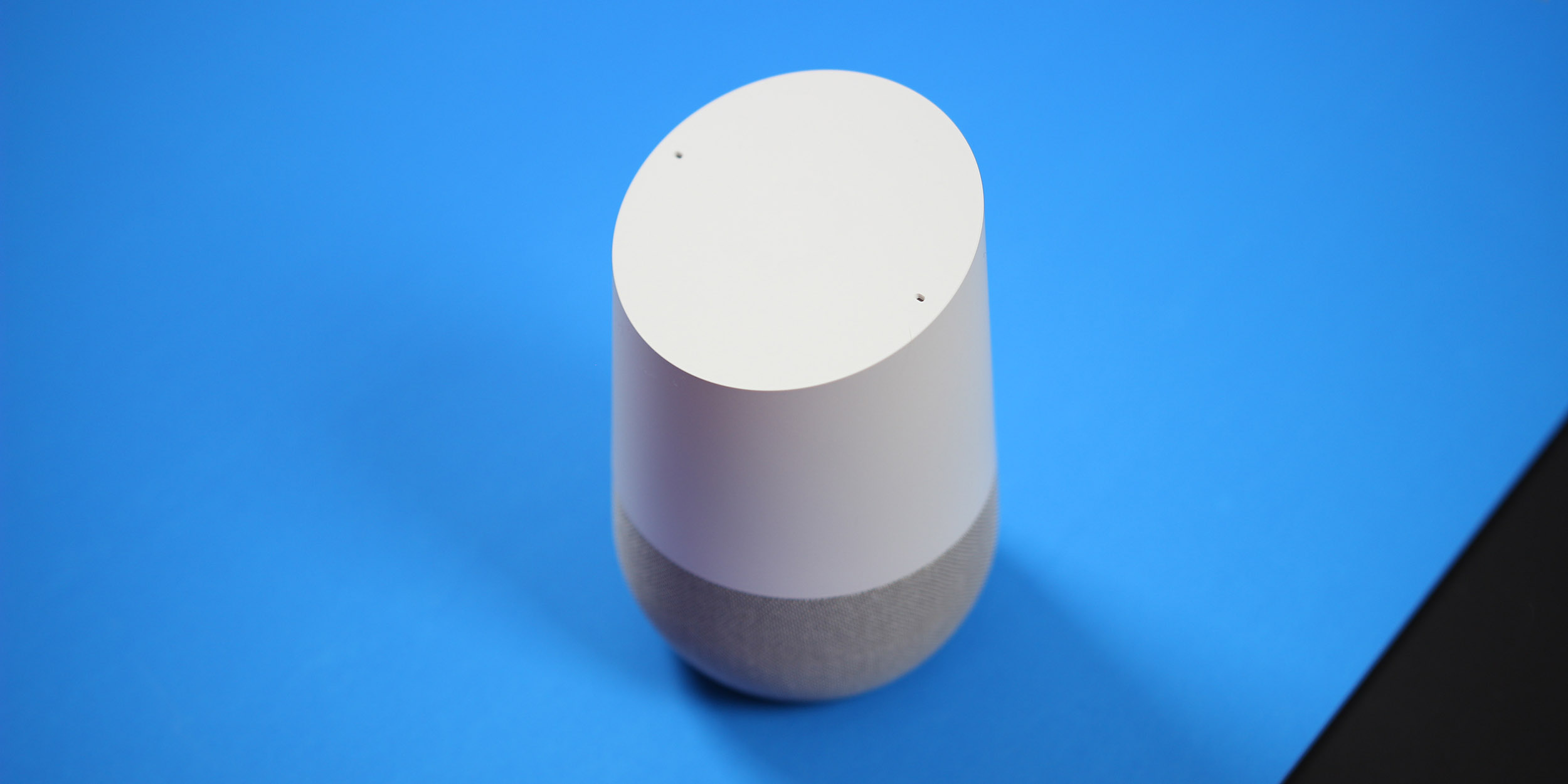
Google Home is a strong competitor to Amazon’s Echo, but there are definitely a lot of places where the two beat each other. For Google Home, one of the areas it beats the Echo is with its ability to give you location-based information. For example, the estimated time to drive to your favorite restaurant from home. To do that, though, you’ll need to set it up. So, here’s how to set your home and work address on Google Home.


Expand
Expanding
Close

Site default logo image

How to download, add, rearrange, and remove widgets on Google Pixel

Widgets have long been a hallmark feature for Android. When comparing the two major mobile platforms at face value, it has always been — at least until the most recent updates to iOS — easy to say that customizable widgets are one of the reasons you might want an Android phone over an iPhone. Well, widgets haven’t gone anywhere. They’re still around on Google’s new Pixel phone, and here’s how to manage them…


Expand
Expanding
Close

Site default logo image

How to set up ‘My Day’ on Google Home

One of the biggest use cases for any home assistant is when you first wake up. It can be used as an alarm, to turn on the lights, and if set up properly, it can even turn on the coffee maker. However, another feature that both Google Home and Amazon Echo have is the ability to help you get going in the morning. So, let’s take a look at how to set up the ‘My Day’ feature on Google Home.


Expand
Expanding
Close

Site default logo image

How to enable Daydream VR on any Android Nougat smartphone

Daydream is Google’s virtual reality platform that is only supported on a handful of phones. While this number will increase in time, not everyone has the money to purchase a brand new phone that fits Google’s strict requirements to be Daydream compatible. Thankfully, a workaround has been found that enables Daydream on any phone running Nougat…


Expand
Expanding
Close

Site default logo image

How to link your Netflix, Spotify, and Pandora accounts with Google Home

giftguide_schoon_7_googlehome

Entertainment plays a big role in what sets Google Home apart from its archenemy, the Amazon Echo. Where the Echo features stronger ties to the smart home, Google Home features the ability to connect with various streaming services, and even Google’s Chromecast ecosystem. However, you’ll need to set that up before using it. So here’s how to link your Spotify, Pandora, and Netflix accounts with Google Home.


Expand
Expanding
Close

Site default logo image

How to cast audio from your Android device to Google Home

There are a lot of fantastic aspects of Google Home, but one that commonly taken for granted is its built-in speaker. Not only is it loud and 360-degree, but it’s also a fairly high-quality speaker. Of course, this was by design as Google Home can be used with some streaming services such as Spotify, Google Play Music, Pandora, and YouTube Music. However, there are many apps that Google Home doesn’t natively support. Luckily, there’s a way around that if you have an Android phone.


Expand
Expanding
Close

Site default logo image

How to enroll in the Android 7.1.2 Beta Program

Google has announced that the next version of Nougat will be Android 7.1.2. While it doesn’t introduce anything major, it features performance optimizations and bugfixes. While a stable version of 7.1.2 won’t be available for a couple of months, Google is allowing customers with a Pixel, Pixel XL, Pixel C, Nexus 5x, and Nexus Player to join the Android Beta Program to test it out early…


Expand
Expanding
Close

Site default logo image

Android Basics: How to change launchers on the Google Pixel

The Google Pixel ships with the Pixel Launcher, but — as with any Android device — you’re not stuck with it if you don’t want to be. Actually, you have plenty of options, including Google’s own Now Launcher, Apex Launcher, Nova Launcher, and more. If you’re looking to find out how you might use one of these third-party home screen replacements, keep reading…
Expand
Expanding
Close

Site default logo image

Android Basics: How to perform a factory data reset & back up to Google Drive on Google Pixel

Sometimes things go wrong with your device, and the Google Pixel is no exception. One way to remedy many issues is to do a Factory data reset. While this definitely shouldn’t be your first course of action when having trouble with your phone (be sure to check our Android Basics guide for that!), it’s a good last-resort if you think you might need to send your phone in for repair. Sometimes your problem could be as simple as a software glitch…


Expand
Expanding
Close

Site default logo image

How to download Netflix content to your microSD card or USB-C storage

One of the newest features to come to the Netflix application on Android is the ability to download content for offline playback. This is useful so you can watch your favorite TV shows or movies without using your data. With the release of version 4.13, you can now download content to an SD card if your phone or tablet supports it…


Expand
Expanding
Close

Site default logo image

Android Basics: How to customize Quick Settings tiles on Google Pixel

Quick Settings can be helpful, but sometimes there are some buttons sitting around that you just don’t use all that often. Thankfully, the latest version of Android, which the Google Pixel ships with, conveniently allows you to rearrange your Quick Settings tiles from the notification shade…

Note: The basics of this guide should apply to most Android Nougat phones, although some details may not be entirely accurate.


Expand
Expanding
Close

Site default logo image

Android Basics: How to rearrange your homescreen on Android TV

Google’s Android TV platform hasn’t seen too much adoption, but with the addition of Google Assistant later this year and fantastic hardware like the Nvidia Shield TV, Xiaomi Mi Box, and LeEco 4K HDR TVs, the future of the platform is looking bright. Android TV is a very flexible OS, but the homescreen is one of the more restricted. The layout is pretty standard across devices, but one thing you can change up is the way your homescreen is organized.


Expand
Expanding
Close

Site default logo image

Android Basics: How to sideload an APK

Android applications are made up of many different files which are then compressed into a format called ‘APK.’ Typically, developers then upload these files to the Google Play Store and then users can download them. This usual method hides all of the technical work in the background.

Sometimes, though, you might want to install an app that isn’t in the Play Store. The steps below will walk you through the process of setting up your device to install APKs…


Expand
Expanding
Close