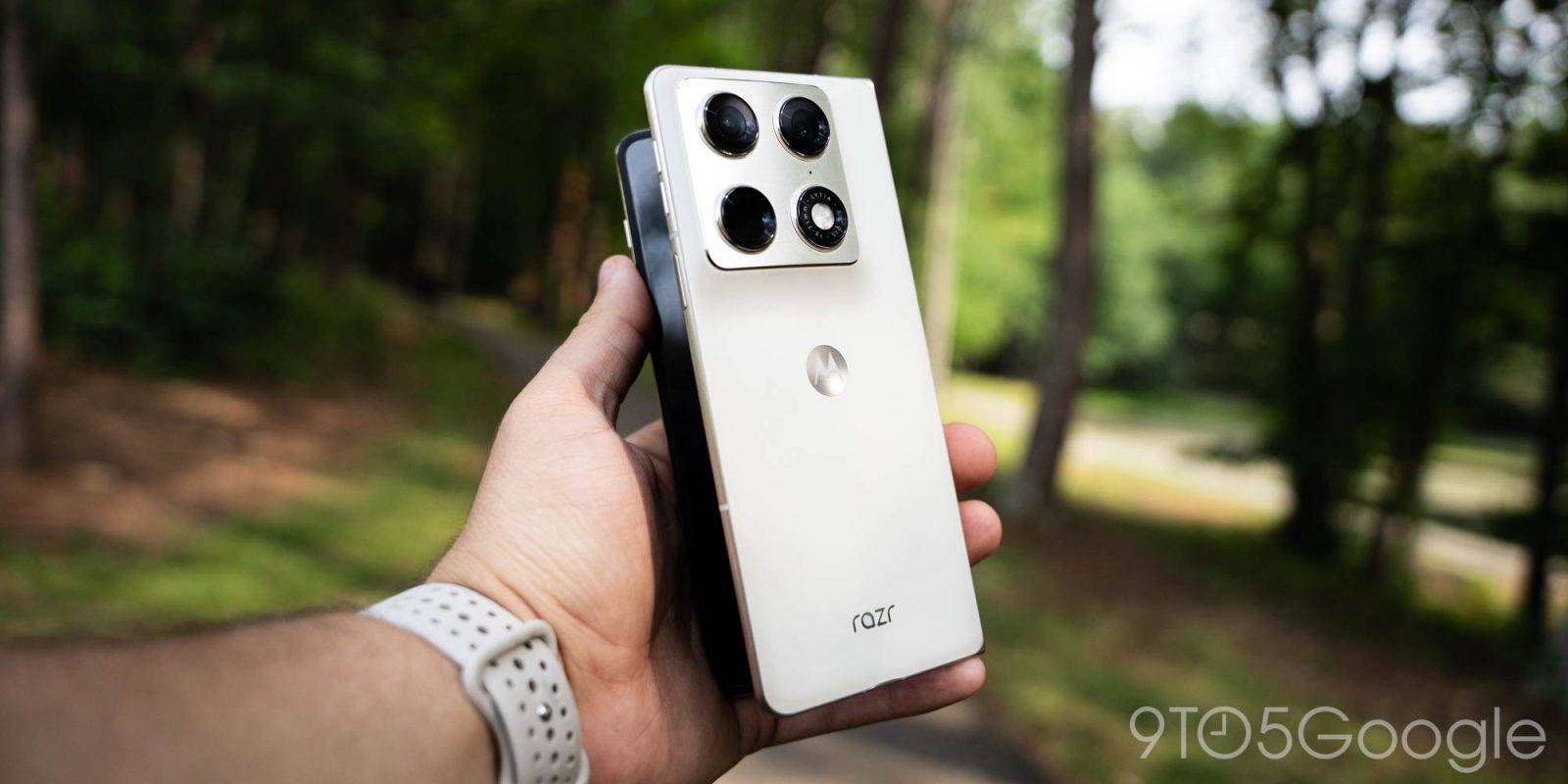
Motorola Razr Fold Review: Shockingly great, but is it too late?

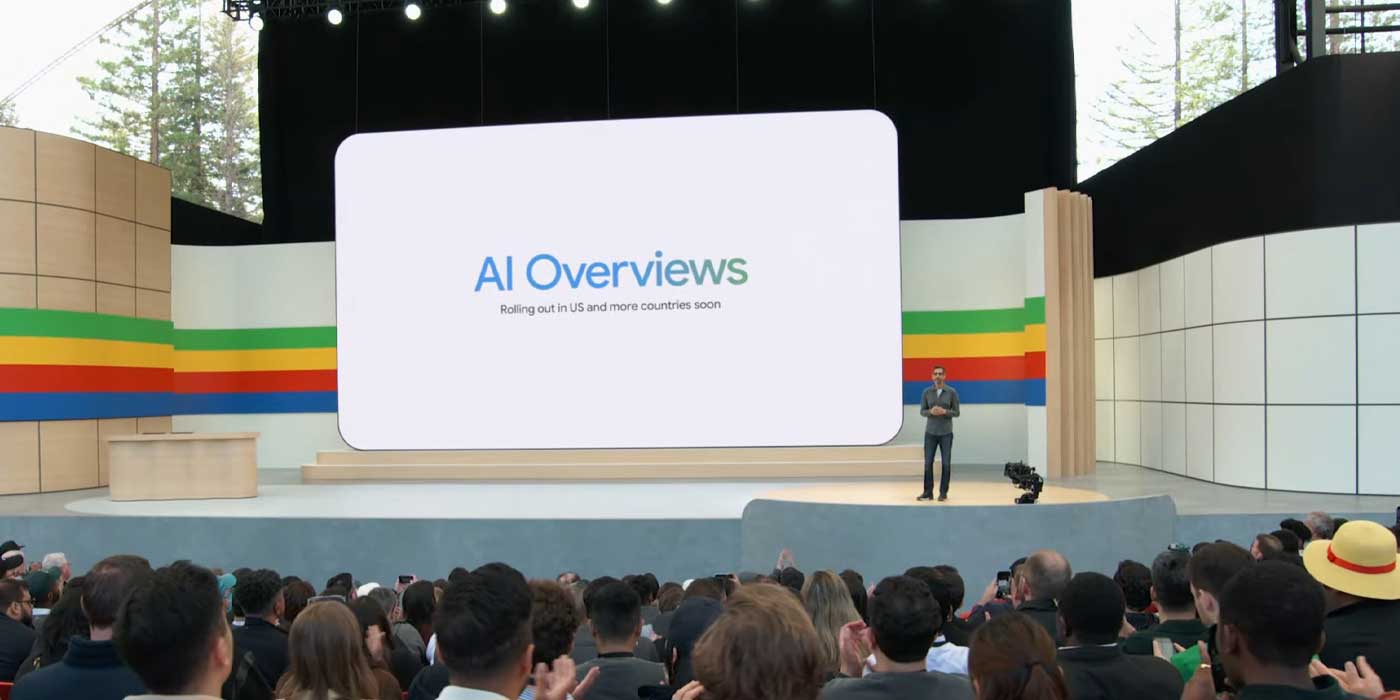
As the first big announcement of I/O 2024 this week, Google revealed that AI Overviews – formerly the Search Generative Experience (SGE) – are now rolling out to the general public. But since its initial debut a year ago, AI Overviews in Search don’t seem to be as prevalent as they used to be.
Expand Expanding Close
On-device AI is a big priority for Android going forward, and Google shared more developer resources at I/O 2024.
Expand Expanding Close
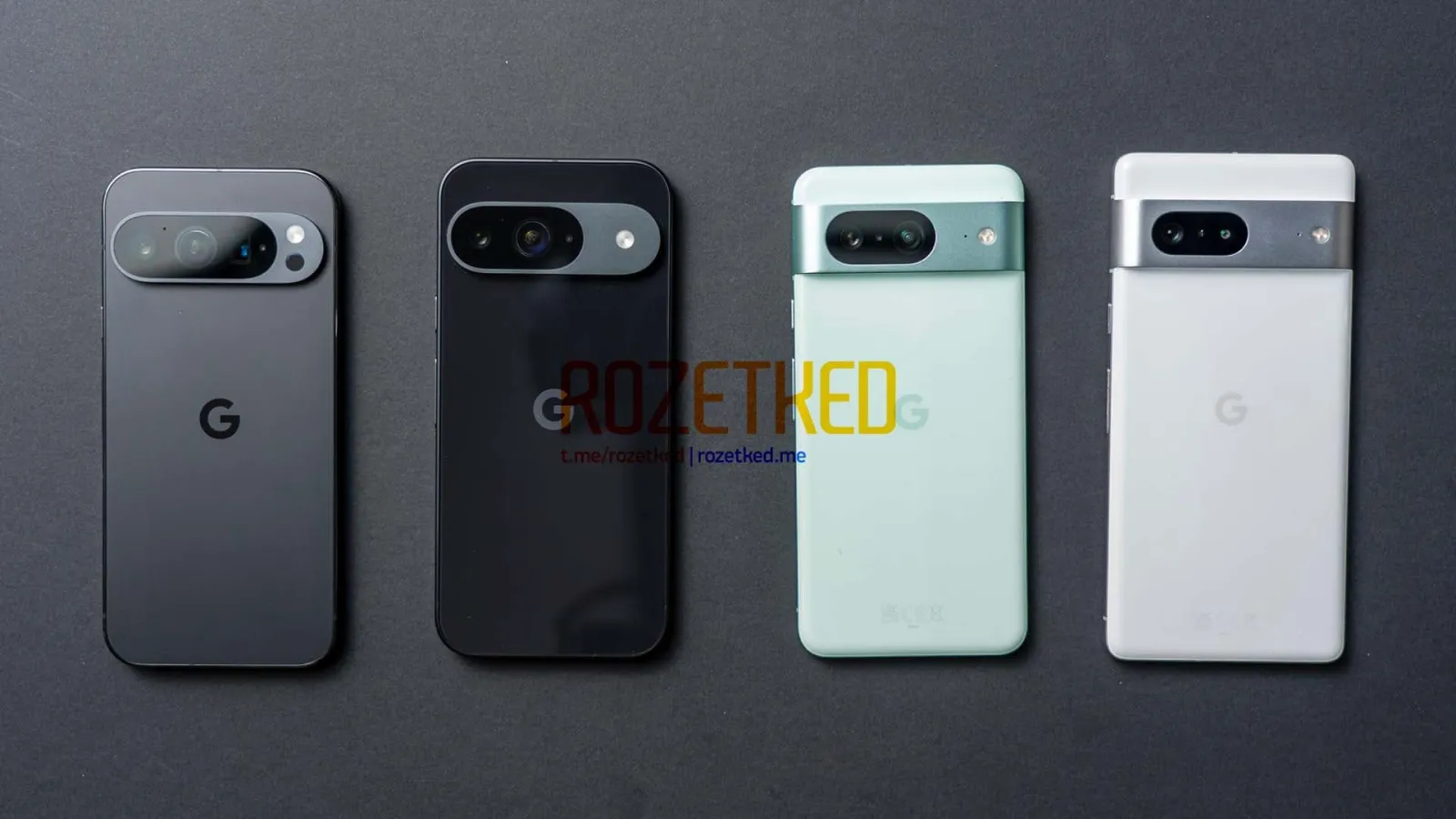
Color codenames for upcoming Google devices often leak far in advance of official assets or live images. Going hand-in-hand with the wallpapers today is a look at the colors for the Pixel 9, Pixel 9 Pro, Pixel 9 Pro XL, and Pixel 9 Pro Fold.
Expand Expanding Close
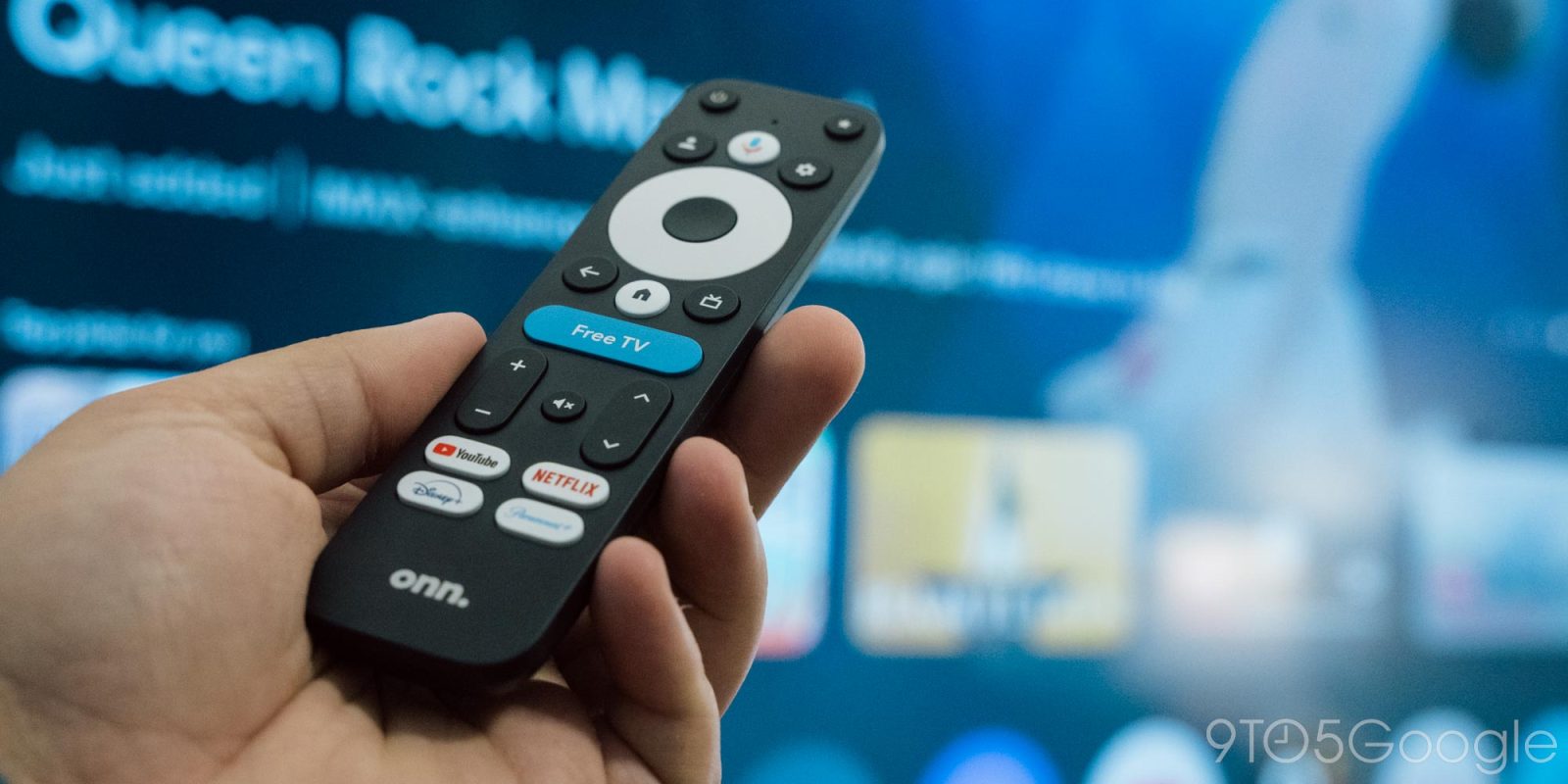
In the messy launch of its “Pro” Google TV box, Walmart has now confirmed that the backlit remote that appeared in some early purchases won’t actually come with all orders.
Expand Expanding Close
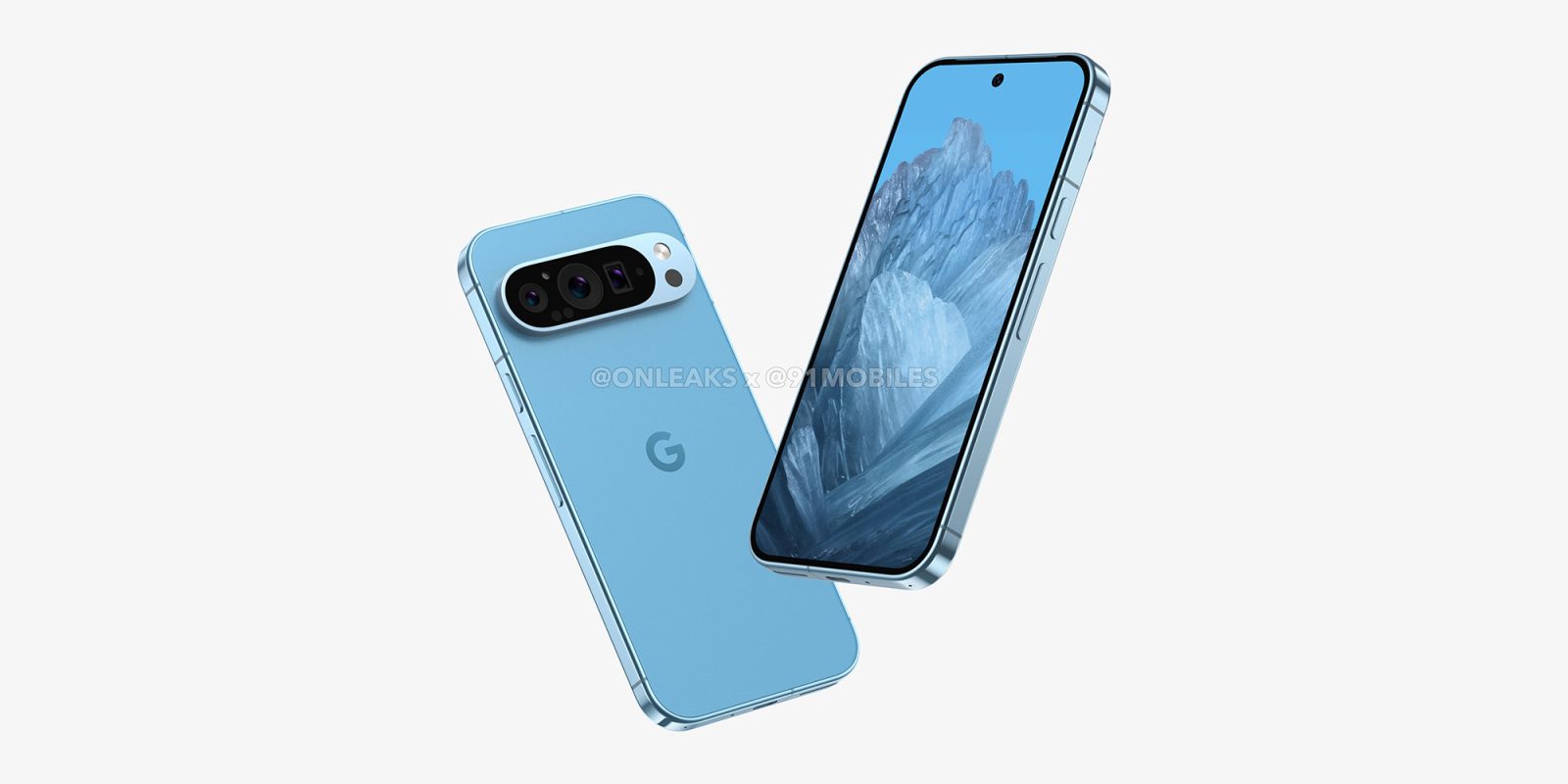
Ahead of their expected launch later this year, the wallpapers for the entire Google Pixel 9 series have leaked with a new “Swirling Petals” theme, and hinting at the color variants available.
Expand Expanding Close
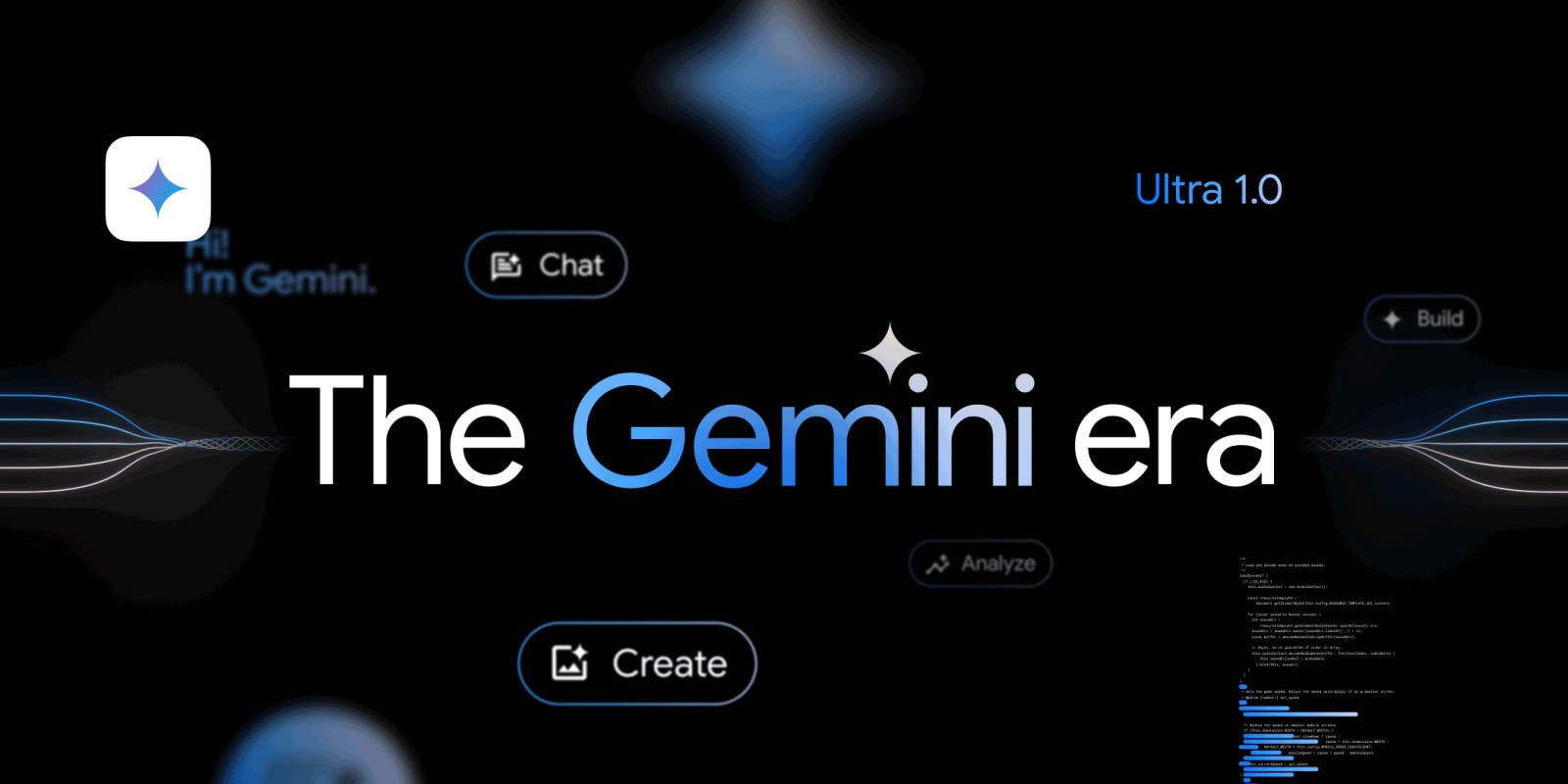
Since I/O 2023, Gemini has become the name for all of Google’s AI features. Amidst the Gemini product updates this week, Google officially explained the origin of that name.
Expand Expanding Close

Audio Emoji was officially announced with the Pixel 8a, and it’s now seeing wide availability in the Phone app on Google devices.
Expand Expanding Close

After rolling out to Android in December, YouTube Music’s gradient background redesign of Now Playing is now live on the iPhone.
Expand Expanding Close

Welcome to the tenth episode of Pixelated, a podcast by 9to5Google. This week, it’s a short one — you’ll see — about Google I/O 2024.

Google’s Android Automotive software has been adopted by many carmakers for the EV era, but it tends to vary between different brands. This week Google and Rivian confirmed to 9to5Google that the EV-maker uses Android Automotive as the base of its software experience, something that was previously not known.
Expand Expanding Close
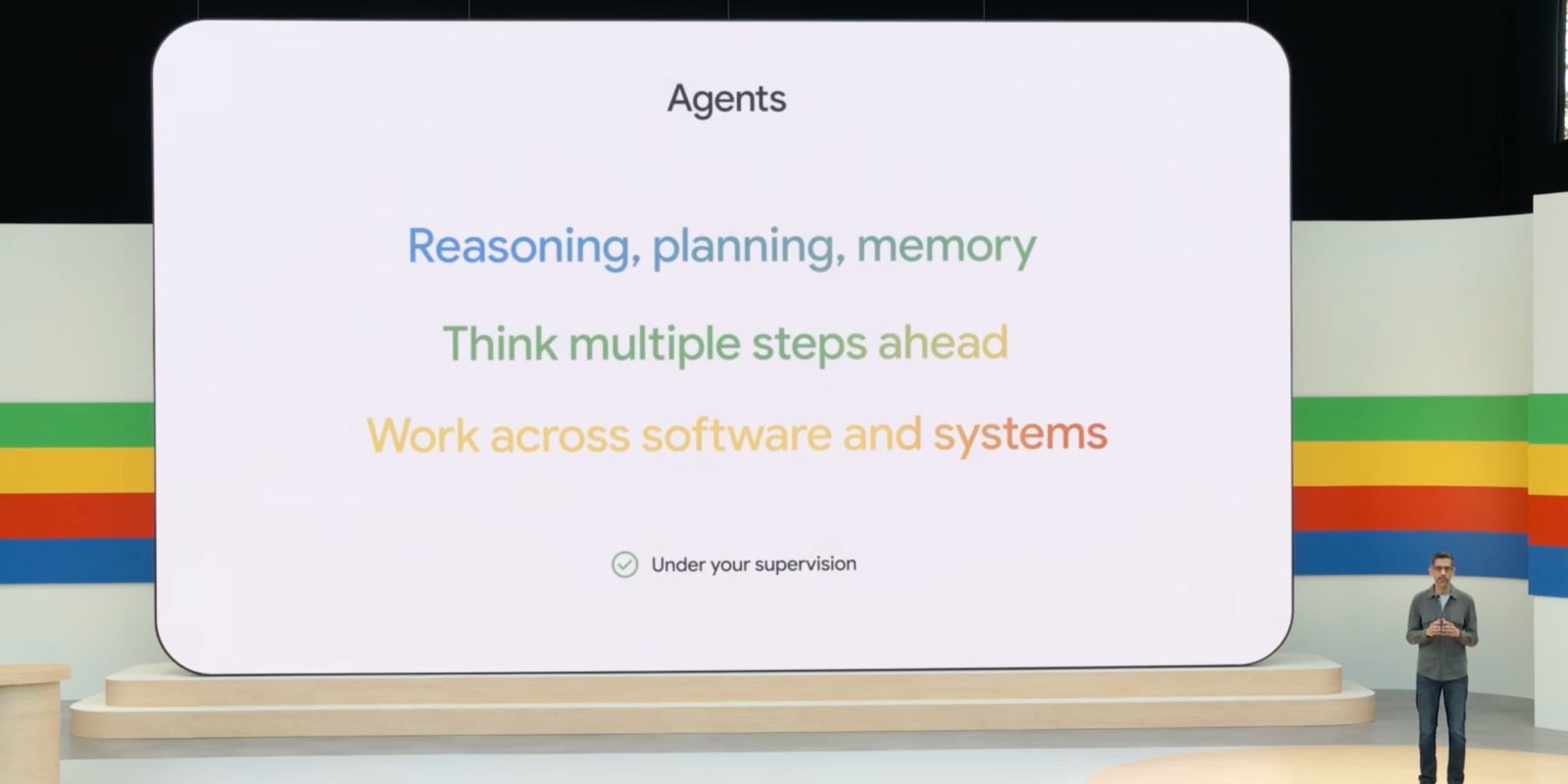
Originally, my interest in Google came down to how I think it does cool-to-wild things with technology in an accessible/affordable manner that nobody else is doing.
Expand Expanding Close

Your Friday afternoon deals on Android games and apps are now ready to go down below. Just be sure to check out this weekend’s offers on Google’s indoor/outdoor wireless Nest Cams, Samsung’s 47mm Galaxy Watch 6 Classic, and the 512GB Galaxy S24 Ultra while you’re at it. As for the apps, we have FOTONICA, Lovecraft’s Untold Stories, EXIT – The Curse of Ophir, Brotato, Baggage Packing Checklist PRO, and more. Head below for a complete look at today’s best Android game and app deals.
Read More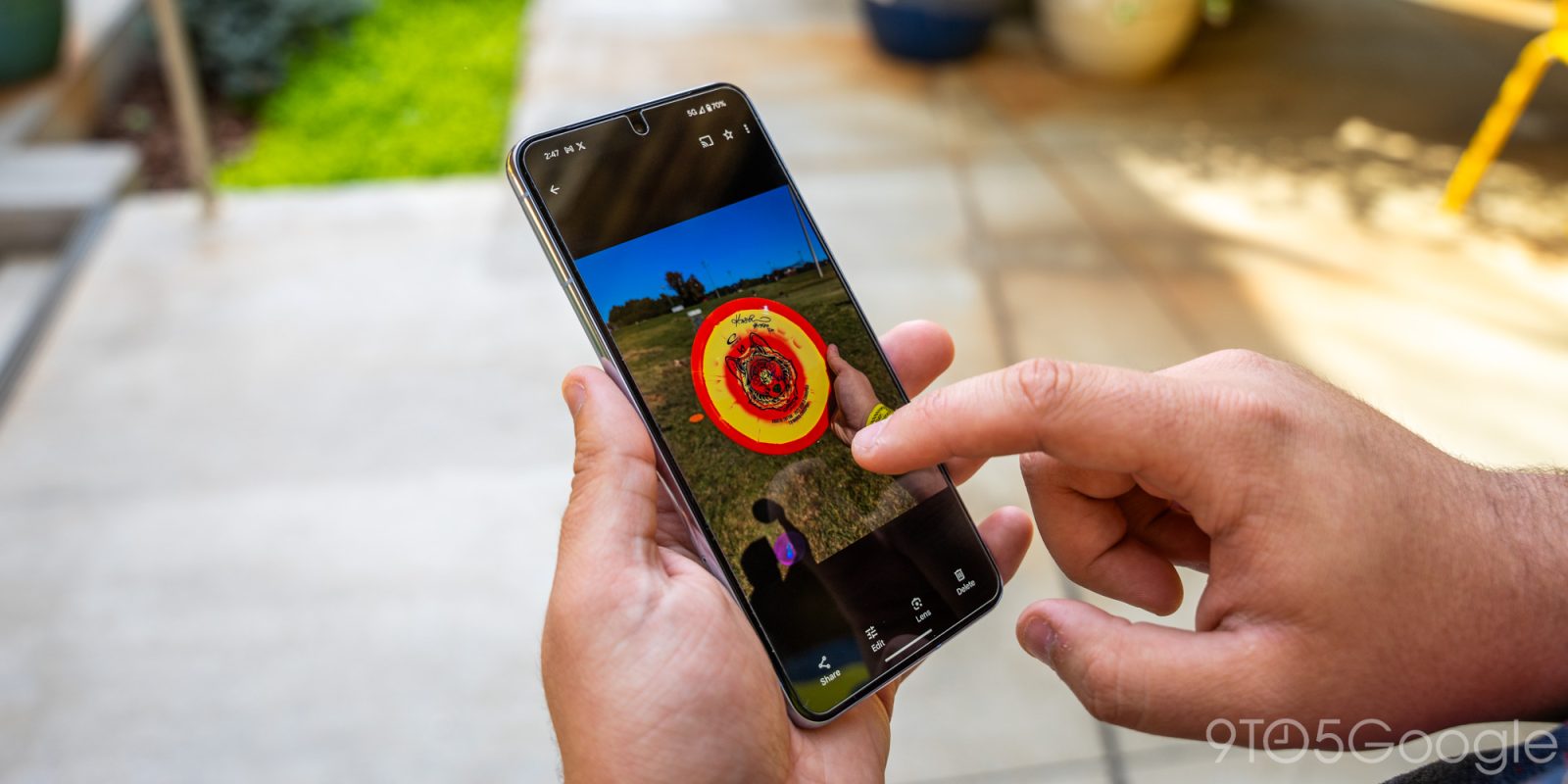
While we wait for the Gemini-powered Ask Photos, a quality of life update to the Google Photos backup experience will let you “check if the item is ineligible for Storage saver.”
Expand Expanding Close
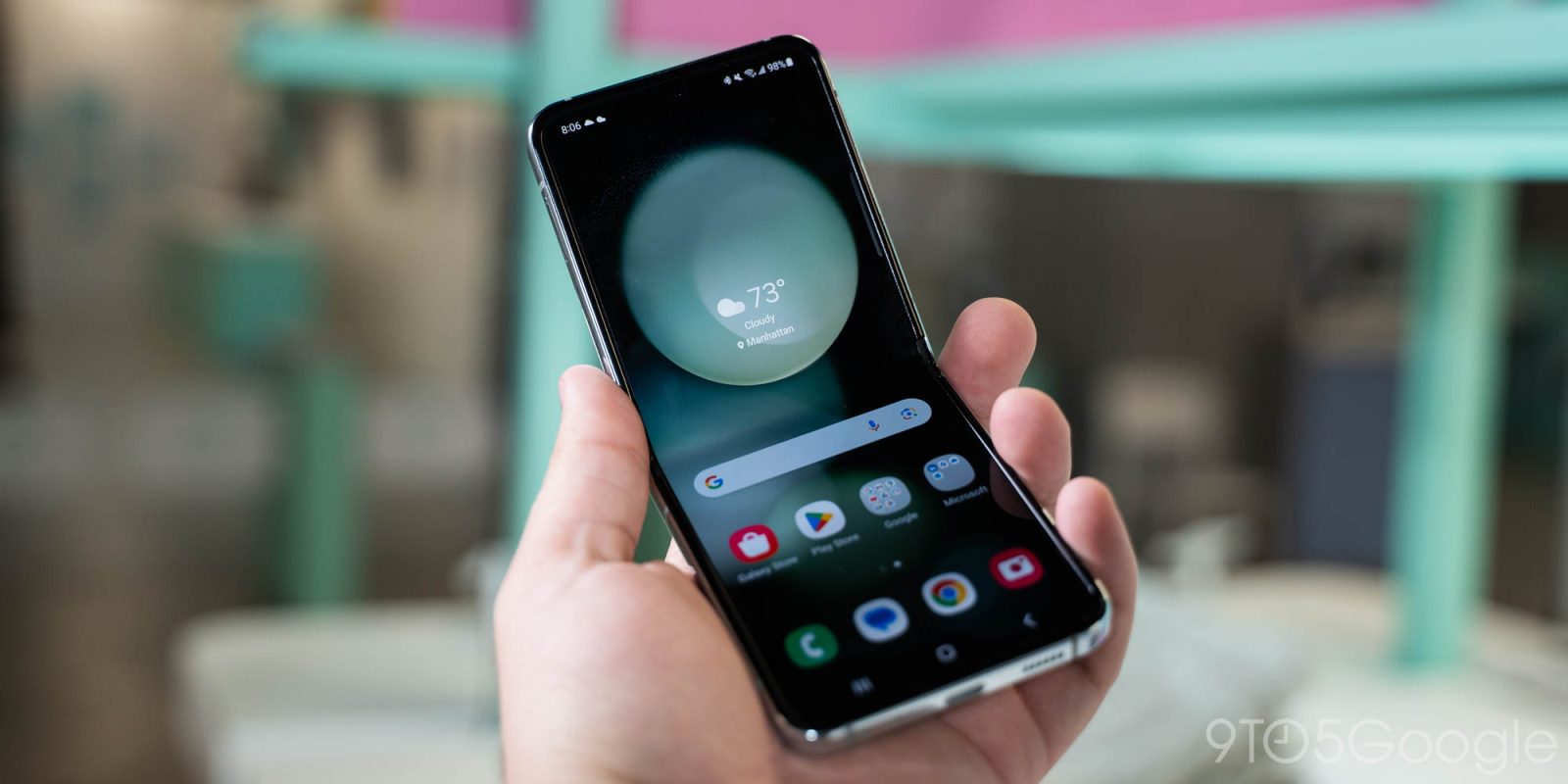
Samsung’s Galaxy Z Flip has seen some big changes since its inception, but the display crease has remained a hurdle with the design. According to a new report, though, Samsung has plans to improve the display crease on the Galaxy Z Flip 6.
Expand Expanding Close

ChatGPT has started to add support for Google Drive integration, but it’s only for paying subscribers.
Expand Expanding Close
Announced this week, GFiber, still better known as Google Fiber, is officially coming to Las Vegas as soon as 2025.
Expand Expanding Close
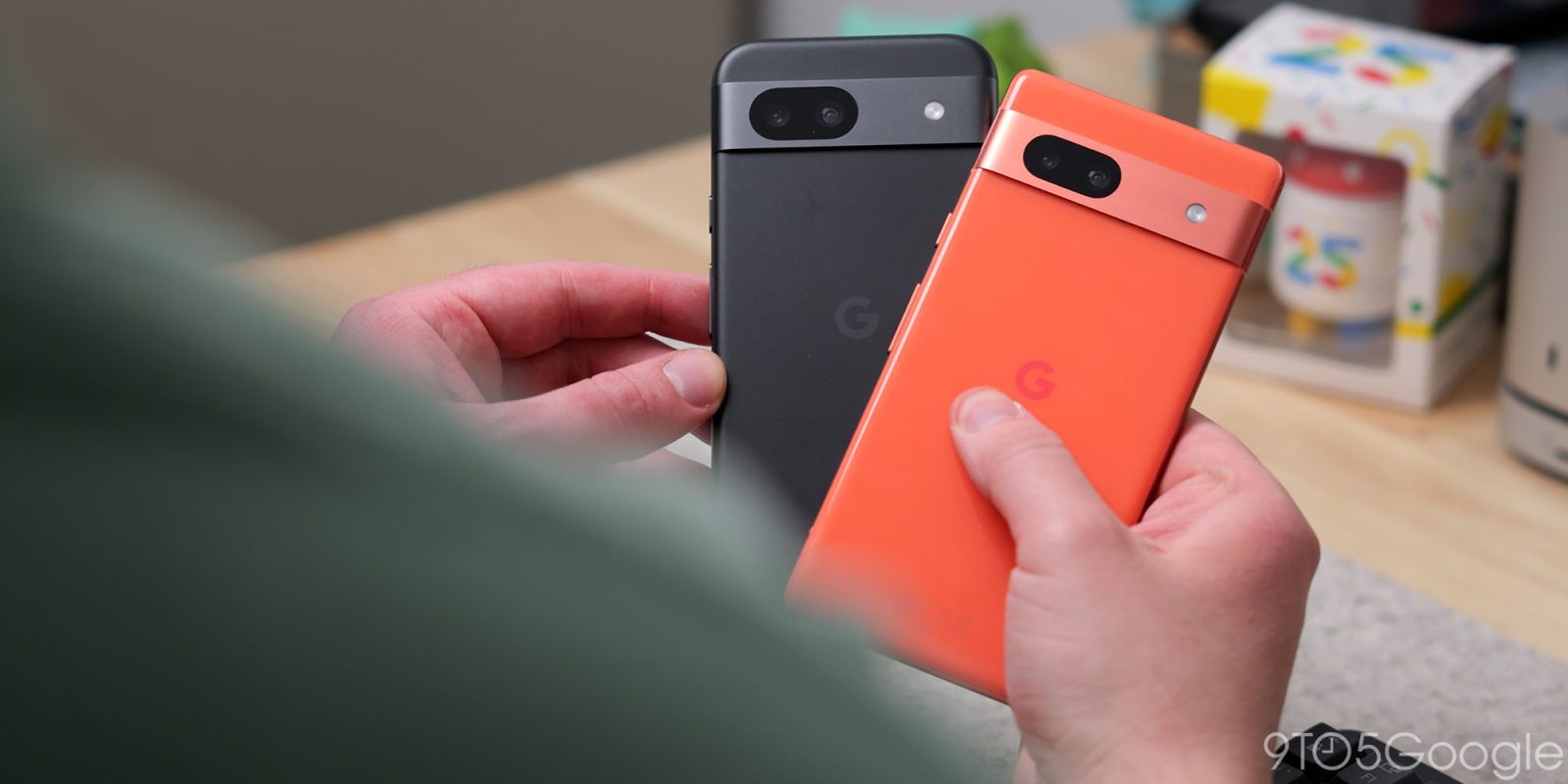
Google is back with another potential budget banger, but how does the Pixel 8a compare to the similarly solid Pixel 7a from last year? Here’s everything you need to know.
Expand Expanding Close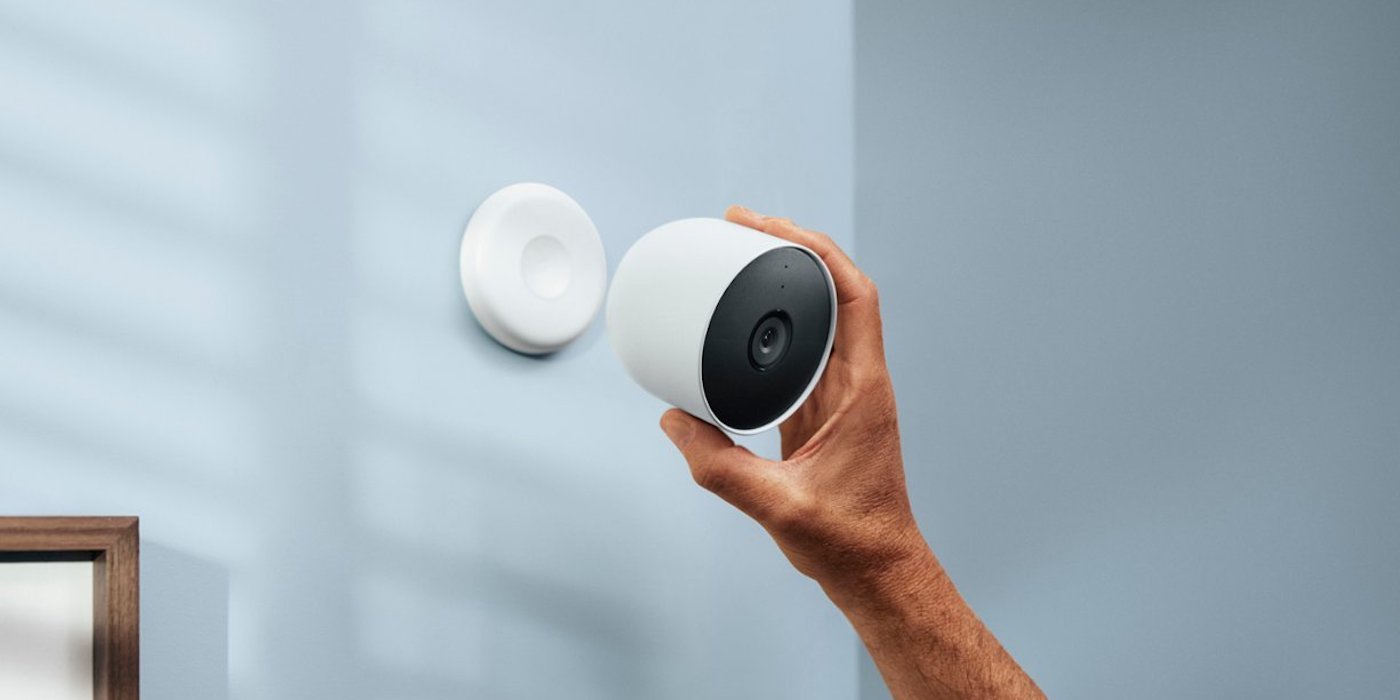
Before we all head into the weekend, let’s take a quick look at the best deals we have spotted this morning on Android and Google gear. We are now tracking some solid price drops on Google’s indoor/outdoor wireless Nest Cams, including both 2- and 3-pack options, alongside Samsung’s 47mm Galaxy Watch 6 Classic with the silver case down at $298 from the regular up to $480. Those offers join some ongoing discounts as well as $1,000 or more off a gigantic 98-inch Google smart TV. Head below for today’s 9to5Toys Lunch Break deals.
Expand Expanding Close
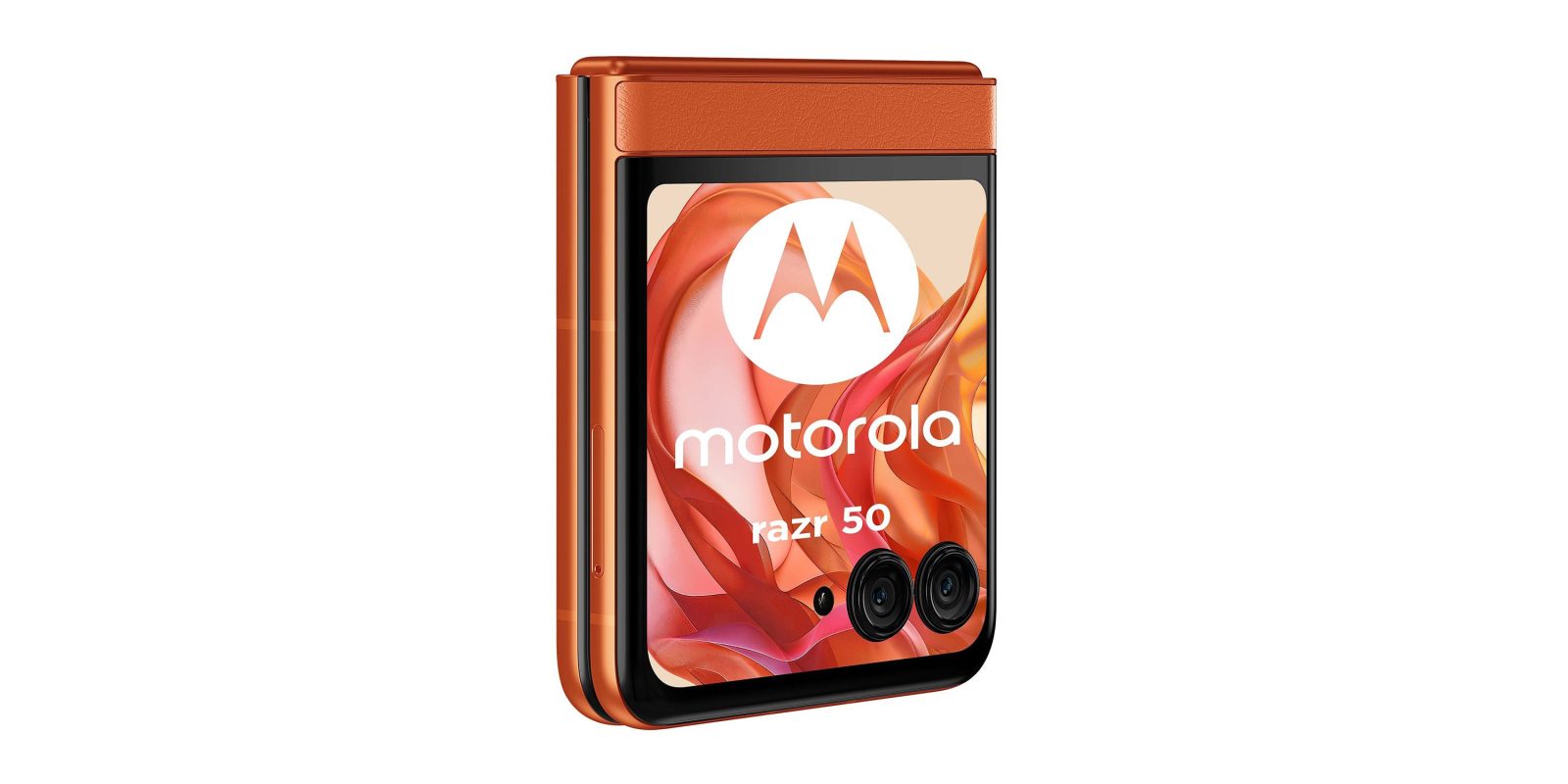
Thanks to recent leaks, we’ve got a pretty good idea of what’s in store for the next Motorola Razr lineup, but another new leak is now revealing more color variants as well as specs for the low-end model and a big upgrade – a full-size cover display.
Expand Expanding Close
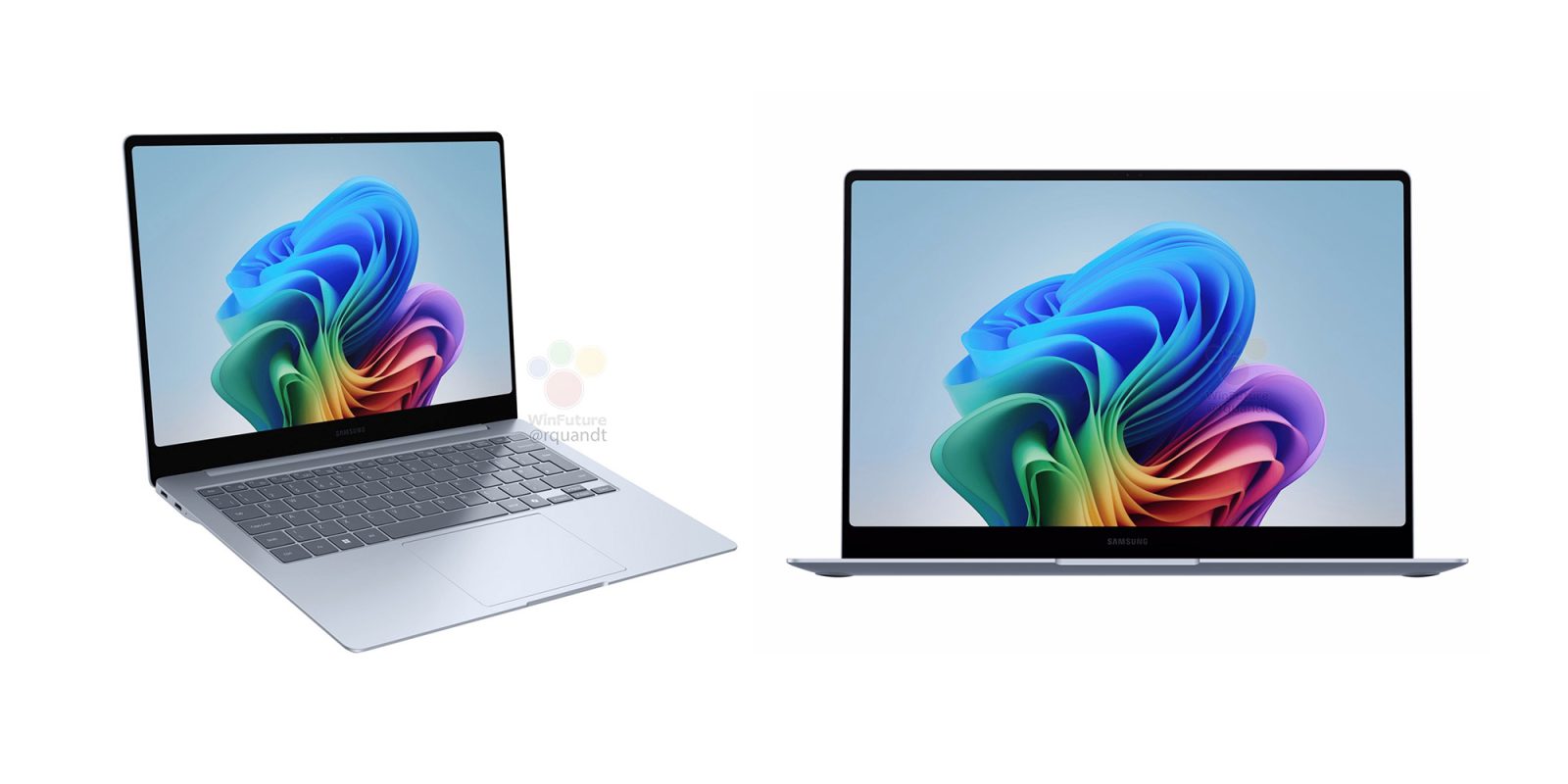
Snapdragon X Elite laptops are approaching quickly and, now, we’re getting a first look at Samsung’s Galaxy Book 4 Edge ahead of its debut.
Expand Expanding Close
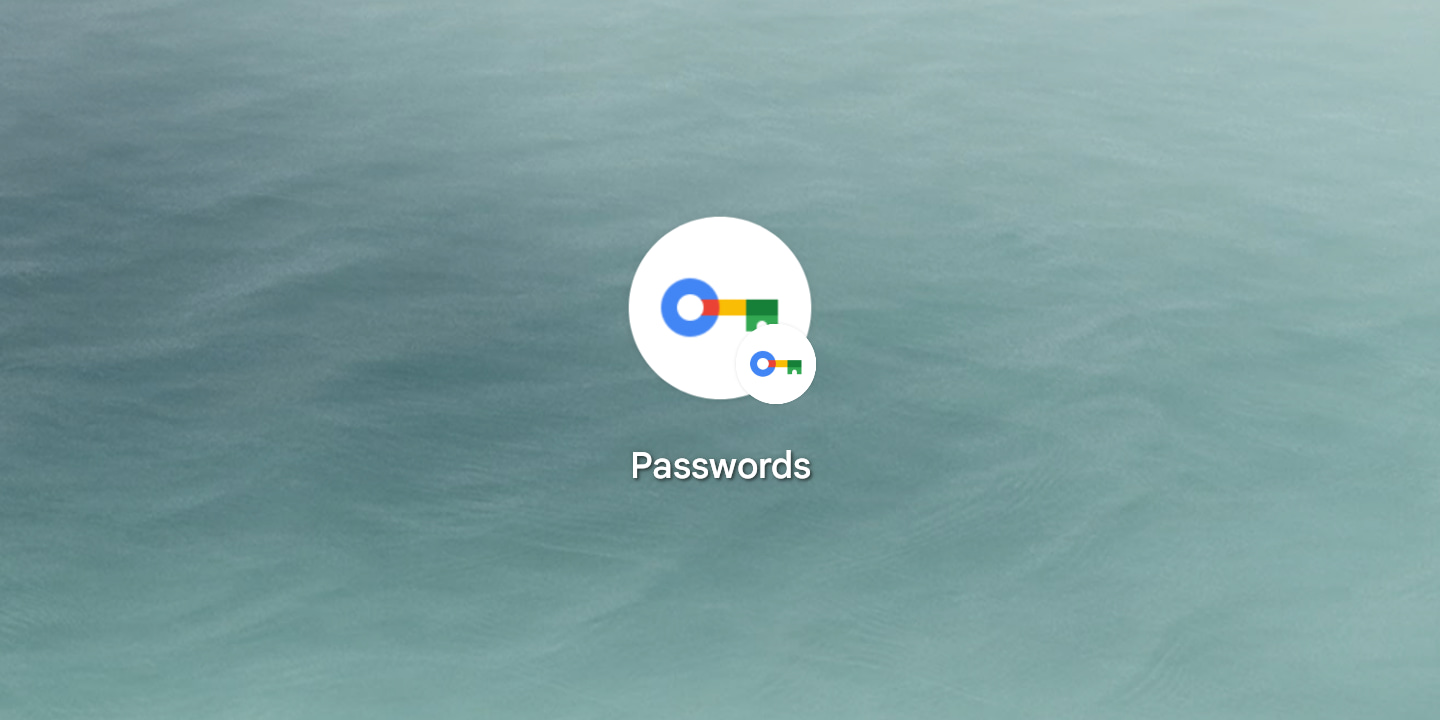
On Android, the Google Password Manager powered by Play services is getting a small Material You redesign.
Expand Expanding Close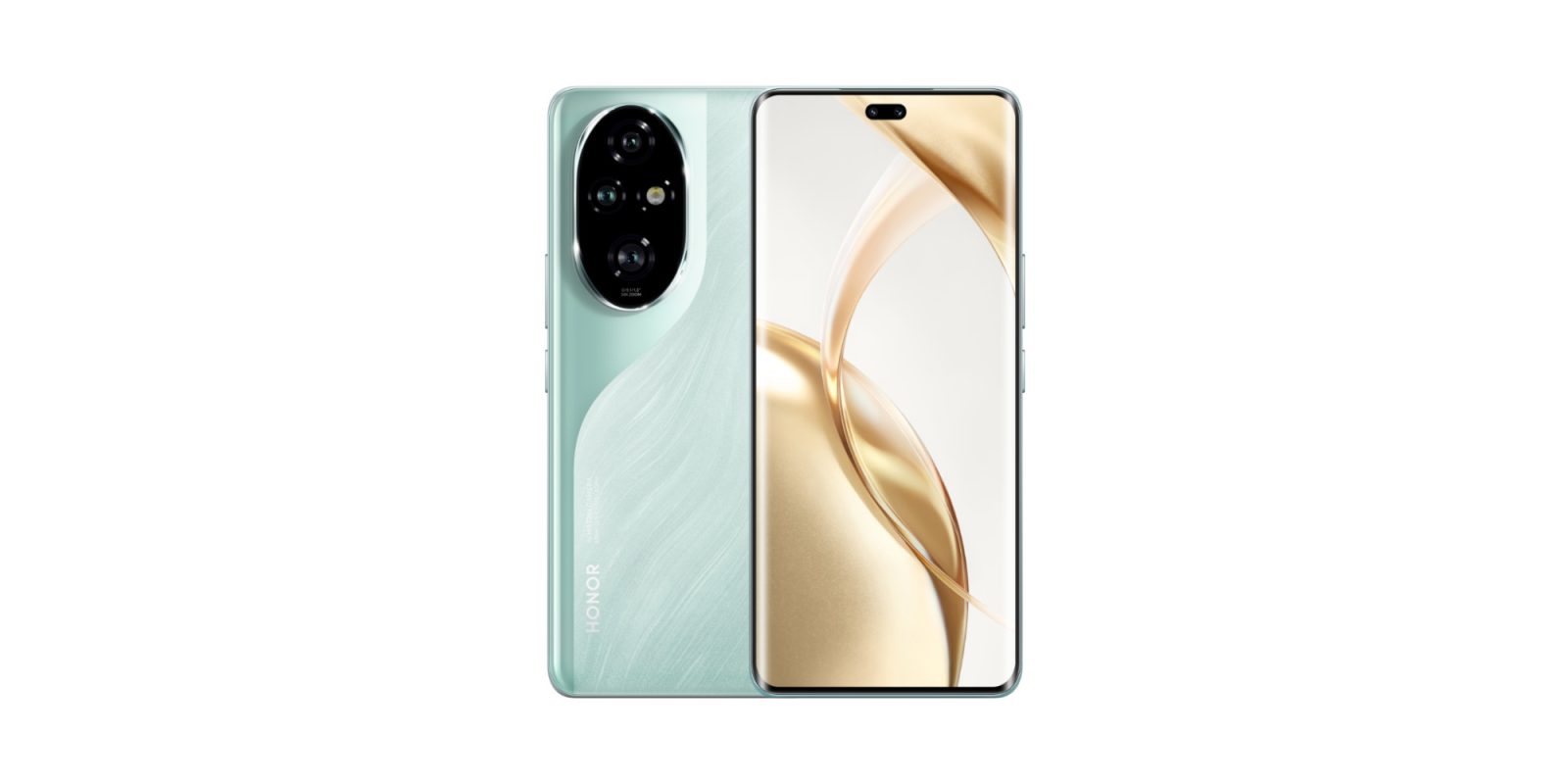
Following the debut of Magic 6 Pro globally earlier this year, the Honor 200 series is next in line for release and this week specs have leaked alongside an official teaser and launch date.
Expand Expanding Close
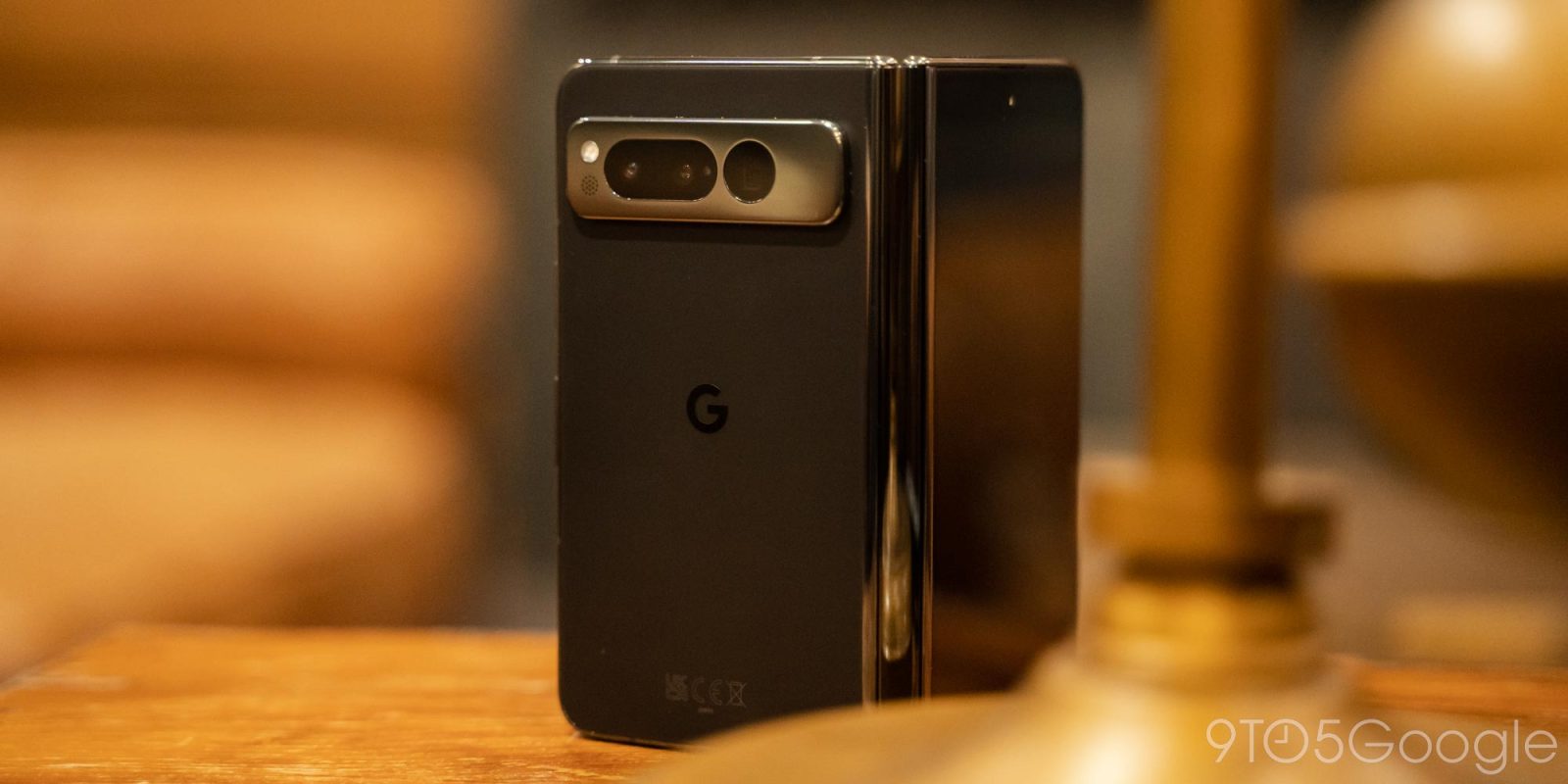
Android’s work to optimize apps for large screens continues at I/O 2024, with Google sharing a stat about split-screen usage on the Pixel Fold.
Expand Expanding Close
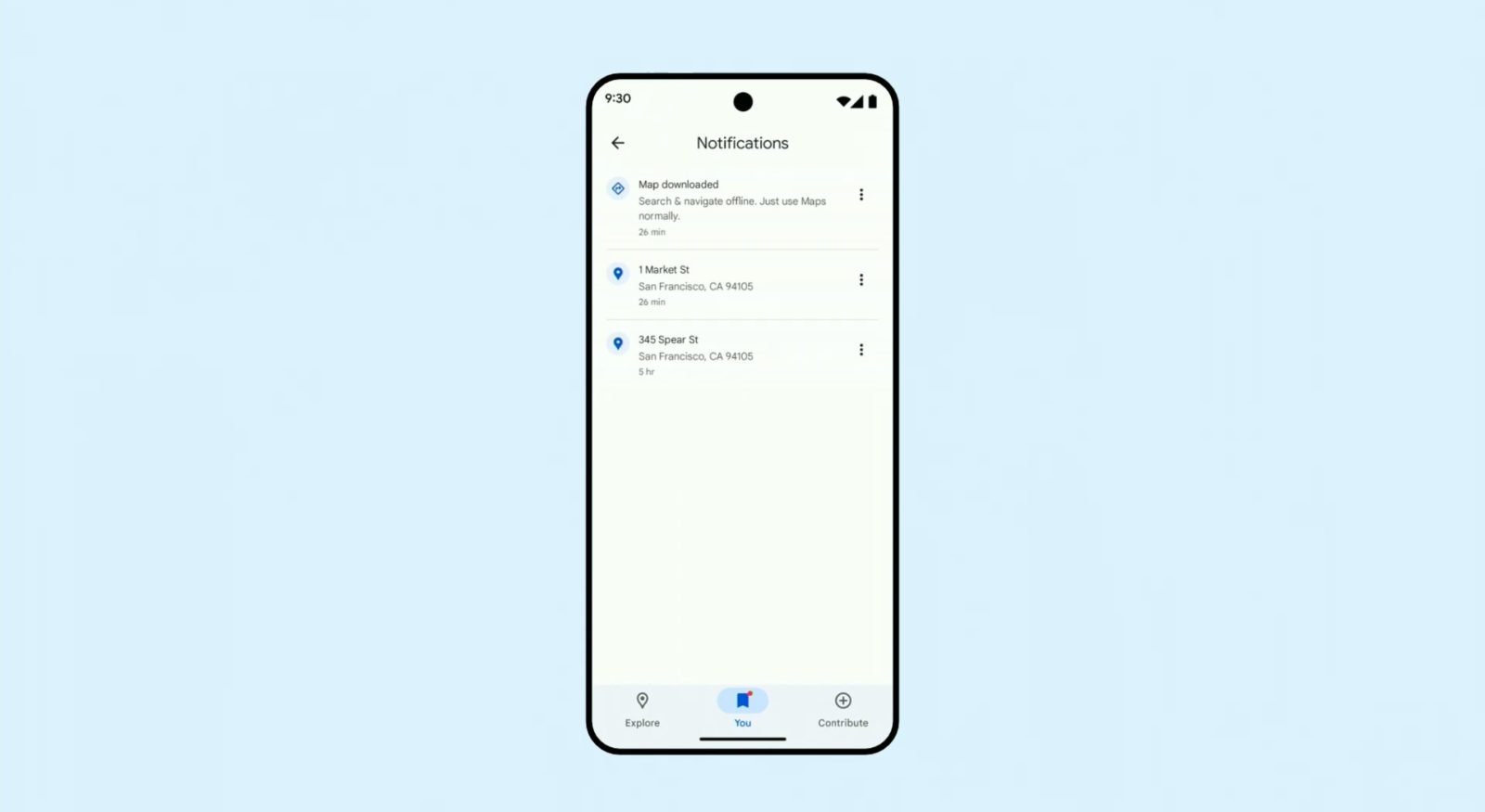
The new Google Maps bottom bar, which we spotted at I/O yesterday, is starting to roll out on Android.
Expand Expanding Close