Ben Schoon is a Senior Editor at 9to5Google, working for the publication as one of its primary news writers since 2016.
In 2013, Ben helped start an independent tech publication where he learned the skills used at 9to5Google including writing, product photography, and videography. He is located in the city of Winston-Salem in North Carolina where he lives with his wife Melissa. Ben is an avid disc golf player.
He primarily covers Android products, including Google Pixel devices, Samsung Galaxy smartphones, as well as devices from OnePlus, Oppo, Motorola, and more. Beyond just covering news about these products, Ben also spends time using these products himself, speaking from experience with the articles he writes. Some of Ben’s most recent hands-on reviews include; Pixel 8 Pro, Pixel Watch 2, Samsung Galaxy Z Fold 5, Samsung Galaxy S23 Ultra, Motorola Razr+, HP Dragonfly Pro Chromebook, and more.
Ben Schoon is active on Twitter, @nexusben, but can also be found on Instagram and LinkedIn. For questions or tips, you can email him directly, and his portfolio is also available online.
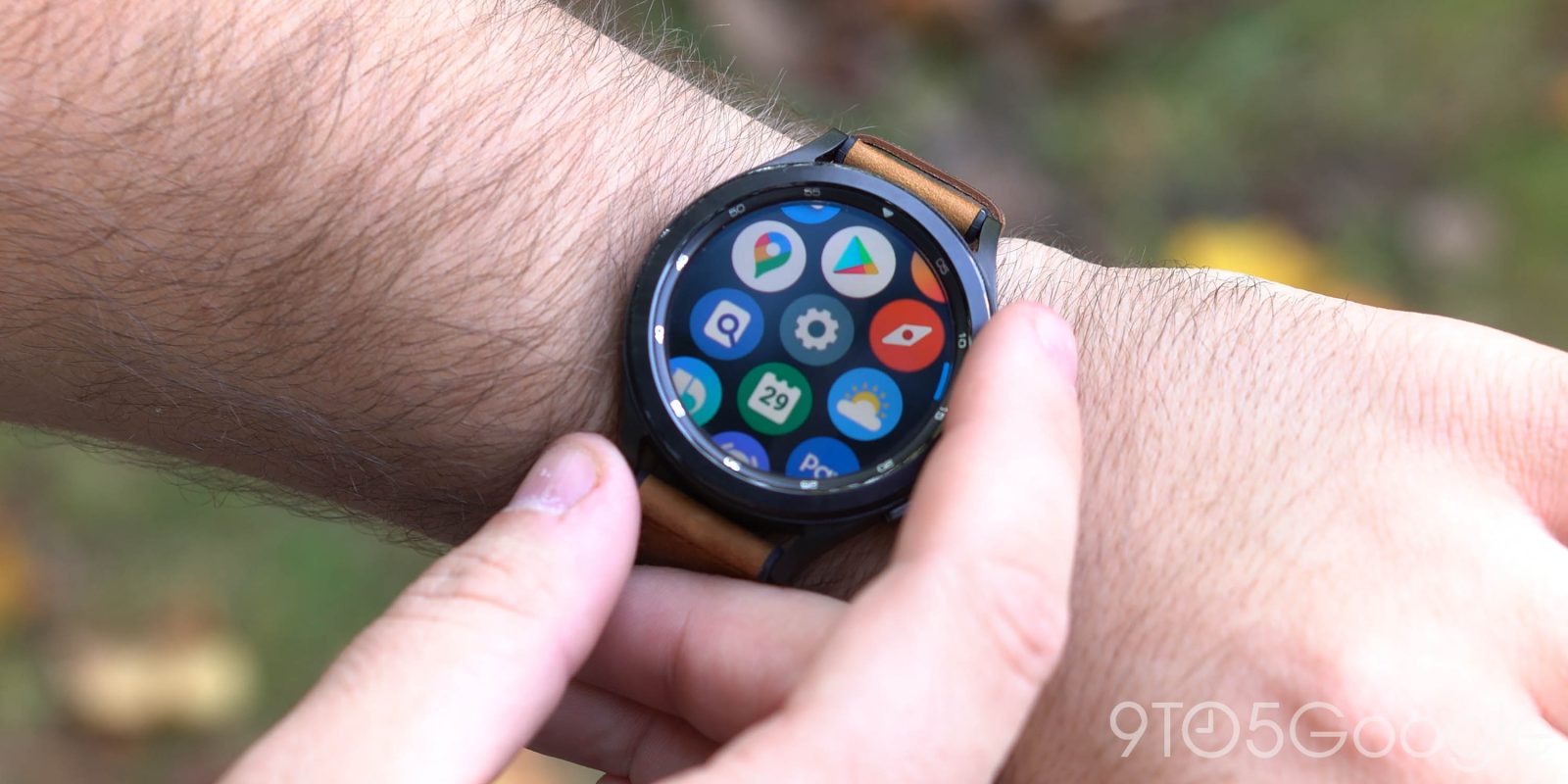
Samsung has had one iconic design feature for the better part of a decade now, with its rotating bezel. However, it seems that may finally be coming to an end, as the Galaxy Watch 5 series is apparently set to do away with the rotating bezel entirely.
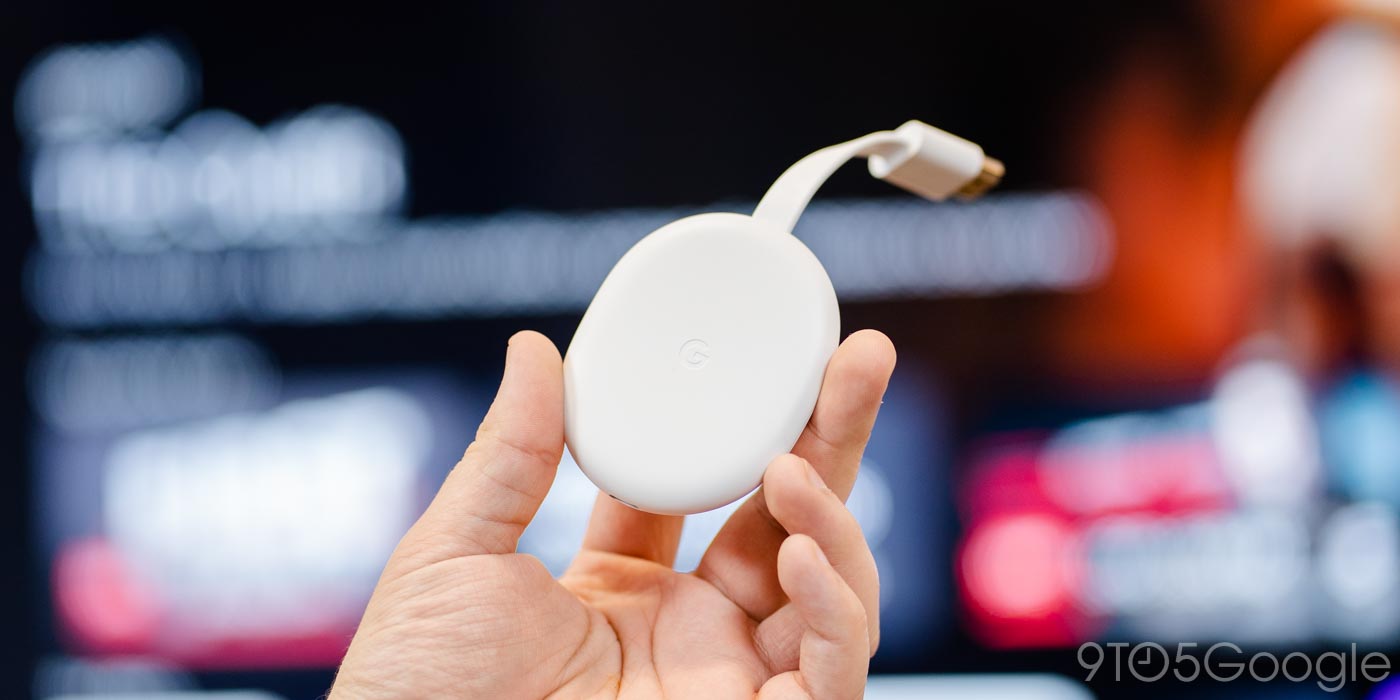
The Chromecast with Google TV is a solid, if poorly aging streamer, but it’s still one of the best options you can get today. Now, going on two years after its debut, Chromecast with Google TV is finally expanding to just about every country in Europe.
Google’s Nest Hub has a huge variety of uses, but one of its best is also one of the simplest – a bedside alarm clock. However, Nest Hub alarms really need some quality-of-life touches.
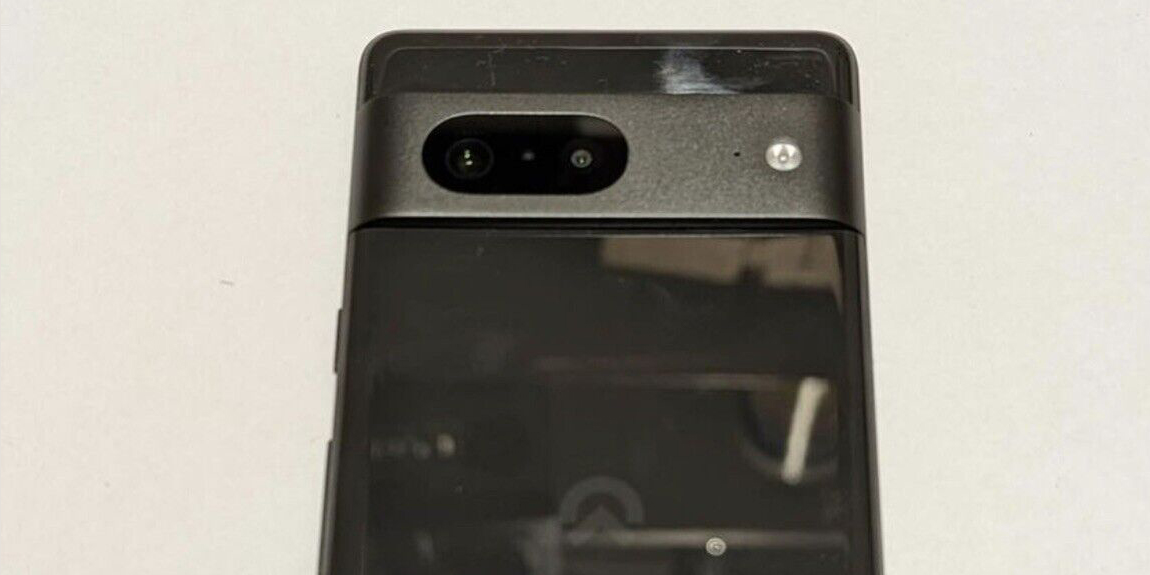
Google I/O surprised us all with a first official look at the Pixel 7 and Pixel 7 Pro, and now we’re getting more thanks to an early prototype of the Pixel 7 showing up on eBay.
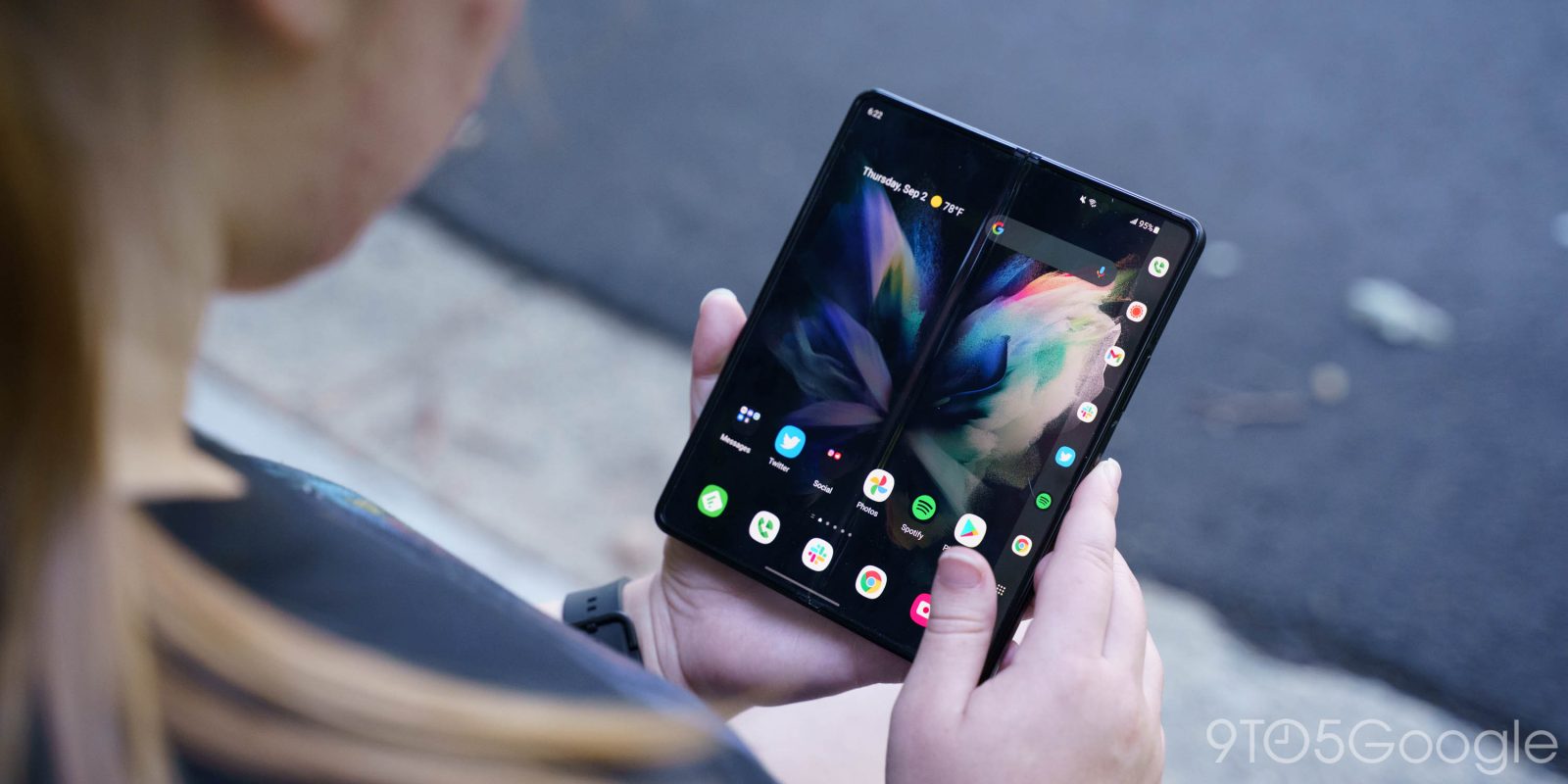
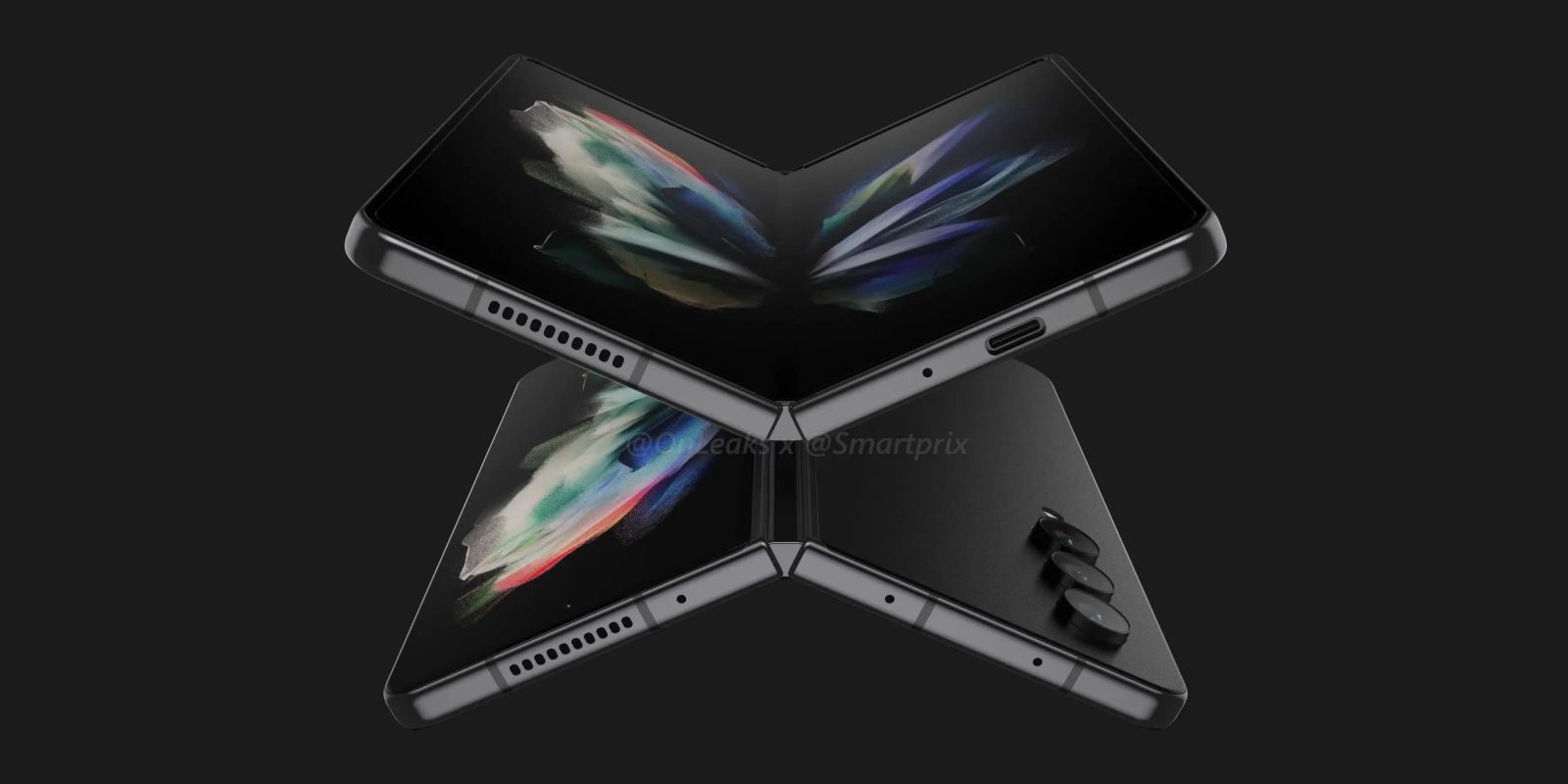
The super-expensive Galaxy Fold series has put out some of the best foldables on the market, but not because of a focus on the spec sheet. Today, a nearly complete Galaxy Z Fold 4 specs list has come out and left some underwhelmed, but it makes more sense when you look at the bigger picture.
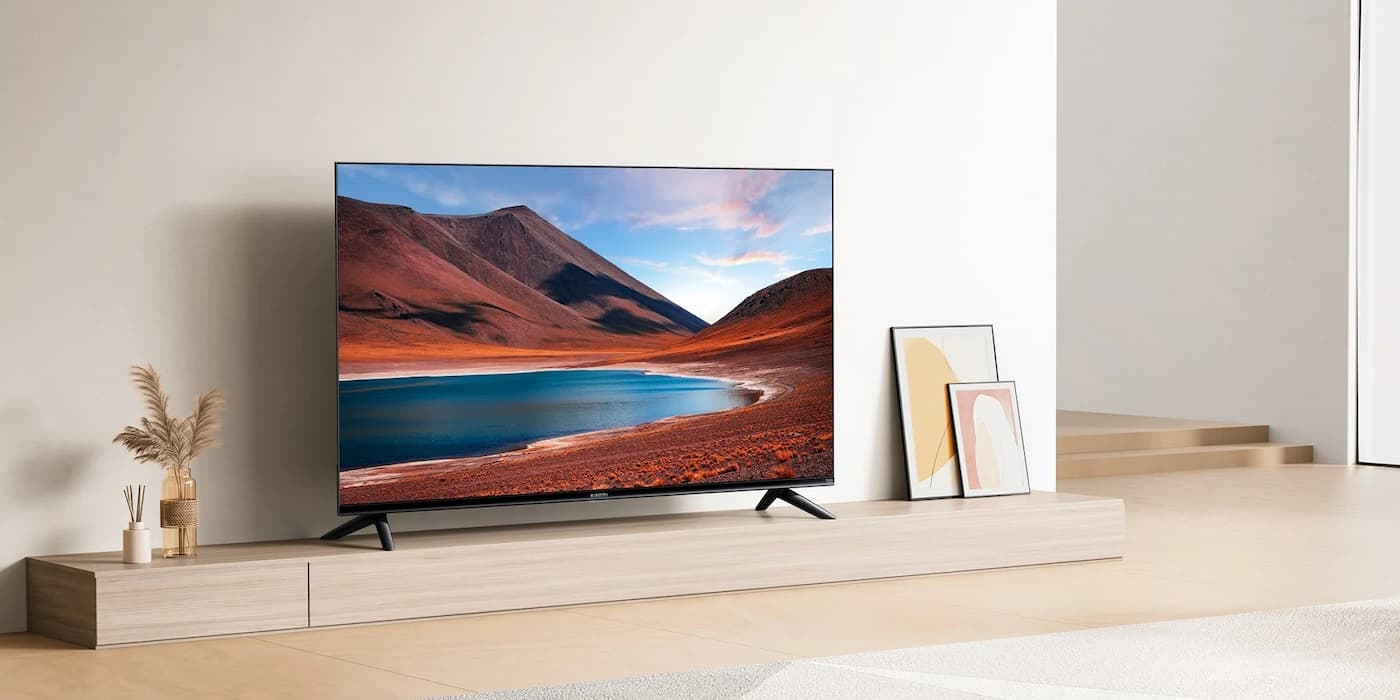
Today Xiaomi announced its very first set of Amazon Fire TV smart TVs, with a trio of options hitting the market. It’s now the second Google partner for Android TV OS to adopt the Fire TV platform in under a month.
Microsoft has been quite aggressive in its moves to get people away from Google Chrome and over to its revamped Edge browser. In its latest move, Microsoft Edge is adding a feature that imports data from Google Chrome constantly.
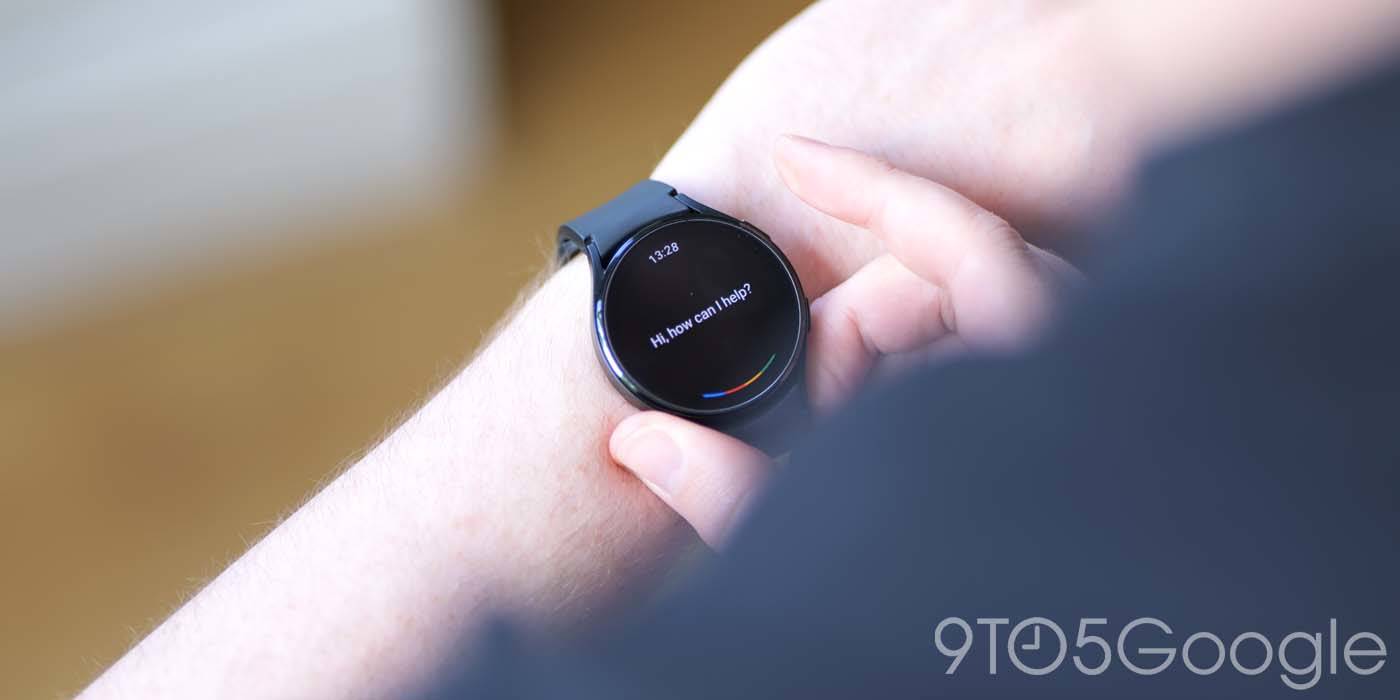
Samsung’s Galaxy Watch 4 got a huge boost earlier this month as Google Assistant finally arrived, but it seems that has caused some problems. Since Assistant hit the Galaxy Watch 4, users have noticed problems with battery drain and even their watch unpairing itself.
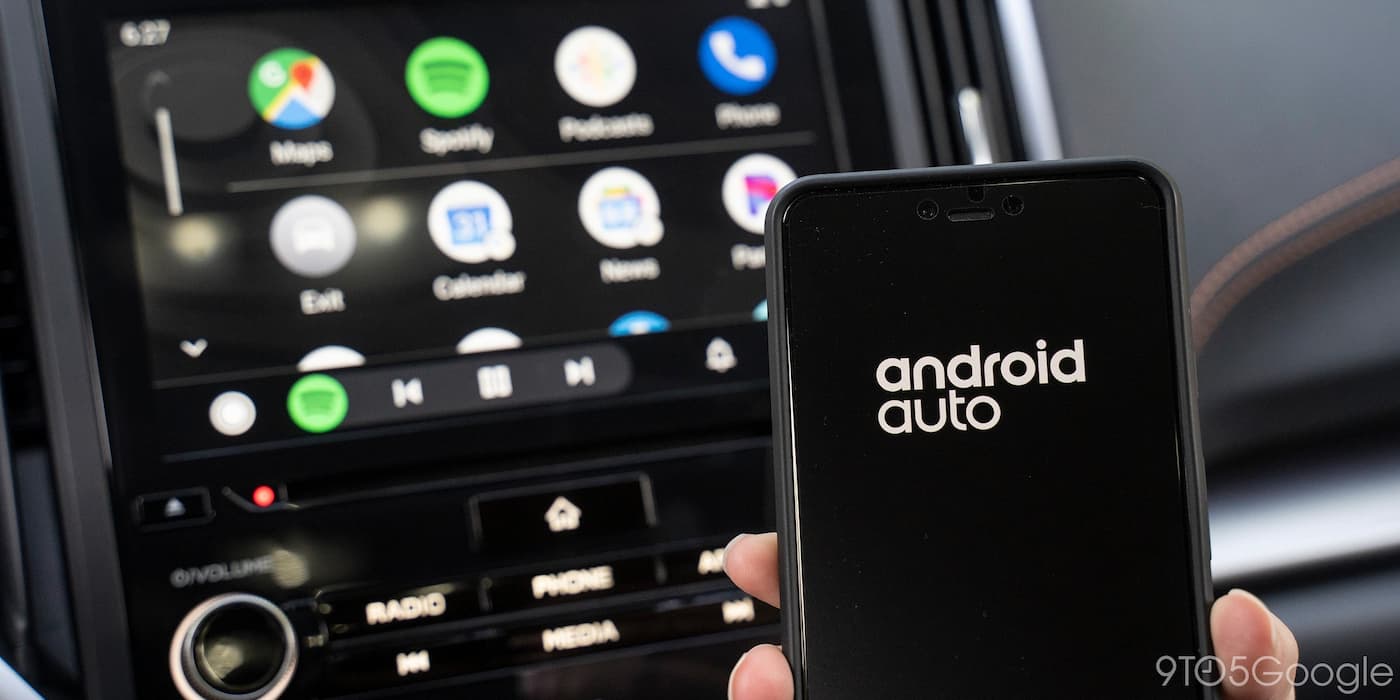
Android Auto is a safer way to interact with your music, maps, and messages while in the car. It’s supported on a ton of vehicles but usually requires you to connect over a wire. Many wonder if you can connect to Android Auto over Bluetooth. While you can connect wirelessly, it’s a bit more complicated than that.
Google Stadia saw its history shaken up this week and also dropped three more indie games on the schedule for this summer. Here’s everything you need to know.
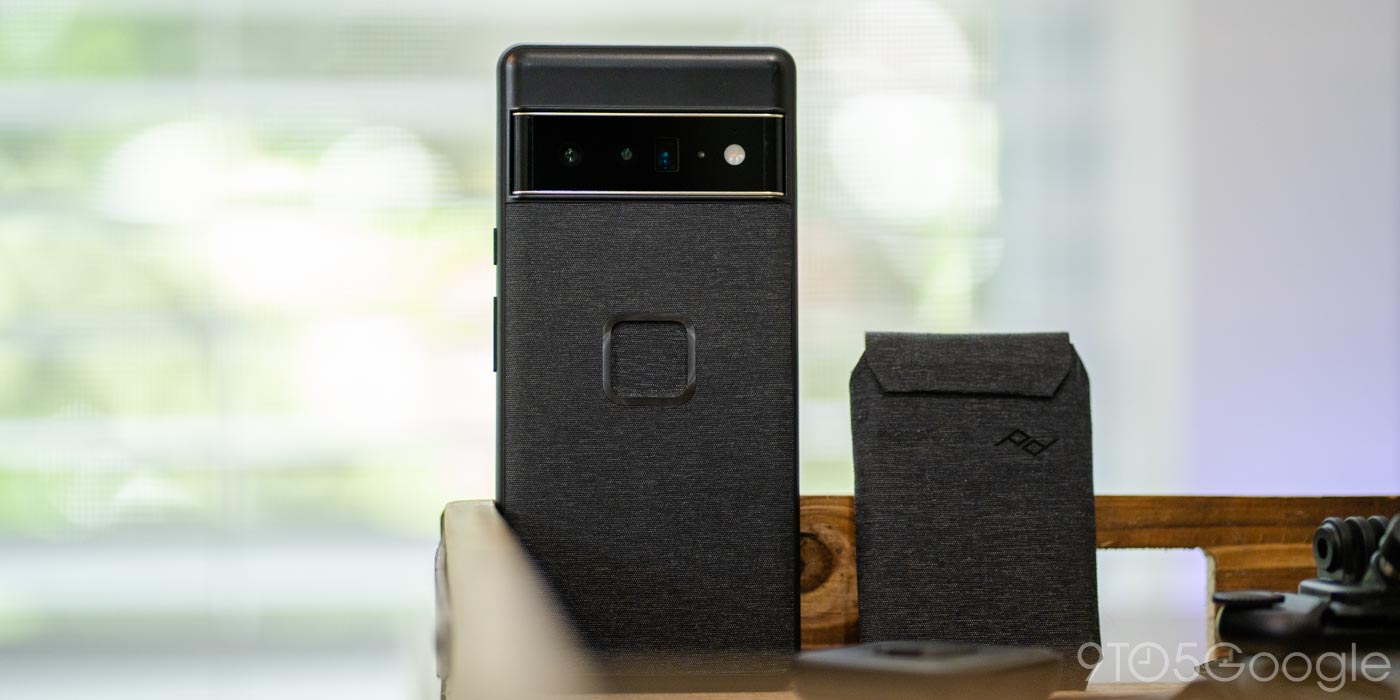
Apple’s MagSafe system has shaken up the accessories industry in some big ways, but with Apple being Apple, it only comes to the Android side of things through third parties. Peak Design, a company best known for its camera gear, has a similar system that works not only with MagSafe products, but also the brand’s own suite of accessories. Over the past few weeks, we’ve had the chance to use the Peak Design Everyday Case for Google’s Pixel 6 Pro, and it really nails the whole experience.
Samsung is the biggest smartphone manufacturer on the planet, but it’s not immune to the pressure that the entire market has been feeling. A new report this week claims that Samsung is preparing to cut its production forecasts, with as many as 30 million fewer smartphones produced in 2022.
It’s been ages since HTC released a high-end Android phone, but earlier this year the company teased that one was in the pipeline. Now, HTC’s “Metaverse” phone has reportedly been delayed because of the real world.
Sony isn’t the first name you think of when it comes to mobile games, but the company has brought some of its PlayStation IP to Android and iOS in the past. This week, Sony confirmed much bigger plans for mobile.
Google’s Pixel 6 Pro was the company’s first device with half a terabyte of storage onboard, but it’s just a little bit harder to get that model now. Verizon has stopped selling the Pixel 6 Pro in its top storage tier.
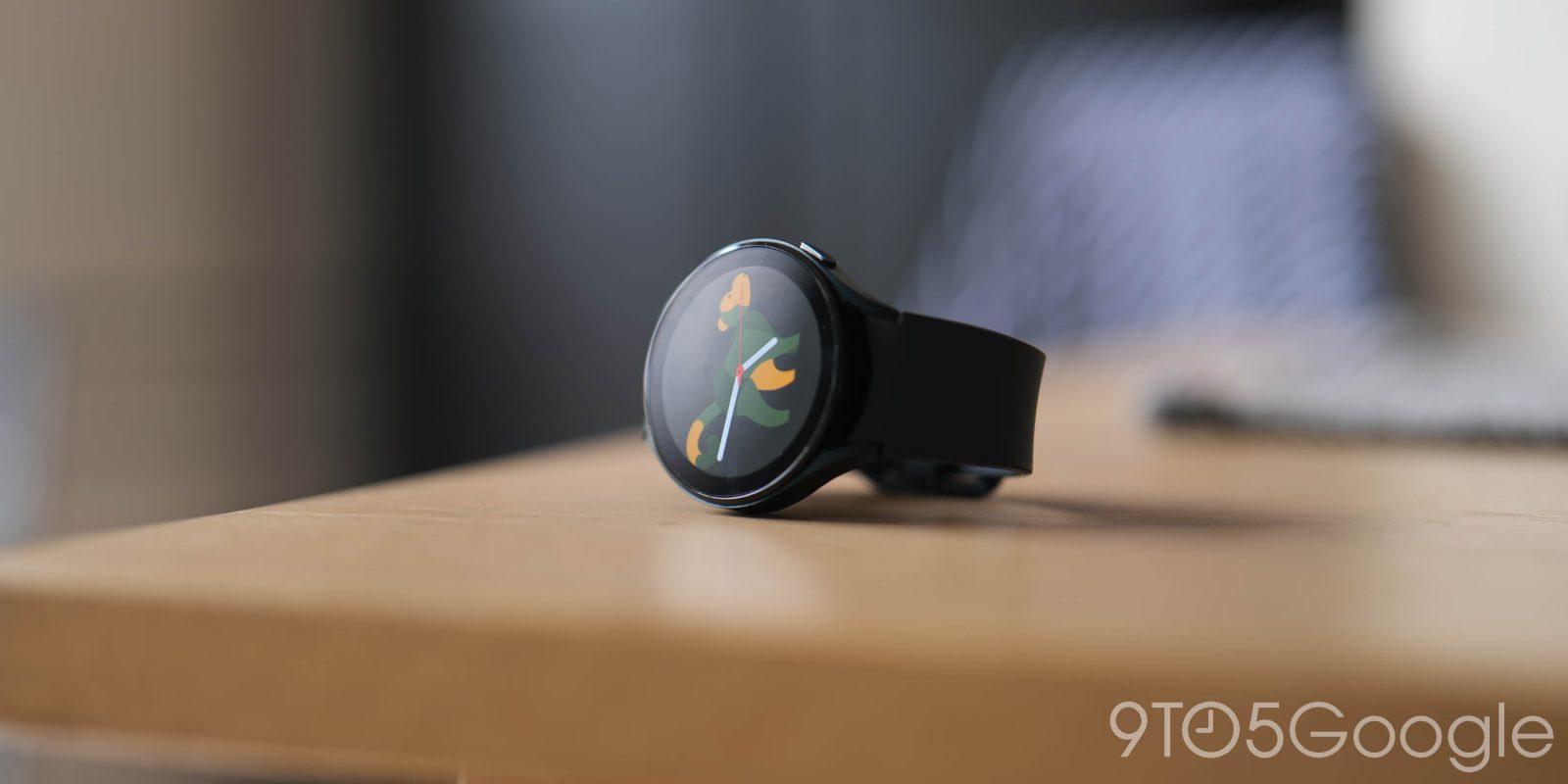
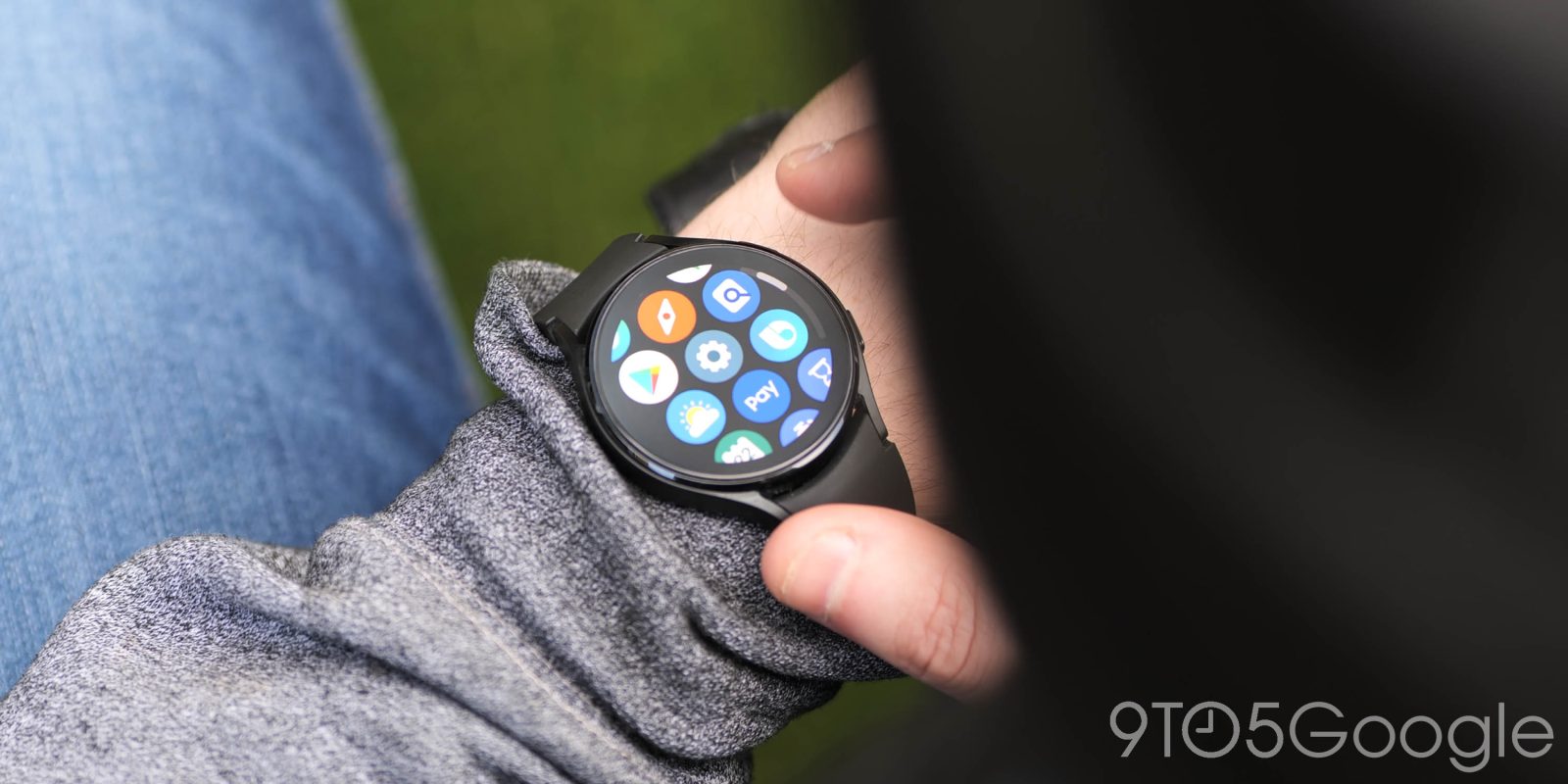
The Galaxy Watch 4 is still, for now, the best smartwatch for Android users. With Wear OS on board, it serves almost every Android users well, whether they’re using a Samsung Galaxy phone, a Pixel, or others. But it’s still very much a Samsung-first smartwatch, and Samsung’s priorities taking the lead. One of the most frustrating things about the Galaxy Watch 4 is that its second button, now almost a year later, is still virtually useless.
Just a day after Samsung announced the program, the first beta program for the Wear OS–based Galaxy Watch 4 is already showing up in the Samsung Members app – but with a couple of caveats.
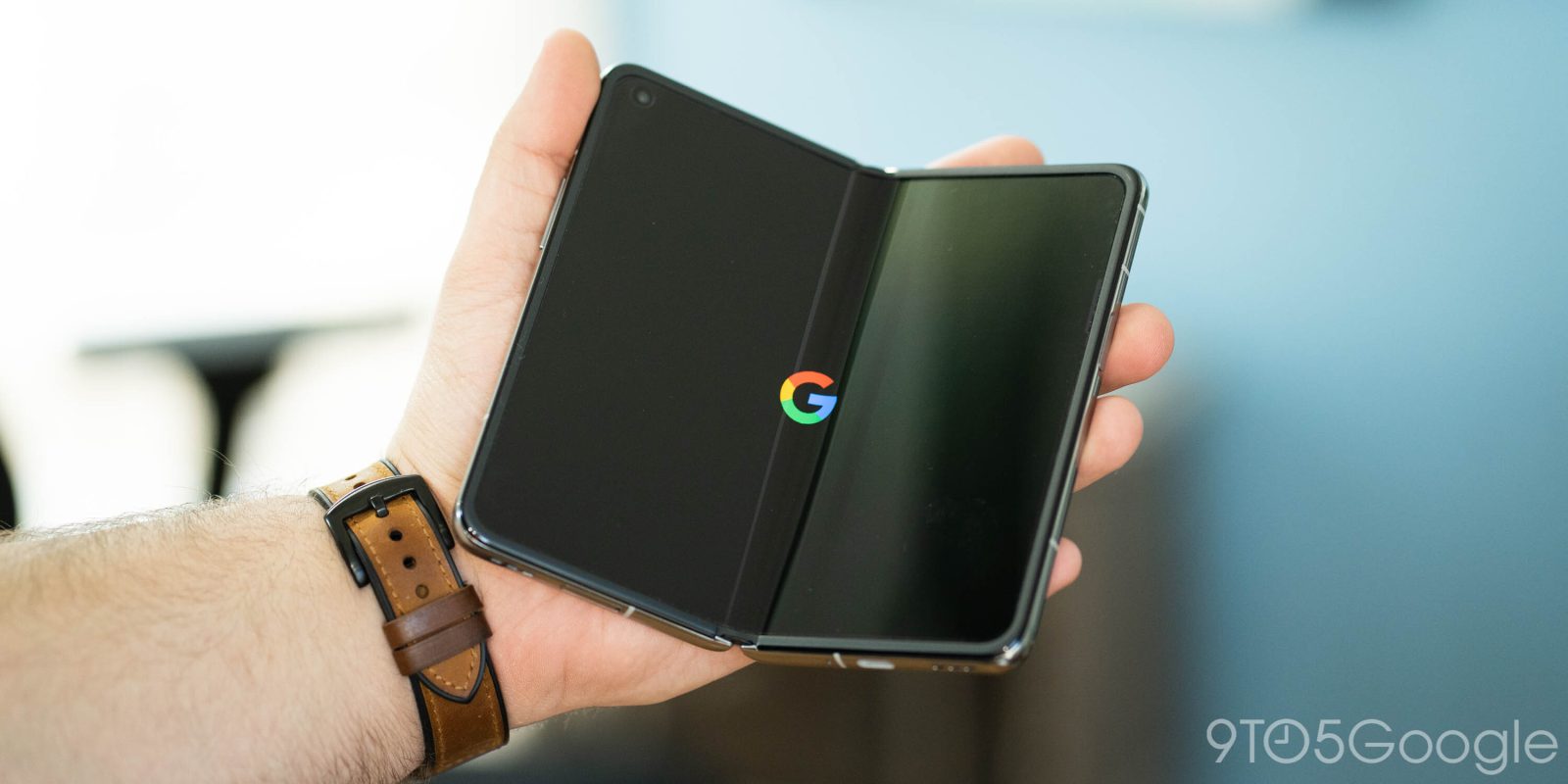
Earlier this month Pixel fans were treated with a preview of the company’s entire 2022 lineup, from this year’s Pixel 7 down to next year’s Pixel Tablet. The device that was missing, though, was the “Pixel Notepad.” As it turns out, it seems Google has decided to delay the foldable Pixel Notepad yet again.
Google’s Cast standard has been around for quite some time and, at this point, it’s not uncommon for someone to own a hefty handful of compatible speakers and displays. To help surface the device you might be looking for, Google appears to be testing “Suggested” Cast devices.
Update: This post has been updated to reflect new details from Google.
Samsung’s Galaxy Z Fold series has produced some of the best foldable phones on the market today, but each one has had a display quirk that many have not been a fan of. However, it seems the Galaxy Z Fold 4 will finally work to address the “crease.”
Motorola has made it clear that a third Razr foldable is on its way, and slowly we’re learning more about the device. Today, a fresh leak of the “Motorola Razr 3” is giving us further insight into what the revamped foldable will look like, especially when it comes to the display.
Today during the company’s Build conference, Microsoft’s Satya Nadella officially confirmed how many players are using Xbox Cloud Gaming – over 10 million.
Software is one of the best parts of the Galaxy Watch 4, with a messy but very functional mix of Samsung and Google’s strengths. Now, Samsung is looking at the next step for its Wear OS skin, “One UI Watch,” with a beta coming to the Galaxy Watch 4 in June.