update

See All Stories

Here’s why images in some camera apps on the Nexus 5X are upside down

<a href="https://play.google.com/store/apps/details?id=com.fenchtose.lenx&hl=en">LenX app</a> using older camera API

While taking pictures with third-party camera apps on the Nexus 5X, some users may notice that both the preview displayed by the phone and the image captured are upside down. While this error could easily be attributed with initial Marshmallow incompatibility on the part of the app developer, both software and hardware are to blame…


Expand
Expanding
Close

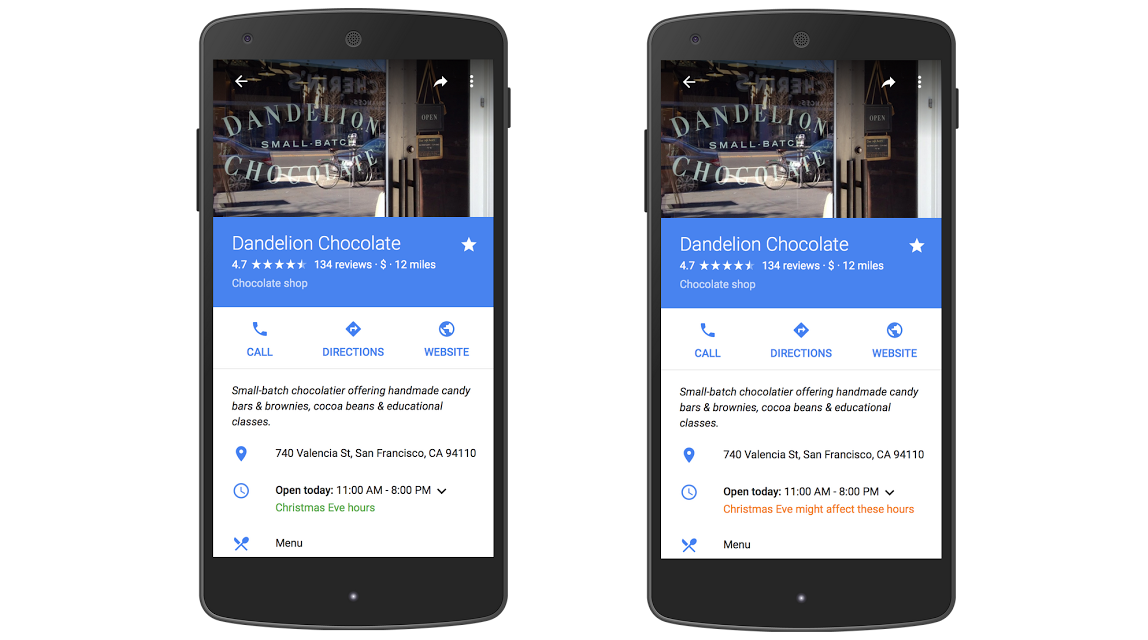
Google has finally added holiday hours to Google Maps

After many years of people trusting Google Maps far too much and accidentally driving across town to a store that ended up being closed, Google has finally added the ability for companies to designate holiday hours on Google Maps. Whenever you open up the Maps app and click that little drop-down to see hours for the week, you’ll now see a designated section for these special hours. And if a company hasn’t provided these, you’ll see a warning suggesting that the normal hours might not be right…
Expand
Expanding
Close

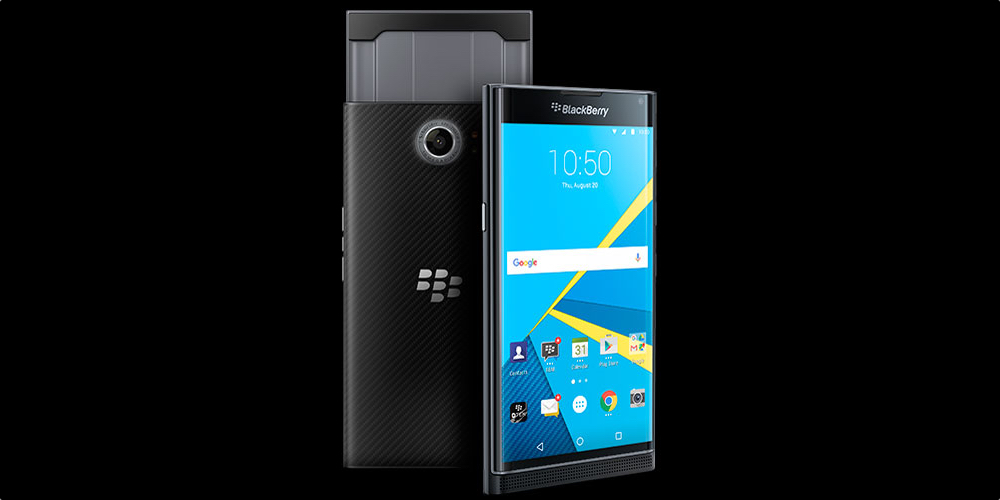
BlackBerry PRIV to get Marshmallow update in the new year

BlackBerry‘s long-awaited entry in to the Android market is finally here, albeit with an already-outdated version of Google’s operating system. BlackBerry PRIV goes on sale today and runs Android 5.1.1 Lollipop out of the box. Having already committed to Google’s monthly security fixes, BlackBerry has also confirmed that Marshmallow will be pushed to the new devices in 2016.

Speaking to Android Central, BlackBerry’s Global Director of Device Portfolio Planning, Gareth Hurn said that plans were to push Android 6.0 Marshmallow to the PRIV “sometime in the new year“. While those quoted words don’t give us a specific time-frame to aim for, AC’s Richard Devine was left with the impression that it would be sooner rather than later. More importantly, he was left with the clear thought that BlackBerry is serious about this foray in to the world of Android phones.

With the phone finally available for sale, it’ll be really interesting to see how the general consumer market accepts it. Will previous BlackBerry-loyalists jump onboard again now that the hardware is matched by relevant software? Or will it be the same physical QWERTY-addicted current users who use it as an excuse to jump to Android?

In the US, you can order the BlackBerry PRIV from ShopBlackBerry.com or from AT&T. In the UK, you can order on contract from Carphone Warehouse, or order direct from BlackBerry.

Google Calendar intros Trash feature on web, now lets you restore deleted events

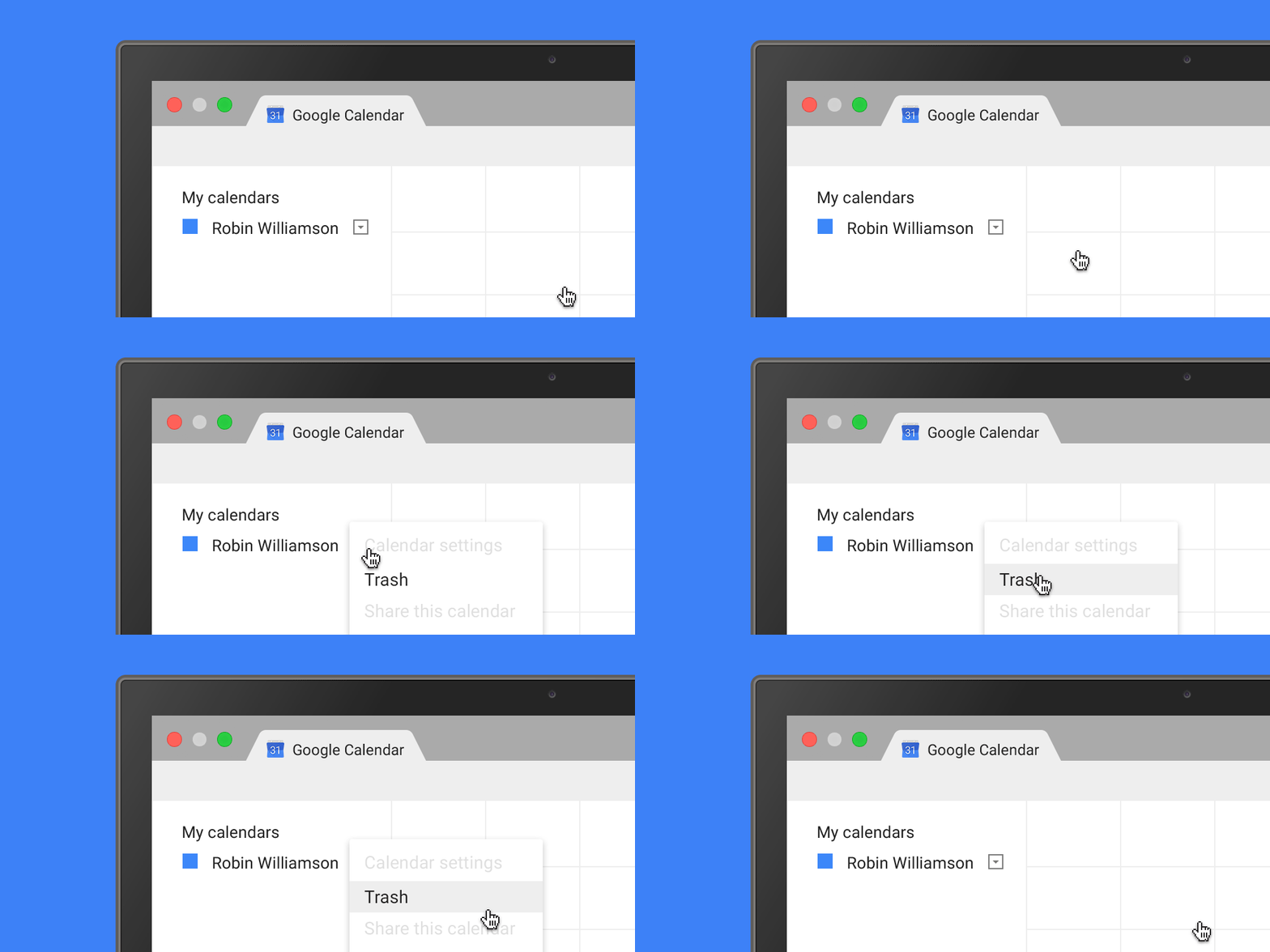
Google is rolling out a new feature to its web-based Calendar interface. Users who delete calendar events (accidentally or on purpose) can now access a new Trash function that lets them restore the event. From the official blog post, it seems it’ll be available immediately to both regular Gmail users and Google Apps accounts.

Ever deleted a calendar event by mistake and wanted to get it back – just like you can in Gmail and Drive? Now you can: today we’re adding Trash functionality to Google Calendar on the web, providing an easy way for users to view, permanently delete, or restore individual and recurring deleted calendar events. Trash puts calendar users in control by letting them quickly reverse any event mishaps, and limits escalations to Google Apps admins.

You can access Trash from your calendar’s drop-down menu in the “My calendars” section as well as from your calendar settings. It’ll be available to any users who have editing privileges in both primary and secondary calendars. In the case of shared calendars, or Apps accounts, admins will be able to track which events are restored or removed from Trash.

It’s a useful new feature, especially in large teams where shared calendars can be altered for more than one person. The last thing you want is an important event disappearing from a group calendar, with no way to get it back again.

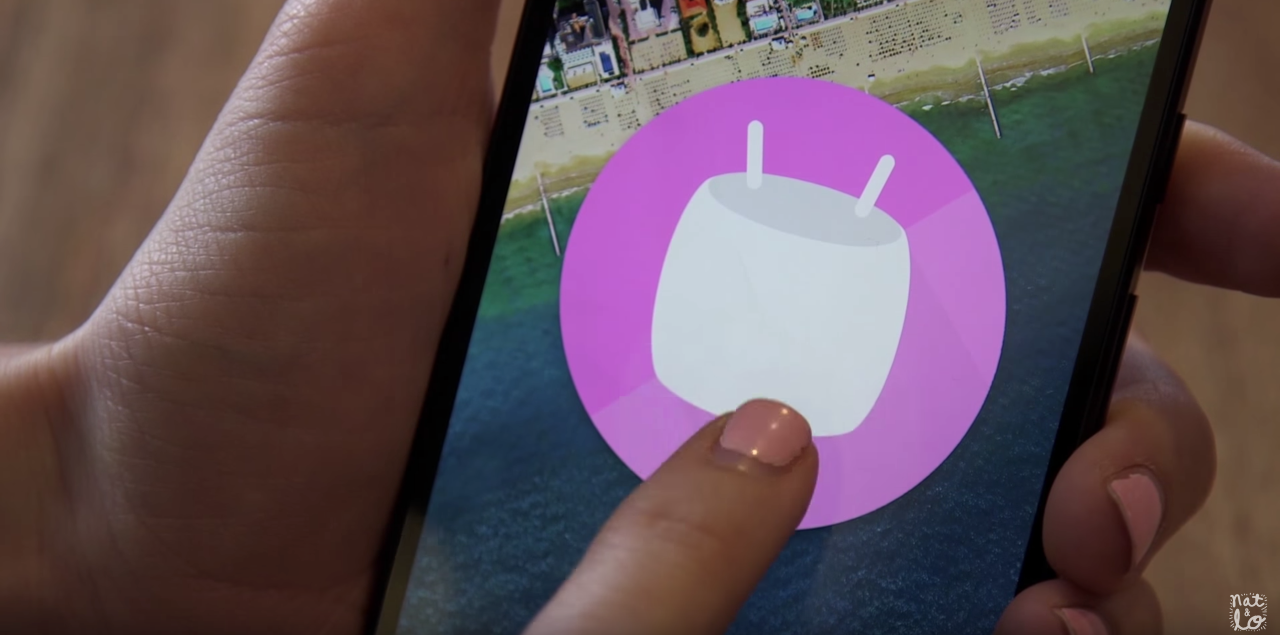
One month on, Android 6.0 Marshmallow is running on just 0.3% of Android devices

It’s been about a month now since Android Marshmallow started rolling out to a variety of Android devices (mostly just the Nexus line), and according to this month’s distribution numbers, only 0.3% of Android phones are running the latest version. That’s just plain depressing.

And what’s worse is that the other numbers across the board haven’t really improved all the much since last month, either. Last month, 23.5% of Android users were running last year’s OS, Lollipop, and now 25.6% have managed to go to a build of either 5.0 or 5.1. An amazing 37.8% of Android users are still on KitKat…
Expand
Expanding
Close

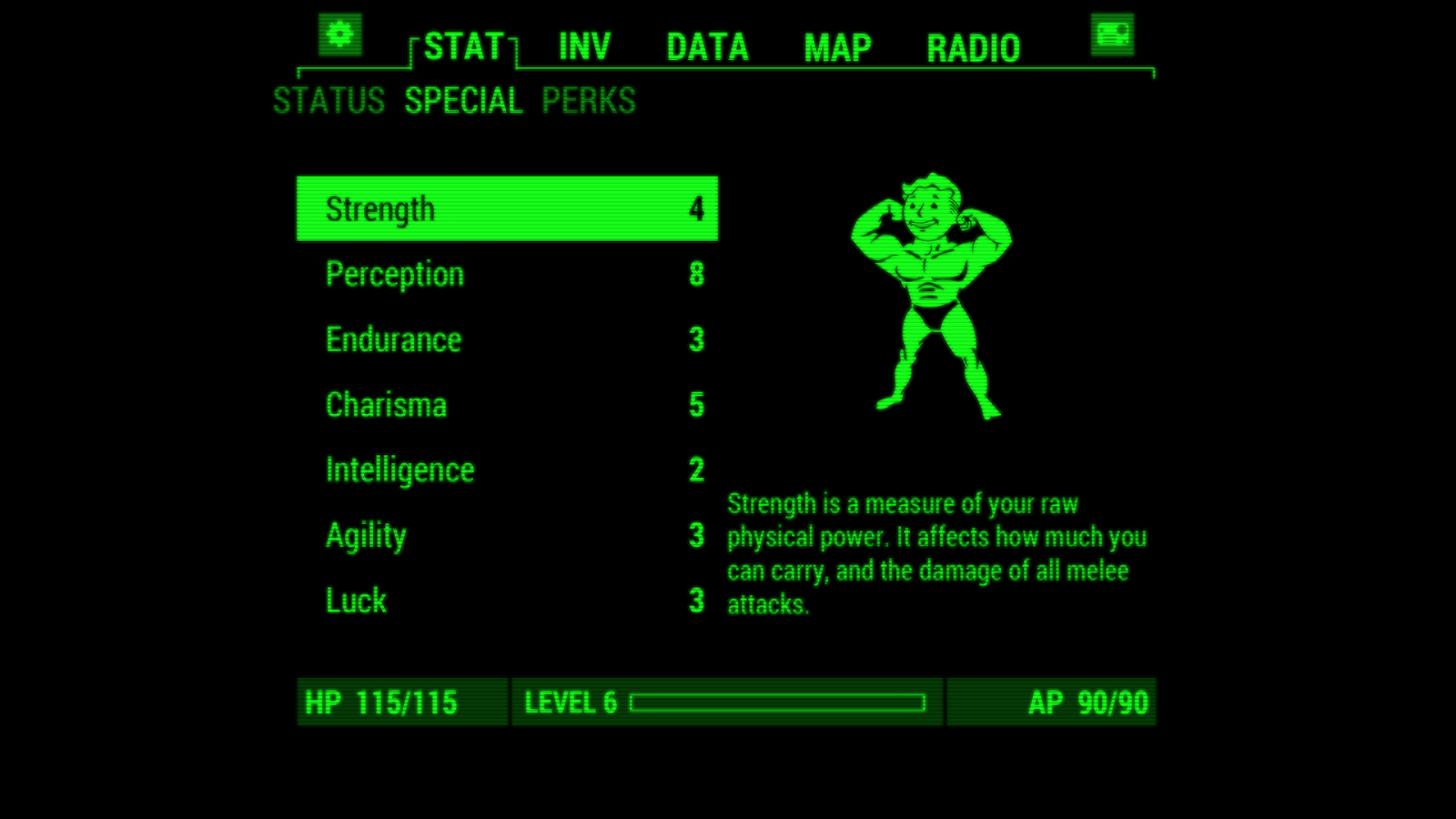
Fallout 4 companion app ‘Pip-Boy’ now available for Android and iOS

The much-anticipated Fallout 4 from Bethesda is just around the corner (it’s scheduled to hit stores on November 10), and of course a companion app chock full of mini games and cross-platform interaction with the full game is now available. Even though the majority of the app’s functionality doesn’t even work without the full game (which, obviously, isn’t out yet), this app is already pulling almost unanimous positive reviews on the Play Store.

With Fallout Pip-Boy, your Android or iPhone (yes, it’s also available on Apple’s platform),can interact with Fallout 4 on your Xbox One, PlayStation 4 or PC. Even when you aren’t near your game system, Pip-Boy keeps track of your character’s status on the go. Among other things, the app lets you see your stats, inventory, map, and radio. There’s also a bunch of mini games (your holotape games) that are at your disposal, that you can play right from within the app.

The app is free on the Google Play Store, and you can grab it on the iOS App Store as well. Oh, and if you’re in the fewer than 1% of mobile phone users that rocks Windows Mobile, there’s surprisingly an app available for you too (although it doesn’t seem to be available yet)

There are a couple more Fallout 4-related apps available on the Play Store, as well, including the C.H.A.T. app that you we told you about earlier this week and the Fallout Shelter mobile game.

Makers of ‘Zero Reflex’ offering $10k to the first person to complete it

A new game called Zero Flex, a “psychedelic evader,” has hit the Google Play Store — which, alone, might not be newsworthy. There are hundreds of games that come out on the Play Store every day. But what’s different about this one is that its developers are claiming that the first person to legitimately complete the game will receive $10,000. That’s one way to promote your new game in an overcrowded sea of mediocre games.

I downloaded the game, and I can’t get more than 15 seconds in. This reminds me a lot of Super Hexagon, but far harder. Without in-app purchases (which, yes, the app does offer), I can’t see how this would be possible for even the most hard-core of gamers.

Considering the not-so-walled garden of Android and the possibility that an iPhone might be jailbroken, Exordium Games has made it clear in the contest rules that you must complete the game legitimately without any hacks. The game has 60 challenges, and if you manage to get through them, you’ll be given the option to contact Adminde.

You can read the full rules of the contest over at Exordium Games’ website, and yes, it’s also available on the iPhone via the App Store, as well as on PC via Steam.


BlackBerry commits to delivering monthly Android security updates to PRIV

It seems an age has passed since the day John Chen, BlackBerry’s chief, said they’d only make an Android phone if they could make it secure. The BlackBerry PRIV is official, and is already available to pre-order. The physical QWERTY-equipped slider is the first BlackBerry to run Android and has several key features built in to ensuring that it stays secure. Security is built in to its hardware and its software. It’s no surprise then to read that the company is committed to keeping up with Google’s monthly security updates…


Expand
Expanding
Close

Google Maps on iOS will now give spoken traffic alerts as you drive

Google today has rolled out an update its Maps application on iOS, bringing with it a pair of new features. The update bumps the app to version 4.12.0 and includes support for adding missing businesses to the app’s database and spoken traffic alerts.

The latter of the two is the far more interesting addition of this update. Spoken traffic alerts mean that Google Maps will now alert you about upcoming traffic congestion and traffic incidents as you use the Navigation feature of the app. It does so via voice so you aren’t distracted while you drive. Traffic descriptions provide the same information, but in both text and verbal forms before you start to move.

Google Maps version 4.12.0 is available via the App Store now for free. The full changelog can be seen below:

What’s New in Version 4.12.0

  • Easily add new and missing businesses from the sidebar
  • 
Spoken traffic alerts in Navigation tell you about congestion and incidents on your route and traffic descriptions give you summary of traffic before you drive
  • Bug fixes

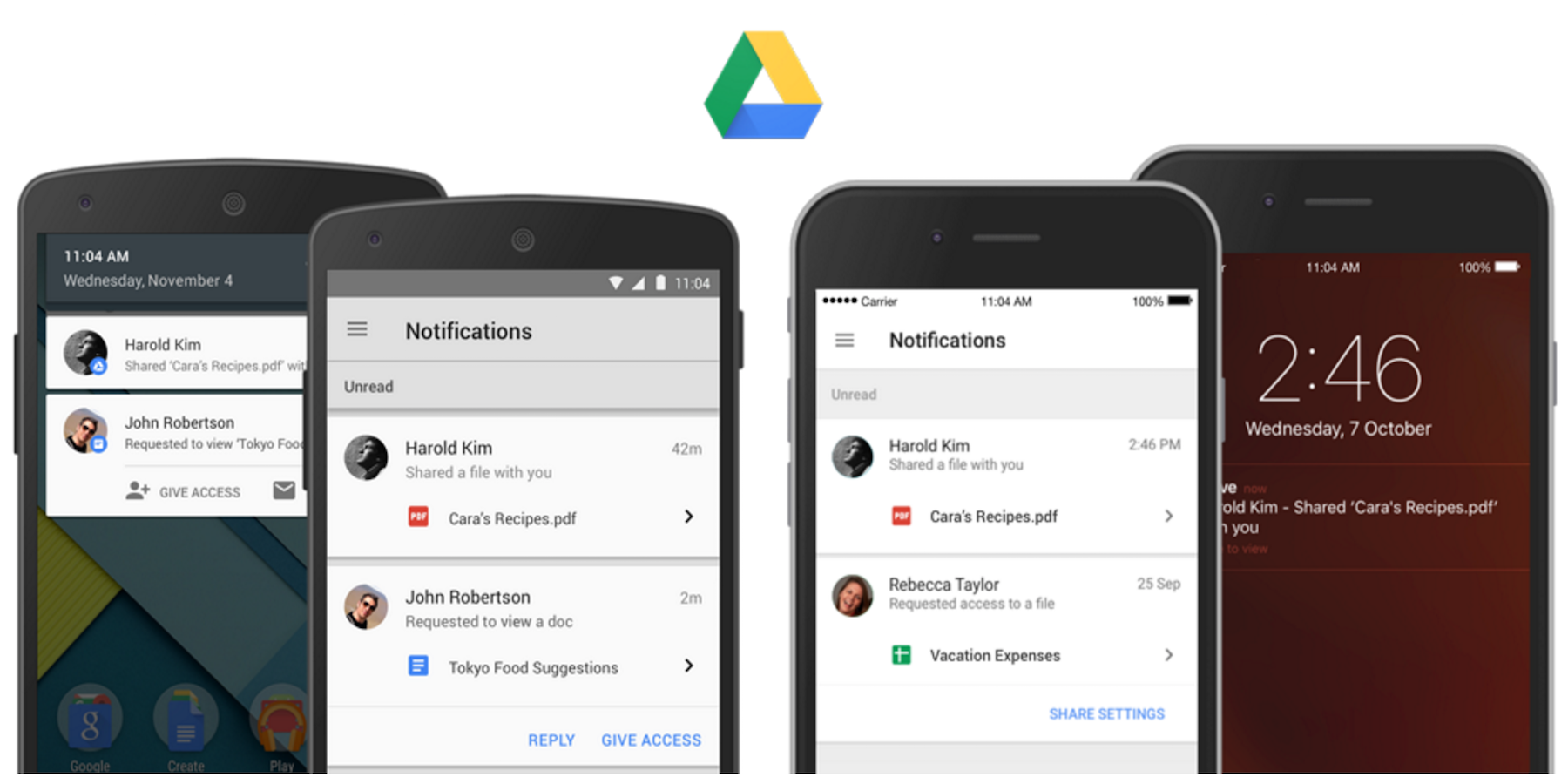
Drive for Android adds sharing notifications, access to shared files without a Google account

Google Drive updates arriving today include new features for the Android app including sharing notifications and the ability to share with people without a Google account.

As part of its Drive mobile app updates today, both users of the iOS and Android apps can now enable notifications for when files are shared with them. Not only is it a notification, but it also acts as a quick links to jump right into the file or folder. And in addition, Google notes that “If a file/folder owner has notifications turned on and someone requests access to their content, the owner will be notified of the request instantly on their mobile device so they can quickly grant access.”

And while the Google Drive iOS app is getting what Google describes as a new consistent sharing experience (essentially bringing it up to par with Android), Android users are getting the ability to share with people without a Google account:

Until now, a Google Account was needed to view shared files on an Android device. Now, people can do this without a Google Account just like they can on the web.

The updated Google Drive app for Android is available now.

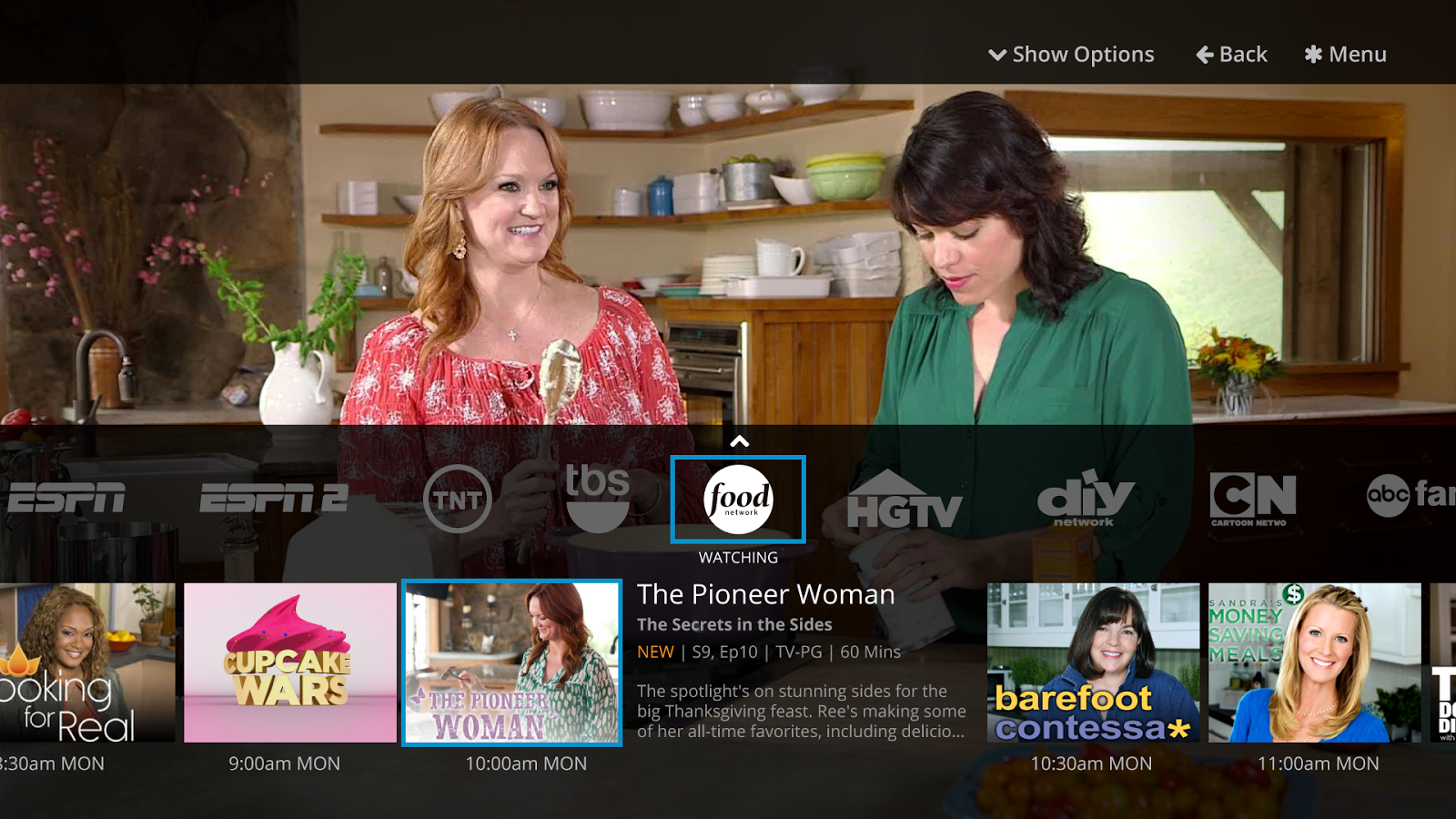
Latest Sling TV update lets you sling your favorite shows to your Chromecast

Dish Network’s Sling TV has been around for a while, but one feature that was long been missing from its Android and iPhone apps was Chromecast support. Now, following Google’s announcement last month that the feature was on the way, watchers of live on-demand TV programming via Sling TV can finally sling that content onto their big screen…
Expand
Expanding
Close

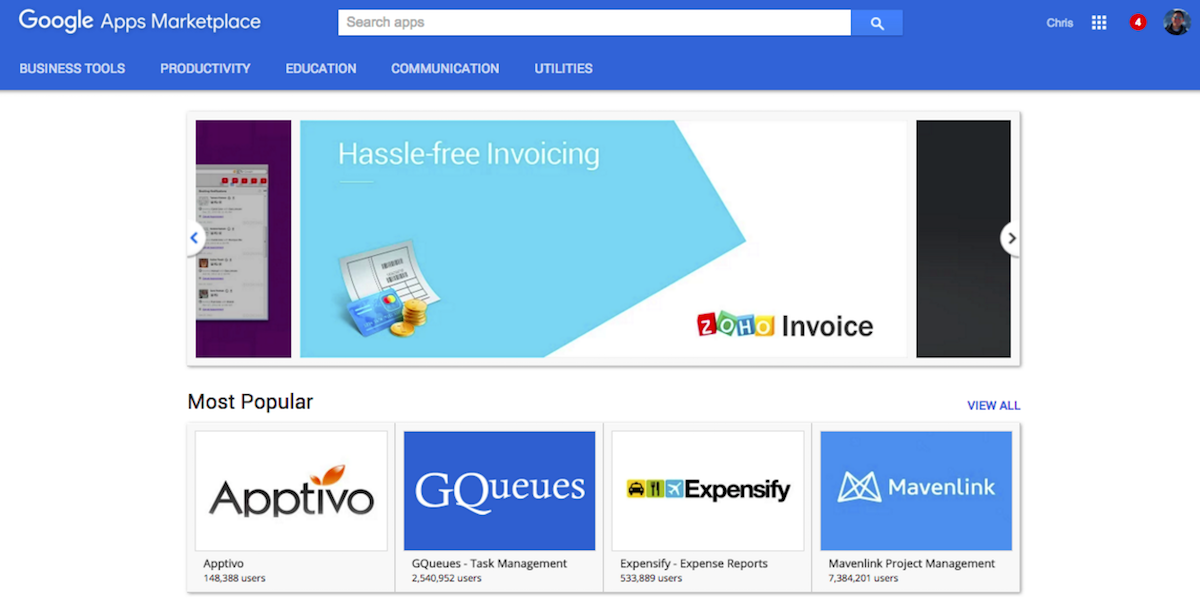
Google Apps for Work hits 2 million paid businesses, introduces app recommendations

Google is making some announcements for its Google for Work platform today at the Web Summit in Dublin, including the introduction of a new program dubbed “Recommended for Google Apps for Work” and an update on paid user numbers.

In addition to announcing the new app recommendations, Google’s Amit Singh unveiled that the company has now hit over 2 million businesses with paid Google Apps for Work accounts:
Expand
Expanding
Close

Google pushing November’s security update to Nexus devices, download factory images here

Earlier this year, Google promised that Nexus devices would begin receiving security updates on a monthly basis. The company has definitely followed through with this promise as of yet, pushing out a new factory image right around the beginning of the month for the last few months. Right on time, November’s security update is here, and you can find factory images below…
Expand
Expanding
Close

Custom Quick Settings uses UI Tuner to add custom tiles to your quick settings pull-down

An exciting new feature came with Android 6.0 Marshmallow in the form of UI Tuner, a hidden section of the Settings app that was practically useless unless you knew what you’re doing… until now. With a new app called Custom Quick Settings, you can quickly and easily create new custom tiles in the Quick Settings pull-down with just a few taps…
Expand
Expanding
Close

Developer manages to run Nintendo 64 and PSP games on his LG G Watch [Video]

We’ve seen a slew of emulators — everything from Macintosh II to Game Boy Color — running on Android Wear devices before, but the latest entries from Hacking Jules might be the most absurd yet. In these videos, we can see that popular PSP emulator PPSSPP and an unnamed Nintendo 64 emulator are both — albeit barely — capable of running on the LG G Watch…

It goes without saying that this is definitely a case of “why not,” rather than any kind of practical use case. Both emulators are barely chugging along (despite how impressive it is that they’re working at all). As you can see, frame rates are definitely in the realm of unplayable, and a screen of this size just doesn’t really work as a controller either.

Here are the videos:

Google’s new ‘Who’s Down’ app shows which of your friends are free to hang out

Google has just quietly released a new app on the Play Store, called “Who’s Down”. As you might be able to tell from its name, the app will apparently — once there are people who are actually using it — let you see which of your friends are free to hang out. Currently, the app is invite-only, so the only things we know about its functionality are from the app’s Play Store screenshots…
Expand
Expanding
Close

Google Photos brings face grouping features to more countries in 1.8 update

Google has updated the Google Photos app this week, and it’s a fairly substantive update — at least in comparison to the almost-weekly bug fixer updates that Google pushes to many of its apps. The new version brings the face grouping features of the well-reviewed cloud storage service to more countries…
Expand
Expanding
Close

Amazon Music update brings offline storage on SD cards, Android Wear support, more

The “Amazon Music with Prime Music” app has today been updated with some of its most oft-requested features. The big one, and the one that people have been wanting practically since Prime Music launched, is the ability to store offline music on a device’s SD card for offline playback. The update also brings Android Wear support, and other, more minor enhancements…
Expand
Expanding
Close

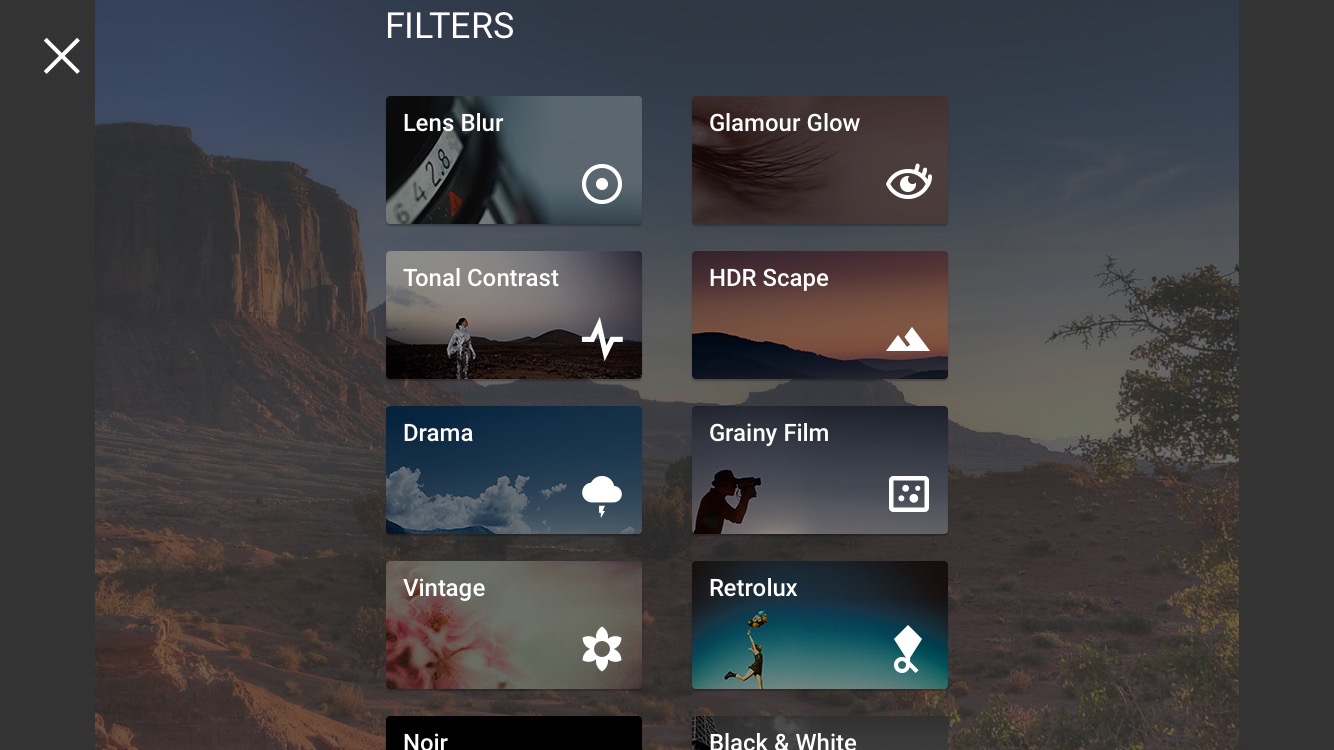
Google’s Snapseed now has support for editing RAW photos on Android

Snapseed 2.1 is now rolling out on the Play Store, and there’s one big feature addition: support for editing photos in RAW. In case you didn’t know, RAW support was first brought to the platform with Android Lollipop’s release, and now Google’s own photo editing app is also supporting the format.

Here’s the word, straight from Google’s Anton Daubert:

Today is a big day for Snapseed users! Snapseed 2.1 brings RAW photo editing to your Android device.

Traditionally, shooting and editing RAW photos has been the domain of DSLR cameras and desktop software. But with the RAW capabilities that were added to Android 5 last year, RAW is now becoming important for mobile photography, too.

Snapseed now allows you to edit those RAW photos in the DNG file format right on your mobile device. You can also edit DNGs that were shot on cameras or converted from other RAW formats.

If you’re not exactly familiar with photography format terminology, RAW formats are traditionally associated with DSLR cameras, and they are the most pure form of a photo that preserves everything that the camera captured. This allows you to do more complex edits that would otherwise be impossible with other, more lossy formats.

Google says that in addition to RAW editing features, Snapseed also has “some slight polishes throughout the app” in this version to make navigating it just a bit easier. You can get the app on the Play Store for free.

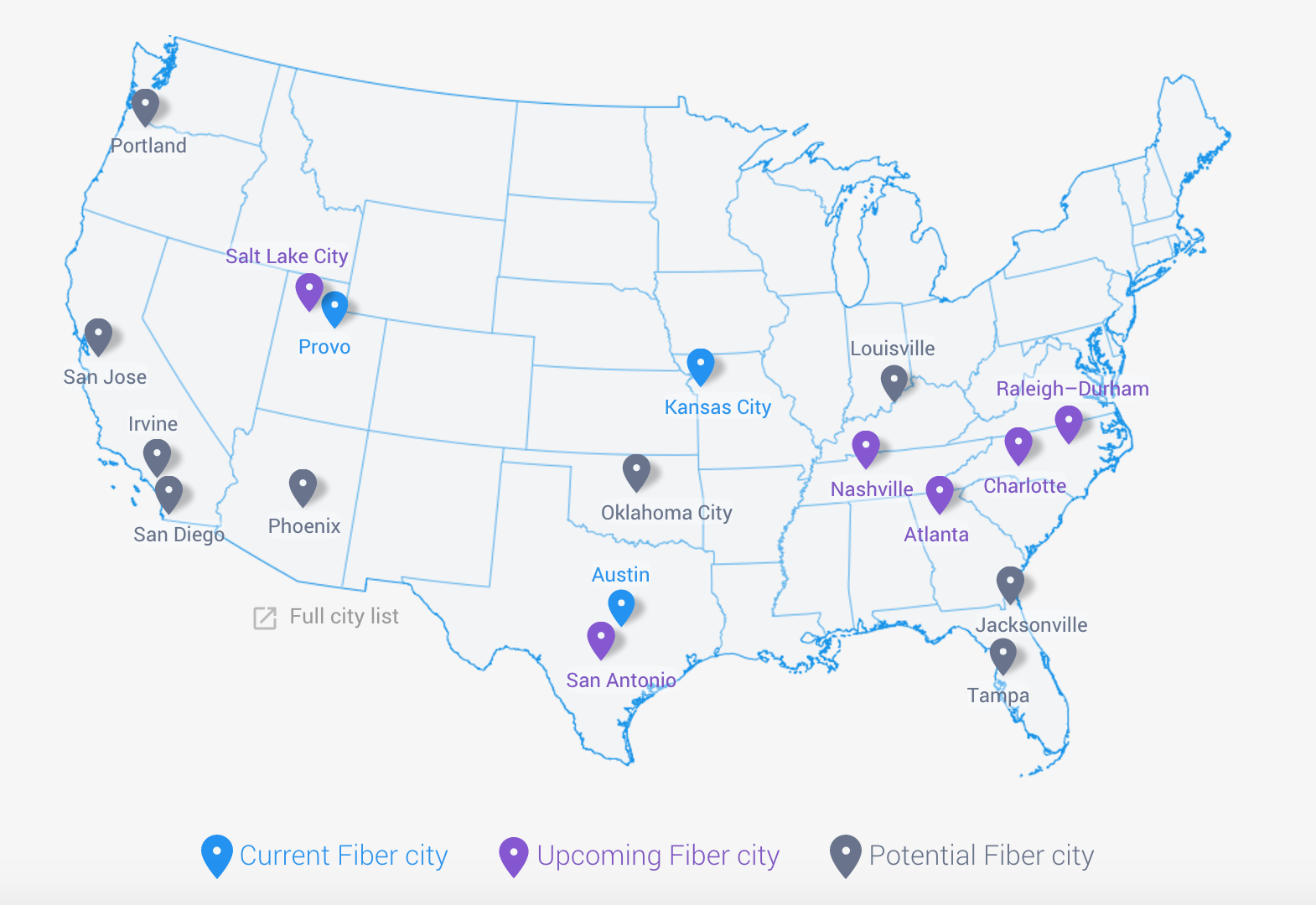
Google names Oklahoma City, Jacksonville and Tampa as potential Fiber cities

Google Fiber is slowly but surely gaining momentum, and the Mountain View company just last month announced that it began exploring Irvine, Louisville, and San Diego as potential cities for the service. Today, it looks like there are three more cities being added to the “maybe one day” list (which is definitely an upgrade from the “who knows” list most cities are still on): Oklahoma City, Oklahom, Jacksonville, Florida, and Tampa, Florida.

Google says these “growing tech hubs” have a “strong entrepreneurial spirit”:

That’s why today, we’re inviting Oklahoma City, OK, Jacksonville, FL and Tampa, FL, to explore bringing Google Fiber to their communities, as we did last month with three other cities. These growing tech-hubs have a strong entrepreneurial spirit and commitment to small business growth. Their list of accolades is long—from Jacksonville’s title as a top 10 city for tech jobs, to Tampa Bay’s #2 spot on the list of best cities for young entrepreneurs, to Oklahoma City’s recognition as the #1 city to launch a business. One of our goals is to make sure speed isn’t an accidental ceiling for how people and businesses use the Web, and these cities are the perfect places to show what’s possible with gigabit Internet.

There are currently 3 Fiber cities, and 6 that are definitely on the way. This announcement leaves us with 9 cities that Google has designated as potentials, with the other 6 being Portland, San Jose, Irving, San Diego, Louisville, and Phoenix. Now, Google is going to start the “joint planning process” in collaboration with the three new cities’ local leaders to study their respective communities. Now it’s just a waiting game for those lucky enough to reside in these cities.

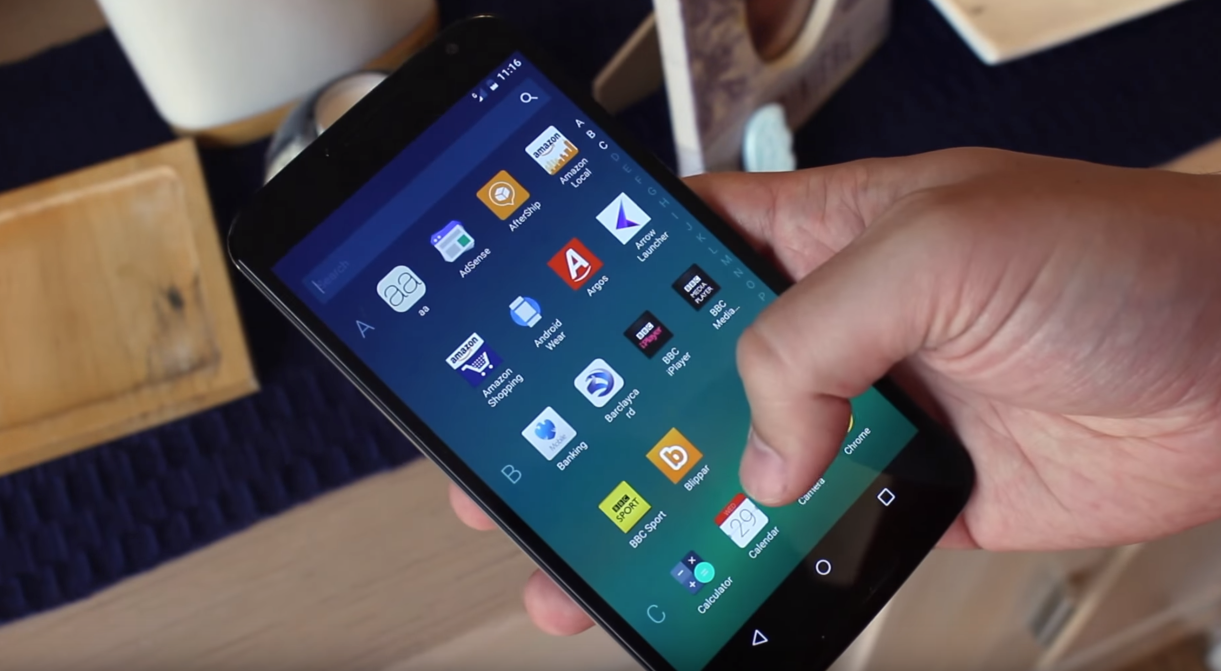
Microsoft ‘Garage’ project Arrow Launcher for Android is now out of beta

Microsoft’s Arrow Launcher is definitely a new take at a home screen interface for Google’s OS, and if you’ve been waiting for it to exit beta before trying it out on your daily driver, today’s your day. I actually decided to give it a try for the first time today, and — as someone who is very loyal to Google’s Now Launcher — I was somewhat impressed…

The launcher takes a new approach to the home screen, giving you a few pages that all do different things. The main screen of course has your most used apps, but the app also gives you screens for contacts that you frequently interact with, a reminders screen, and another screen showing apps that you’ve used recently, as well as recent activity.

All of this comes together with a really interesting take an iOS Control Center-like experience. If you swipe up from the home screen, you’ll find your docked apps, some recnetly used apps, and then some quick toggles for things like WiFi and Bluetooth. Below that you’ll find quick access to the brightness settings, and quick links to change wallpaper and access the launcher’s settings.

We gave the app a detailed look earlier this year when it was in beta, and while some things have changed, you can check out the below video to get a quick idea of what the Arrow Launcher is all about. You can grab it on the Play Store for free.


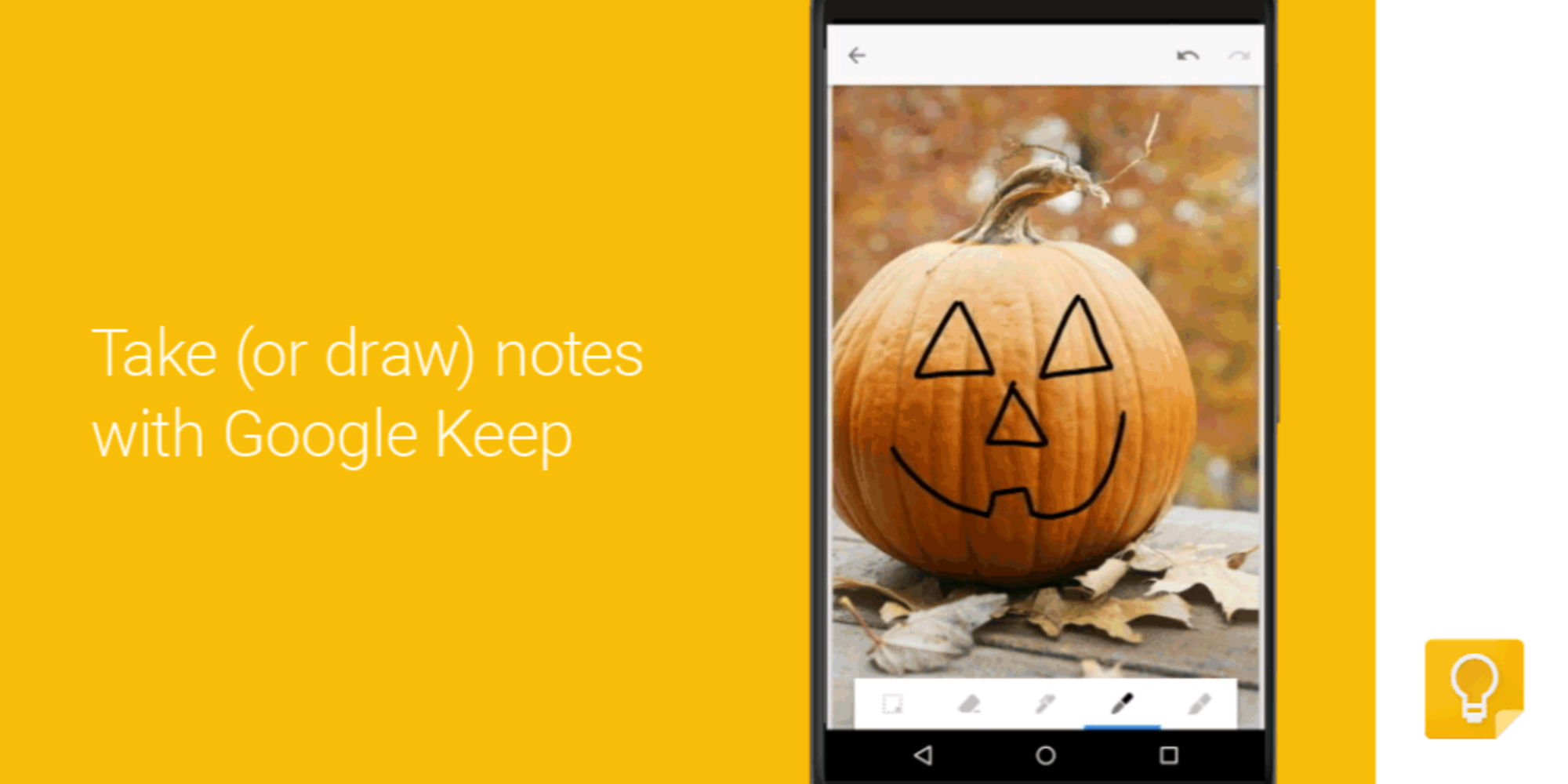
Google Docs, Sheets, Slides, and Keep get new features on Android

Google is today rolling out updates to its Google Docs, Sheets, Slides, and Keep apps that add a handful of new features for Android users.

First up, the Sheets app now allows users to view more content on the screen by automatically hiding “toolbars and headers so that you can see more of your content on the screen at one time.” And you’ll notice the toolbars and headers reappear when you sign to scroll up or zoom out.


Expand
Expanding
Close

Skype for Android adds video message filters, improvements to conversations & contacts

Skype is rolling out an update for its Android app today that introduces new video filters not unlike competitive video chat services.
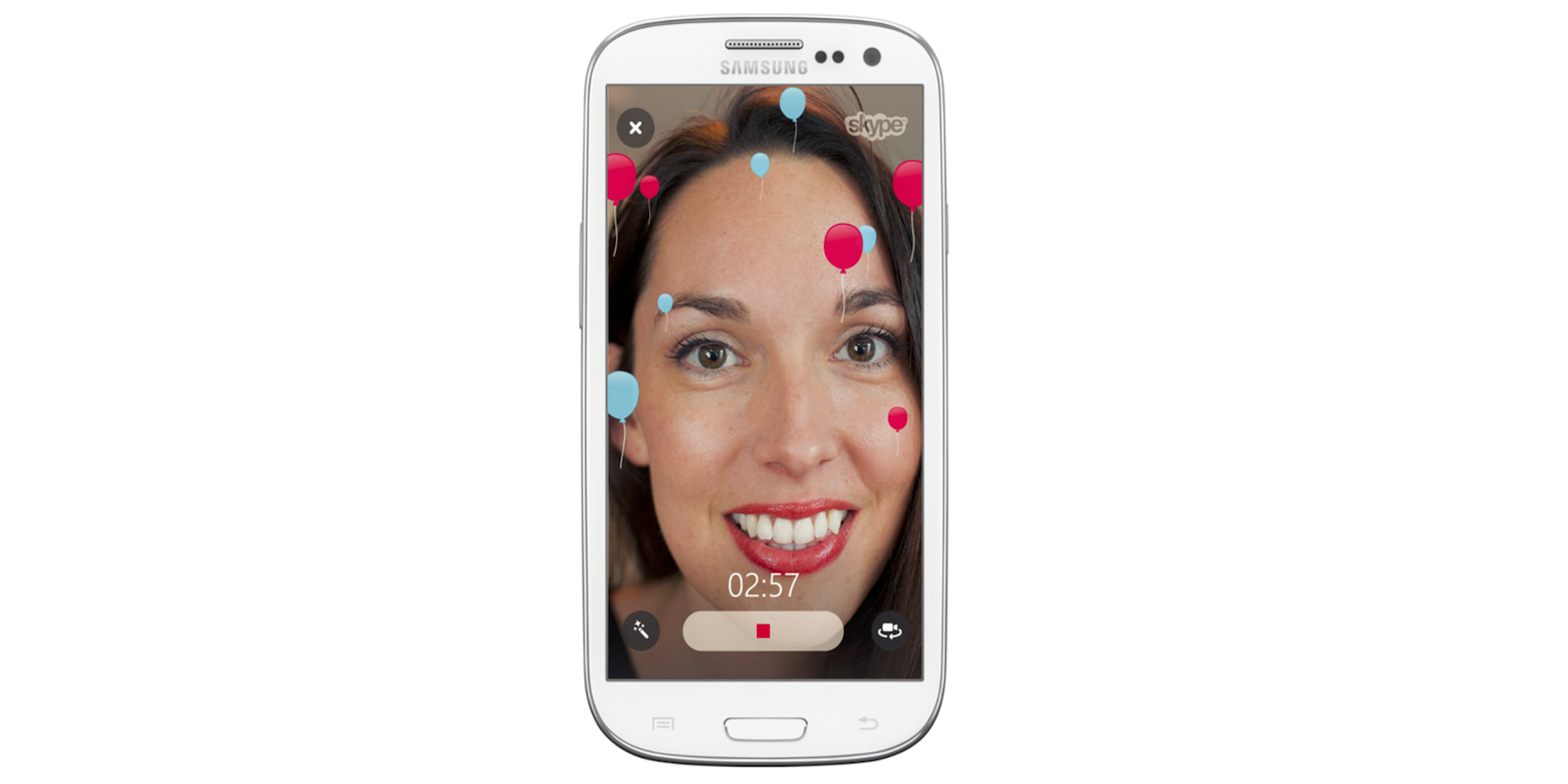
The new filters can be applied to video messages with various effects to choose from, and you’ll also find some Halloween themed emoticons and filters to celebrate the occasion this month:

Get started by tapping the filter wand at the bottom left of the video message window. Choose a filter to see it in action then, when you’re ready, hit the record button. Add balloons to your video message to celebrate any occasion. If you’re feeling goofy, change the appearance of your face to make it look rounder or longer – we love this one! Or, if you’re sending a video message showing off your Halloween costume, add some ghosts or use the negative filter to set a spooky mood.

And lastly, Android users get a few welcomed improvements to conversations and contacts in the update, including:

• Quickly send photos and files to the entire group by tapping on the corresponding icon in the group chat media bar.
• Want to chat with a friend who isn’t in Skype? Invite your friends to join Skype from the contacts tab.

The updated Skype for Android app is available on Google Play now.

Verizon & Motorola announce DROID Turbo 2 and DROID Maxx 2

Verizon and Motorola have today announced both the Droid Turbo 2 and the Droid Maxx 2, a pair of smartphones that give Verizon customers some really great flagship and sub-flagship options. The big announcement here is the shatterproof screen coming exclusively to the higher-end Droid Turbo 2, but that reveal is coupled with the announcement of a mid-range, all-around good phone, the Maxx 2. Here’s everything we know…
Expand
Expanding
Close