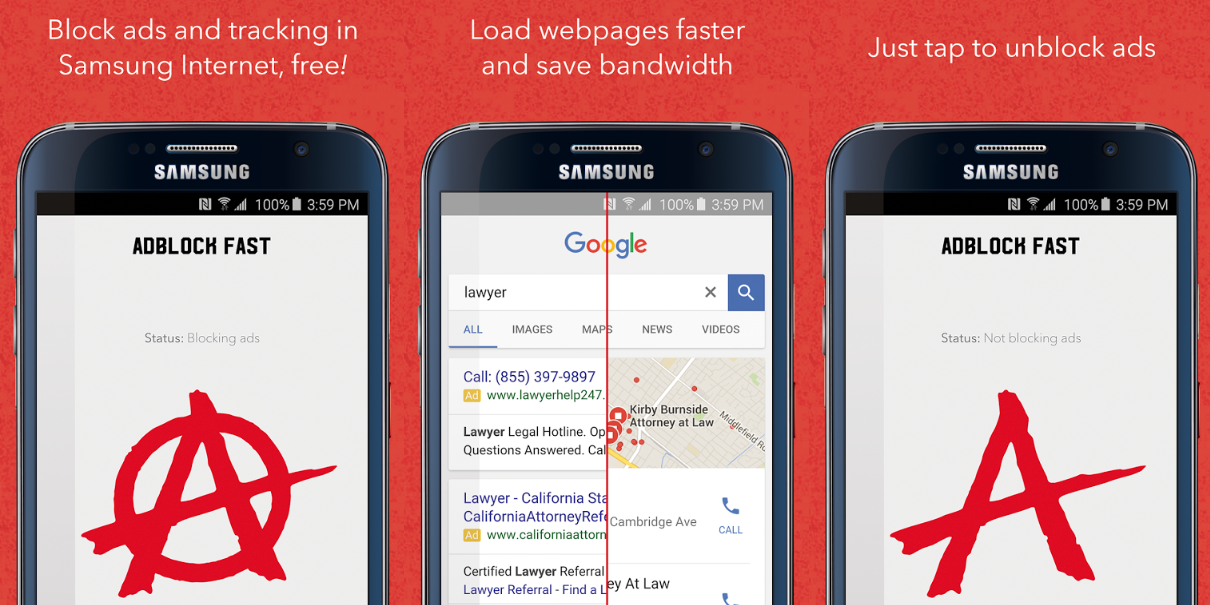
As the default browser on Samsung devices is their own ‘Internet’ app, many people never bother to switch often just end up using it. An update rolling out to the built-in browser will add support for third-party ad blockers, among other new things. While the feature is found in other Android browsers and is a common reason why people root their devices, Samsung’s scale may popularize it…
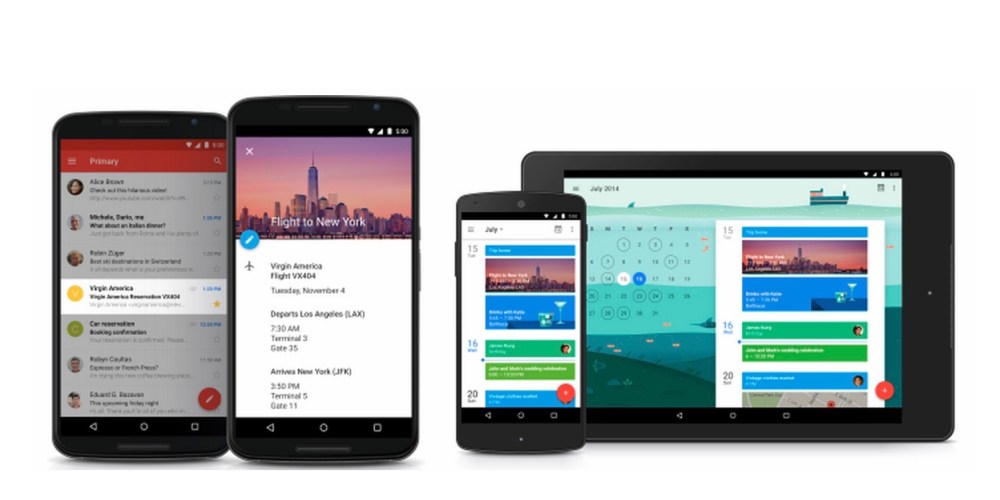
If you’re like me, you live your day heavily by your calendar, and Google is making that experience a little more efficient. Google is updating Google Calendar on both Android and iOS with new smart suggestions as well as 54 new country-based holiday calendars.
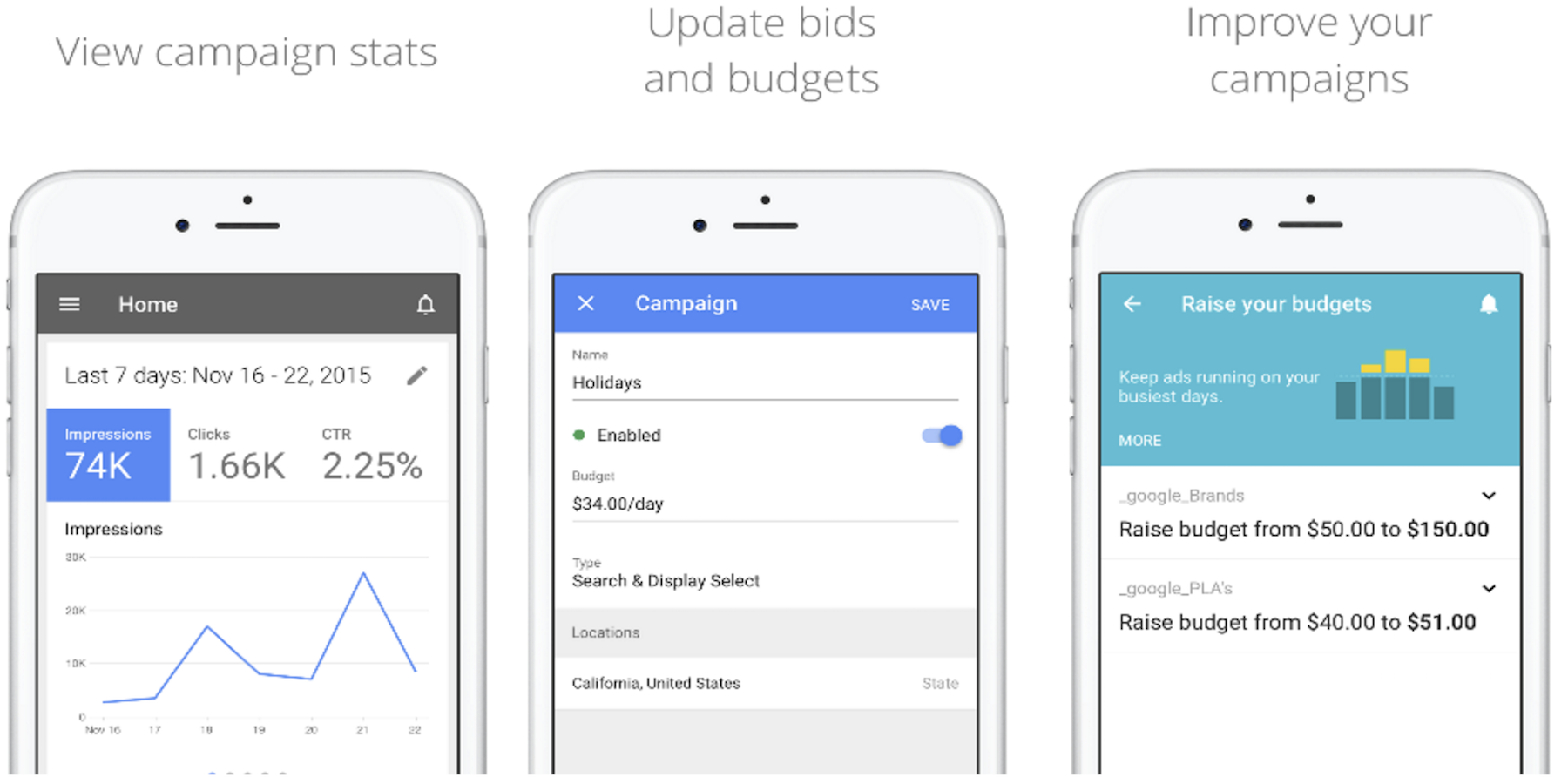
Google has finally launched a full-fledged iOS app for users of its AdWords advertising service. The AdWords app arrives today as the first official iOS app for the service and it’s available for both iPhone and iPad users now.
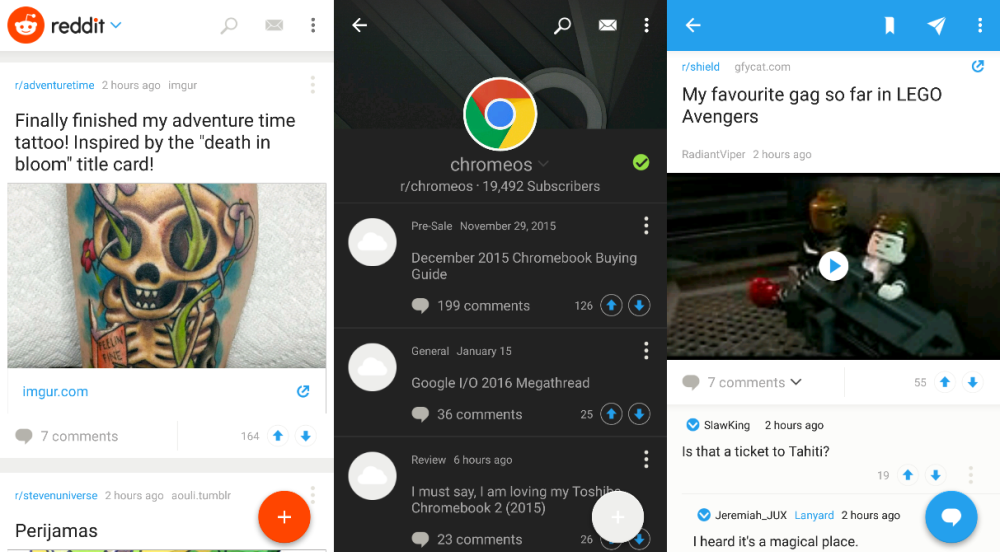
As part of a broader post about the year ahead, Reddit founder Steve Huffman announced that their new Android app is going into beta today. We’ve got our hands on the beta and from our first impressions Reddit made an okay app, but it still has a ways to go.
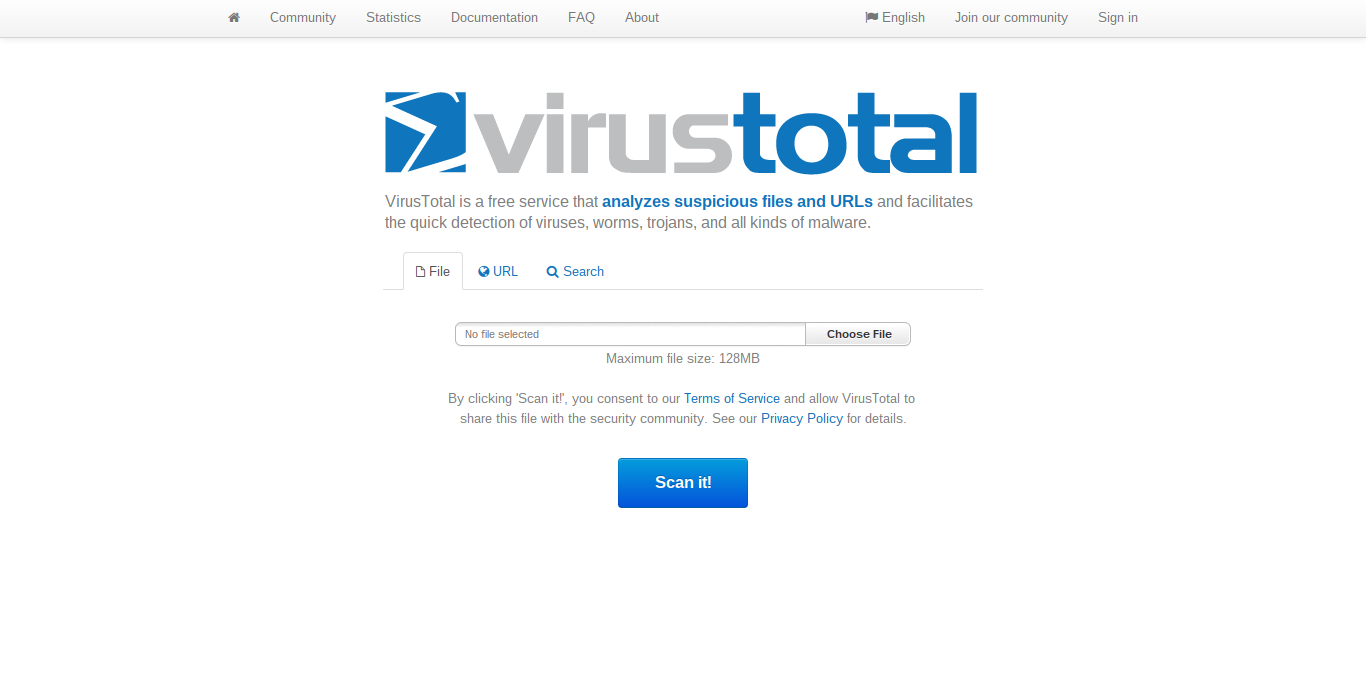
Google bought VirusTotal, an online virus and URL scanner, back in 2012 and it continues to run as an independent company even today. Their website and Mac app offers a very useful utility that lets users upload files to see whether they are ridden with viruses. They recently added the ability to scan a computer’s firmware for suspicious malware.
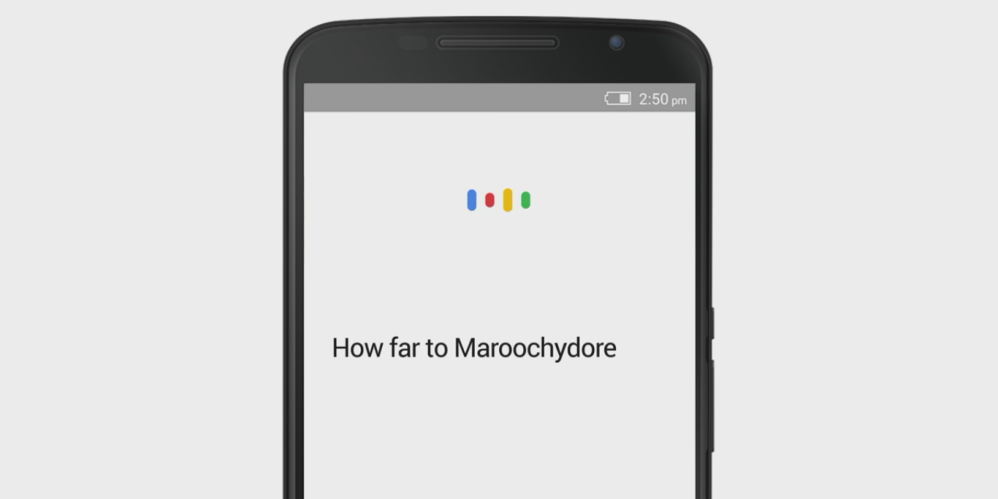
Google is now further localizing the voice in their apps for Australian users. The new accent will sound more familiar to those down under and be better able to pronounce place names and understand local colloquialisms for tasks and actions.
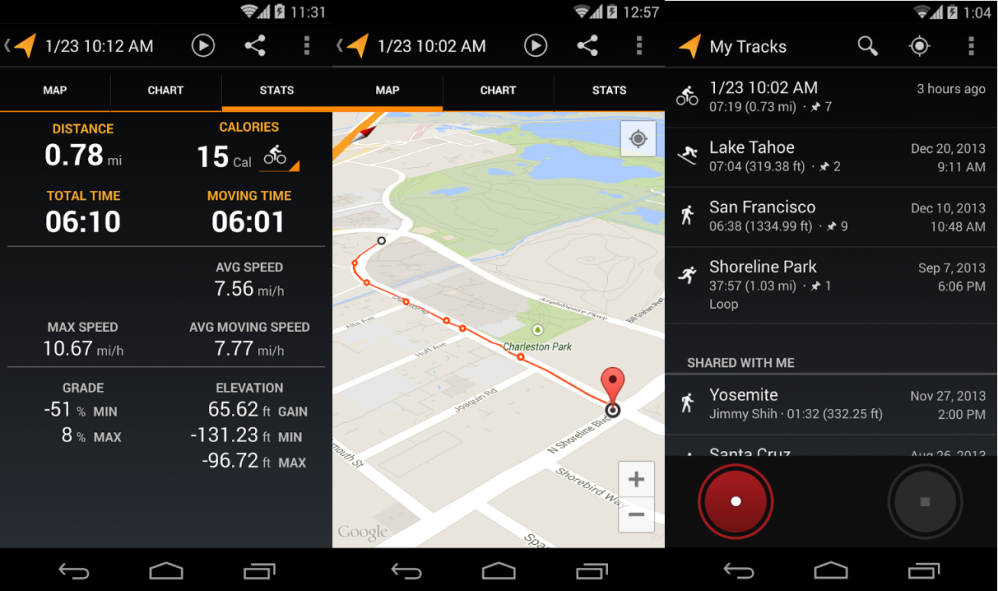
My Tracks is a light weight, single purpose app that uses your phone’s GPS to track your physical activities. The app has not received a major update in a while and, unsurprisingly, Google has now announced that it is shutting it down after April 30th.
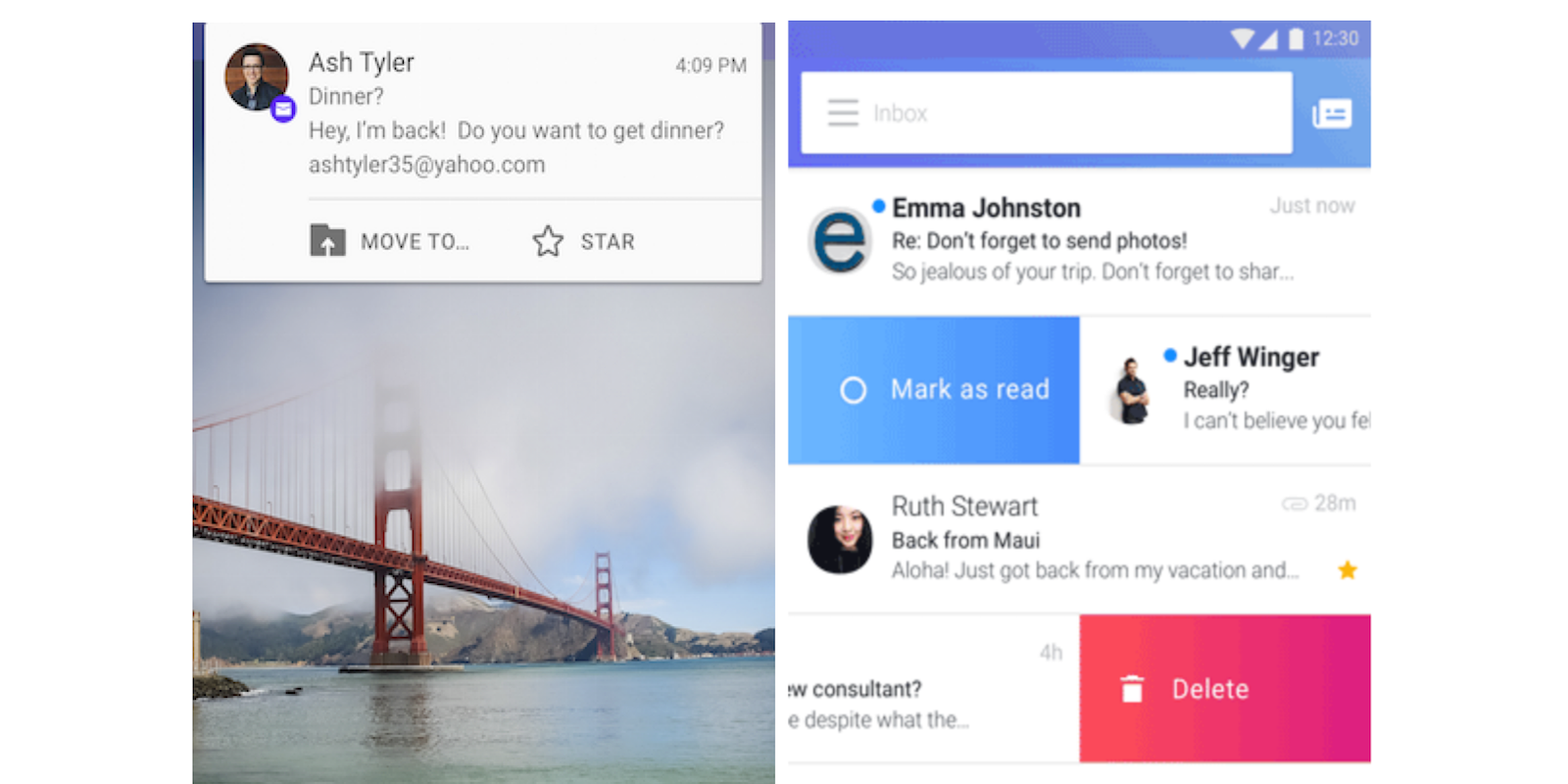
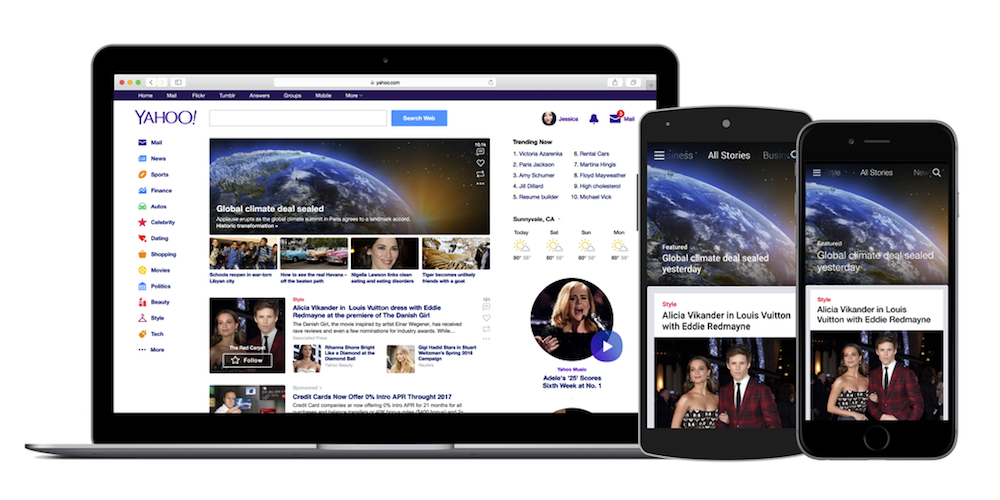
Yahoo today announced that it’s revamping the way it aggregates news content and in the process launching redesigned commenting, news discovery, and notification features to users on Android, iOS, and through its Yahoo homepage on the web.
Google today announced a few updates for Google Docs, Sheets and Slides that add new feature for both iOS and Android users.
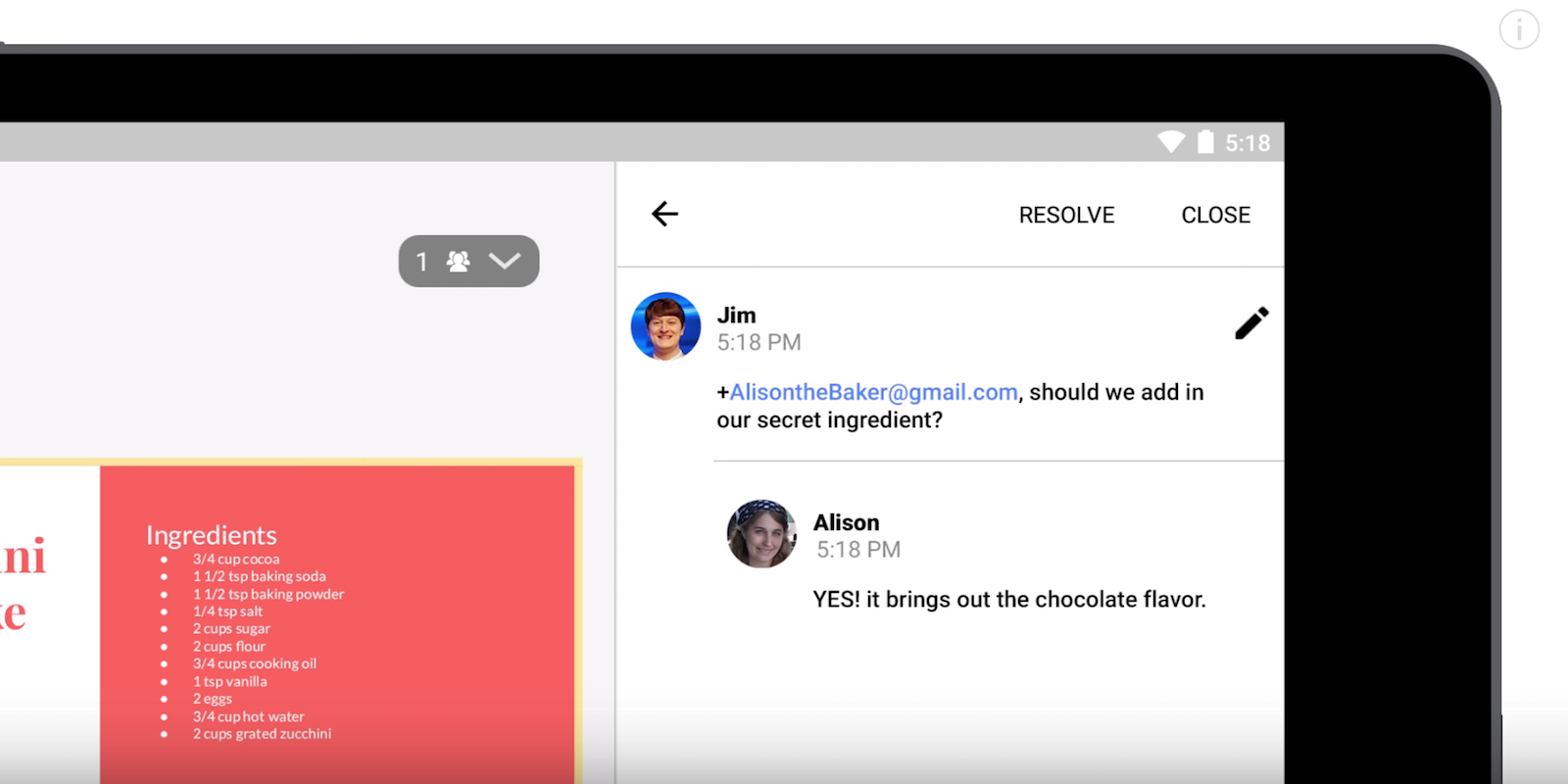
All of the updated apps add the ability to comment from mobile devices, meaning users can now add comments to docs, sheets or slides they’re collaborating on with others directly from their iPhone, iPad, or Android device.
Google gives us a look at the new feature in the video below showing two people working on a receipt together in Slides:
And in addition, the updated apps for Android get even more new features including support for new file formats, filtering options, and languages. The new supported file types include:
“Import and export additional file formats in Google Docs, Sheets, and Slides – As long as you’re online, you can now import and export the following file formats in and from the Docs, Sheets, and Slides Android apps:
Import – .txt, .rtf, and .html (in Docs)
Export – .docx, .rtf, .pdf, .txt., and .html (from Docs), .xlsx, .pdf, .html, .csv, and .tsv (from Sheets), and .pptx, .pdf, and .txt (from Slides)
Google also says you’ll be able to open CSV and TSV files in Google Sheets in the new Android apps.
As for new language support, Google Sheets now officially supports reading from right to left. “If you use a right-to-left language (e.g. Hebrew) in Sheets, you’ll now see an option in the Android app to format your spreadsheet in that same direction. Once enabled, your columns will progress from right to left (starting with “A”), and your row numbers will appear on the right-hand side of your screen.”
Google has more info on the Android specific updates here and the updates are available on Google Play (and the App Store) now.
While Chrome 48 began rolling out on browsers last week, Google has announced some new features for it across the various platformsm it is on. Most notably, Chrome for iOS gets significantly faster, the Data Saver extension exits beta, and extensions are now better highlighted.
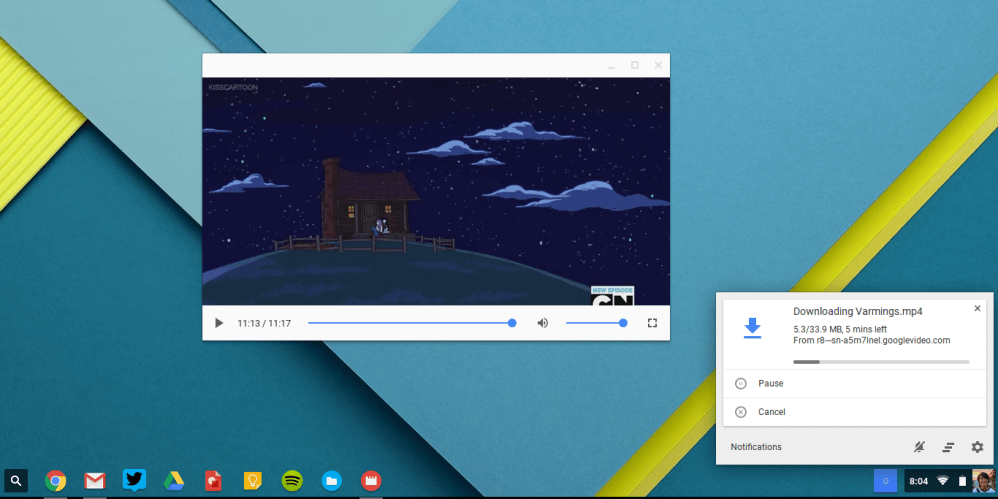
Last week, Chrome 48 for Mac, Windows, and Linux brought few user facing updates. Now, version 48 of Chrome OS was just released and brings improved download notifications, a Material Design Video Player, and other updates, in addition to security fixes.
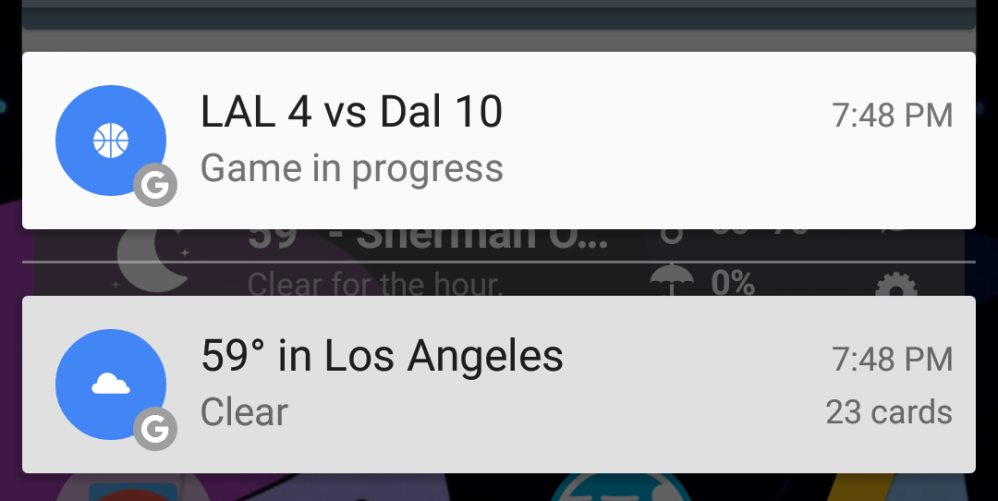
When Google Now has a relevant piece of information to share, it sends users a notification. In the past, the notification icon that appeared in the top bar was specific to the type of info. A small update to the Google app today changes the icon to a more generic ‘G‘.
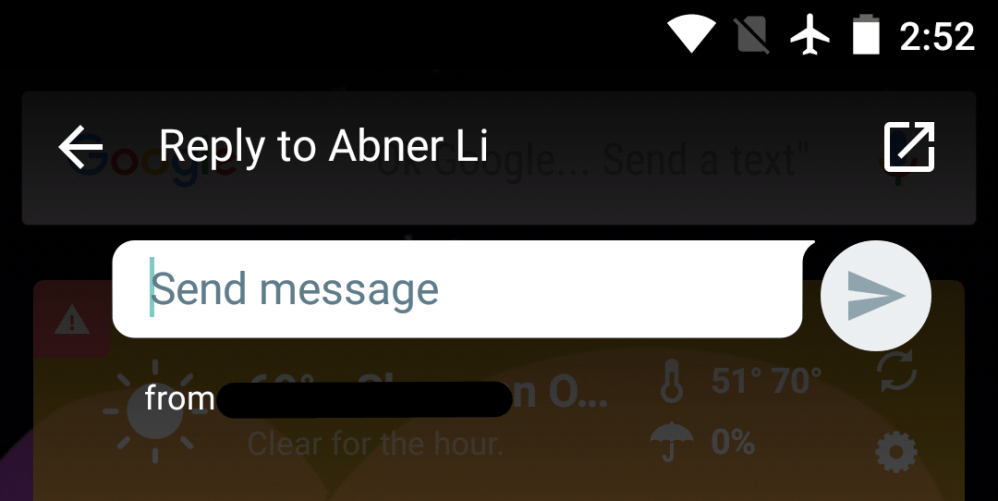
According to a rumor last year, Google would remove the ability to send SMS from Hangouts in a future update. While version 7.0 released today is not that update, it advises users to switch to Google Messenger for SMS. It also adds quick reply to notifications and the ability to add message shortcuts to the homescreen.
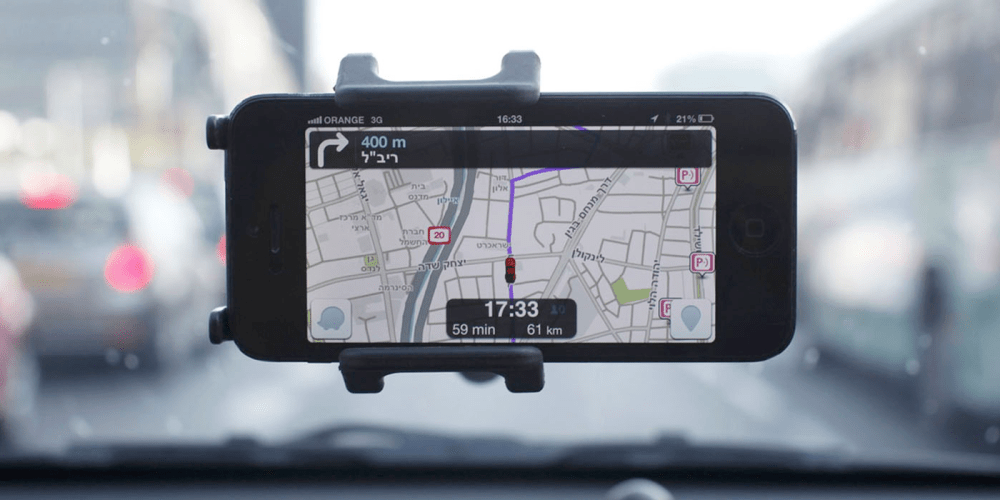
Waze is already the go-to app for real-time traffic updates, and today they’ve upped their game. Waze has officially announced its Transport SDK, which will give partners the ability to implement some of Waze’s features into their own applications. There will be no need to switch out of an app just to see a road block two miles ahead in the not-so-distant future.
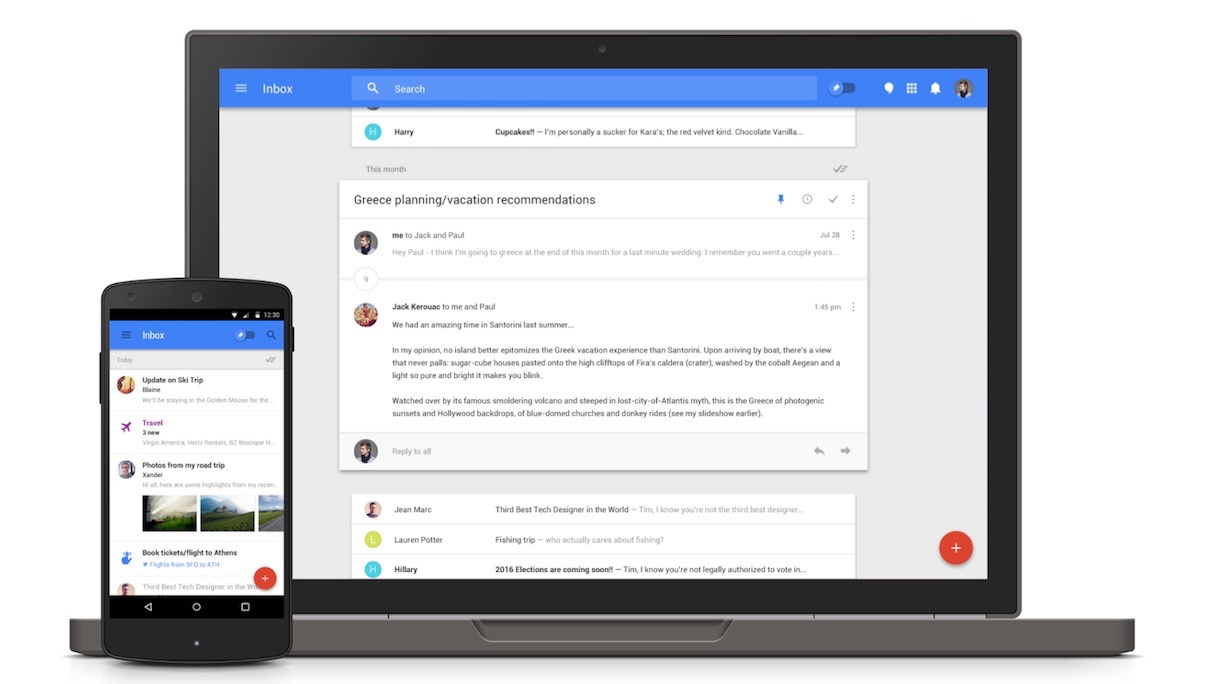
If Gmail was Google’s answer to email in 2004, Inbox is how the company wants everyone to do email in the future. Like Google Now, it has intelligent features that make it easier for regular users to manage their email. An update today makes search smarter so that users don’t have to dig around their messages to find something.
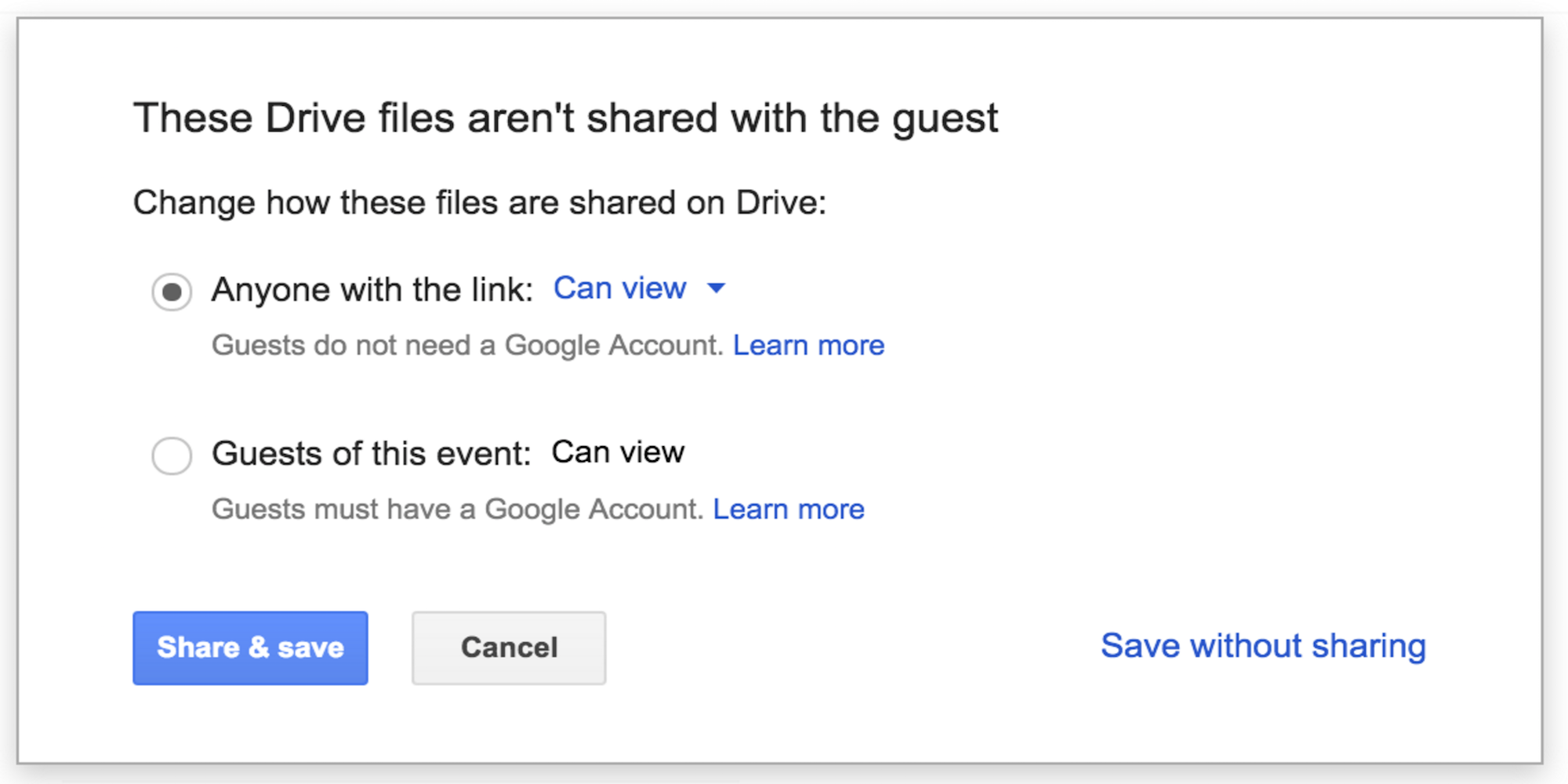
Google today detailed some improvements it’s making for Apps users when it comes to file sharing with Google Drive and managing permissions for various users. The new functionality comes in the form of new “Access Checker” features within the Apps Admin console that will allow admins to select one of three options for file sharing with users:
If an admin allows external, public file sharing (i.e. they’ve checked the box next to Allow users in XYZ domain to publish files on the web or make them visible to the world as public or unlisted files), that admin will now be able to say which of the following three options their users will have when sharing files in the scenarios described above:
Option 1: Recipients only, their domain, or public (no Google account required)
Option 2: Recipients only or their domain
Option 3: Recipients only
For admins that allow public file sharing already, the “recipients only, their domain, or public” will be selected by default. Otherwise, the “recipients only or their domain” option will be on by default. Admins can access the new settings once they’ve rolled out under Admin console > Apps > Google Apps > Settings for Drive > Sharing settings.
Google goes into more detail about the new options in its full blog post here for those that are interested.
Admins can expect to see the new feature rolling out in the next few days.
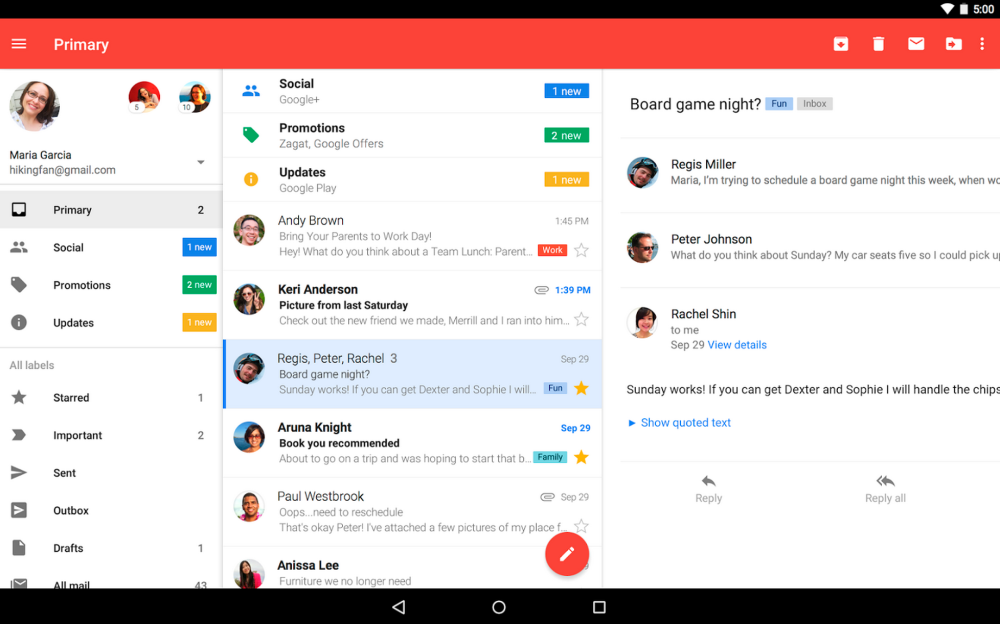
Earlier this week, Gmail for Android version 5.10 shipped with a fix for a sync issue involving Hotmail accounts. However, Google is still working on a bug that prevents Nexus devices in particular from getting notified about incoming Gmail messages.
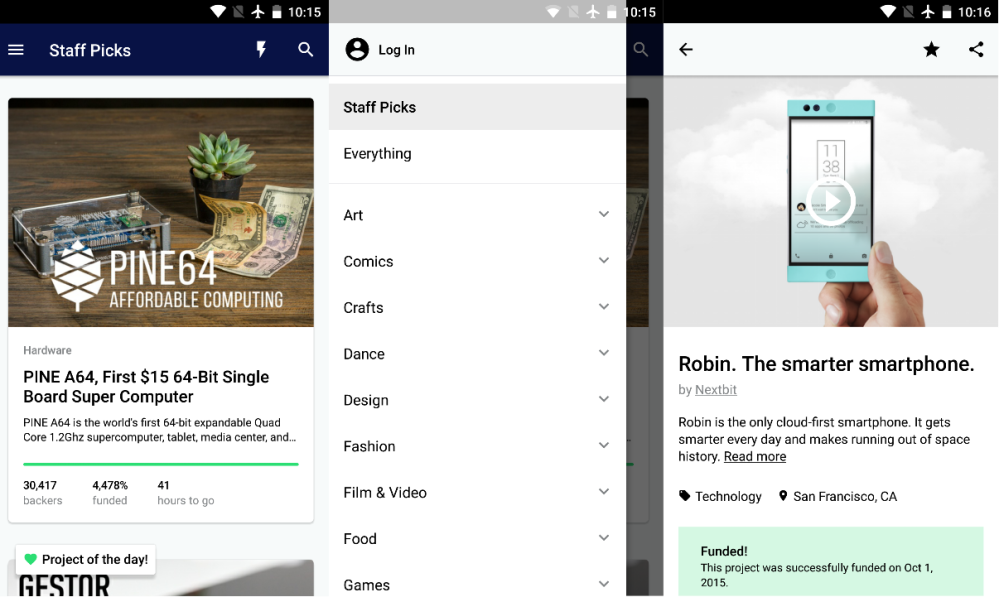
Kickstarter, the crowd funding juggernaut, finally has an Android app three years after launching one on iOS. The mobile app replicates much of the website’s functionality, but doesn’t yet let project creators manage their campaigns on the go.
Chrome on Mac, Window, and Linux is being updated this week to version 48. The latest update contains the usual bug fixes and improvements for the desktop browser, but mobile devices will see the bulk of the improvements. Future updates to Chrome, we’ve learned, will bring a new compression algorithm that will help the browser load faster pages and use less power on all platforms.
Microsoft is back with another Garage Project (cute and novel apps made for iOS and Android phones), and this time it’s an alarm clock called Mimicker Alarm. At first glance, the style of this app looks eerily similar to that of the stock Android Clock app, but a deeper dive shows us that there’s a little more to it. Microsoft wants you to actually wake up when your alarm goes off, and to help you do that the company makes you play mini games powered by its Project Oxford machine learning APIs…
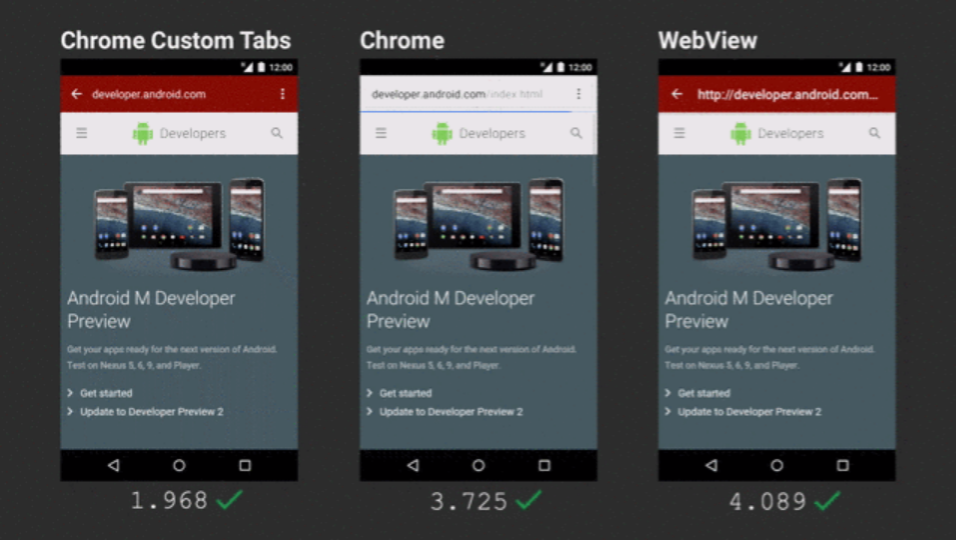
Some users are reporting that links in Google+ for Android are opening as Chrome Custom Tabs. The feature introduced and released last year opens links twice as fast when compared to being pushed out to a browser. The update appears to be triggered server-side and was apart of last week’s update.
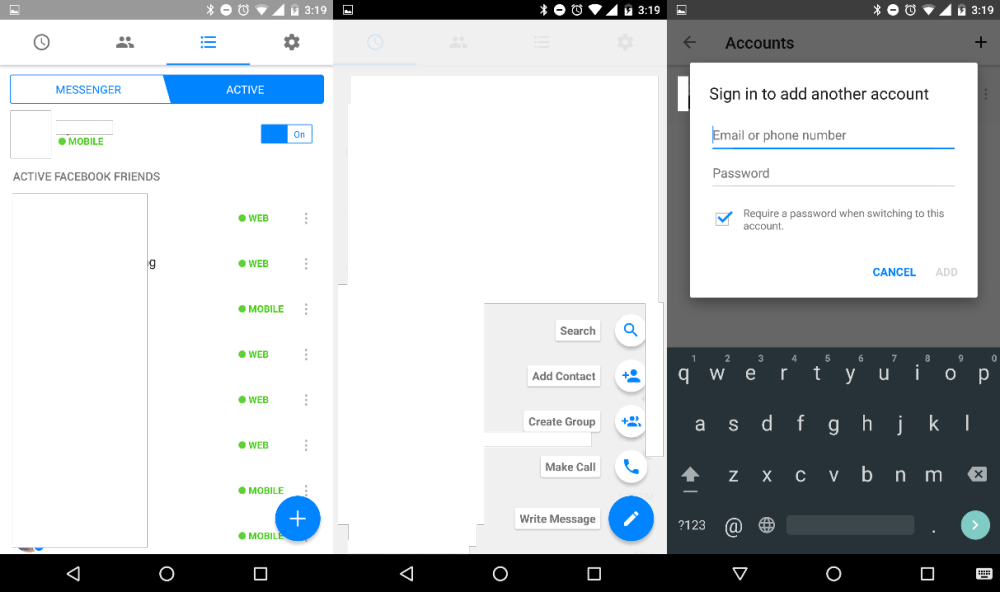
Facebook is testing a minor Material Design-inspired refresh for its messaging app, Messenger. The addition of the floating action button (FAB) is the biggest and most notable change, but there are some other minor design tweaks and a new feature that allows multiple user sign-ins.
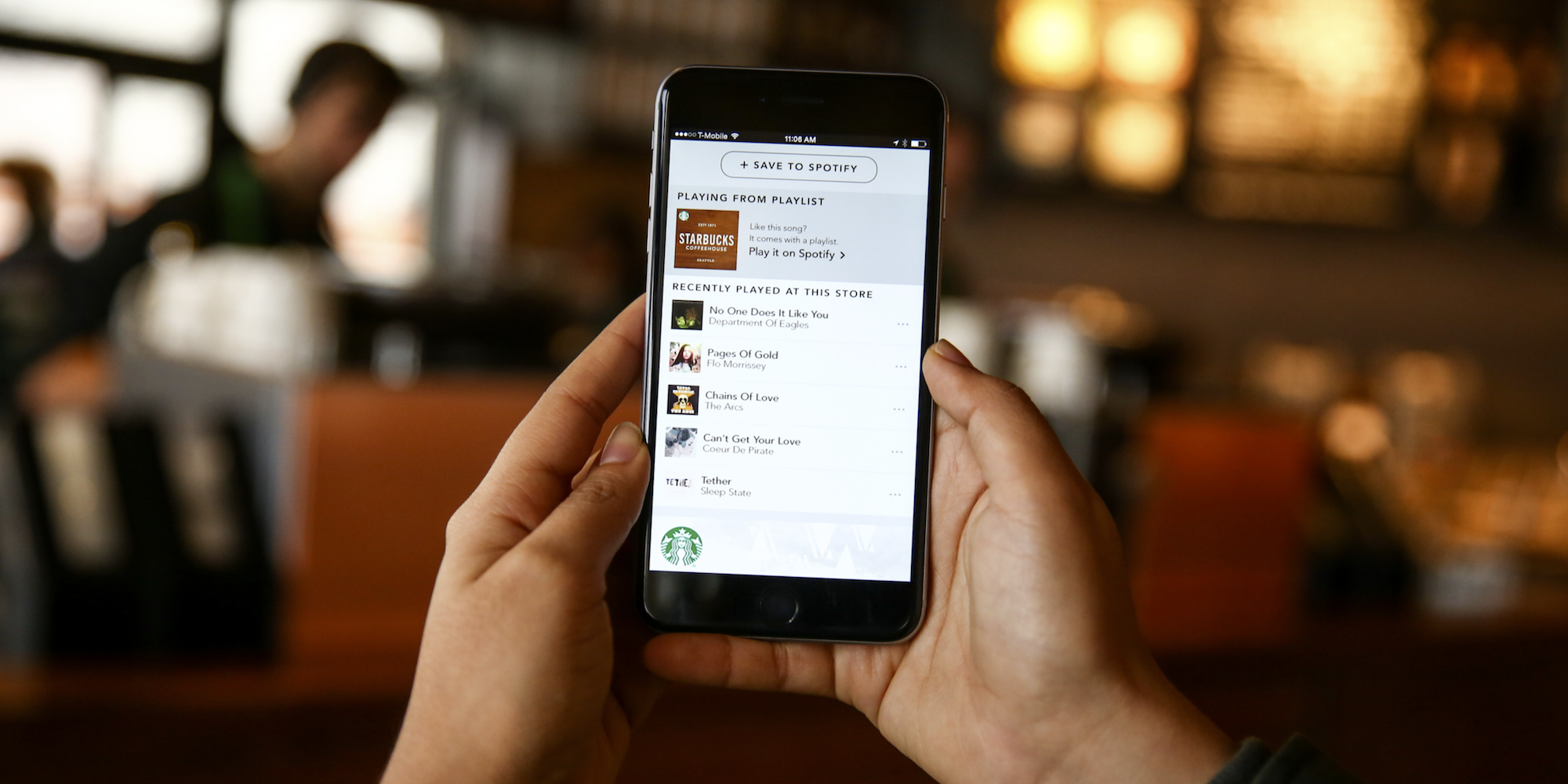
For me, coffee at Starbucks is secondary to the great music you discover courtesy of your twenty-something barista’s Spotify DJ skills. The good news is you can now easily save those Spotify playlists for listening later through an update to the Starbucks Android app today. Expand Expanding Close






 Waze is already the go-to app for real-time traffic updates, and today they’ve upped their game. Waze has officially announced its