Spotify


Spotify is my music service of choice and I was ecstatic when I learned that it was coming to the Gear S3 last year. However, the app lacked one major feature: standalone playback. It now appears that Samsung is going to add that functionality after all with an early rollout currently underway.


Last year Spotify partnered with Genius to bring a new feature to its iOS app — “Behind the Lyrics.” Using Genius’ lyric knowledge base, the feature brought some interesting functionality to Spotify’s iOS app, and today, that same functionality has made its way to Android…

Waze and Spotify have announced a partnership to provide integration between the two apps. If you have Spotify in the foreground, Waze alerts and directions will be displayed while driving. Conversely, if you have Waze in the foreground, you’ll be able to pause Spotify music as well as hit previous and next track buttons …
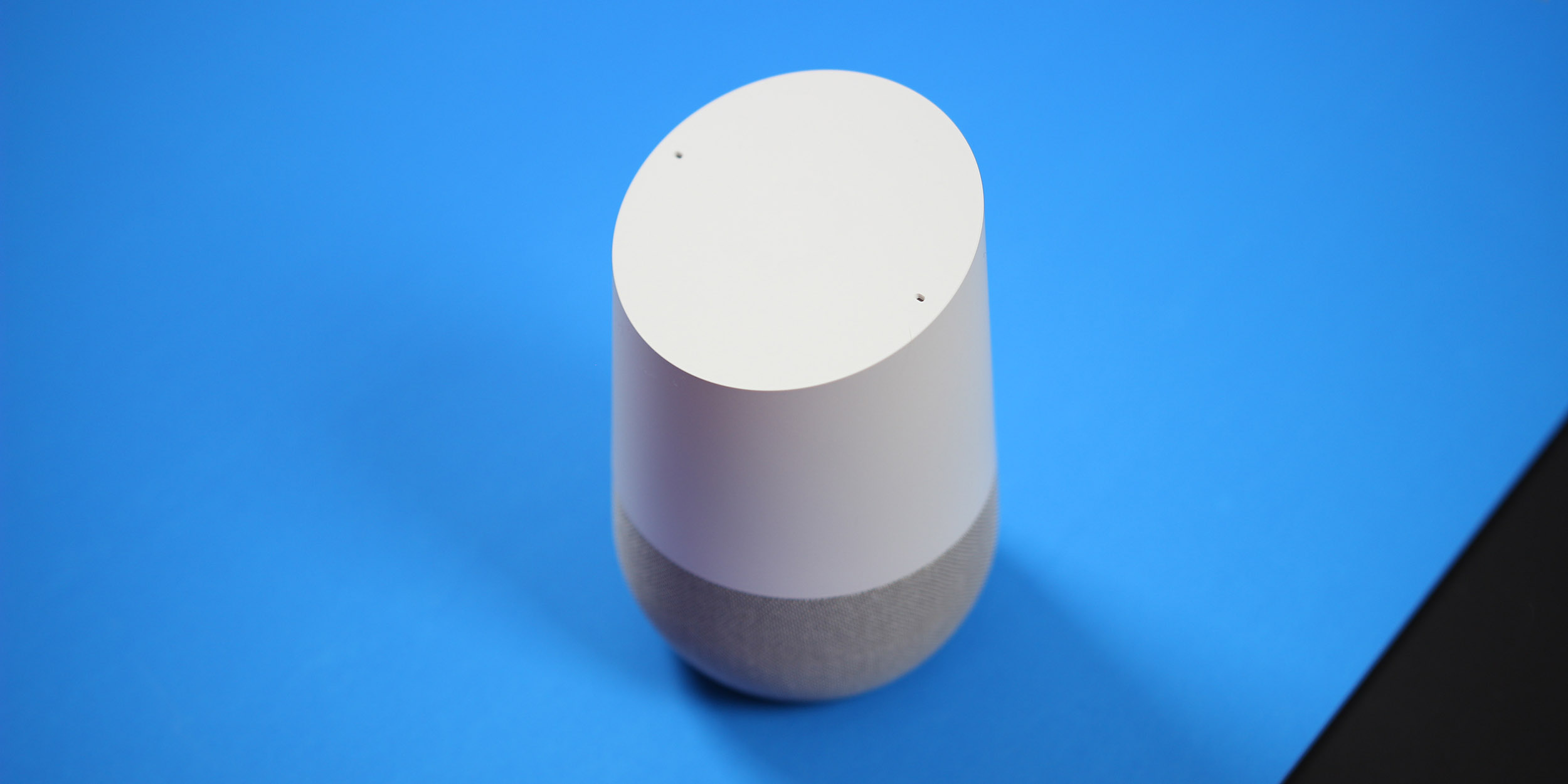
Entertainment plays a big role in what sets Google Home apart from its archenemy, the Amazon Echo. Where the Echo features stronger ties to the smart home, Google Home features the ability to connect with various streaming services, and even Google’s Chromecast ecosystem. However, you’ll need to set that up before using it. So here’s how to link your Spotify, Pandora, and Netflix accounts with Google Home.
Spotify’s app for Android has changed quite a bit over the past few months, most recently by introducing a new bottom-bar oriented UI. However, it seems that Spotify isn’t done quite yet, as some users are currently reporting a new ‘now playing’ interface on their Android devices.
Samsung’s lineup of Tizen wearables are shockingly great devices, but the biggest downside to both the Gear S2 and the newer Gear S3 (review coming soon), is the lack of app support. Today, Tizen’s app store grows with the welcome and long-awaited addition of Spotify.

If you’re a consistent Spotify user on Android, you probably noticed that something’s a bit different today. It seems that Spotify has finally flipped the server-side switch to enable bottom navigation for all users in the stable channel, which means one fantastic, wonderful thing: no more hamburger menu.
After selling over 30 million units, Google is continuing to add more and more perks for Chromecast owners. We’ve seen deals on Google Play rentals, free extended trials to services like Netflix, and now, a 2 month free trial for Spotify’s premium subscription.

Android apps have slowly been adopting bottom bars in their UI since the option was added to Google’s Material Design spec last year. Apps like Google+ and Google Photos have been prime examples of the design for a while, but recently Spotify has added the same UI to its Android application.

T-Mobile today announced new services being added to its Binge On program, which allows its wireless subscribers to stream video content from certain apps without dipping into their mobile data caps.


Spotify has announced that it is moving its music streaming backend to the Google Cloud Platform. The gigantic task will take place over the coming weeks and months and hopefully should not result in any service disruptions for users. For Google, the move is a clear win for their burgeoning cloud business.

Spotify recently added new Video and Audio Shows, and this week the update has been rolling out to Android users. It’s an interesting move for a streaming service that has long been dedicated to being the best at music (and it’s still the leader in this space by far), but I think this update will come as a delightful value-add for those that have shifted to using Spotify as their main avenue of media consumption…
Expand
Expanding
Close
According to a report this morning from The Wall Street Journal, Spotify is getting ready to finally launch its video content offerings. The rollout is set to start with the Android app getting video by the end of this week, but the iOS app is following suit by the end of next…
Expand
Expanding
Close

At long last, The Beatles music is going to be available to stream on many of the most popular music streaming services from tomorrow, December 24th. Whether you prefer to use Spotify, Google Play, Apple Music, Rhapsody or one of many others, you’ll be able to sing along to the Fab Four’s most popular tunes anywhere you like, without having to pay to download individual songs or albums …

T-Mobile is extending its popular Music Freedom service, which allows unlimited use of Google Play Music and other streaming music services without eating into your data allowance, to MetroPCS prepaid customers – albeit under a slightly different name. T-Mobile said that its Music Unlimited service would be available on a range of plans, starting from just $40/month.
Music Unlimited includes more than 30 music streaming services, including Apple Music, Pandora, Spotify, Slacker, iHeart Radio, and Google Play Music. Music Unlimited is available to new and existing MetroPCS customers on Metro’s new $40, $50, and $60 unlimited plans.
The company is also offering a Binge On equivalent, known as Data Maximizer. This compresses streaming video streams down to DVD quality to allow customers to stream three times as much video content for the same data usage …
Expand
Expanding
Close
Spotify has updated its Android app to include local live concert discovery. The new feature, named Concerts, arrived on the popular streaming app this morning and uses similar technology to the Discover Weekly feature. It uses its knowledge of your favorite artists and listening habits to recommend live acts worth seeing nearby.
Our new Concerts feature lets you know when your favorite artists announce new concerts near you so you’ll never miss another show. And for artists, it’s easier than ever to get the word out to fans about new concerts. On your phone, simply open the Browse tab on Spotify and select Concerts to see a personalized list of what’s playing nearby.
If you’re travelling you can hit ‘change location’ and find concerts for the artists you enjoy all over the world. The Concerts feature uses Songkick’s services to gather information, and uses knowledge of your music listening patterns to determine the bands and singers you like, and those you might like to discover.
As with any location-based service, how great this is depends heavily on where you live. Sadly if, like me, you live in a remote city miles from anywhere, you’re likely just to be reminded that there are no concerts near you. Ever.
You can download the update app from the Play Store now.
Apple Music is finally available to download for Android, so I wanted to give you a quick setup tour and first impressions of Apple’s second app for Google’s mobile platform. It’s free to download and offers almost all of the same features and services found in the iOS and OS X apps, including the option to sign up for a free three-month trial…
Expand
Expanding
Close
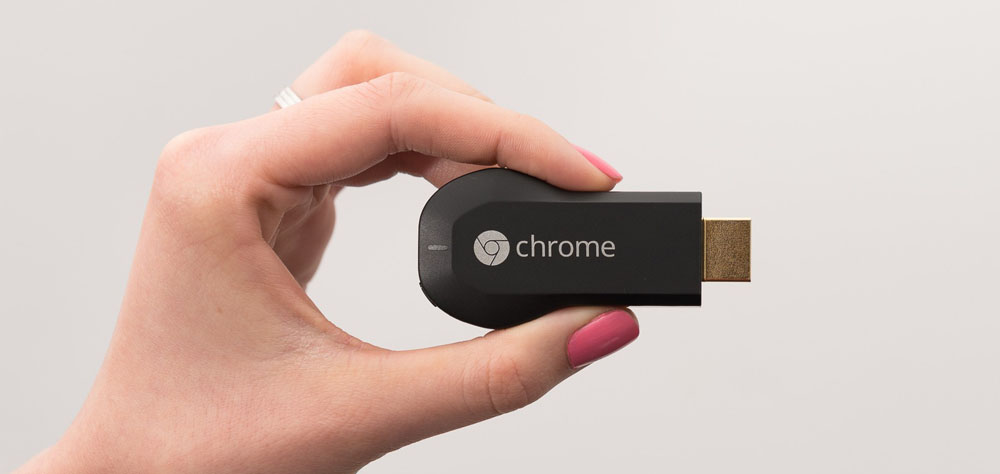
We first reported last month that Google was bringing Spotify support to the Chromecast, and those who already have the second-generation Chromecast in their possession (like myself) have probably been toying with the feature for a while now. Google did mention at its event last month, however, that support for the streaming service would be coming to the first-generation Chromecast at some point within a few weeks. It looks like that update is now rolling out…
Expand
Expanding
Close
During the announcement of Google’s Chromecast Audio yesterday, the company made sure to mention that music subscription leader Spotify will soon be one of the many music streaming services supported by the platform. With many Apple Music subscriptions renewing (or not renewing) and Google unveiling a $35 dongle that retrofits our existing home speakers with Wi-Fi, some are rightfully wondering: What about Apple Music?
According to statements from one Googler (via TrustedReviews), Google has no bar on any platform joining in on supporting Chromecast, and the Mountain View company has already directly asked Apple to play along…
Expand
Expanding
Close

As we exclusively reported earlier this month, Spotify is teaming up with Google to — finally — introduce support for the Chromecast. Now, as the event is nearing kickoff, some users are already noticing their Chromecast devices appearing in the Spotify Connect list, although the feature doesn’t seem to be working quit yet.
As you can see above, it looks like Spotify is going to include Google Cast devices in the same list as other Spotify Connect devices (via Reddit). However, as of right now at least, try to cast your stream to a Chromecast simple results in the following error message: “Spotify is not support on this device right now.”
Google is sure to make mention of Spotify’s new support for its platform at its event scheduled to kick off at 9 AM PT. If you want to keep in the loop on this as well as new Chromecast hardware, new Nexus devices, and more, be sure to head over and watch the livestream when it becomes available.
While Chromecast has long supported Google Play Music, Netflix, Pandora, and other subscription services, Spotify — one of the most popular music streaming services — has long been left off the list. According to leaked internal documents that 9to5Google has seen, Google is preparing a slew of Chromecast announcements for later this month, one of which being Spotify support for Chromecast…
Expand
Expanding
Close
Spotify Running, which originally launched on iOS a whole 4 months ago, has finally made it to Android. From today, Android users will be able to fire up the Spotify app, open the Running feature, and have the music streaming service find music that matches tempo with the pace of their jog…
It’s yet another example of Android support getting put on the back burner, but at least it’s here, right?
As per the official Spotify blog:
Since the launch of Spotify Running, millions of you have laced up and hit the road together with the best musical motivation out there.
Today we’re thrilled to be bringing the same great experience to our Android users.
With Spotify Running, we’ve combined the best music on the planet with recommendations based on your listening history, multiple-genre playlists as well as original running compositions.
Simply select your tempo and start running. We’ll match the perfect music in time to your step to help you go the extra mile.
Spotify Running has been available in the beta version of the Spotify app on Android for a few months now — it’s somewhat odd that it took that long for the feature to be graduated to the full version of the app. Nonetheless, users of the main Spotify app should start seeing the feature roll out today.
https://www.youtube.com/watch?v=0fZBqV_yMq4
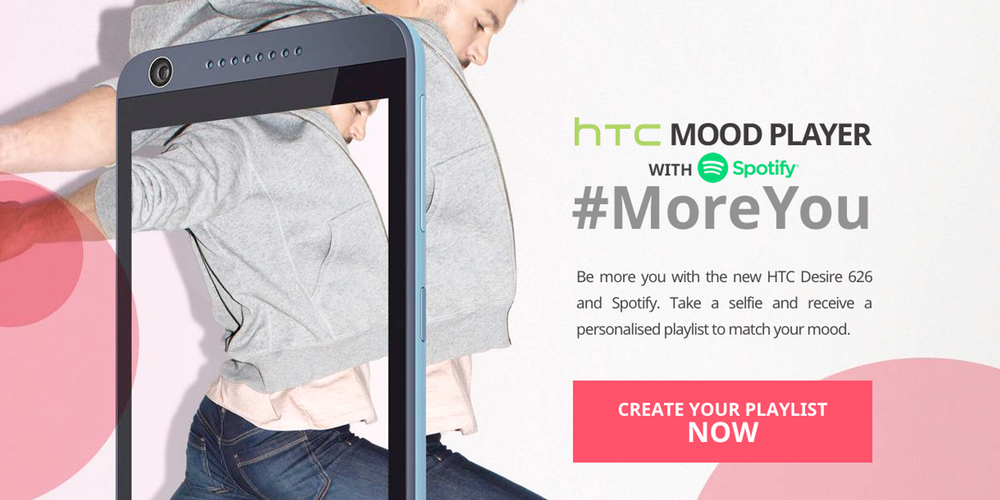
To celebrate the launch of its mid-range Desire 626, HTC has just announced that it is collaborating with Spotify to let you create custom playlists using just a picture of your face. HTC Mood Player is a fun concept and one which I’m sure will give you at least a few minutes of fun while you interact with what is essentially just an advertisement for the Desire 626. Of course, we couldn’t let this announcement go by without taking the site for a spin…
Spotify told us last month that support for Android Wear was on the way, and now it looks like it’s finally here. With the latest version of the Spotify app, rolling out on the Play Store right now, you’ll be able to access new menus for controlling your music on your Android Wear device…
Expand
Expanding
Close