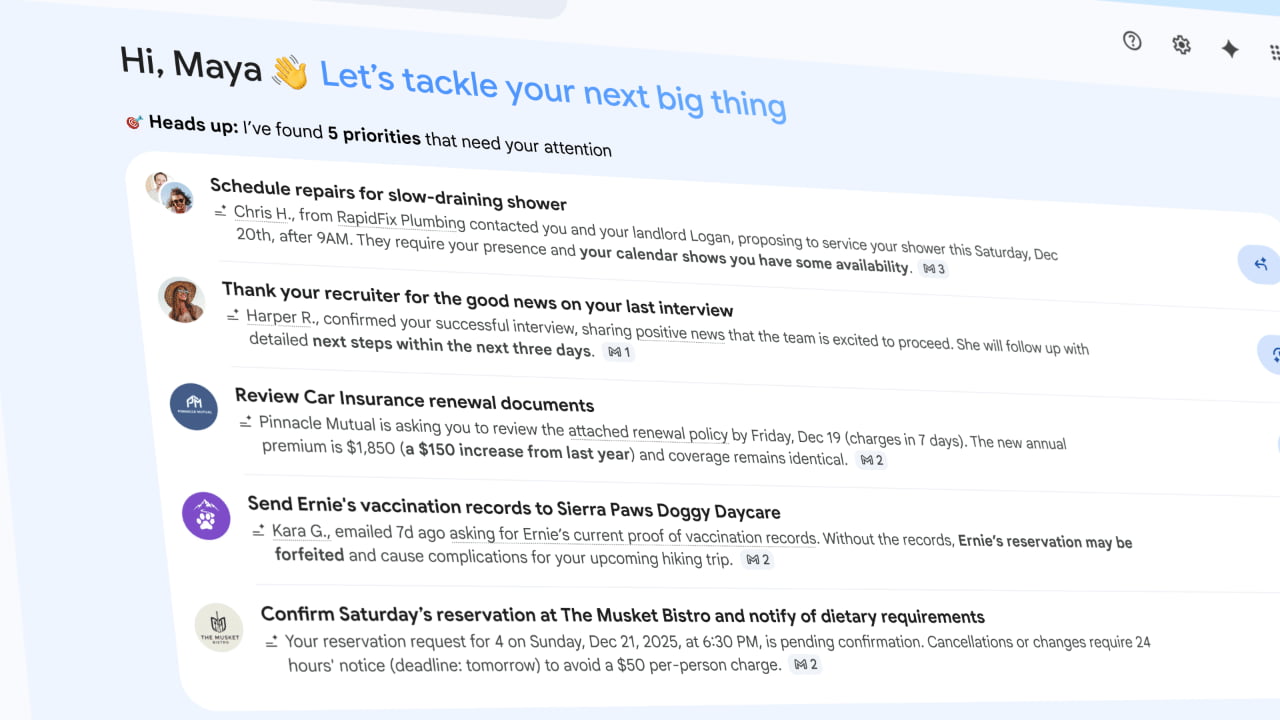
Google announces the future of Gmail with AI Inbox & new AI Overview search


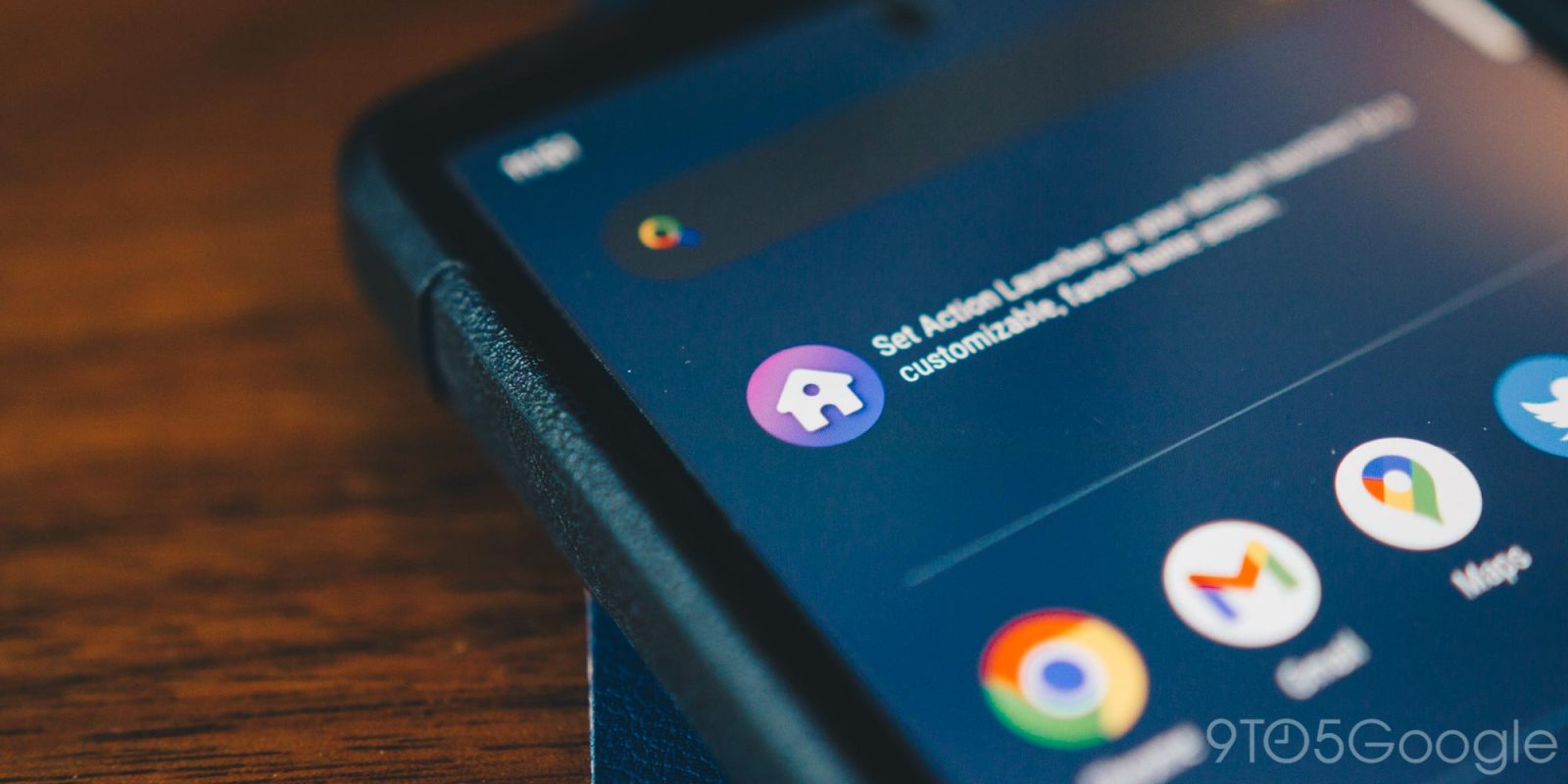
Action Launcher has been around for a very long time. In that time, the popular Android add-on saw many users. Unfortunately, many features were pay-to-play, leaving the very basic features to those who chose not to pay. Fortunately, Action Launcher v50 takes a wrecking ball to that paywall and makes a few other key changes.
Expand Expanding Close

Apple finally debuted widgets in iOS 14, years behind Android. While Google gets a lot right about widgets, Apple has some good ideas, too. “Smart Stack” is one of those good ideas, and now that widget has been brought over to Android.
Expand Expanding Close
One of the big gripes about Android 10 for many longtime Android users has been that gestures don’t work with third-party launchers. Now, one of the popular launchers, Action Launcher, is getting full support for Android 10’s gesture navigation among a bunch of other new features.

In the latest major update to the popular third-party Android launcher, Action Launcher v40 has now added a new ad-supported search model alongside a number of notable updates and improvements.
Third-party launchers are a fun and easy way to customize your Android experience, and one of our personal favorites is Action Launcher. This week, the popular launcher is picking up a fresh update with some handy new features and improvements.
Action Launcher has been one of our favorite third-party launcher options for Android for a while. The app has long offered excellent functionality, and developer Chris Lacy is always quick to adopt the latest and greatest Android has to offer. Now, with an update to version 35, Action Launcher is picking up some tricks from Android P, and much more…
Chris Lacy’s popular launcher alternative, Action Launcher, has seen a lot of great updates over the years, and in its latest update, it’s picking up one of the Pixel 2’s new features.


At the Made by Google event earlier this week, the search giant announced two new Pixel smartphones which showed an updated Pixel Launcher. The most notable difference was the search bar which got moved below the app dock. Thankfully, one of the most customizable launchers available for download has already been updated to allow users to bring this look to any Android phone…

Action Launcher — one of the most popular third-party launchers on the Google Play Store — received a massive update a little less than a month ago to support Google Feed integration, App Shortcuts, and plenty of other Android O-related features. Now, Action Launcher is being updated once more, and with version 27 of the app, users now have even more customization options of these previously released features..
Action Launcher is one of our favorite options for customizing the Android homescreen, and today, it’s getting a massive update that brings some highly requested features to all. With version 26 of Action Launcher, developer Chris Lacy introduces support for Google’s Feed (formerly known as Google Now) without root, as well as the addition of several features pulled out of Android O.

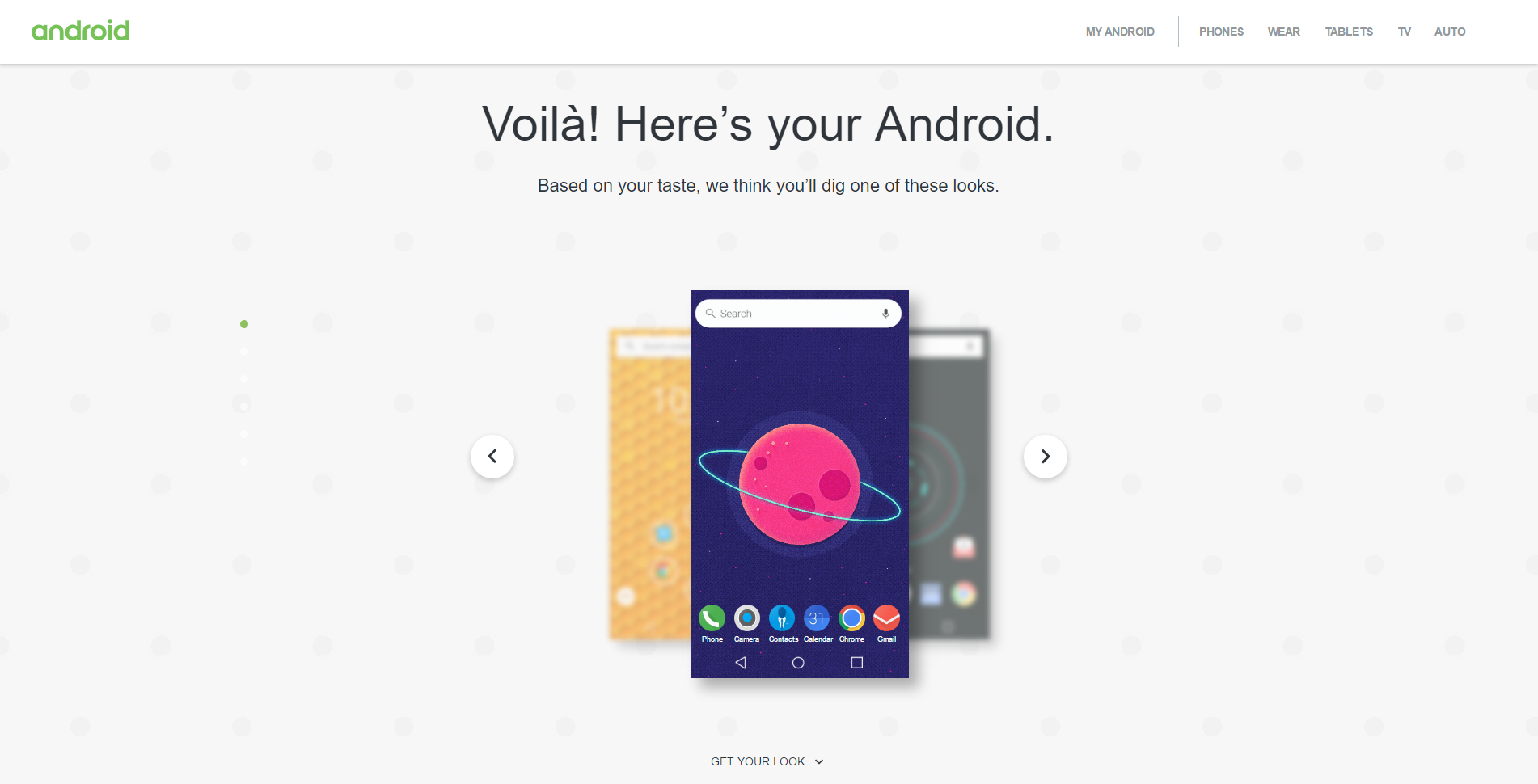
One of the best aspects of Android is the ability to customize it to suit your needs and preferences. With different keyboards, homescreens, icon packs, wallpapers, lock screens, and much more, there’s no limit to what you can do to make your device stand out from the crowd. Now, Google is launching a new tool on the web that can help make customizing your device a little easier.
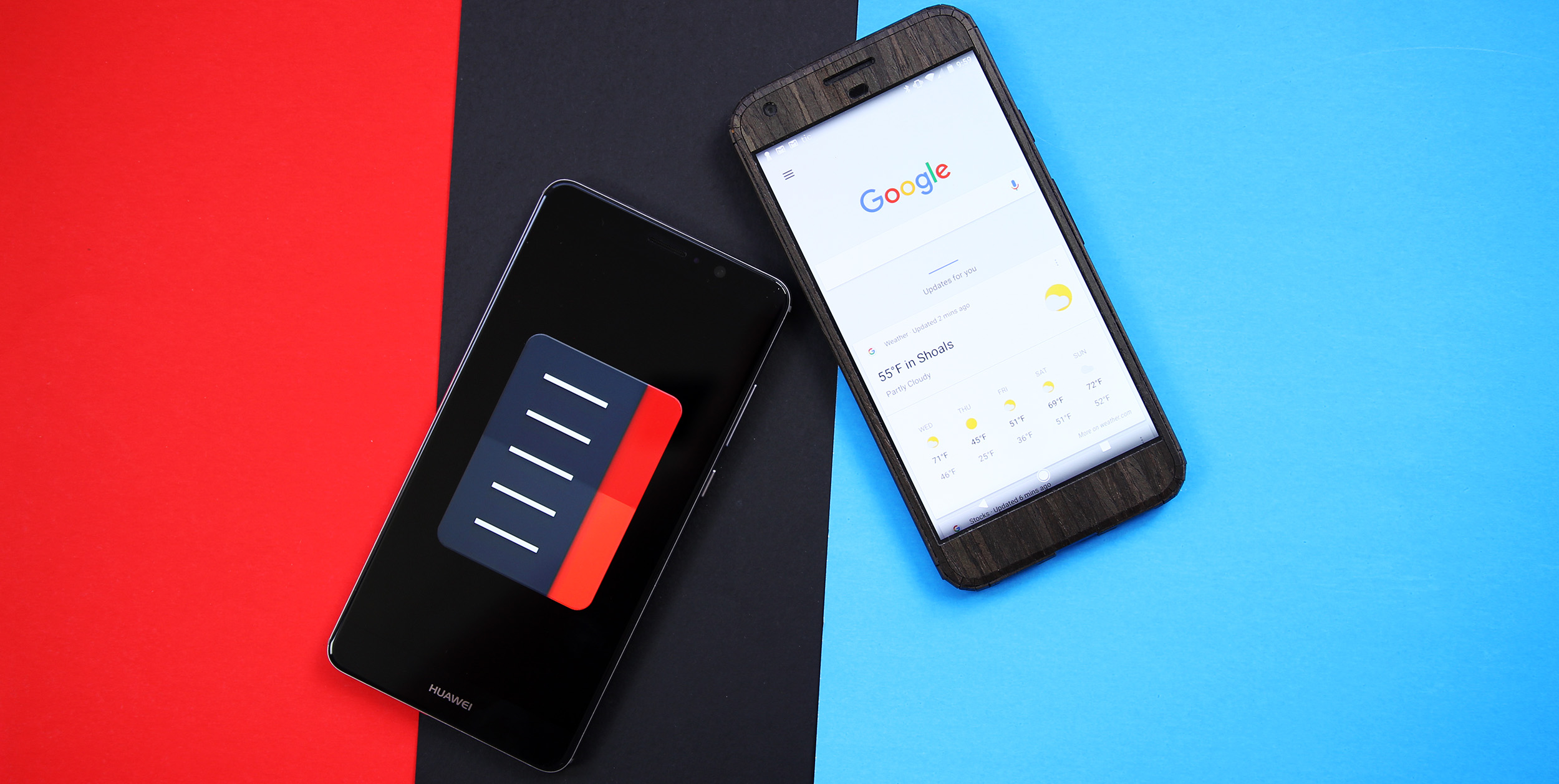
With the death of the Google Now Launcher just weeks away, many are looking for alternate options. Thankfully, there are several great ones available. However, there’s not a single launcher on Google Play that can truly replicate the Google Now Launcher’s best feature – a left swipe for Google Now. So, here’s how to add a Google Now gesture to Action Launcher 3.
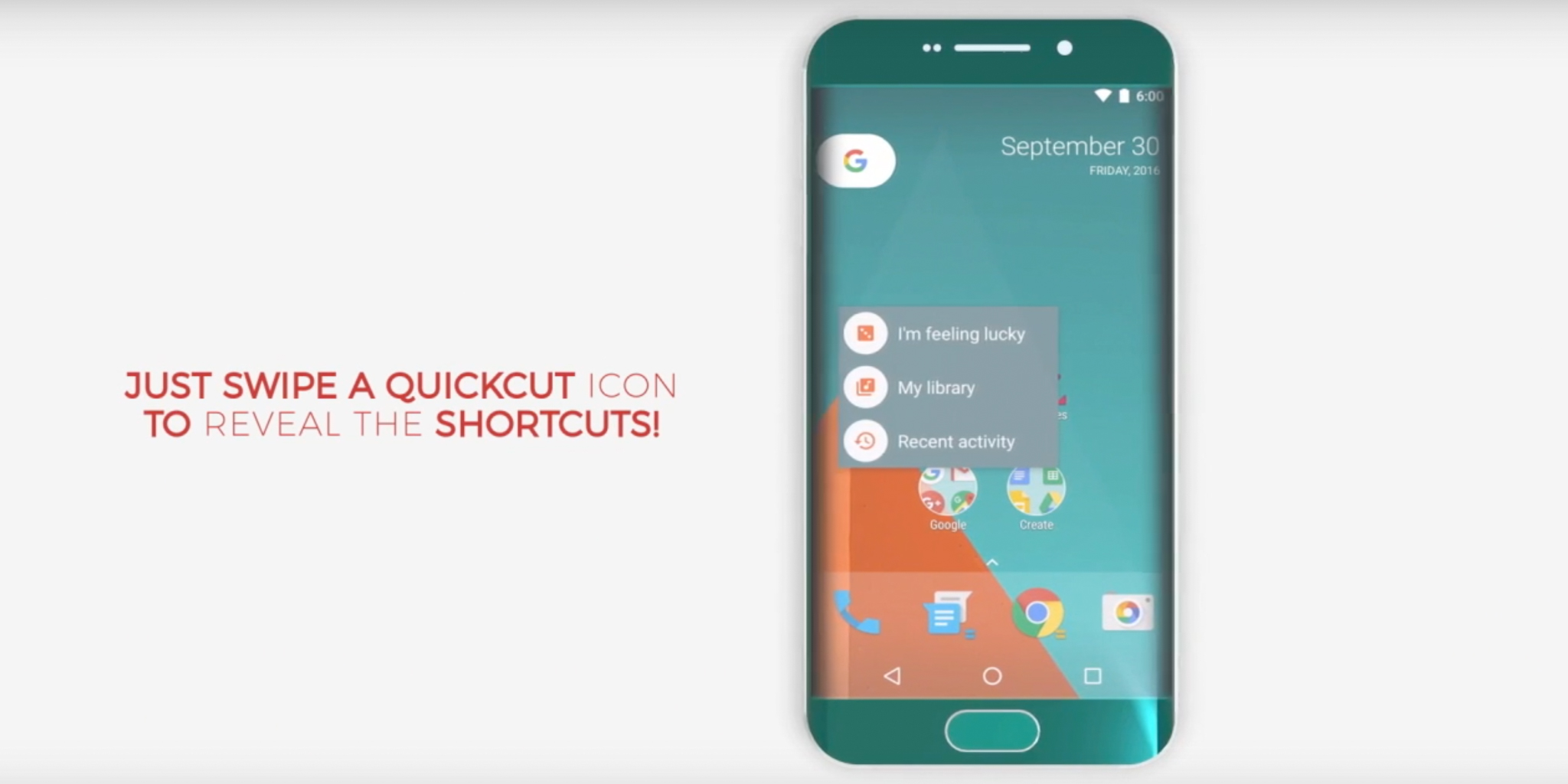
One of the worst-kept secrets about Google’s October 4 event is that the company will show off a new launcher called the Pixel Launcher. Leaks of the official APK have featured brand new functionality and launchers like Action Launcher 3 have started to implement similar features. Today, Action Launcher 3 is receiving another update with the ability to open application shortcuts with a quick swipe gesture…
One of the most-used customization features in Android is the ability to change your device’s launcher. This allows you to customize the look and feel of your home screen, app icons, as well as functionality of the app drawer and folders on your device. This comes especially in handy when you don’t like your device’s customized skin — like TouchWiz on Samsung devices or EMUI on Huawei devices…

Just days after Google’s upcoming Nexus Launcher hit the web, developer Chris Lacy had already brought the look and many of the features into a beta version of his own launcher, Action Launcher 3. Now that beta is no longer a beta, with the full release of Action Launcher 3.9…
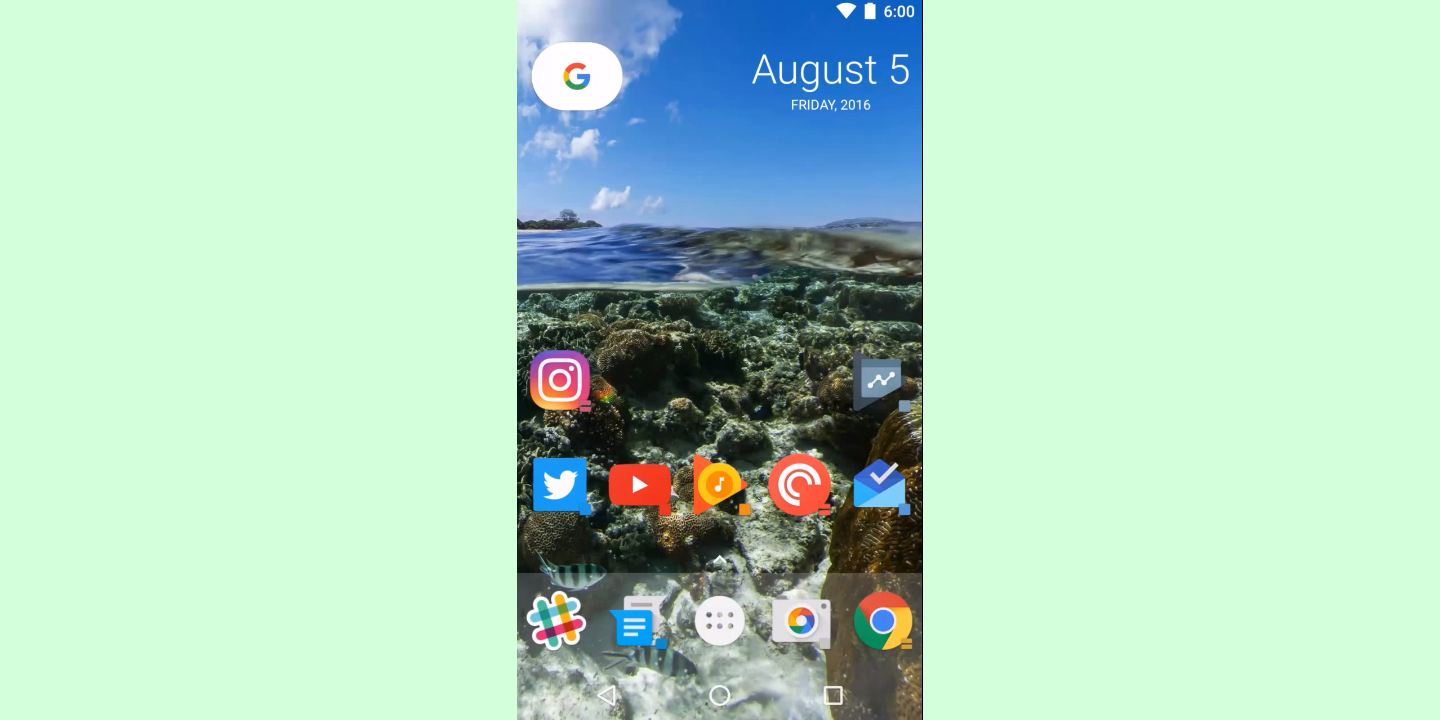
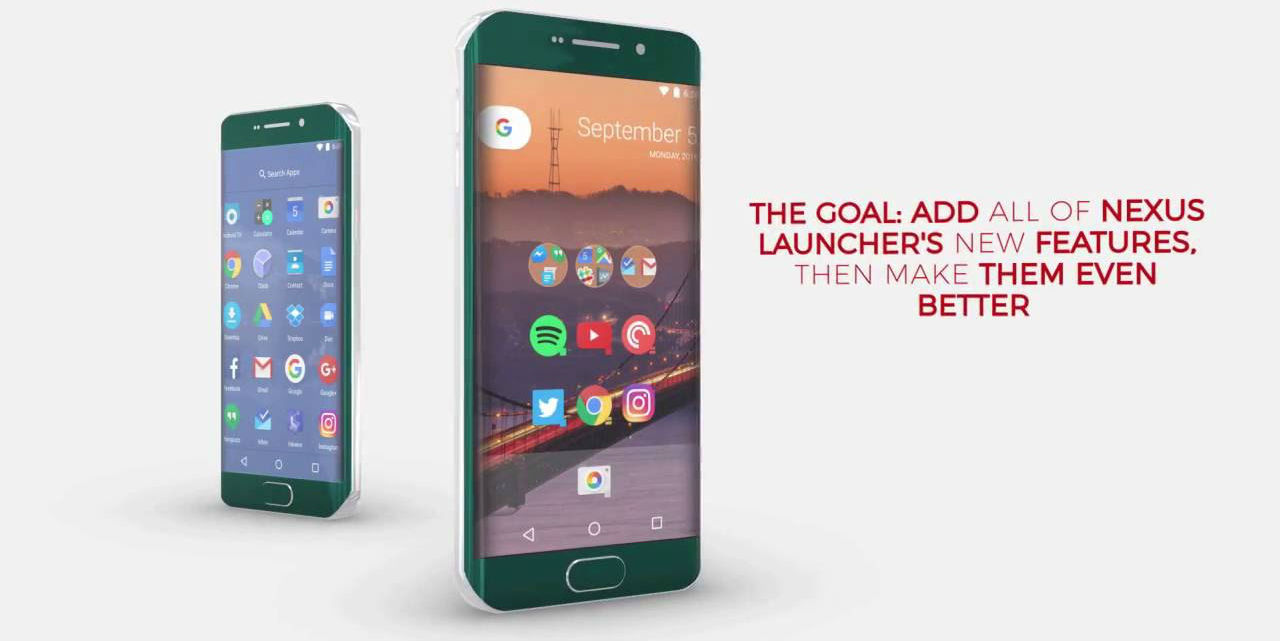
Just a few days after we caught our first glimpse at the Nexus Launcher, Action Launcher 3 developer Chris Lacy has already updated his popular launcher to include just about every major feature and the style of the new launcher, so let’s all give him a quick round of applause.
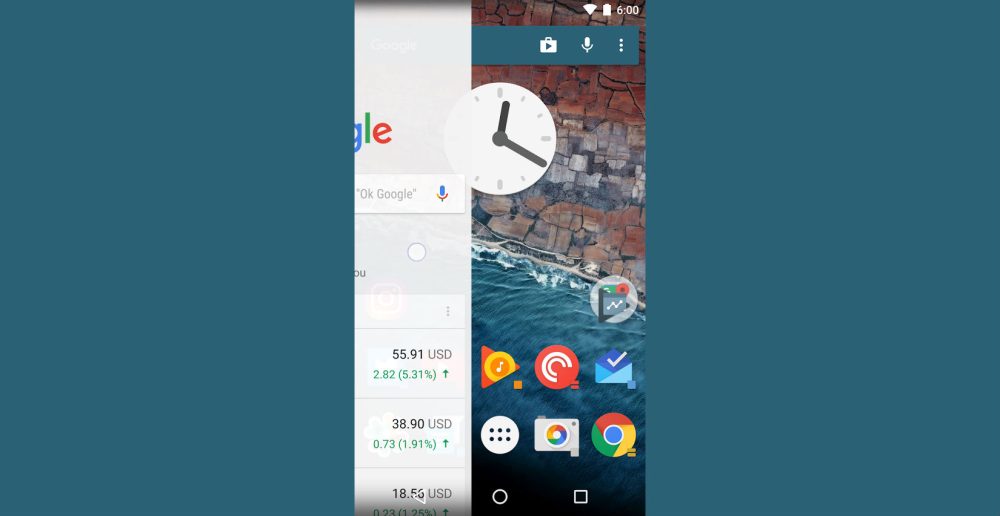
There are several great third-party launchers out there ranging from the ultra-customizable, to the unique and simple. One that has been a favorite for many Android users however has been Action Launcher, and it has just picked up yet another great update.

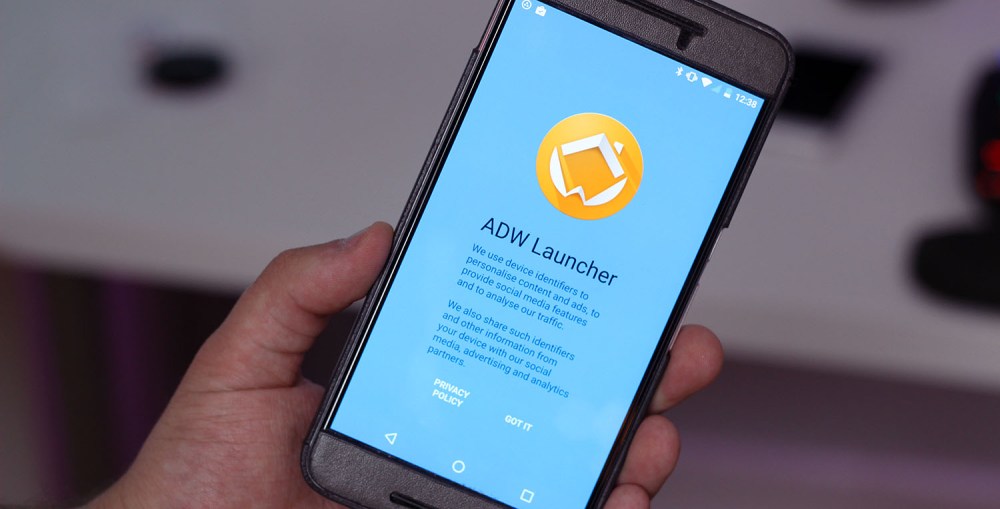
There are dozens of great launchers for Android, however going back in time a few years, our choices were a bit different. One of the biggest players, and likely one many of us remember fondly, was ADW Launcher. It had tons of great features, but above all else it was fast, fun, and powerful. However that was a long time ago. ADW hasn’t seen an update since mid-2013, but now it’s back with a new design and some great new features.

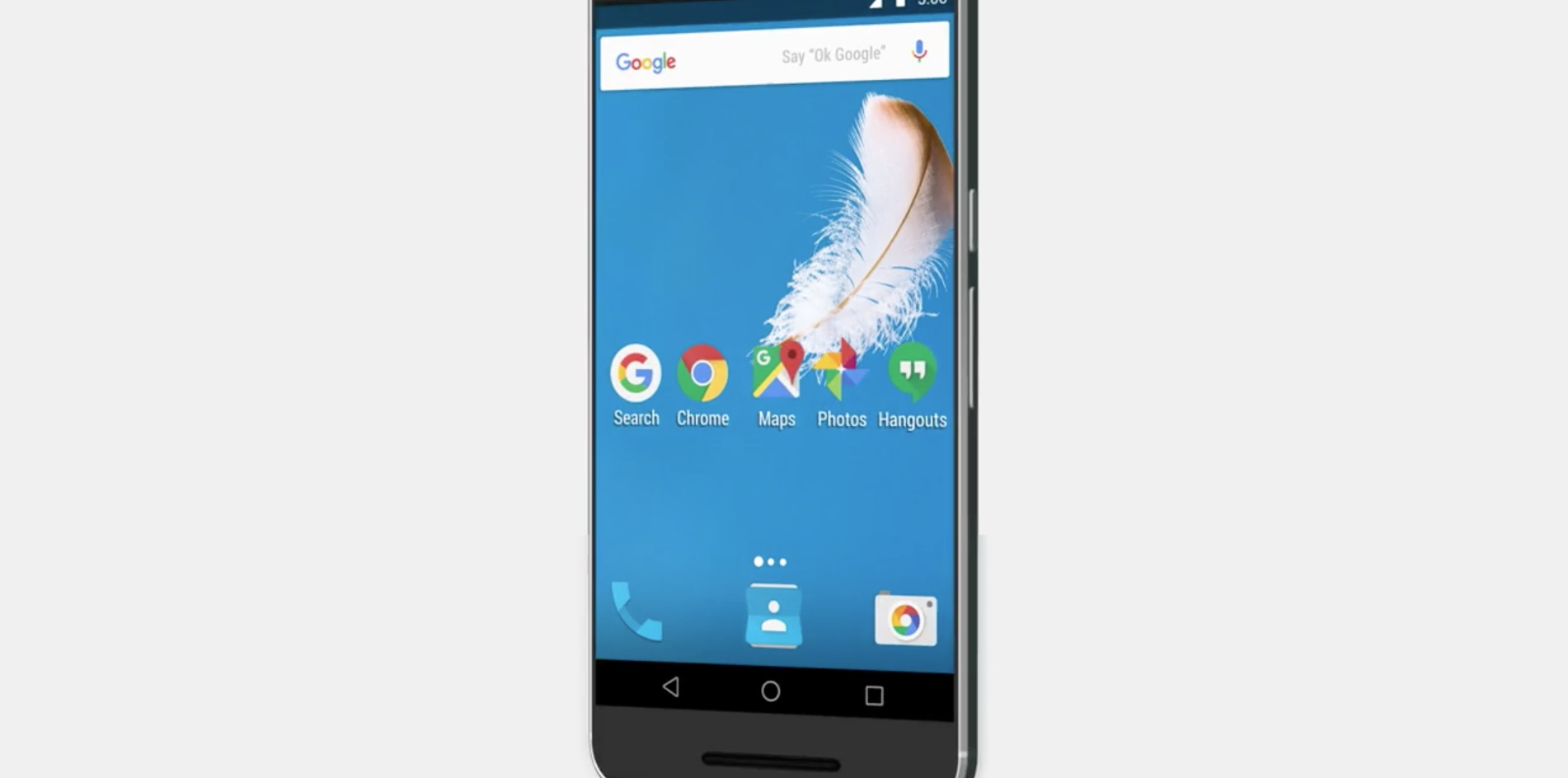
We might have had our first look at Android N late last week, but now it looks like we might already be getting another one. In a tweet from the official Google Maps Twitter account, a Nexus 6P is seemingly shown without an app drawer…

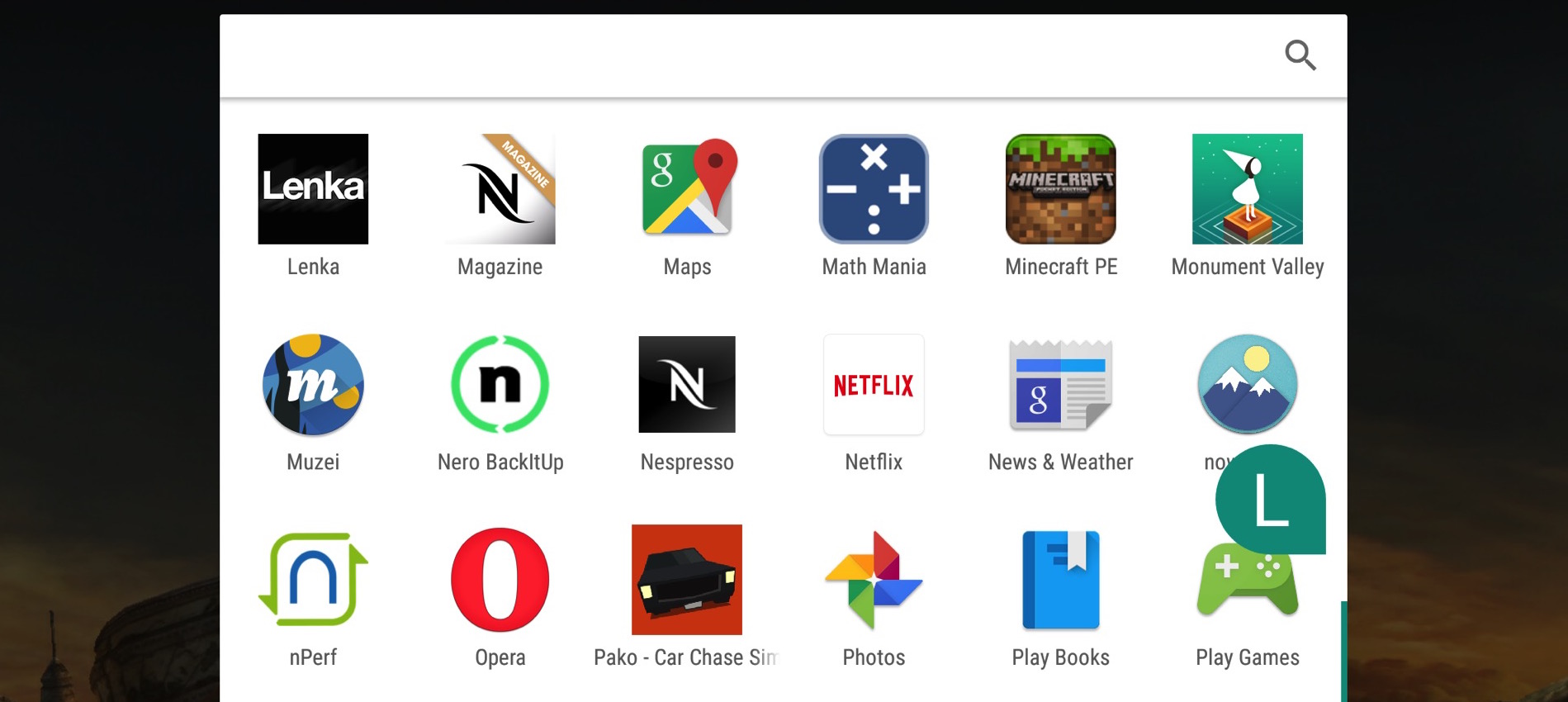
One of the main reasons why so many people love Android is its famous customisability. Google’s OS is notoriously flexible, and despite being already available in a variety of different forms thanks to the OEMs’ re-skinning, the hundreds of apps present on the Play Store allow for further personalization in almost every corner of the system. Toggles, widgets, icon packs and entire lock screen replacements are just a few of the categories of things Android can be user-modified with.
However, particularly after Material Design‘s introduction and a general push towards cohesiveness and consistency across the system, the diverse adaptations of the OS have started to look more and more similar; be it thanks to whiter, more card-based menus, the use of similar toggle icons or the widely adopted carousel-like task switcher, among others, Android has finally started to look and feel instantly recognizable, even when buried deep underneath the oft-poor design decisions made by third parties…

We told you about Nova Launcher’s new icon normalization features when they came to the beta build of the app a couple of weeks ago. If you’re not a fan of running potentially buggy beta software on your daily driver, though, you might be glad to hear that this feature — along with plenty of others in the latest version — has now made it to the public build in version 4.1.0…
Expand
Expanding
Close
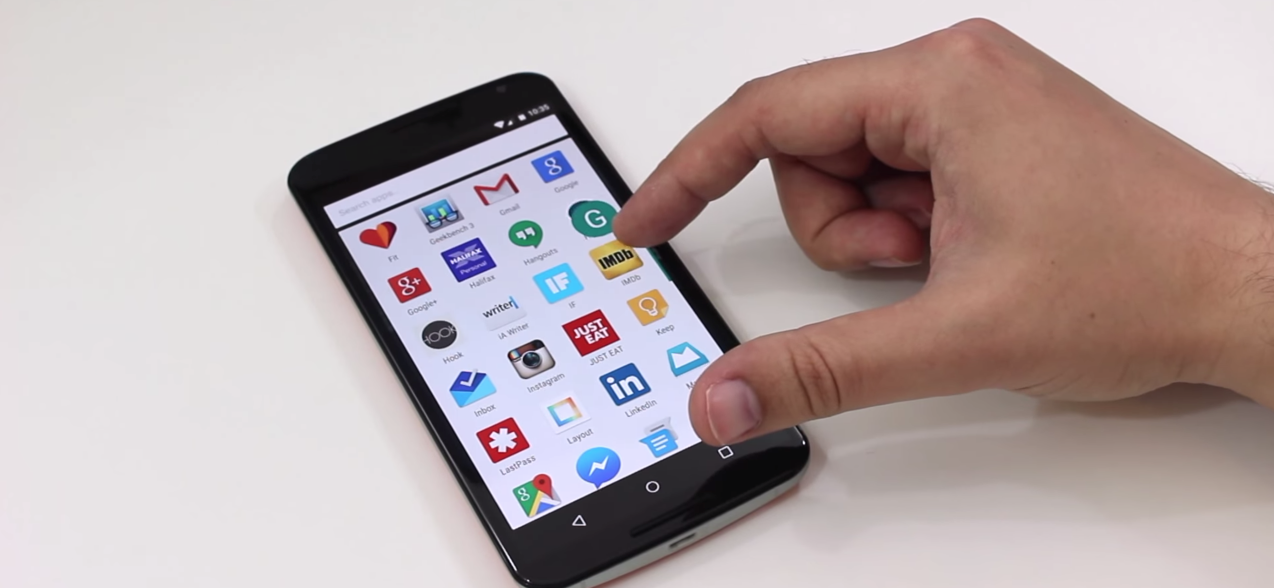
Although Google isn’t yet rolling out Android Marshmallow to the masses (it’s currently rumored that the rollout will begin on October 5th), many users are this morning waking up to an automatically-updated Google Now Launcher, sporting a design that might be familiar to those who have taken a look at the Android M developer preview…
Expand
Expanding
Close


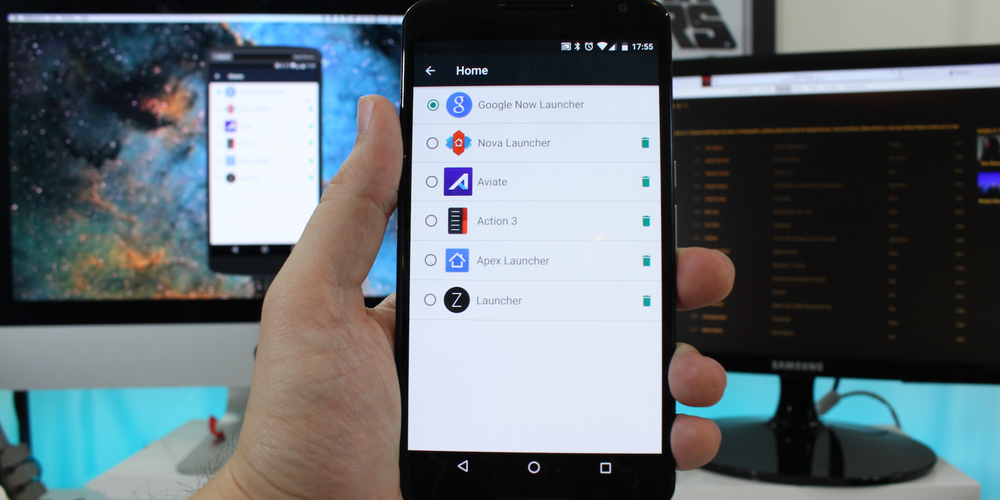
One of Android’s best features is the ability to download and install custom third-party launchers. Don’t like the way your phone home screen looks or how the apps are organized? Fine. Change it. But finding the best one, or a good one for that matter, can sometimes be a daunting challenge. And which one you think is the best ultimately depends on what you value most: aesthetics, organization or productivity? I’ve rounded up what I think are some of the best launchers out there, as well as a wild card for you to consider in your quest for the perfect Android experience.
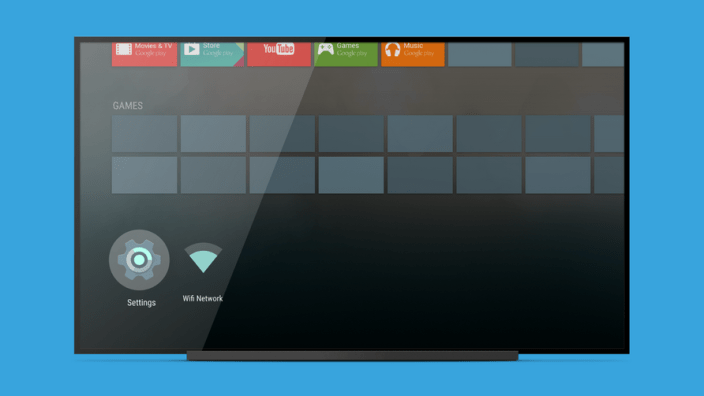
Google has now listed the Android TV Launcher on the Play Store, providing a much more efficient way for the Mountain View company to update the main interface of any device running the TV flavor of Android. It’s worth noting that this isn’t an Android app for your phone, but rather an official listing of the Android TV Launcher (much like the Google Now Launcher, for instance) on the Play Store.
Android TV Launcher is the jumping-off point for starting all activities on your Android TV entertainment device. The Launcher is optimized to put content at the center; from casual movie-watching, to edge-of-seat, immersive gameplay. It’s all about finding and enjoying content with the least amount of friction and providing quick access to all the features Android TV has to offer.
In this version, there’s apparently a slew of bug fixes to be had. Since this app only works with Android TV devices, you’re currently restricted to the Nexus Player and the ADT-1 developer kit. That means that, sadly, this isn’t going to work on any of Google’s older Google TV devices and most definitely isn’t going to be of any use for Chromecast owners.
You can get the Android TV Launcher on the Play Store.