Here’s everything new in Android 16 QPR3 Beta 1 [Gallery]


Generative AI has become incredibly popular, and for Microsoft, it’s become the key to growing Bing. Now, the AI chatbot that makes the “new Bing” so attractive is coming to the SwiftKey keyboard for Android.
Expand Expanding Close

The ability to share your copy/paste clipboard between your phone and computer is a neat trick, but one that’s not always been very easy on Android devices. In its latest update, Microsoft has just granted the ability to sync your clipboard across Windows and Android, thanks to SwiftKey.
Expand Expanding Close

Although Swiftkey might not be the most popular or most used Android keyboard, a neat new clipboard sync between your smartphone and Windows 10 PC is in the works.
Expand Expanding Close
While likely not the powerhouse keyboard it once was, the latest SwiftKey is still a solid third-party keyboard. It has improved yet again as the SwiftKey beta is now able to follow your device system theme automatically thanks to the latest beta update.
Expand Expanding Close
Third-party keyboards have been a part of Android for years now, and SwiftKey has been a popular option from what feels like the beginning. Microsoft acquired SwiftKey back in 2016 for $250 million and, now, the app is getting a rebrand.

While SwiftKey isn’t as popular as it once was, the third-party keyboard for Android is still a big hitter with a massive number of people that use it. The Microsoft-owned app has now added AR-powered ‘Puppets’ or Animoji that can be used on all Android phones.
If you use the incredibly popular third-party keyboard Swiftkey on your Android phone or tablet, prepare to be disappointed in future as Google looks to be removing Gmail access to Swiftkey in early July.
SwiftKey has been one of the most popular third-party keyboard options over the past several years on Android, and this week the company is revealing some big stats for the product. Over the past year, SwiftKey has been working on a lot of updates, including a reduction in lag by over 50%.

SwiftKey today is releasing a major update to its Android keyboard app that offers up some of the biggest changes since its Microsoft acquisition back in 2016. These include a new toolbar to replace the old hub, editable stickers, and more new features promised.

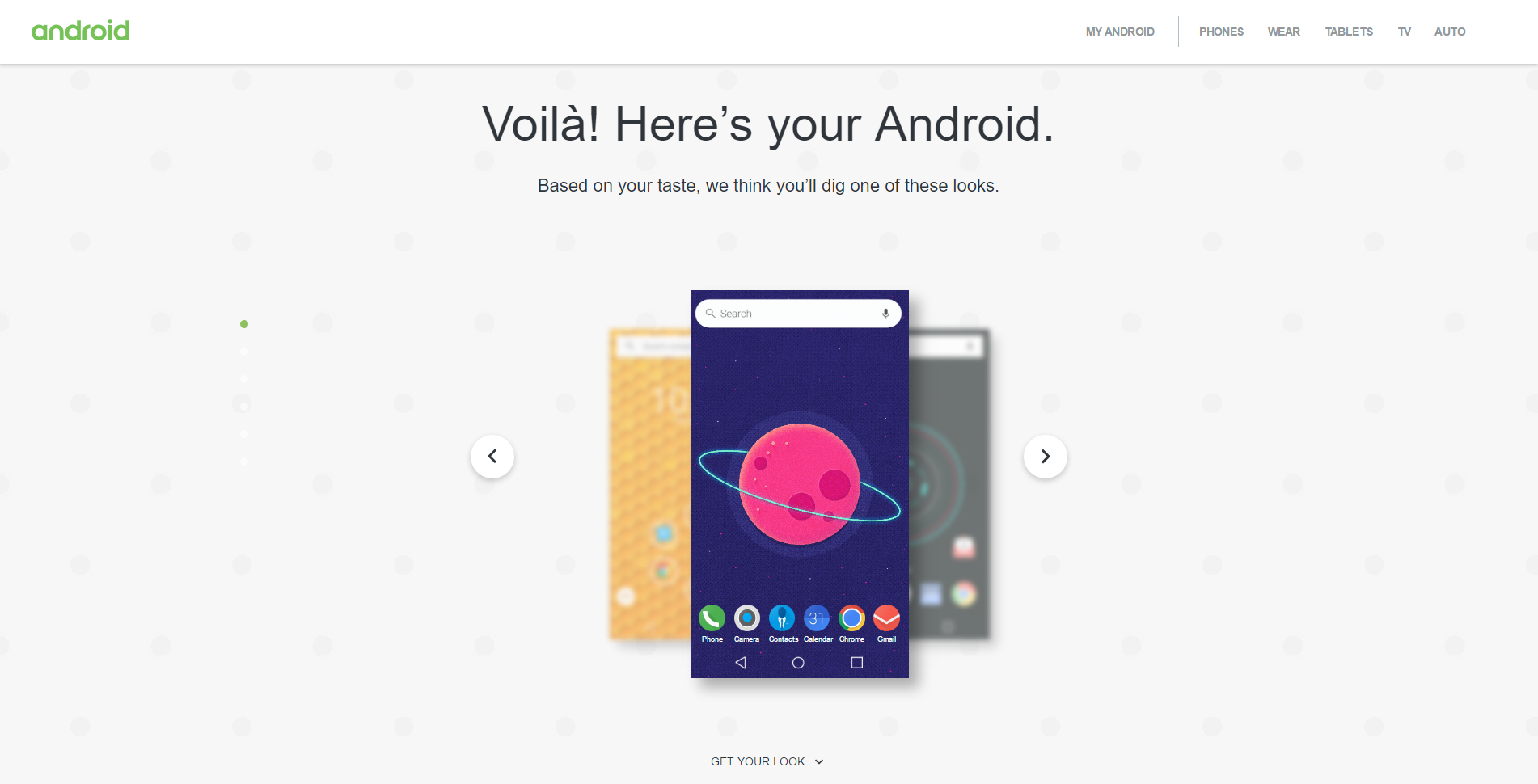
One of the best aspects of Android is the ability to customize it to suit your needs and preferences. With different keyboards, homescreens, icon packs, wallpapers, lock screens, and much more, there’s no limit to what you can do to make your device stand out from the crowd. Now, Google is launching a new tool on the web that can help make customizing your device a little easier.

Update: SwiftKey has also made all themes free in this latest update for users on Android and iOS.
SwiftKey is a popular choice for many Android users when it comes to a third-party keyboard, and for good reason. The excellent gesture typing and predictions on SwiftKey make it a fantastic option, and now, it’s getting even better with a big new update.

SwiftKey launched its Neural Alpha keyboard in October of last year, and today — almost a year later — the company is introducing neural network-powered word predictions to its namesake main app. This means better word predictions and autocorrect, since the app now better understands the context of what you’re trying to say…

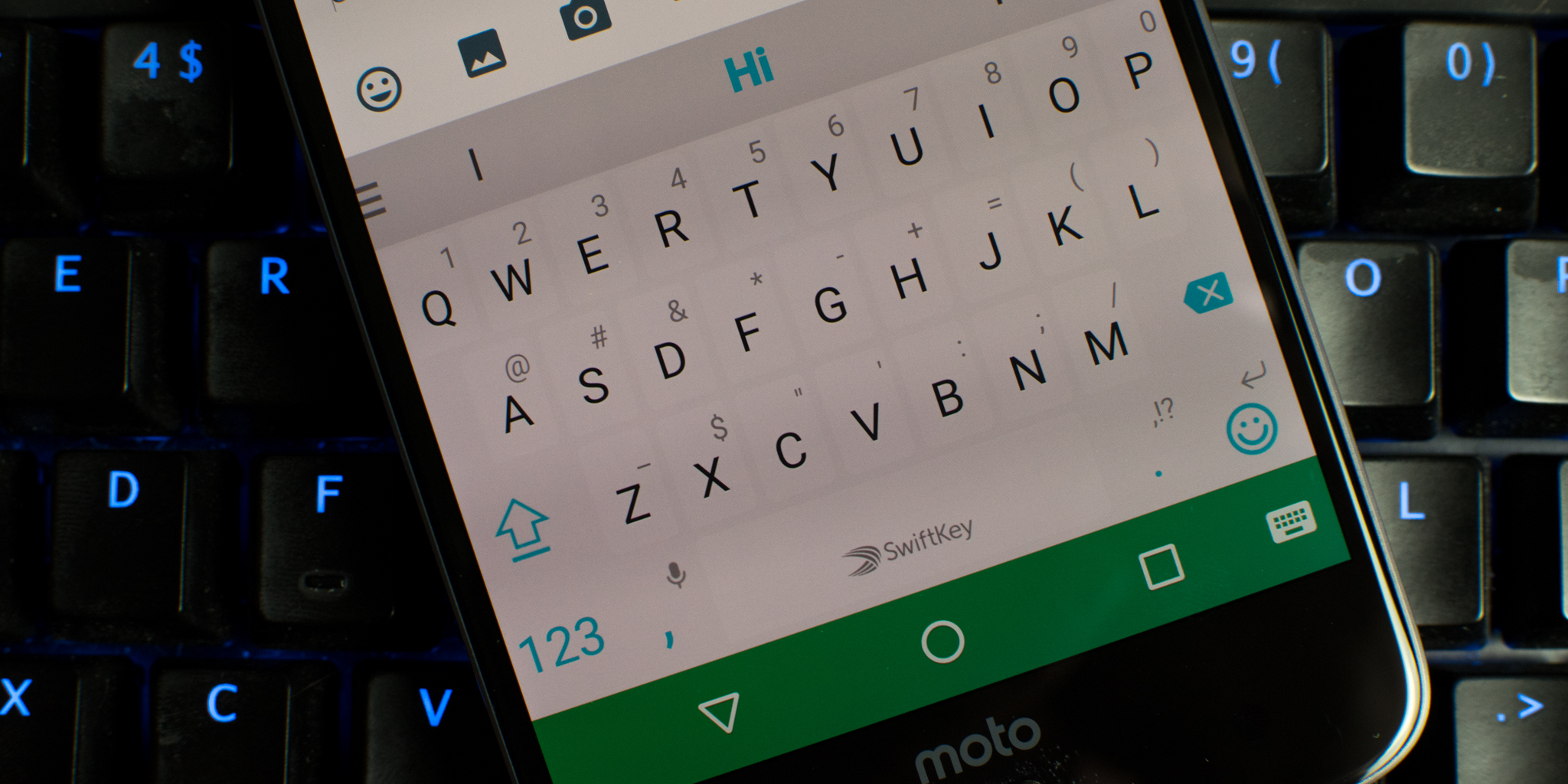
One of the oldest features that made Android stand out compared to the competition in its younger days was the fact that users could install third-party keyboards. While this wasn’t a huge thing for most people, it did lend itself to those who enjoyed Android for its customization features. In this tutorial, I’m going to walk you through finding and setting up a 3rd party keyboard on any Android device…
Getting used to a new keyboard can be tough for many and it’s one of the primary reasons I’ve always stuck with the Google Keyboard on my devices. However that all changed when Chrooma Keyboard was originally released last year. I instantly switched and now several months later, that keyboard has hit version 3.0. In this version Chrooma not only adopts several features from Google Keyboard 5.0, but also adds several awesome new features of its own. Let’s take a quick look.
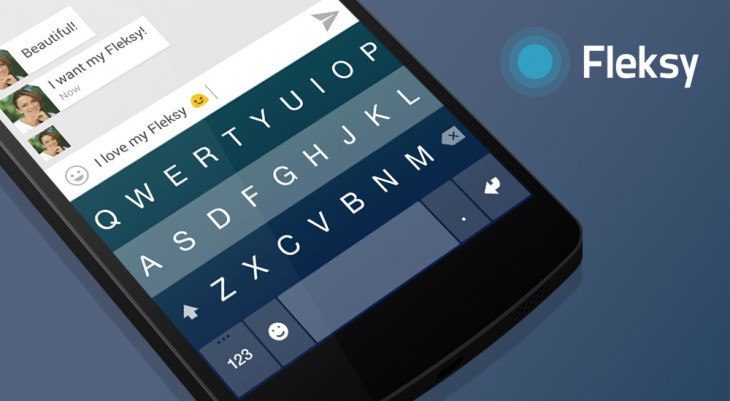
Pinterest has today announced that they have acquired the team behind the popular keyboard app Fleksy. Pinterest is solely acqui-hiring the developers behind this application, not the technology or app itself. The app will remain live on both Android and iOS ‘for the foreseeable future’ and app updates will be very minimal.

Nest today has added some new views to the Farsight feature of its flagship thermostat product. Rolling out to all thermostats soon, users will soon be able to show the current temperature and a new animated weather screen from across the room:
People love Farsight. But we heard from a lot of customers who wanted it to show the current temperature in big numbers you can see from across the room. So now, it can. And we’ve also added an animated weather screen. (You know, to satisfy meteorology fans.) Just go to Display Settings on your thermostat and choose your view.
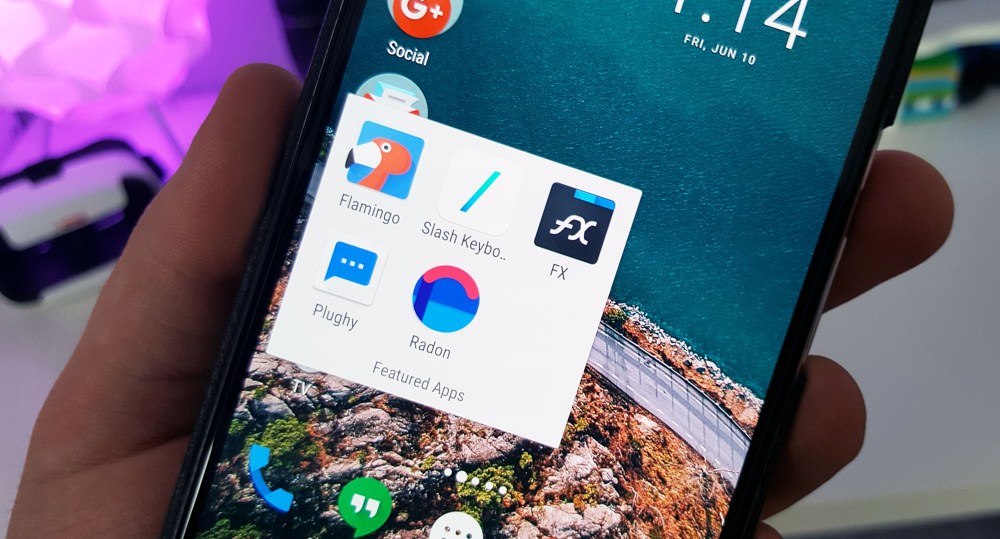
There are nearly 1.5 million applications currently on Google Play and with so many to choose from, finding interesting new experiences can be a hassle. That’s why today we’re kicking off a new series here at 9to5Google highlighting 5 different Android apps each month that are worth checking out.
So without further ado, let’s take a look at our picks for the month.


After rolling out a Marshmallow update to the Galaxy S5 yesterday, Verizon is now rolling out the same to its variant of the Samsung Galaxy Tab S2. The update carries version number MMB29K.T817VVRU2BPE1 and packs the standard Marshmallow features we’re all accustomed to at this point. Those include Doze, app permissions, and Google Now on Tap among other things…

Android has some problems. One of those is that it takes pretty much forever for its OEMs to update their devices. That trend doesn’t seem to be changing any time soon. But if you’re an owner of Verizon’s Galaxy S5 and have been waiting (un)patiently to have somewhat modern software, worry no more: your phone is finally getting updated to Android Marshmallow starting today…

Google announced Android Wear 2.0 at I/O 2016, featuring more customizable watch faces, the ability to go without your phone when you are running or want to track a hike, AI-powered Smart Reply, a handwriting recognition mode, and more. But the question remains: which devices are going to get the update? Read on for a complete list of devices we know are getting 2.0…

This is a pretty cool tidbit to come out of Microsoft’s Build conference. Probably thanks to some much more exciting news from Tesla, it went under the radar entirely. Apparently, the Redmond, Washington-based company is planning to soon let a future version of Windows 10 mirror your Android phone’s notifications by way of the Cortana app (via The Verge)…

According to a report from The Verge, Google is building its own third-party keyboard for iOS and has been doing so for “months.” While it’s unclear when or if the keyboard will be released, the report notes of several features Google has been working to implement as employees test it.
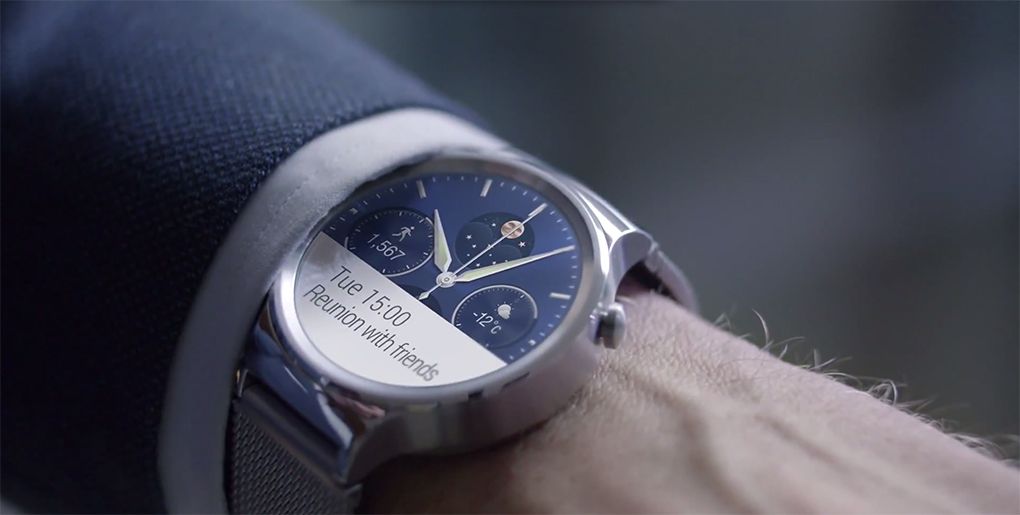
If you’re a Huawei Watch owner, you’re likely to be glad to hear this one: the latest version of Android Wear, bringing the software up to Marshmallow level, is set to roll out to the Chinese company’s flagship smartwatch offering beginning today…
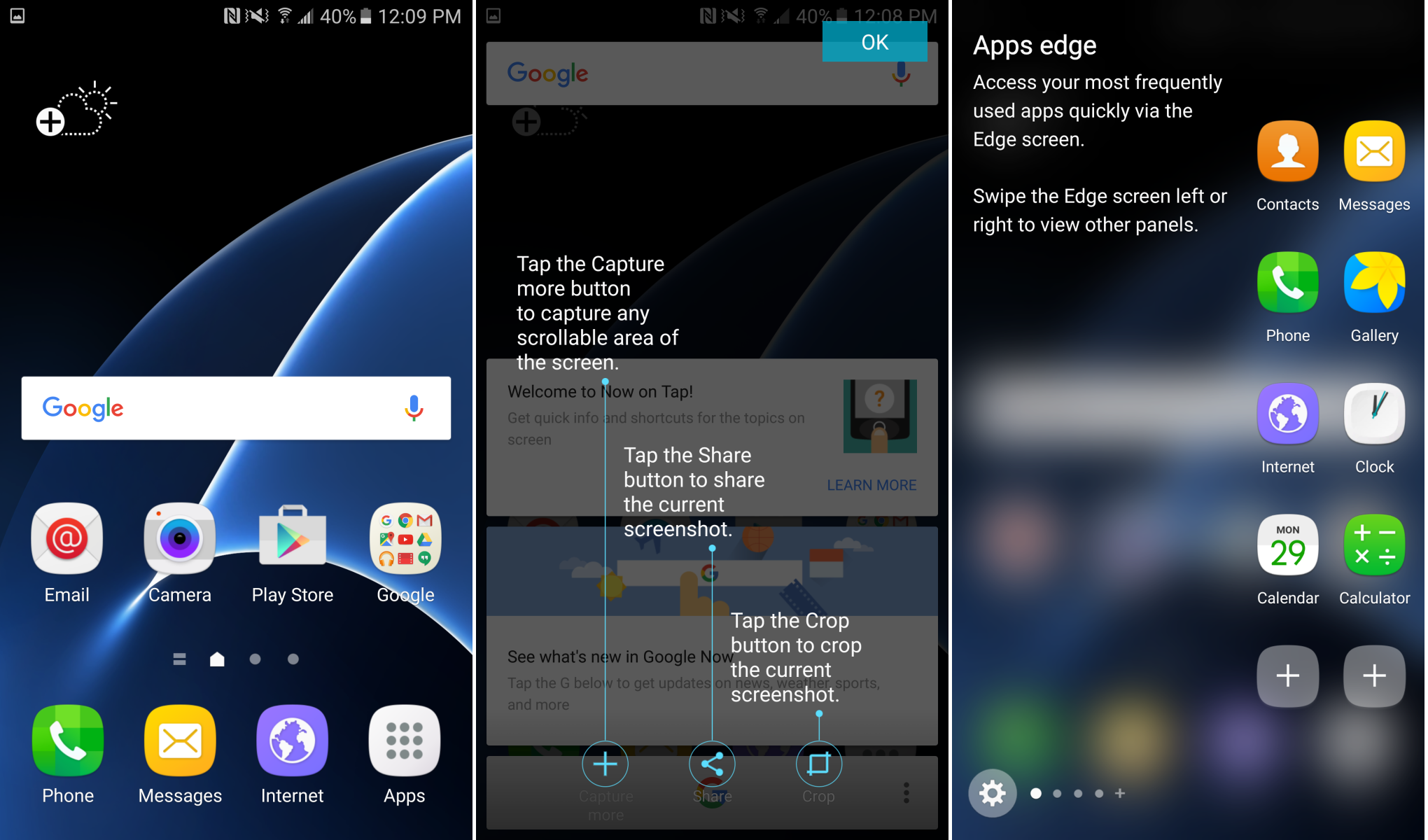
TouchWiz was once a complete mess, believe it or not, but the Android skin got much better with the release of the Galaxy S6 and Samsung’s move to using Android Lollipop. Now, most agree that the skin has gotten even better with the Galaxy S7. Thanks to some screenshots (via XDA) shared by one Daniel Marchena (who was lucky enough to already have his S7 delivered), we now have a detailed look at the modified version of the OS we saw running on the Galaxy S7 last week…


