Google Photos

Google Takeout has long let users export and download local copies of their data. With the Data Transfer Project, Google made it so that you could directly move an image library to a third-party service. Google Takeout now lets you select specific Photos albums to transfer.
Expand Expanding Close

Google Photos has long been one of the holdouts for the updated and arguably more intuitive share sheet redesign of recent Android upgrades. Thankfully, a slight refresh to the Google Photos share menu has arrived that removes the need to endlessly scroll before sharing to the app you want.
Expand Expanding Close
Google is working on a redesigned image editing experience for Photos on Android. At the same time, the video editor in Google Photos for iOS now has access to a wider range of tools.
Expand Expanding Close
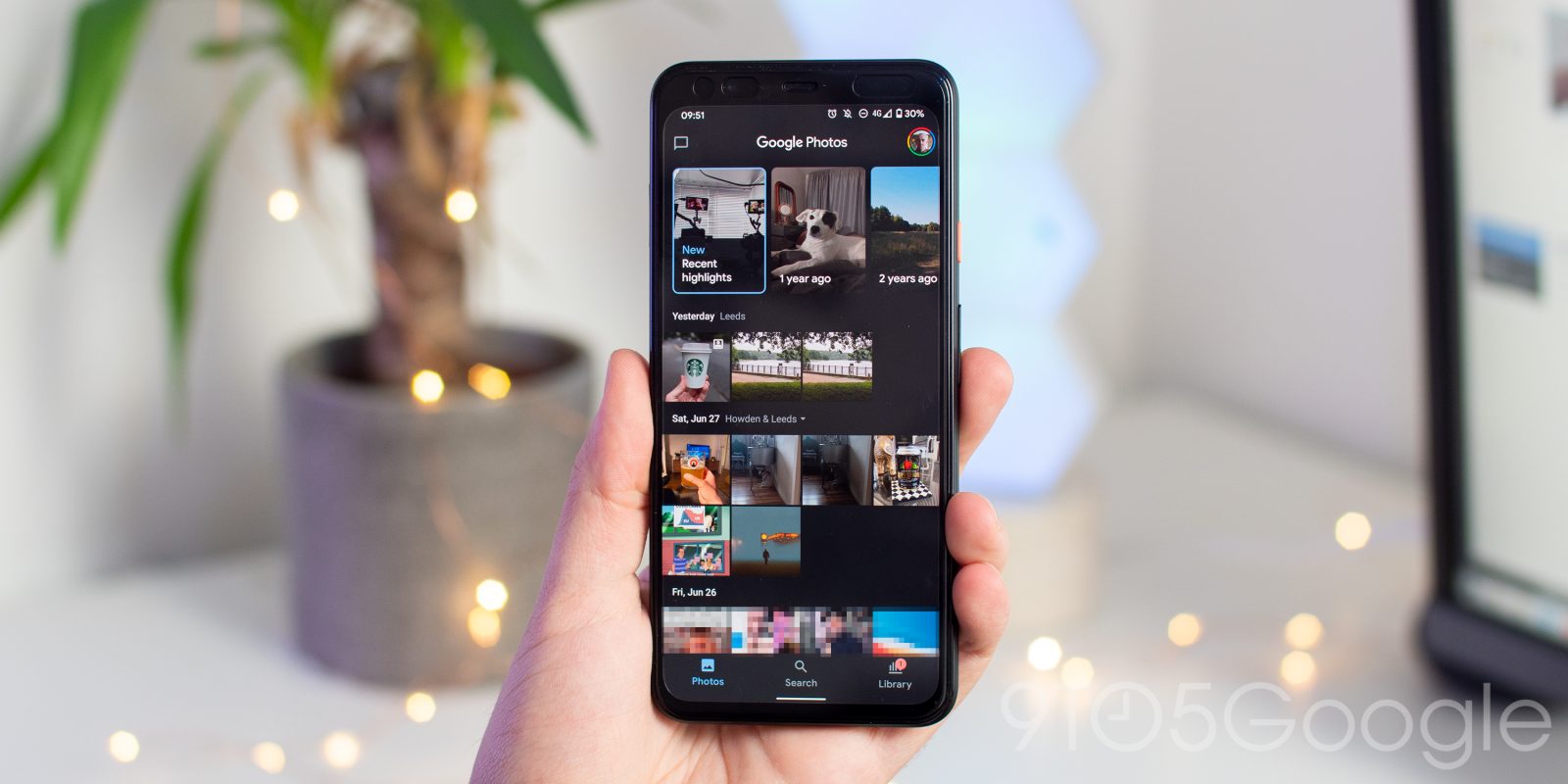
Back in June, Google redesigned Photos for Android and iOS with simplified navigation and an “Explore” map. The visual revamp was thorough, but it did not touch every element. Google Photos is now readying a new editor that looks more modern and is simpler to use.
Expand Expanding Close
Thanks to default solutions and third-party alternatives, backing up pictures and videos from your phone is a solved problem. Google Photos is now bringing that convenience to Canon cameras with “easy Wi-Fi backup” and transfer.
Expand Expanding Close
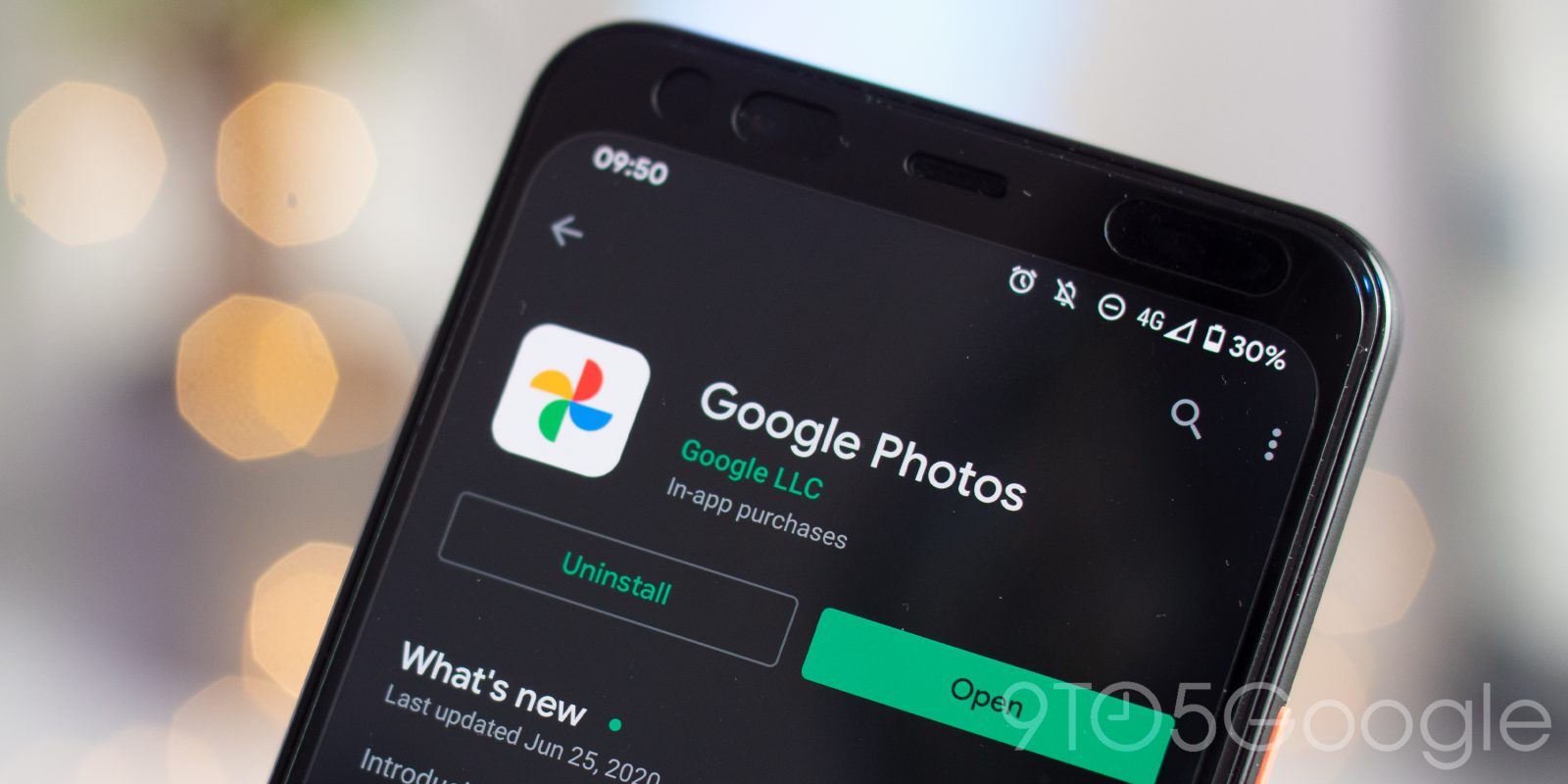
Google Photos is regaining two pretty important toggles for skipping and rewinding playback when enjoying your video content.
Expand Expanding Close
Unlike Smart Displays, Android-powered televisions not in active use will just cycle through generic images and artwork. Some Android TV users are now reporting that the Ambient Mode is picking up support for Google Photos.
Expand Expanding Close
Two weeks ago, Google introduced a major Photos revamp for Android and iOS. The latest Google Photos experience is now rolling out on the web with a slight navigation redesign that removes the hamburger button.
Back in May, Google quietly marked the fifth anniversary of Photos with direct album sharing. Google Photos today is now getting a big redesign that modernizes the mobile app’s look, and very notably its icon.

Google Photos just got a fresh new design, and it’s getting a couple of functional improvements. With its latest updates, Google Photos will stop backing up pictures from messaging and social media apps by default, as well as adding a mute button for videos.
Google Photos is perhaps one of the company’s most successful services to date with millions of users relying on it to keep their photos safe and easy to access. Now, it looks like Google Photos is getting a new logo to reflect the “simplified” experience it offers in 2020.
Arguably, Google Photos is one of the company’s best software services, and with updates, it just seems to be getting better. Now, Jane Wong has been able to spot a new feature Google Photos is building out — the ability to set you account profile picture directly from the app.
Back in January, we reported that Google Photos was trialing a monthly subscription to get your best pictures printed. That test is coming to an end, but the company does hint at future updates.

Facebook is still the biggest social media platform on the planet, and because of that, a lot of people have plenty of photos and videos stored on their accounts. Now, Facebook has announced a new transfer tool that lets users offload that media, and it works first with Google Photos.
Google Photos just turned 5 years old last week and continues to be one of the company’s best apps. Now, Google Photos is upgrading the trash folder with a message that tells you when photos will be deleted for good.
In December, Google Photos added direct sharing for one-off pictures and videos through in-app chat messaging. Photos is now directly sharing albums with people and their Google Accounts.
One of the products I got to try at CES 2020 was Lenovo’s new Smart Frame, a 21-inch display that’s designed to blend in as a picture frame. It’s a really cool product, but it was begging for integration with Google Photos. Now, Lenovo has secured Google Photos integration for the Smart Frame and it’s announcing details on when and how you’ll be able to buy the product.
Google Lens was announced at I/O 2017 as a way to visually search the world and receive help. As the tool integrated into Assistant, Photos, and Search approaches its third birthday, Google looks to be testing a new Lens logo.
There are a number of ways to get your images and videos into Google’s backup service. The Google Photos web app now provides ‘uploaded from’ and ‘shared by’ information for everything in your library.
For years, the hamburger menu was a core part of Android app design, but Google has slowly been shifting away from that over the past couple of years with several bottom bar redesigns. Now it looks like Google Photos might be ditching the hamburger side menu, with a new “Library” tab taking its place.
Google Photos is working on an Android redesign that removes the navigation drawer to center controls around the bottom bar. With version 4.38 today, we have our first look at the new Search tab.
With Google Takeout, you can download your data from Google apps as a backup or for use with another service. Unfortunately, a brief issue with the tool last November saw your videos in Google Photos possibly get exported to strangers’ archives.
In September, Google Photos added large canvas prints, as well as individual prints. Google Photos is now trialing a “monthly photo prints” subscription program.
In previous years, we’ve seen Google target specific areas of its own “ecosystem,” but for its Super Bowl LIV commercial, the star of the show is undoubtedly the Google Assistant.