Google Photos


Our APK Insight of Google Photos in November spotted a new “Express” backup option, which began rolling out to India last December. This new upload quality and Data Cap limit is now widely rolling out to the country, and coming soon to several others around the world.

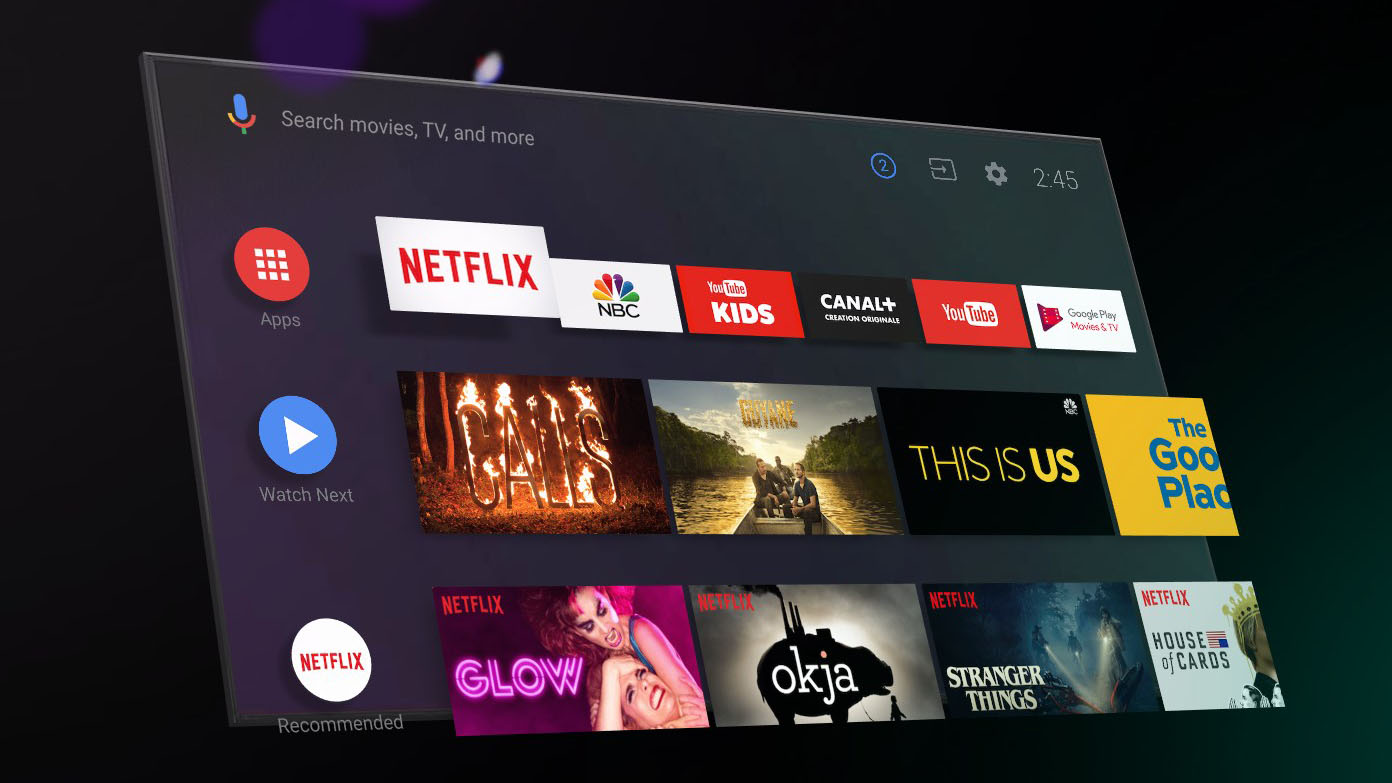
One nice perk of Android TV as a platform is that it allows users to display their Google Photos albums on a screensaver when the TV is idle, just like Chromecast. However, an Android TV bug discovered this week allowed one user access to the private photo libraries of many other users. Yikes.
The Android share sheet is slow and clunky, with Google promising a “much faster” redesign in a future version of the OS. In the meantime, Google Maps and News have adopted a faster sharing menu design that is now being tested by Google Photos.
From face recognition to fingerprints, biometric data is widely used in today’s consumer technology to sort through pictures, unlock phones, and more. Some states have passed privacy laws to govern usage, with the Biometric Information Privacy Act (BIPA) in Illinois allowing individuals to seek damages. A lawsuit involving Google Photos was just dismissed in a win for the company.
The year is rapidly coming to a close and Google’s various services over the past few weeks have released recaps. Google News is now offering users a “Year in News” collection, while Google Photos is suggesting “Best of 2018” photo books.

Back in October, Google Photos introduced the new Live Albums feature that would identify people and pets and automatically create photo and video albums with a 10,000 photo and video limit. That has now been doubled to 20,000 thanks to a Live Albums update.
Google Fi has had a big month — if not year — after dropping its “Project” status and expanding to all Android devices and the iPhone. However, the Google MVNO is still sticking to holiday traditions with a free photo book from Google Photos for subscribers.

A change to Google Photos now means that any unsupported photo or video file types will now take up space on your Google account from December 6, 2018.
The latest version of Google Photos is rolling out today with a focus on making the backup feature more attractive for users in data-constrained environments. Google Photos 4.6 details work on an “Express” upload quality, as well as daily limits on data usage. Other features include more Suggested Actions, like those from Google Lens.

Google Photos is arguably one of the most underrated services that Google offers. Now, the ability to make physical copies of your pictures is expanding to 14 further European nations (via Android Police).
That puts the total at 27 countries that can share a printed photo book directly from their Google Photos library with loved ones, friends and relatives.
The first wave of Google Material Theme redesigns was for Android clients, with web apps in recent weeks following. After Google Keep Notes last month, Google Photos on the web is now the next major site to be revamped with various Material Theme tweaks.
Alongside the Pixel 3 and Home Hub, Google Photos added support for “Live Albums” that automatically update with new images. Google Photos 4.5 is now rolling out with a focus on backing up pictures to the cloud, including the possible return of a long requested feature.
While Apple just discounted its printing service for various picture good, Google Photos is doubling down on them. After expanding to more countries, Photo Books can now feature multiple images per page for more complex print jobs.
Google Photos keeps on developing into one of the company’s most useful products. Now, we’re getting some more details on one of the services – Google Photos Live Albums limits users to 10,000 photos.
Google Photos continues to introduce and iterate on machine learning-powered features first announced at I/O 2018. Version 4.4 is rolling out and details more Suggested Actions, as well as work to support the Pixel 3’s Top Shot feature.
After spotting in an APK Insight last month, Google at 10/9 announced a new Live Albums features for Google Photos. This updating collection of images allows you to easily share new pictures without having to manually add new ones. Meanwhile, Google Photos 4.3 also reveals work on new Suggested Actions.
Google Photos is probably one of the most successful products from the company, and it just keeps getting better with updates. Today, a new feature has been revealed with Google Photos Live Albums.
Google has been working on adding a manual blur adjustment setting to Google Photos for several months now, and the popular “Color Pop” feature has also been hinted for a manual release. Now, it appears Google is testing out those features with some users.
Hot off the heels of a new Google Material Theme, the latest update to Google Photos is preparing a major new feature. Version 4.1 details new “live albums” that automatically add faces as part of a constantly updating collection that can feature multiple collaborators.

Google has announced the general availability of its new Google Photos Library API, designed to help developers create new experiences for (or at least help organize) our Google Photos libraries.
Briefly showed off on stage at I/O 2018, Google Photos is now the latest app to gain a Google Material Theme. Today’s Google Photos 4.0 update is focused on implementing the brighter look and various new icons, with primary navigation remaining unchanged.

Google Photos’ photo books, like many Google products, started out with availability in the United States. The product has been rolling out to several other countries around the world over the last month or so, and now the latest group of countries are seeing availability starting today.
Google’s transition to update all of its apps with the Material Theme is well underway. A new video now shows off elements of the company’s new design language, while featuring various concepts for refreshed Google apps and services.
For the past few weeks, we’ve been keeping an eye on a new Chrome feature that lets users customize the look of the new tab page with custom backgrounds. Now, it’s been noted that this feature will integrate with Google Photos.