Author

Avatar for Andrew Romero

Andrew Romero

chaosromero

Andrew Romero is a North Carolina-based journalist specializing in Android and Google news, reviews, and in-depth analysis. With a keen eye for detail honed from his previous career as a CNC machinist, Andrew possesses a unique appreciation for hardware and the intricate engineering behind the technology we use daily.

He brings this passion to his coverage, offering insightful perspectives on the latest devices, software updates, and the evolving Google ecosystem. When he’s not diving into the world of tech, Andrew can be found tackling the trails on his mountain bike, enjoying the natural beauty of his home state of North Carolina alongside his wife.

Andrew is active on Twitter – @chaosromero – but can also be found on Threads – @organizedchaos50.

Emails are open at andrew@9to5mac.com

Connect with Andrew Romero

How to take a screenshot on Android phones

There are countless reasons to take a screenshot. You might want to save something from social media, help someone with an app remotely, or circle things on your screen. Bottom line? Taking a screenshot is a basic function you should know how to perform! Read on to learn how to take a screenshot on Android devices, such as the Google Pixel, Samsung Galaxy, and OnePlus.

Expand Expanding Close

Having issues with Google Pixel’s adaptive brightness? Here’s how to fix it

In case you hadn’t noticed, the Pixel line of phones – while great devices – are absolutely not without issues. Among those issues tends to be adaptive screen brightness problems, wherein the Google Pixel on Android adjusts brightness under the wrong circumstances. Follow along with this guide to learn how to reset and fix that issue.

Expand Expanding Close

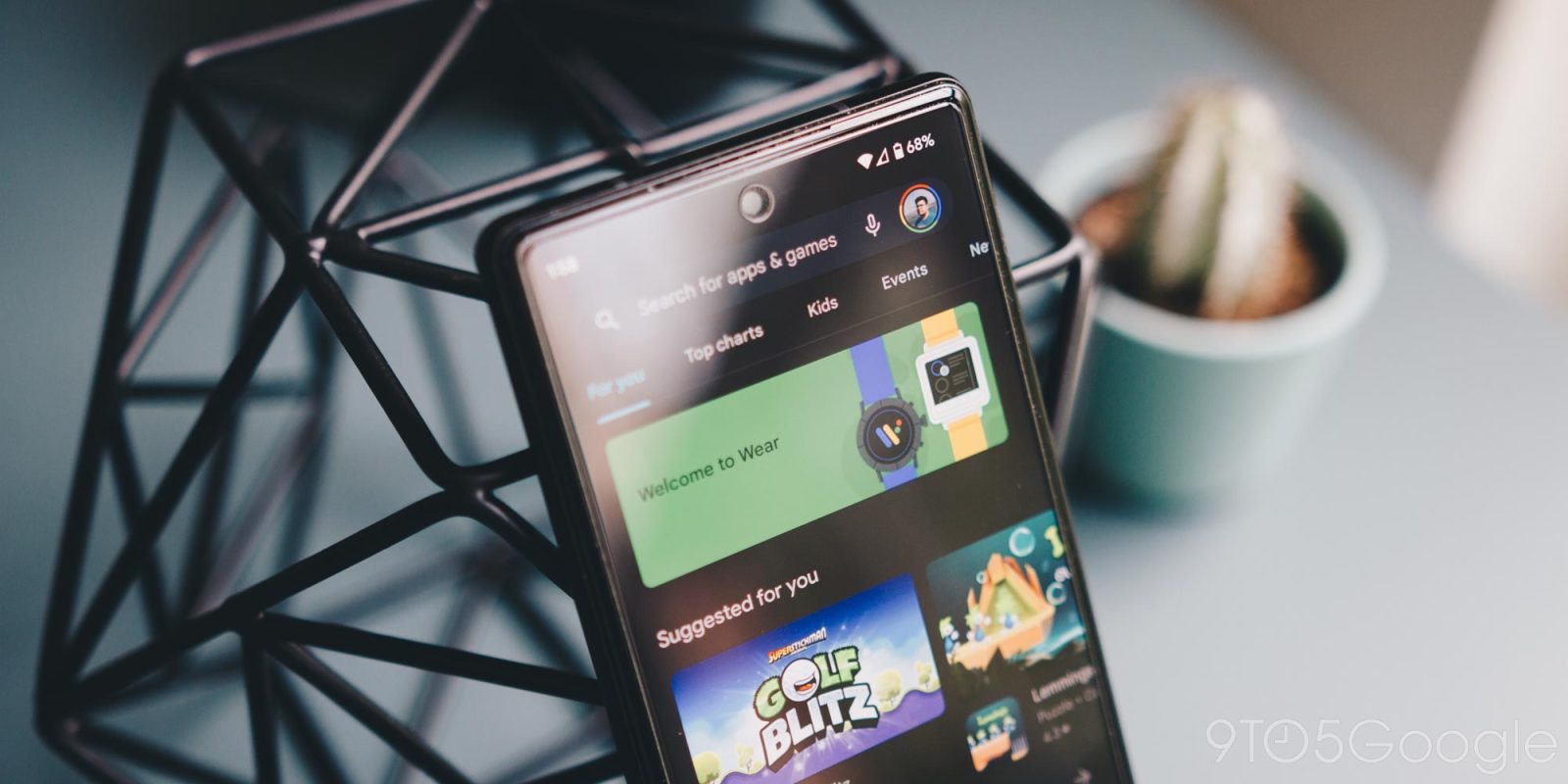
You can skip the tutorial when setting up Galaxy Watch 4 – Here’s how

Setting up a smart watch is even more frustrating than setting up a phone. Maybe it’s the little screen or the slow pairing process common to most Wear OS devices. And, completing the tutorial on a Galaxy Watch 4 just feels extra burdensome. Well, something you may not know is that you can absolutely skip the tutorial on the Galaxy Watch 4! Here’s how.

Expand Expanding Close