Android
Breaking news for Android. Get the latest on apps, carriers, devices, and more!
Android is Google’s mobile operating system, launched in September 2008, although its history technically began with the release of the Android alpha in November 2007. To this day, Android powers the majority of the world’s smartphones and comes in several different flavors across many phone makers.
Table of contents
What is Android?
Android Inc.
Android, before it was Android, was a company called Android Inc. That company was founded in Palo Alto, California, in 2003 by a crew of four: Andy Rubin, Rich Miner, Nick Sears, and Chris White. The company and its project was acquired by Google in 2005 for a sum of more than $50 million, although the exact number is unknown. The company’s founders joined Google as part of the deal.
In its infancy, Android was an operating system built not for touch screen smartphones like the iPhone, but rather BlackBerry-like devices with physical keyboards. It’s well documented that after Apple shocked the world with the iPhone, ahead of its nearest competition by at least a couple years, Google and Android Inc. had to go back to the drawing board to build something competitive.
Adoption by third-party makers
It didn’t take long after the launch of the iPhone for various manufacturers to enter the market with their alternatives — and Google’s Android immediately became the obvious platform of choice for just about everyone except Microsoft. HTC was the first manufacturer on board, and introduced the T-Mobile G1 running Android in September 2008. Soon after, HTC, Motorola, Samsung, and carriers like Sprint and T-Mobile jumped on board to form the Open Handset Alliance.
Android makers across the world
Iconic Android handsets
There have been thousands of Android phones released since Android’s inception, but some have been more important to the platform’s history than others. There was the original T-Mobile G1, as mentioned, but there was also the HTC One Google Play Edition, Moto G, Samsung Galaxy S4, and others. Some of the most iconic Android handsets include:
- HTC G1
- HTC Nexus One
- Samsung Galaxy S, S2, S3, S4, and their successors
- HTC Incredible S
- Samsung Nexus S
- Samsung Galaxy Nexus
- Samsung Galaxy Note
- Nokia 8
- BlackBerry KeyOne
- Google Pixel and its successors
In more modern times, there are several Android smartphones makers that popped up across various niches and in several international markets. Huawei is a dominant Android maker in China and many European markets, while Samsung is by far the most popular maker in the United States by far — effectively creating a duopoly with Apple. Today, there are dozens of major device makers contributing to the Android ecosystem.
Full list of Android OEMs
History of major Android versions
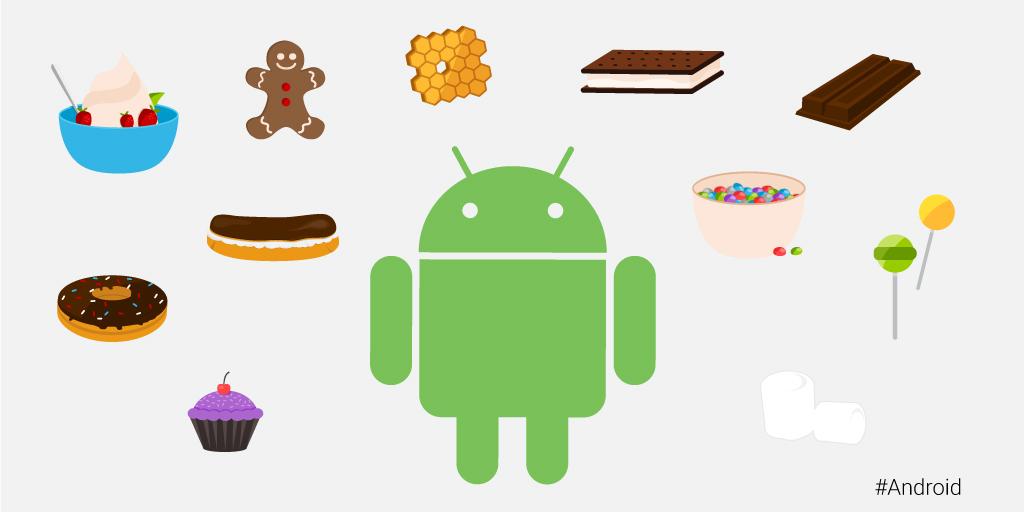
Android has seen countless software revisions over the course of its life, but in modern times the OS usually sees a major release on an annual cadence. In the earlier days, Google famously gave its major software releases dessert-themed codenames, but retired that practice in 2019 with the release of Android 10.
| Version | Name | Release | Devices |
| 2.3 | Gingerbread | February 9, 2011 | Nexus S |
| 4.0 | Ice Cream Sandwich | October 19, 2011 | Galaxy Nexus |
| 4.1 | Jelly Bean | July 9, 2012 | Nexus 7 |
| 4.2 | Jelly Bean | November 13, 2012 | Nexus 4, 10 |
| 4.3 | Jelly Bean | July 24, 2013 | Nexus 7 (2013) |
| 4.4 | KitKat | October 31, 2013 | Nexus 5 |
| 5.0 | Lollipop | November 3, 2014 | Nexus 6, 9 |
| 5.1 | Lollipop | March 9, 2015 | Android One |
| 6.0 | Marshmallow | October 5, 2015 | Nexus 5X, 6P |
| 7.0 | Nougat | August 22, 2016 | Nexus 5X, 6P |
| 7.1 | Nougat | October 4, 2016 | Pixel, Pixel XL |
| 8.0 | Oreo | August 21, 2017 | Pixel, Pixel XL |
| 8.1 | Oreo | December 5, 2017 | Pixel, Pixel XL |
| 9 | Pie | August 6, 2018 | Pixel 2, Pixel 2 XL |
| 10 | 10 | September 3, 2019 | Pixel 3, 3a |
| 11 | 11 | September 8, 2020 | Pixel 4 |
List of major Android OS platforms
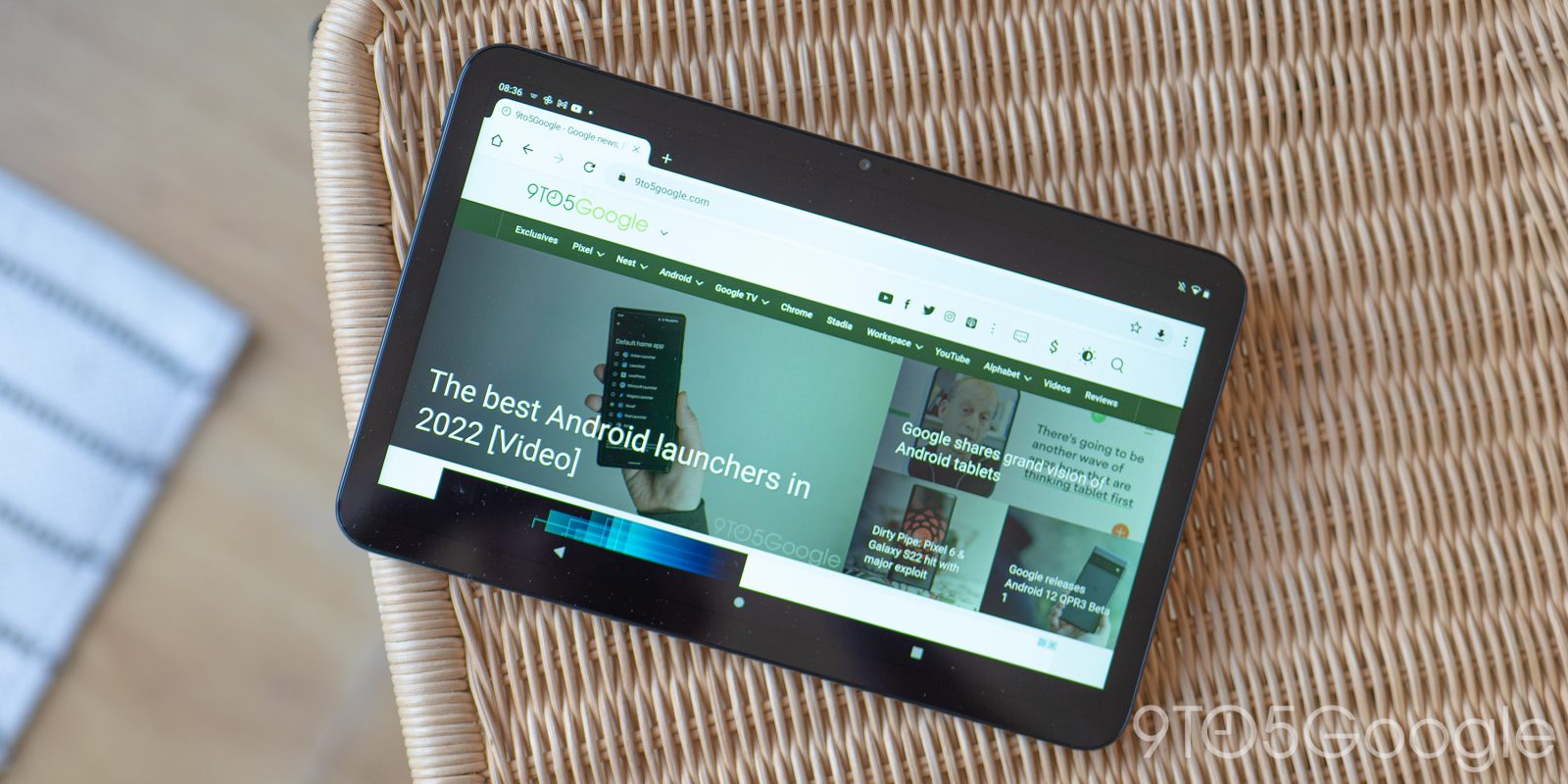
While Android proper is certainly the most widespread of Google’s Android operating systems, the company has also launched many offshoots of the main OS over the years. There’s Android Auto, Android Wear (now Wear OS), Android TV (now rebranded to Google TV), as well as versions of Android built for tablets and Android Things (now defunct).