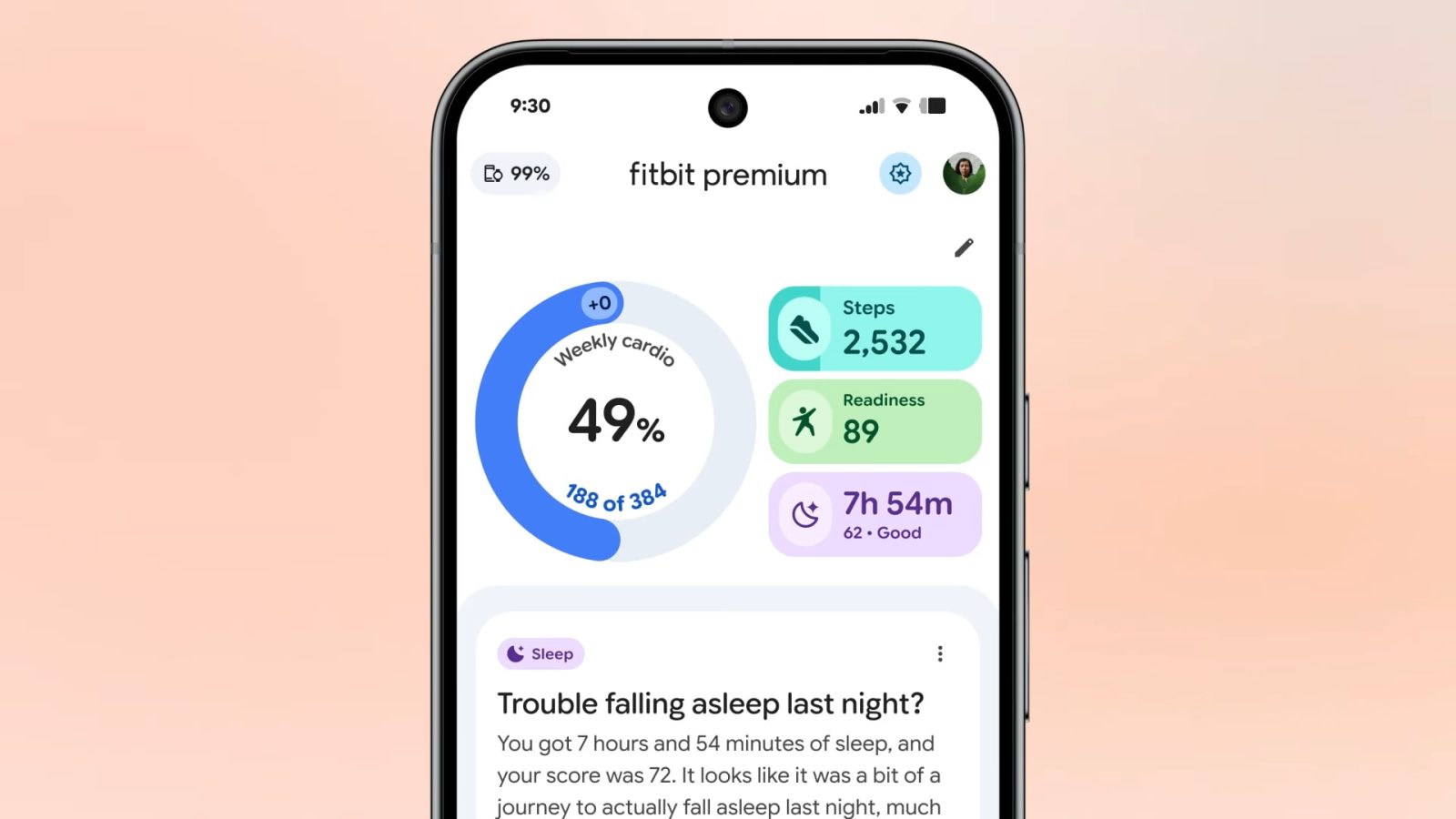
Fitbit Public Preview adds food & water logging, more as app redesign comes to free users


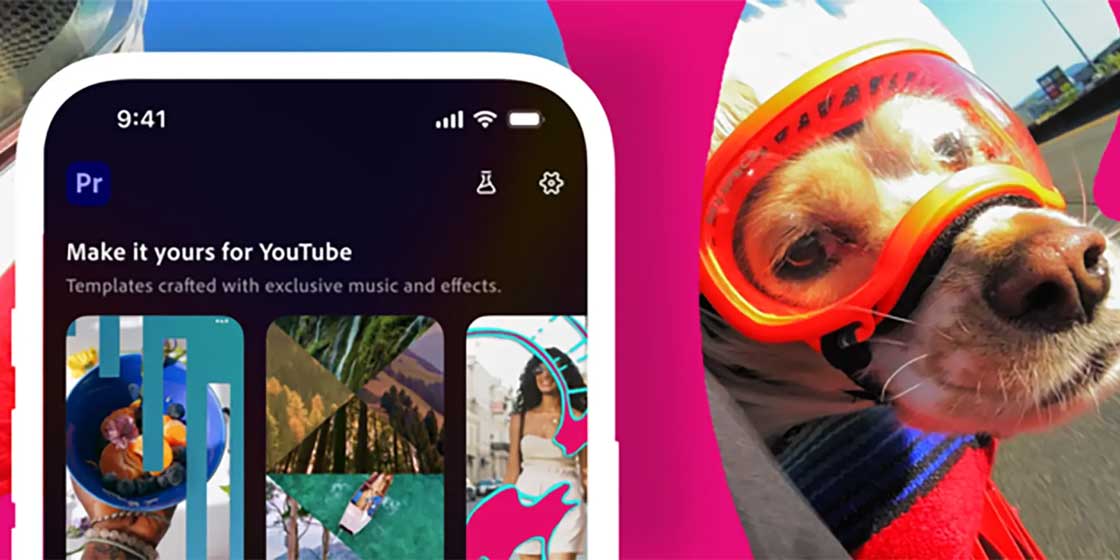
Adobe’s new Premiere app for mobile is introducing an editor specifically designed for YouTube Shorts, but it is currently only available on iOS.
Expand Expanding Close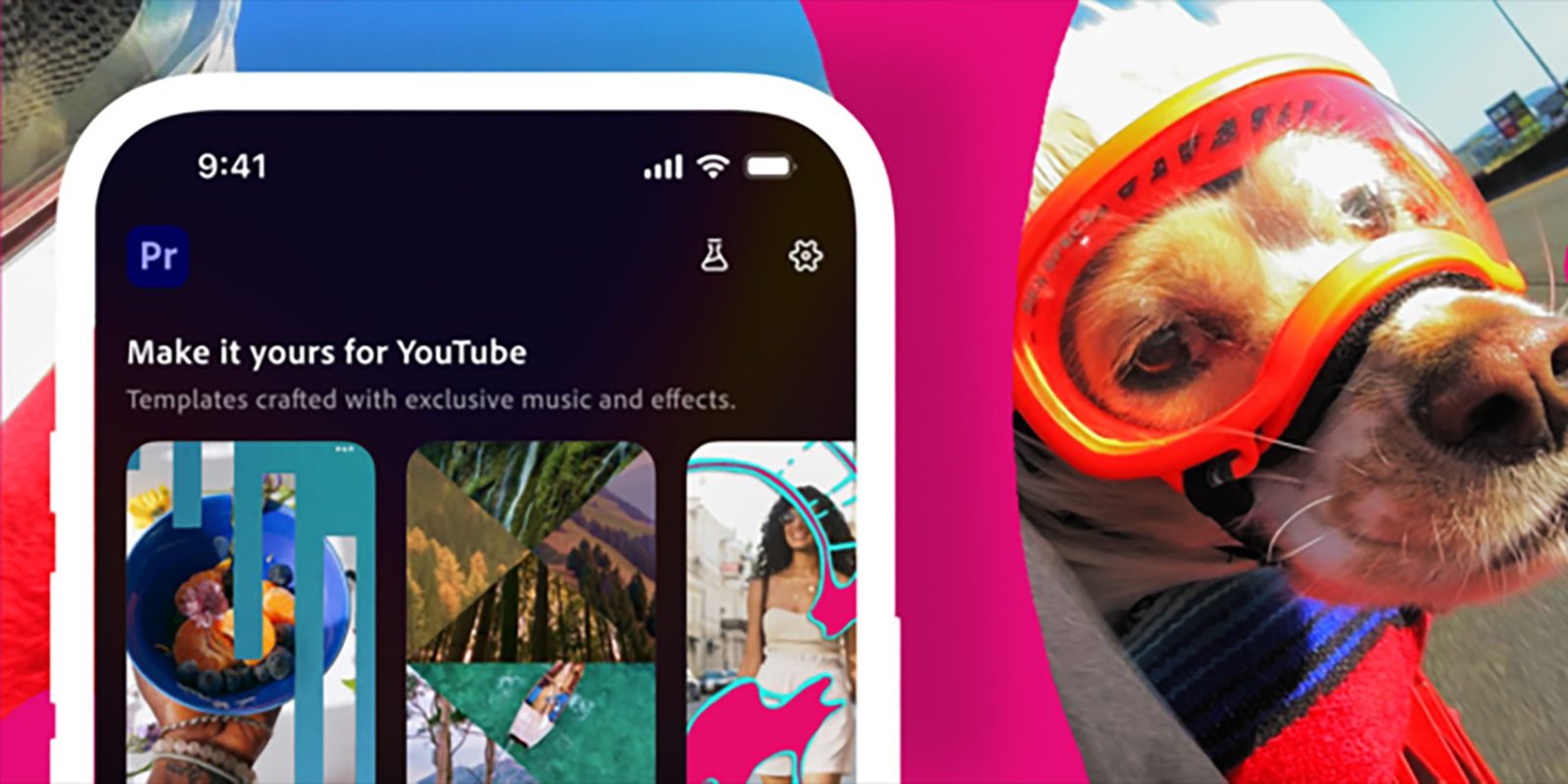

YouTube Shorts creators are getting a new suite of tools via Adobe Premiere, which will roll out new editing tools in the “Create for YouTube Shorts” experience.
Expand Expanding Close
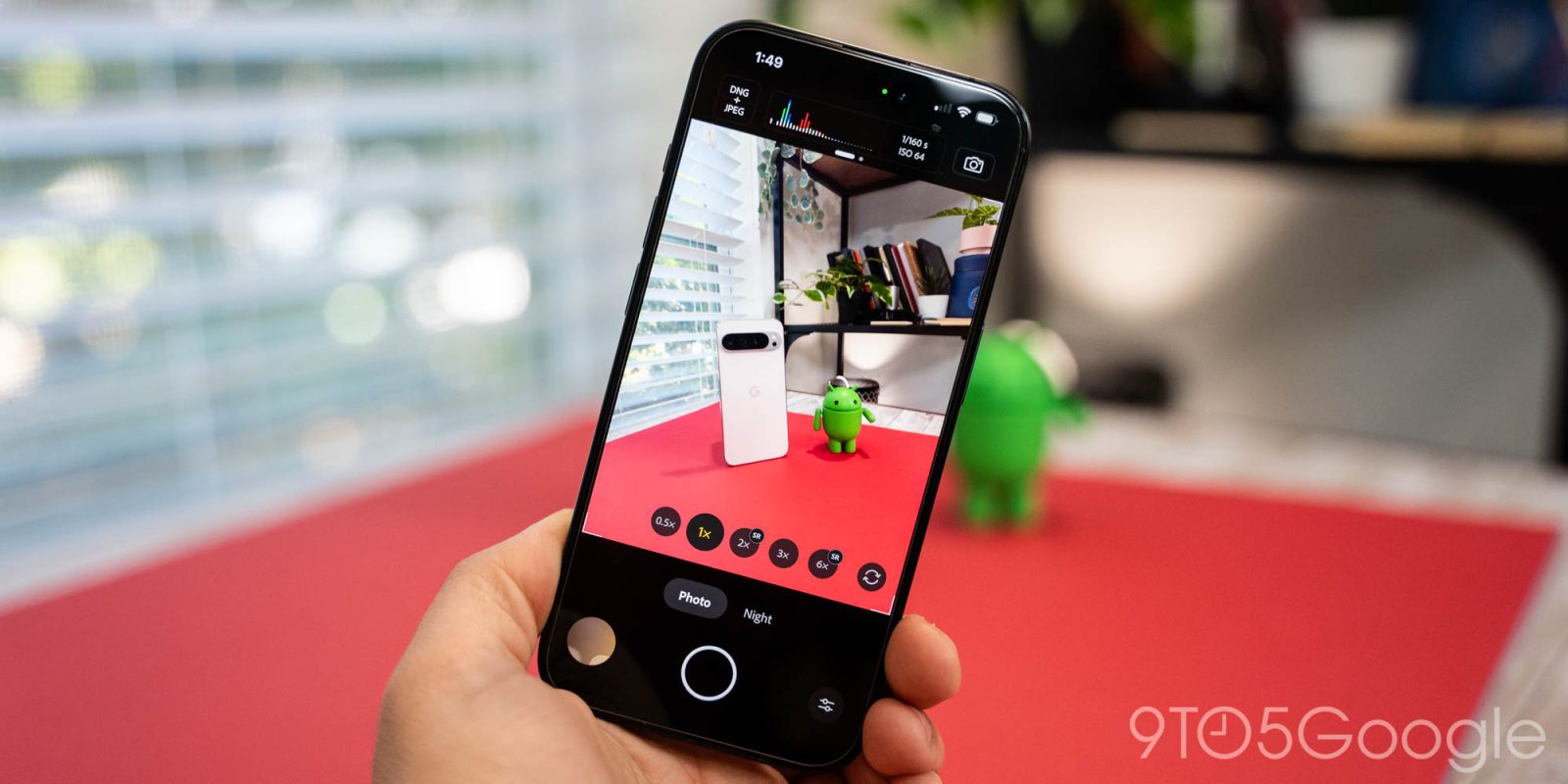
Adobe this week announced “Project Indigo,” a new camera app that was built by the brains behind the Pixel camera, but it’s not on Android just yet.
Expand Expanding Close

Adobe has just announced new Photoshop apps for the web and for iPhone, and it will also be coming to Android “soon.”
Expand Expanding Close

In an email going out to the apps’ users, Adobe has announced that it will soon be shutting down the Photoshop Mix and Photoshop Fix apps on Android.
Expand Expanding Close
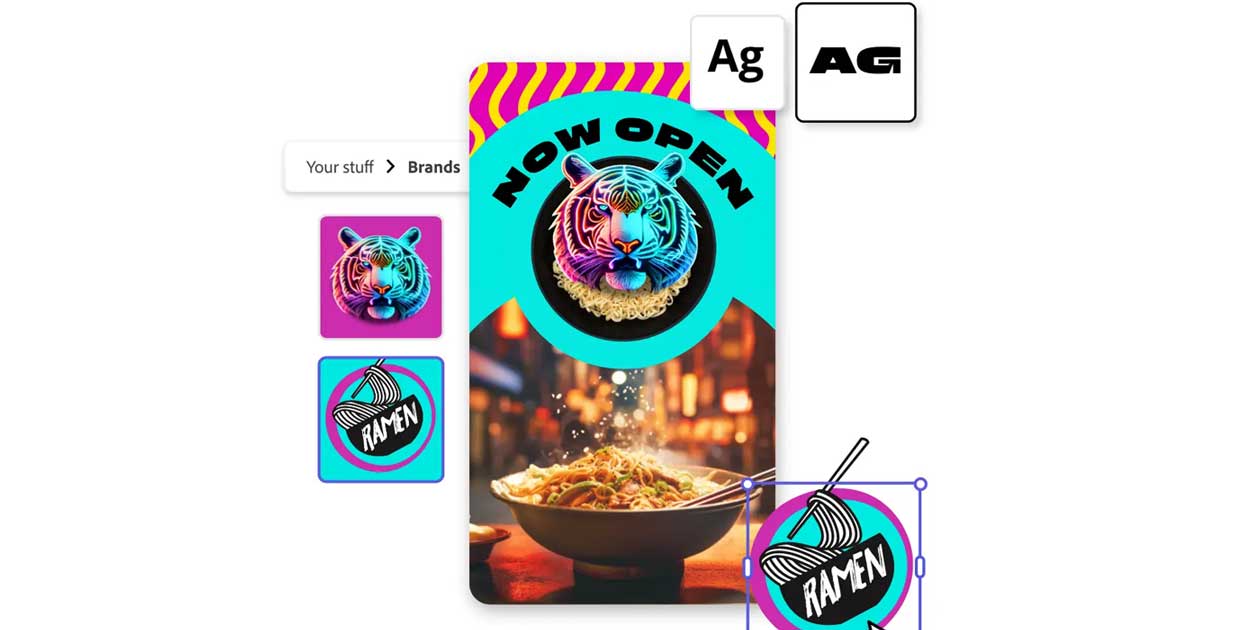
After a stint in beta, Adobe Express is being fully released on Android, bringing Firefly generative AI to mobile users.
Expand Expanding Close
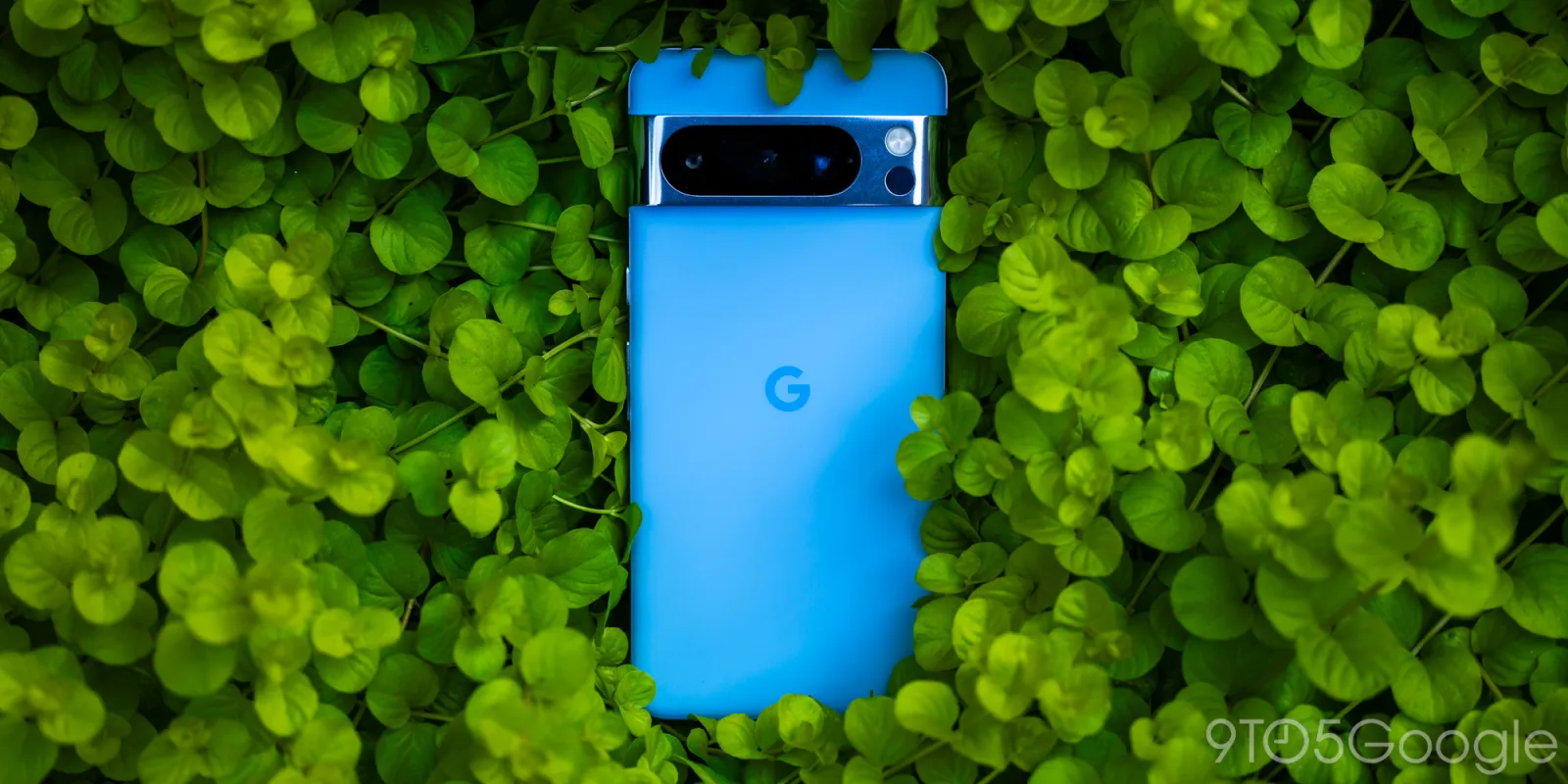
The Pixel 8 and 8 Pro are arguably the best photography phones on the market, and Adobe just made them even better by adding Pixel 8 RAW support to its editing apps.
Expand Expanding Close
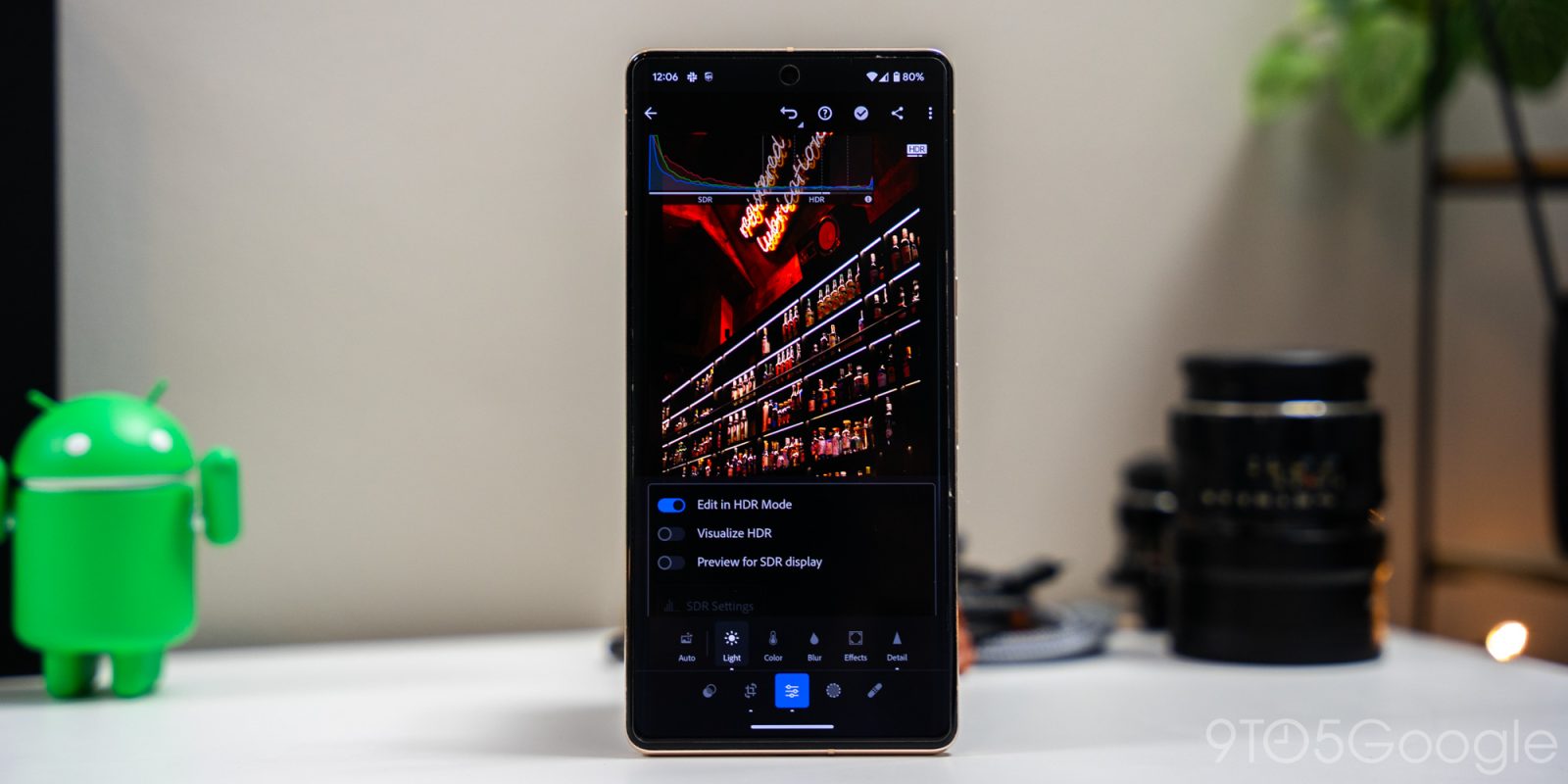
Lightroom on Android is adding the ability to shoot, edit, and export HDR photos, and it’s exclusive to Google’s latest Pixel phones on Android 14.
Expand Expanding Close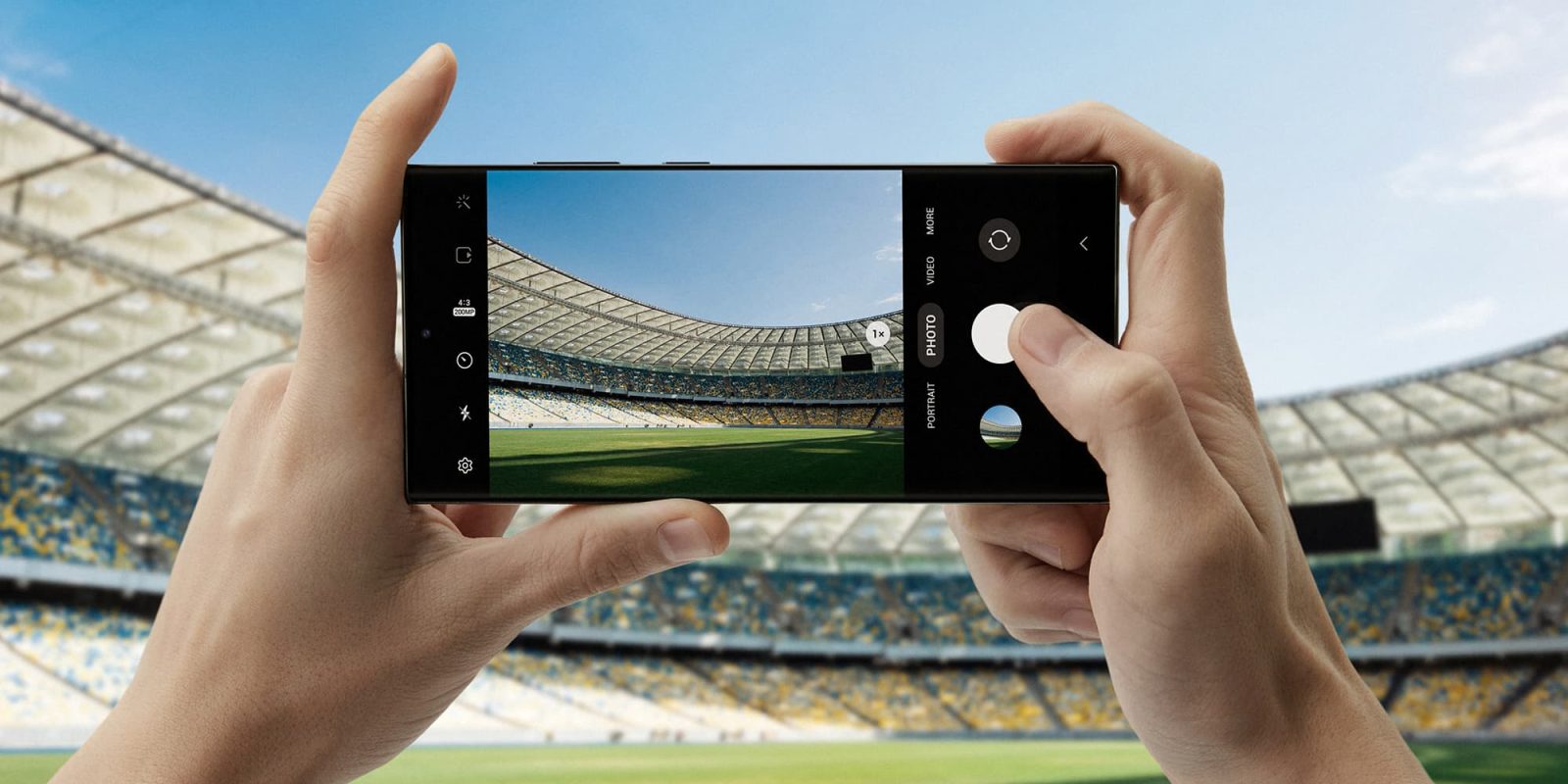
If there is one thing to be said about the just-announced Galaxy S23 Ultra, it’s that it has an intimidating camera array. To pair with the 200MP sensor, Samsung is bringing Adobe Lightroom to the Galaxy S23 Ultra as the one and only native photo editing tool.
Expand Expanding Close
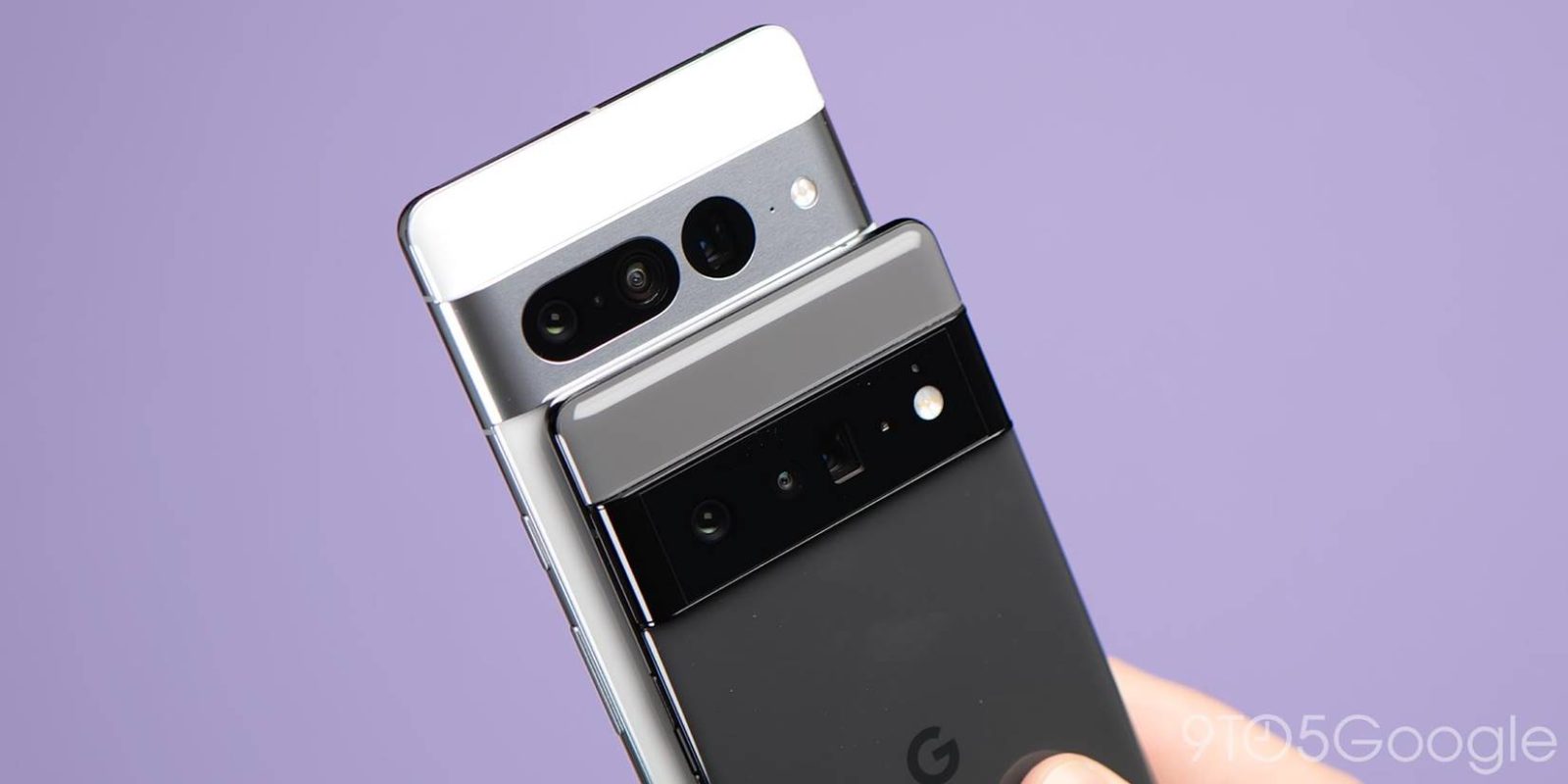
With all three cameras on the Pixel 7 Pro and two main sensors on the Pixel 7, you’re bound to get some stunning shots. What makes them even better is a healthy amount of editing, based on your style. This guide will take you through exporting your RAW photos from your Pixel and importing them to Adobe Lightroom, whether on PC, Mac, or mobile.
Expand Expanding Close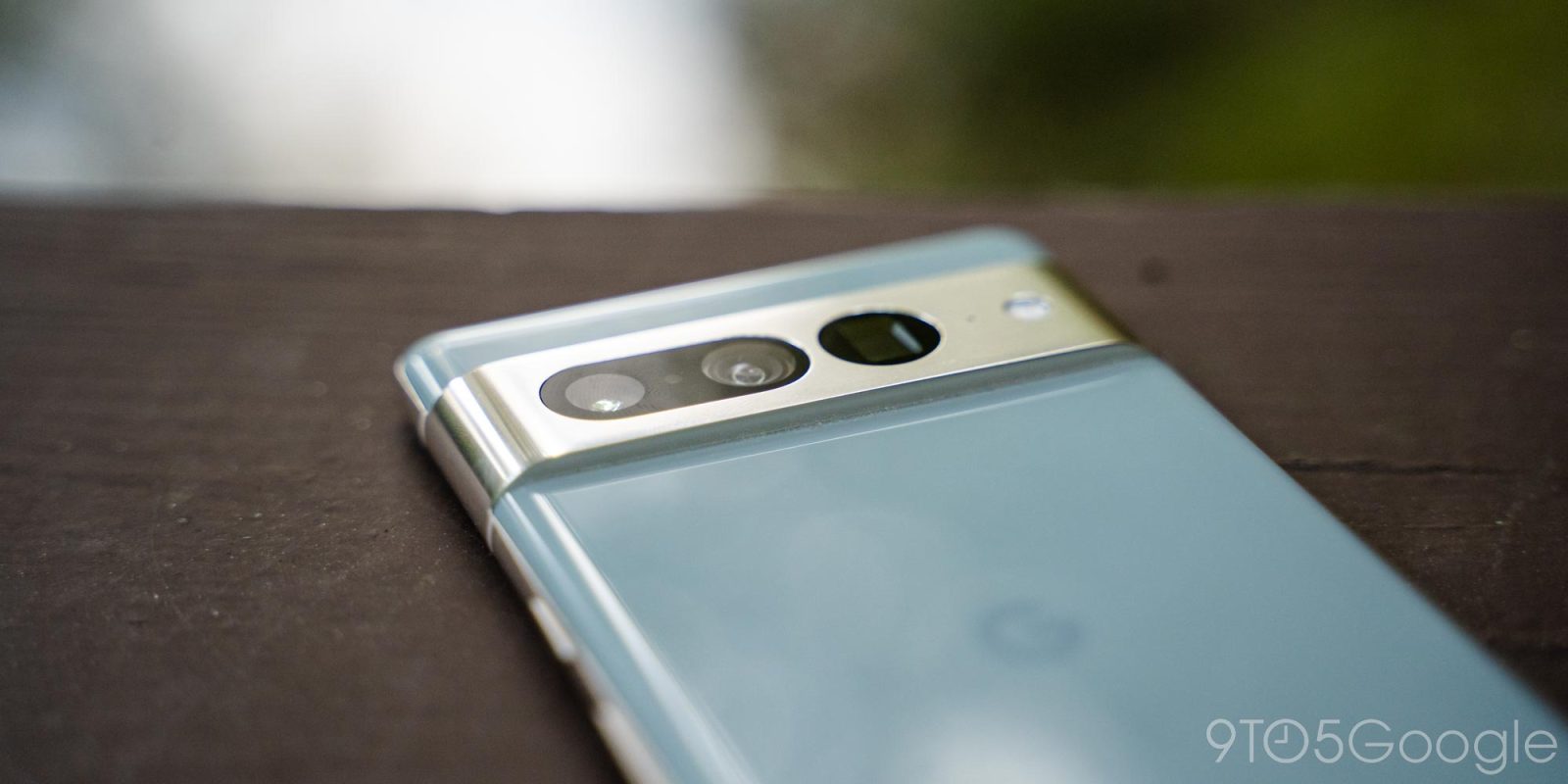
Adobe has officially added support for the Pixel 7 and Pixel 7 Pro in Lightroom, making it easier to edit RAW images shot on Google’s latest cameras.
Expand Expanding Close
One of the biggest reasons so many people love the shots taken by Google’s Pixel smartphones is how the shots are pretty much ready for sharing straight out of the camera. However, a special RAW mode opens up shots to more extensive editing, and this week Adobe has made it easier to edit shots from the Pixel 6 and Pixel 6 Pro in Lightroom and Photoshop, along with Samsung’s flagship.
Expand Expanding Close
Chromebooks rely primarily on web apps to run just about everything, with Android apps plugging some of the holes, but even that left Chromebook owners without access to the Adobe Creative suite. The tide is finally changing, though, as Adobe today announced that Photoshop is coming to the web and in turn, Chromebooks starting with a public beta.
Expand Expanding Close
Adobe today announced a big update to its Acrobat extension for Google Chrome and Microsoft Edge – the addition of basic PDF editing tools, many of which come at no cost.
Expand Expanding Close
Last year, Adobe released a Gmail Add-on for Creative Cloud for quick access and saving. An update to the Creative Cloud Add-on for Google Workspace today extends that functionality to Google Docs and Slides.
Expand Expanding Close
Voice interaction has flourished in recent years as Google brings Assistant to more and more form factors. Adobe XD is now picking up a Google Assistant integration to make it faster to prototype voice experiences.
Expand Expanding Close
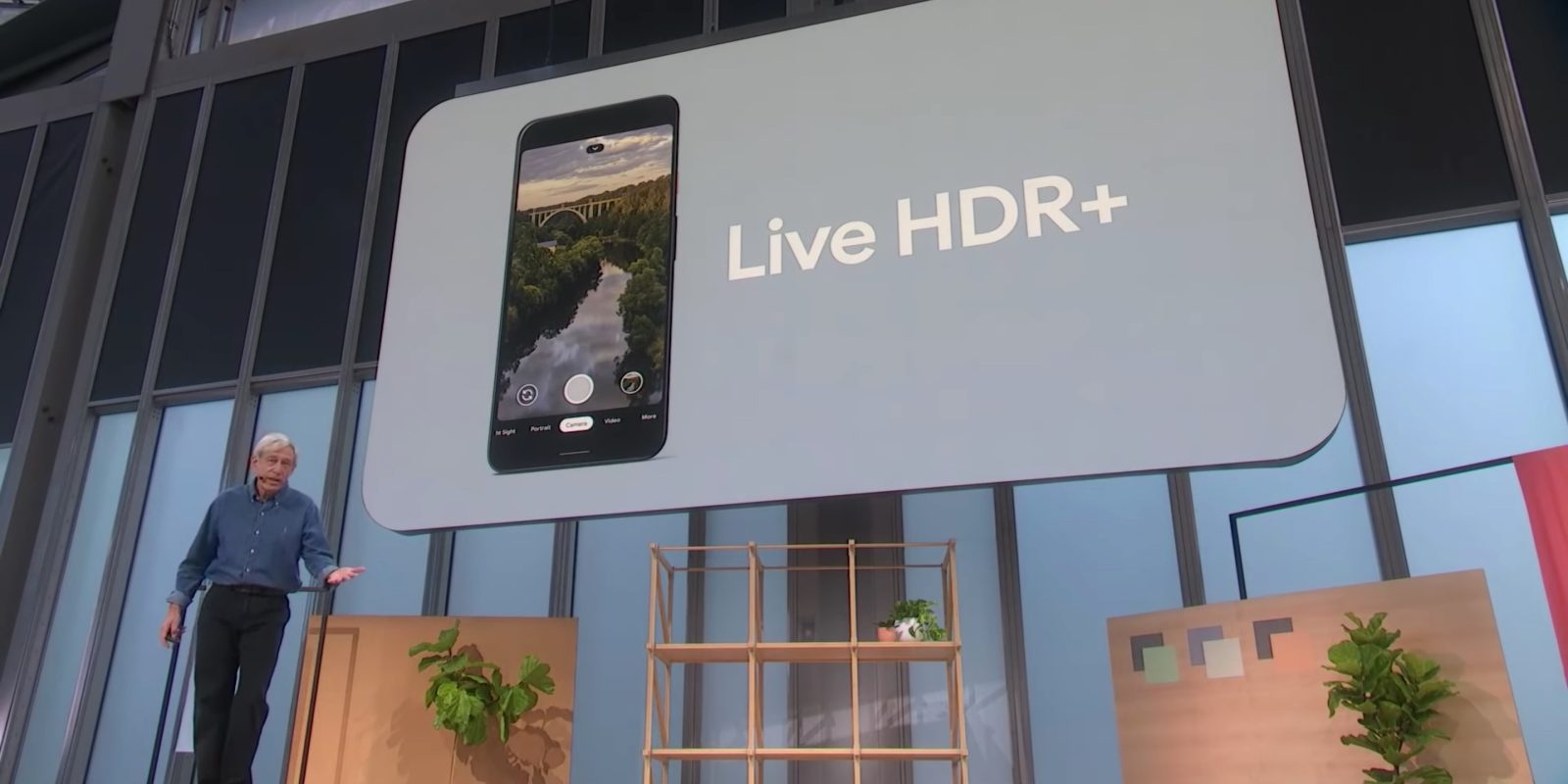
Earlier this year, Google lost the Pixel’s chief camera engineer amid criticism about the Pixel 4. Marc Levoy has now landed at Adobe as a “Vice President and Fellow” working on the Photoshop Camera, computational photography, and other research projects.
Expand Expanding Close
After officially being announced in late 2019, Adobe Photoshop Camera is now available to download on the Google Play Store.
Adobe appears to be testing out a strategy that Microsoft was bashed for not long ago. With some users, Adobe is showing advertisements for its other Android applications in the operating system’s share menu.
Back in January, Google widely launched G Suite Add-ons to allow third-party integrations across products like Calendar and Drive. Adobe today announced a plug-in that lets Gmail users quickly access Creative Cloud.
The cameras on our smartphones are just getting better and better, and now Adobe is hoping to help everyone take better shots. Today, the company has announced its new Photoshop Camera app for Android and iOS which can use AI to edit as you take the picture.
Video editing on Android isn’t very easy, but there’s a bit of hope with Adobe’s upcoming Premiere Rush app. While the company hasn’t provided a direct timeline on when the Adobe Premiere Rush would arrive on Android, we’ve discovered that the app is now in a closed beta.
Adobe has officially announced their latest mobile-targeted video editing software called Premiere Rush CC, which is now available on desktop and iOS devices, with Android support expected in 2019. A stripped down version of the bigger Adobe Premiere Pro, this software is clearly targeted at YouTube creators or those who create content for social media.
Expand
Expanding
Close


Sharing contacts between phones doesn’t yet seem to have taken over from handing out business cards, but if you want to keep things paperless there are a number of apps that allow you to scan a card and save it to your contacts.
Most require some kind of manual edit, however, particularly when it comes to getting information into the correct fields – a problem Adobe claims to have solved with the latest version of its Android Adobe Scan app …


