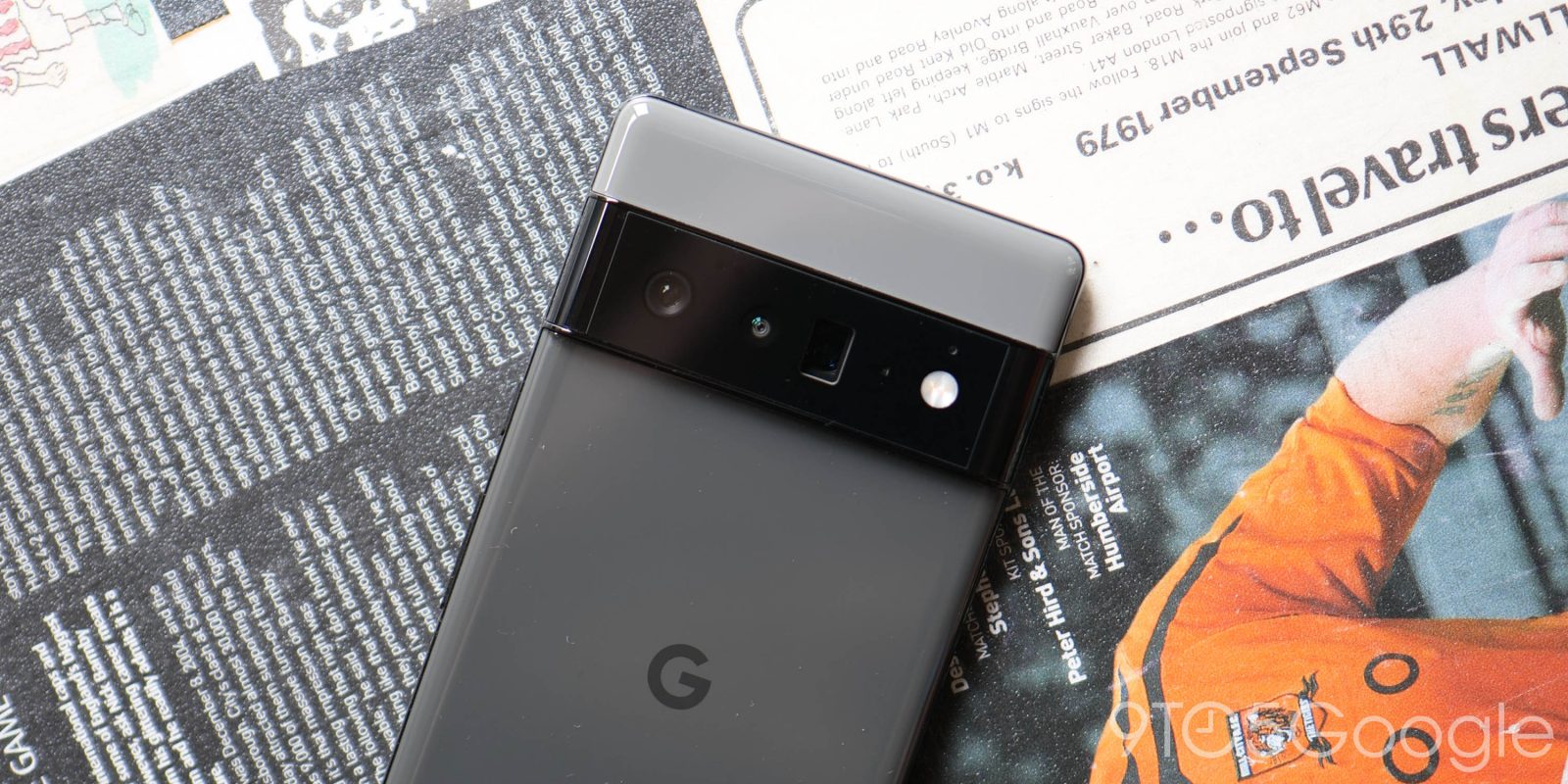
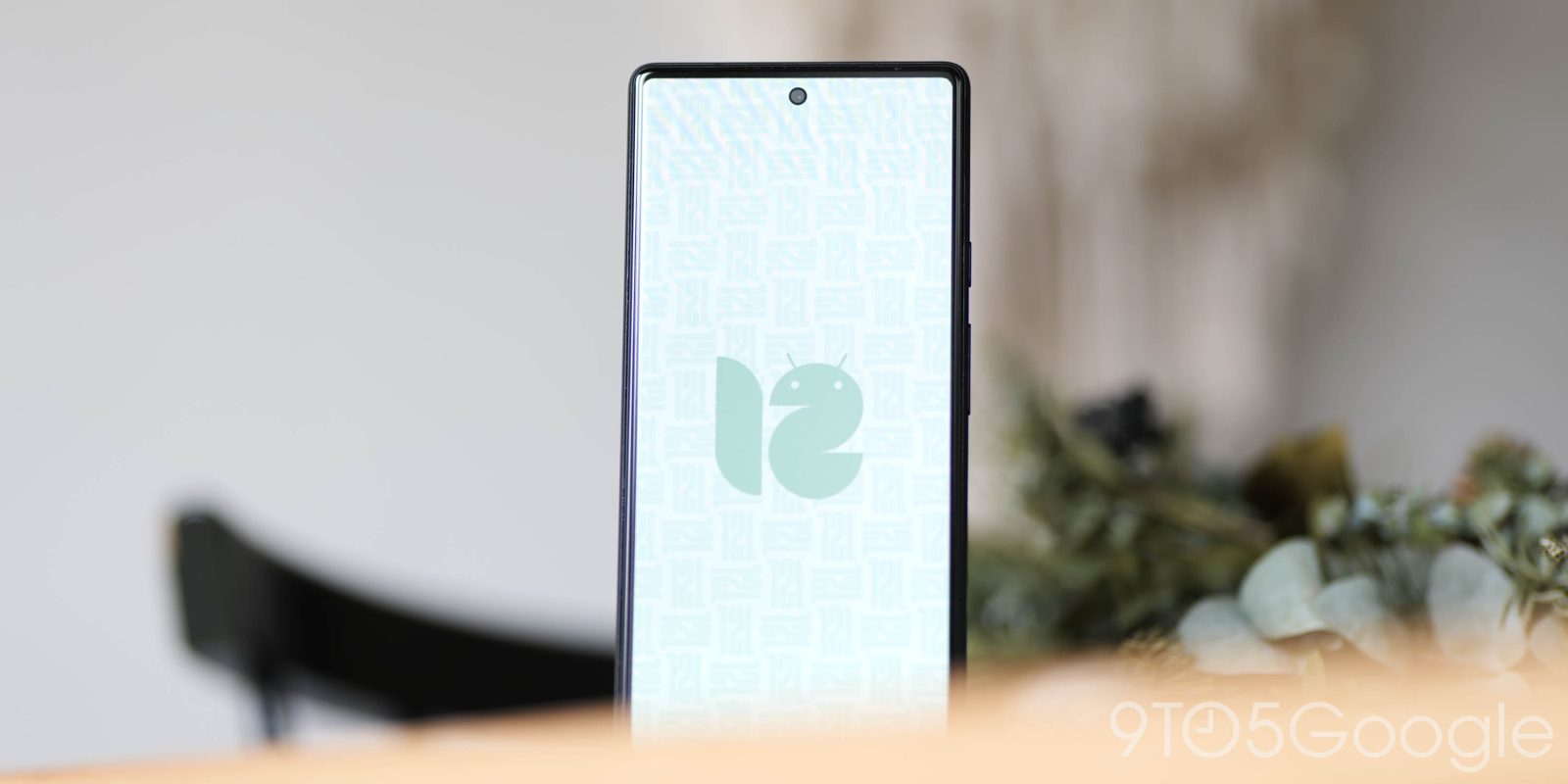
Google Pixel
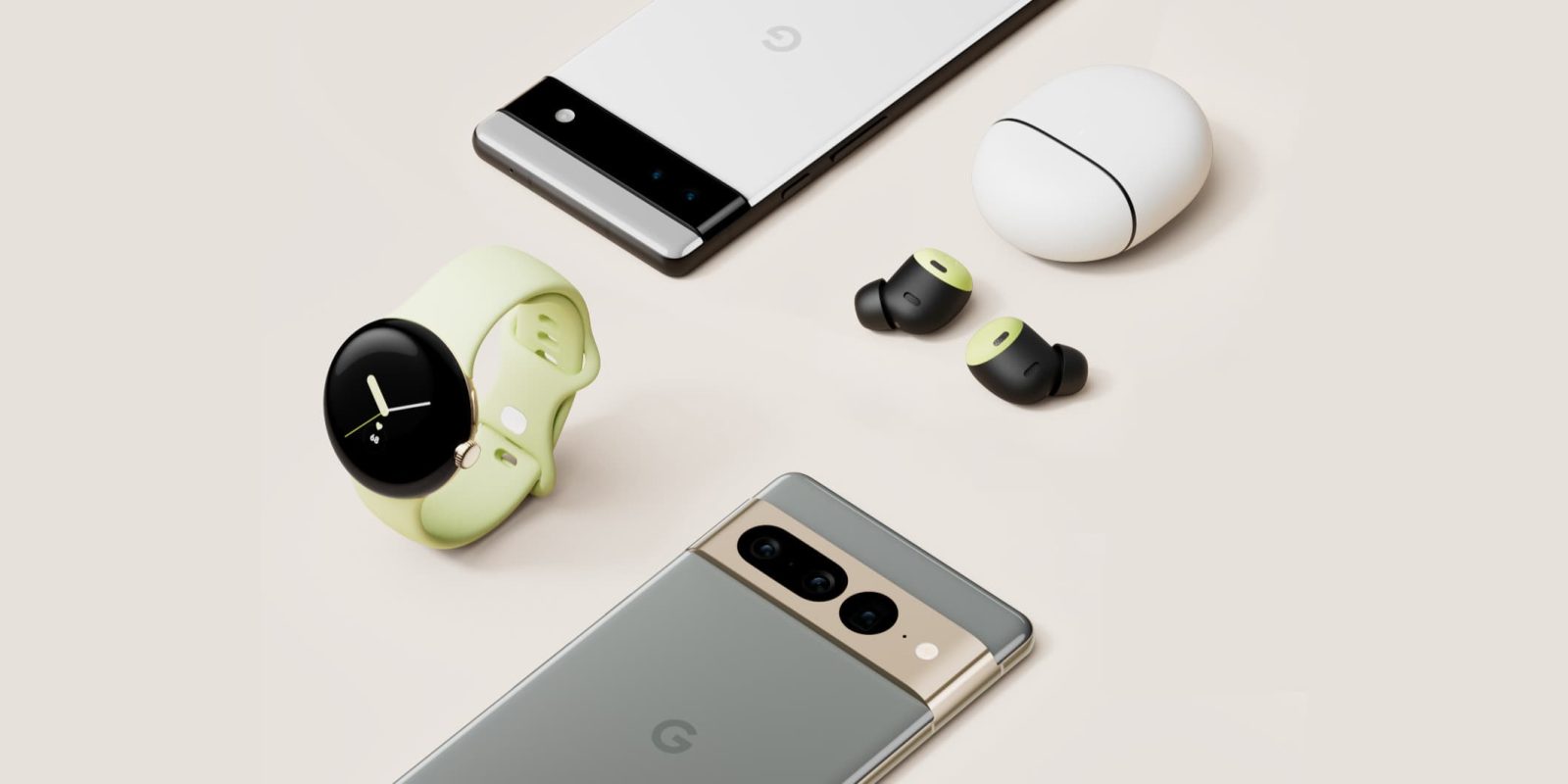
Recommended Google Pixel Accessories:
- Lifeproof Frë Case
- RhinoShield Bumper Case
- OtterBox Commuter Case
- Spigen Rugged Armor Case
- Caseology Parallax Case
Learn More About the Google Pixel
- Android 8.0 Oreo launching today w/ AOSP push, Google Pixel/Nexus update coming soon
- Opinion: Google Pixel is still the best Android phone because of its sheer simplicity
- Peel’s ultra-thin Pixel XL and Galaxy S8 cases are perfect for adding grip and avoiding scratches [Video]
- Google outlines when Pixel and Nexus devices will stop receiving telephone & online support
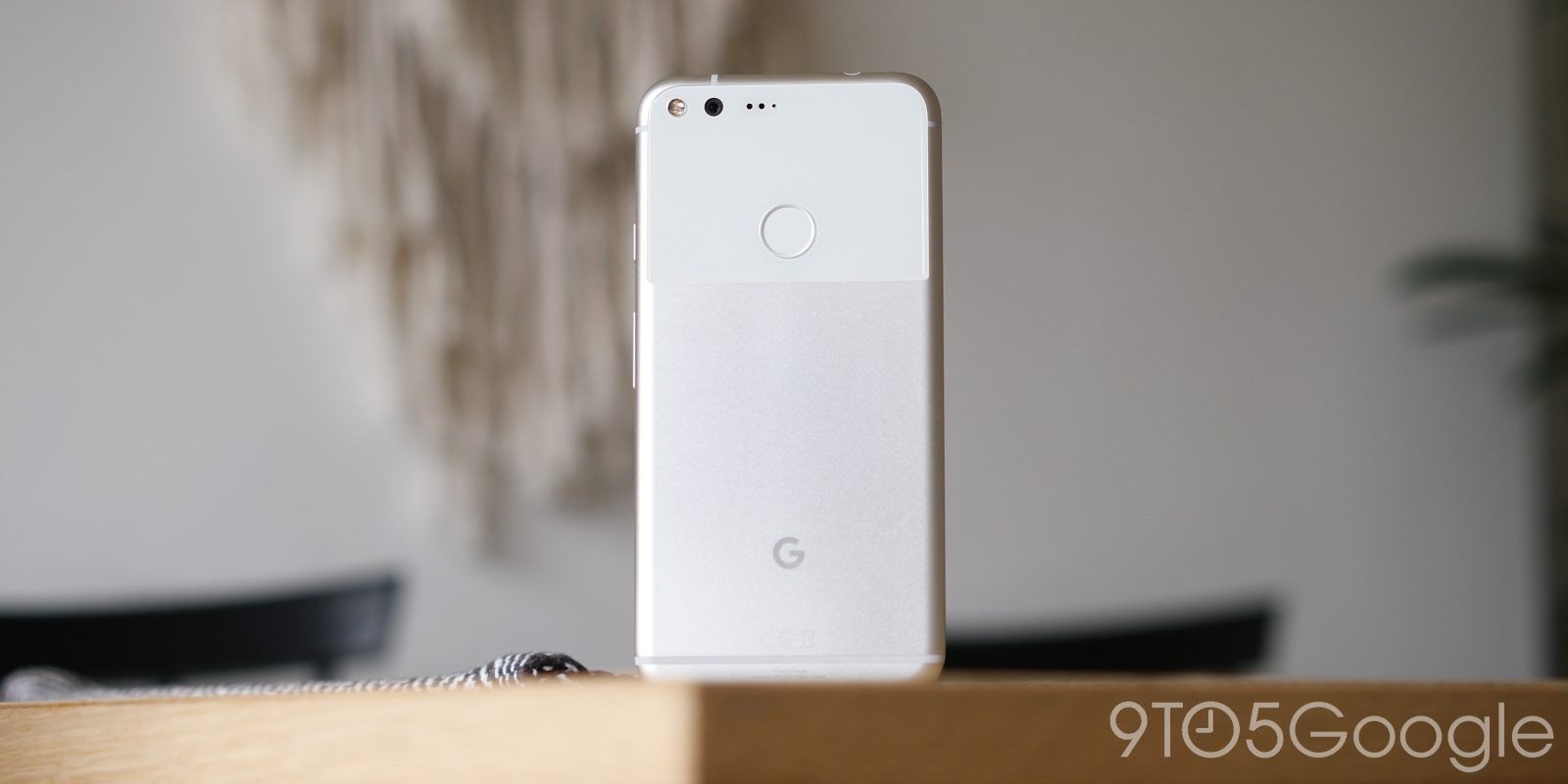
| Google Pixel | Specification |
|---|---|
| Android version | Android 8.0 Oreo |
| Screen size | 5-inch FHD AMOLED |
| Resolution | 1920×1080 pixels |
| PPI | 441 ppi |
| Primary camera |
12.3MP, 1.55μm pixels, phase detection autofocus + laser detection autofocus, f/2.0 Aperture
|
| Front camera |
8MP, 1.4µm pixels, f/2.4 Aperture, fixed focus
|
| Processor |
Qualcomm® Snapdragon 821 ,2.15Ghz + 1.6Ghz, 64Bit Quad-Core
|
| Storage | 32GB or 128GB |
| Expandable storage up to | N/A |
| RAM | 4GB LPDDR4 |
| Battery | 2,770mAh (nonremovable) |
| Ports | USB Type-C, headphone jack |
| Weight | 143 g |
| Dimensions | 143.8 x 69.5 x 7.3 ~ 8.5 mm |
| Other features | Rear-facing fingerprint sensor |
| Color options | Very Silver, Quite Black, Really Blue |
| Carrier availability | Unlocked (all carriers), Project Fi, Verizon |
| Base price off-contract | ~$650 |
| In-box accessories | USB Type-C™ 18W adaptor with USB-PD, A-C cable (USB 3.1 Gen 2), C-C cable (USB 2.0), SIM tool, Quick Switch Adapter |