Google TV
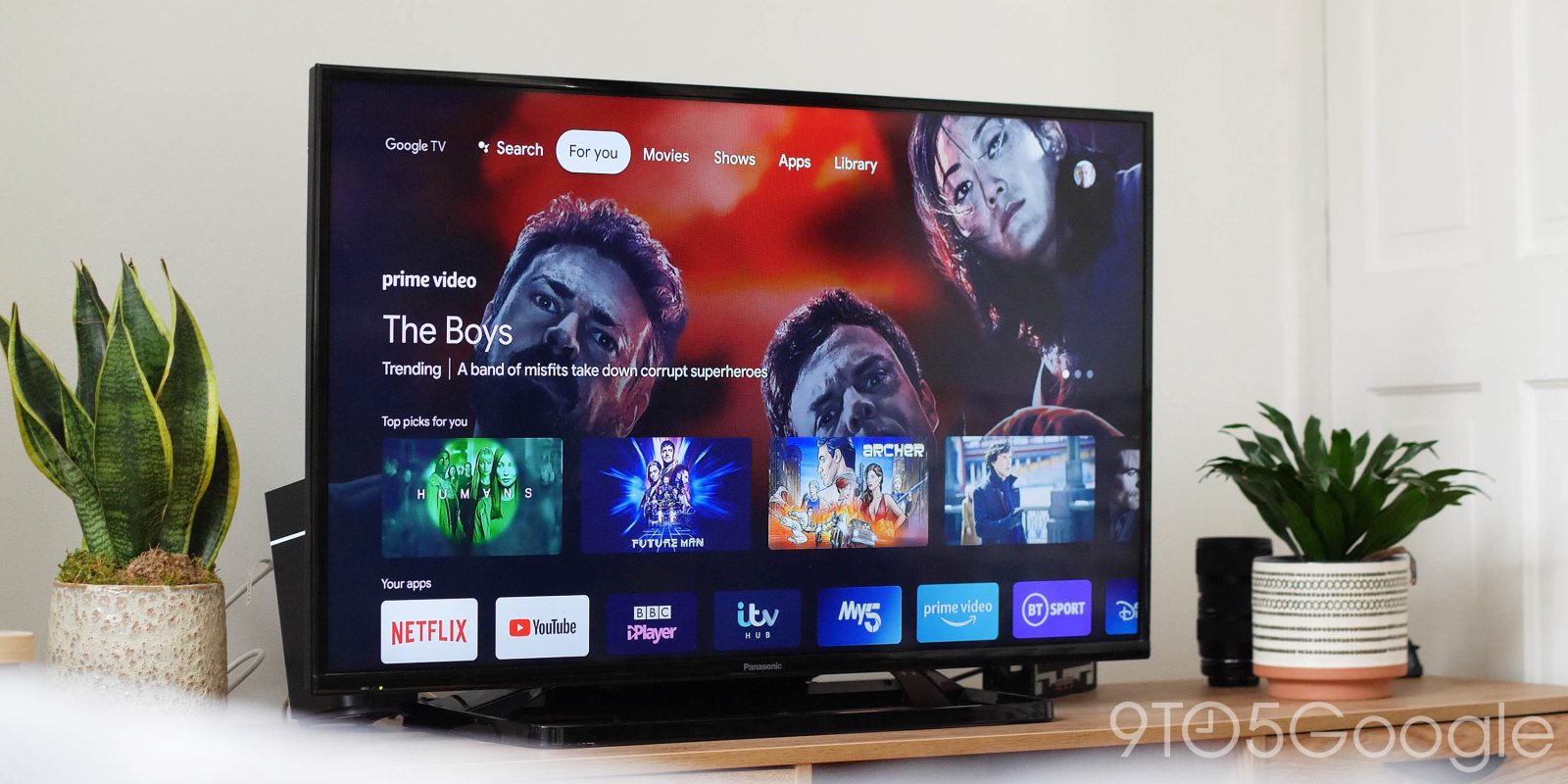
Building on the company’s work to get on the big screen in every living room, Google TV delivers a new experience that’s remote-centric and built around keeping all of your content in one place.
Table of contents
What is Google TV?
Not to be confused with the 2010 release of the same name, Google TV is a platform built for smart TVs, set-top boxes, and streaming dongles. It runs native applications and also supports the Google Cast standard.
Google TV isn’t as simple as the well-known Chromecast that’s been on the market for years. Rather, it’s an Android-based platform built on top of the foundation laid out by Android TV. That means it arrives with support for thousands of apps and some really useful features, as well as being a super flexible platform that allows you to do things that the likes of Roku, Fire TV, and Apple TV just don’t.

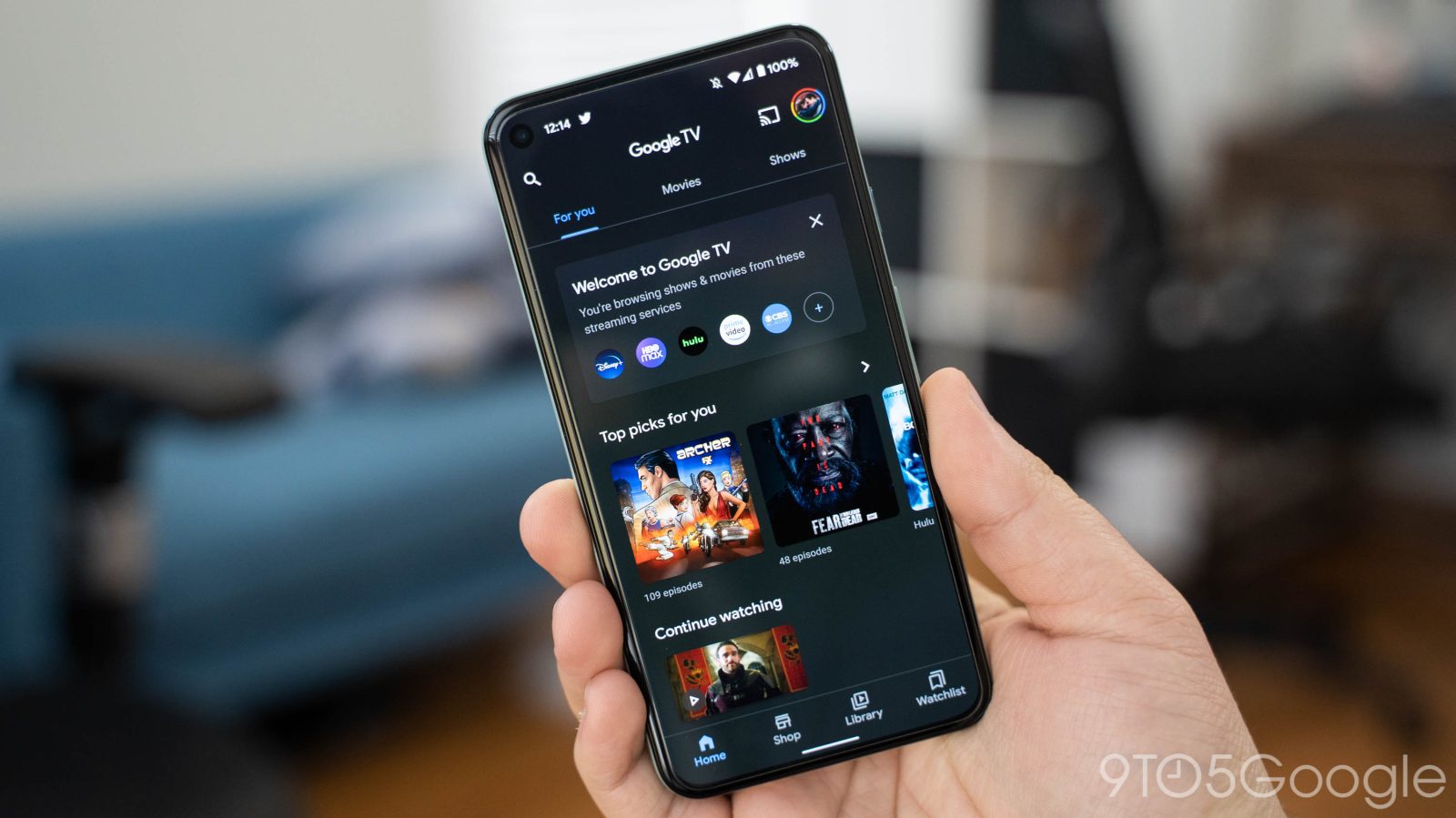
The platform’s core focus is streaming, and Google’s killer feature is the ability to put all of your favorite content in one central location. Google will ask what streaming services you currently use and pull the directory from each one that it supports, a list that includes over 30 total services. We’ve also reported on Google TV preparing support for multiple user profiles, but that functionality hasn’t yet debuted.
First, searching for content on Google TV shows you everywhere it’s available. That might include in Google’s own store — formerly known as Play Movies — but it can also include Netflix, HBO Max, Disney+, and many other services. Through my time using the Chromecast so far, I’ve actually found this extremely useful. There are movies on my list that I had no clue were available on HBO Max. Get On Up starring the late Chadwick Boseman is just one example.
The second way that Google TV helps you find your way through all of these content sources is by putting your watchlist in a single location. Let’s say a new movie or show catches your attention. You can add it to your watchlist directly from the Chromecast or from Google Search via the web. In both cases, that means you’ll see that piece of content added to your list
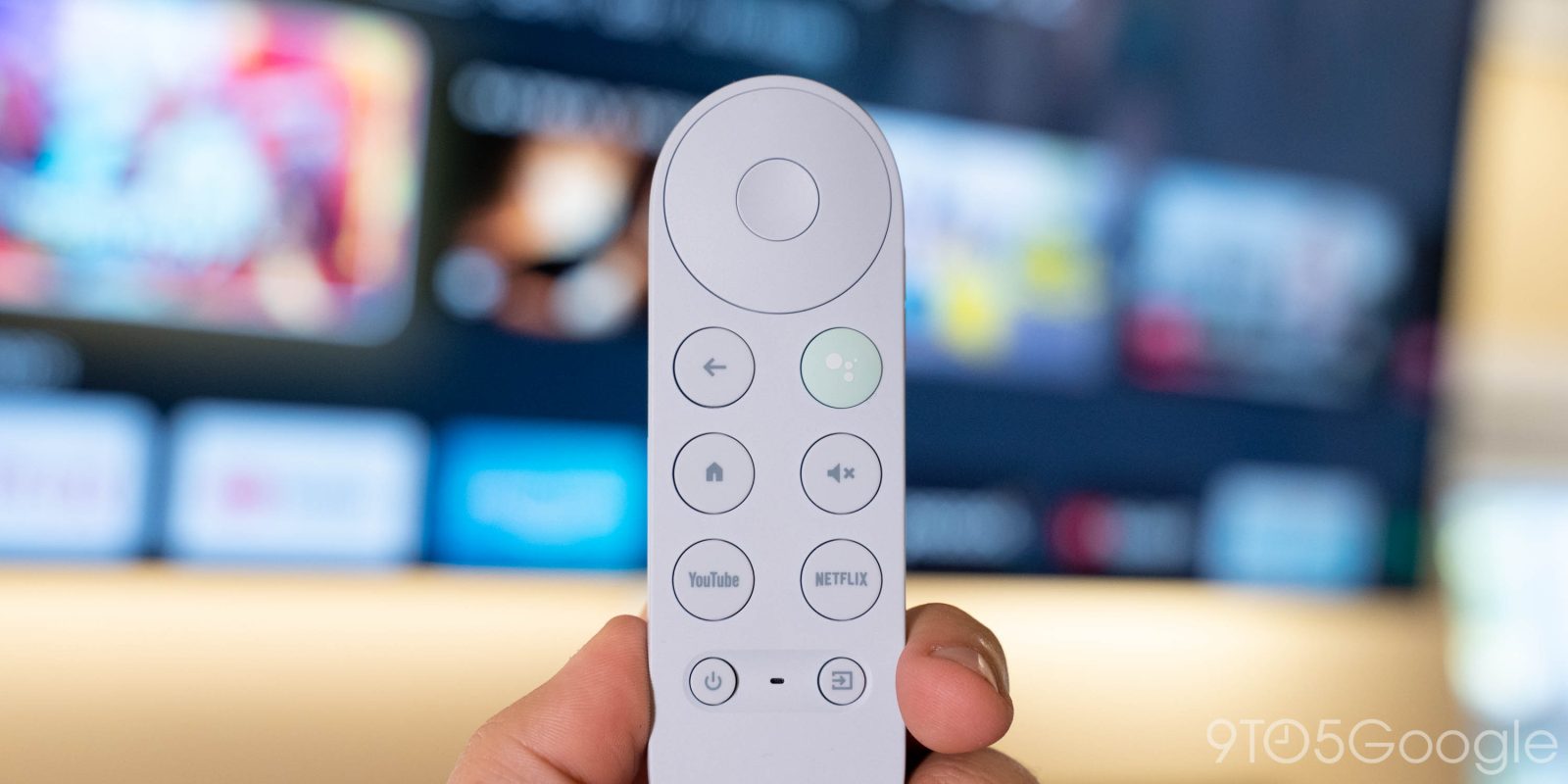
Google TV also integrates features such as Google Assistant heavily into the platform.
What apps are available on Google TV?
You’ll download apps to Google TV devices from the Play Store. The Android apps are optimized for use with a remote control and include a range of different options from streaming to workouts to music to games. Major services are all available, too, including Netflix, Prime Video, Disney+, HBO Max, Hulu, Peacock, Paramount+, and more. As of 2021, Google has over 8,000 apps available for its platform.
How is it different from Android TV?
At face value, Google TV and Android TV are fairly similar platforms, and behind the scenes, that’s a message that’s only enforced. The newer platform is built on top of “Android TV OS,” which is the same platform that powers the “standard” Android TV we see on older devices such as the Nvidia Shield TV, Mi Box, and others.
Another useful feature on the launch is the integration of live TV services. YouTube TV started this feature, showing its guide directly on the homescreen under the “Live” tab. In June 2021, Google expanded this feature to one of its main competitors, Sling TV.
Google TV isn’t just a new launcher on top of Android TV, though. There are modifications to the operating system to provide a cohesive design and enable some new features even though, overall, the platforms are very similar. Google mentioned in May 2021 that this newer experience puts a bigger emphasis on app quality.
At Google I/O 2021, Google announced that both platforms combined have over 80 million active devices around the world, a big increase from just a year prior. Most of that growth was inside of the US as well, a key market for the company’s new Chromecast streaming device. At the same even, Google announced a revamped phone-based remote that’s going to be built into Android phones and the Google TV app. As of September 2021, that update seems to be right around the corner.
Where can I use Google TV?
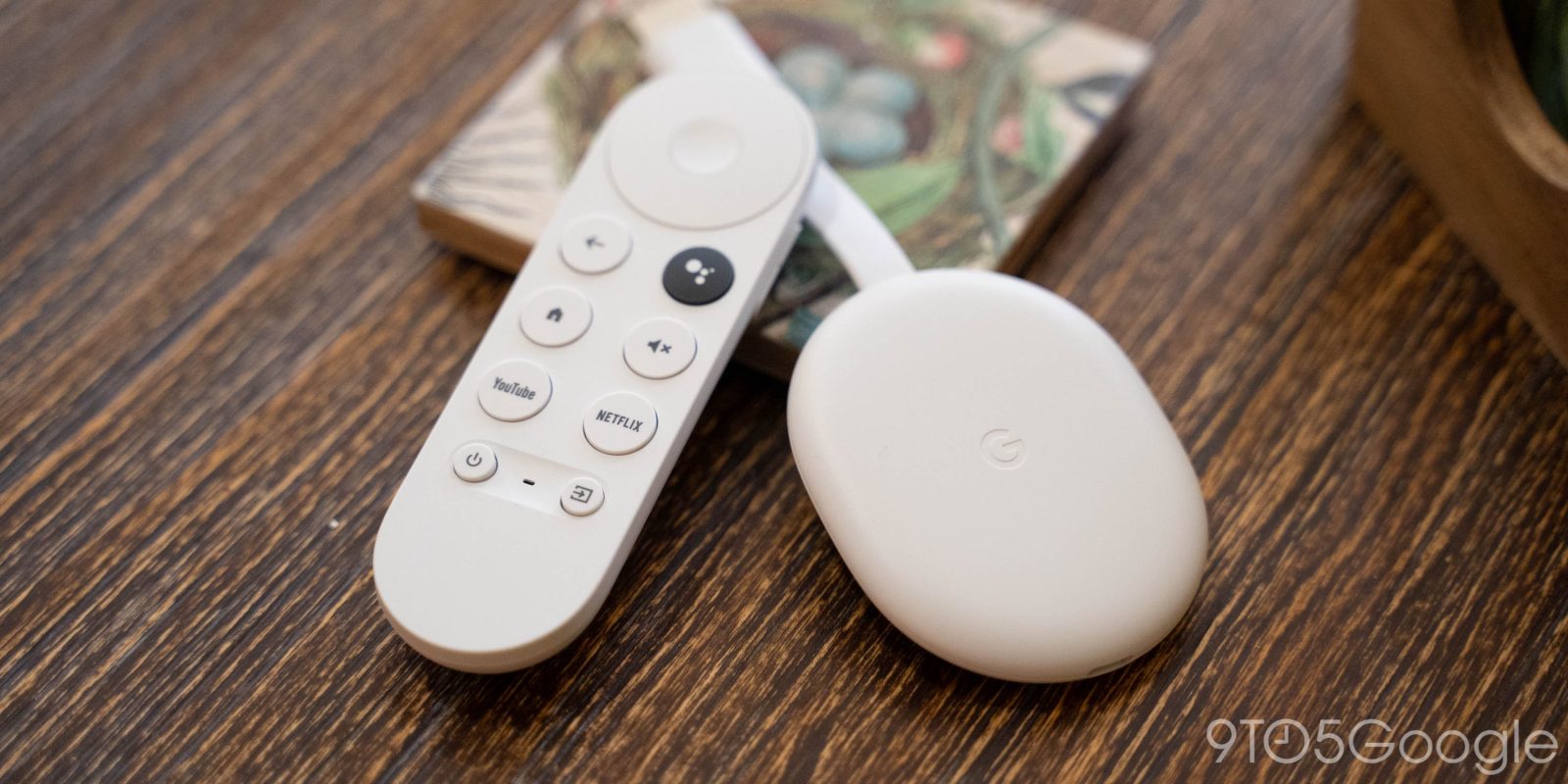
Google TV was first made available on the latest generation of the popular Chromecast dongle. The 2020 release cost $50 and runs the Android-based OS out of the box. In early 2021, it remains the only way to use this platform, but it won’t stay that way for long.
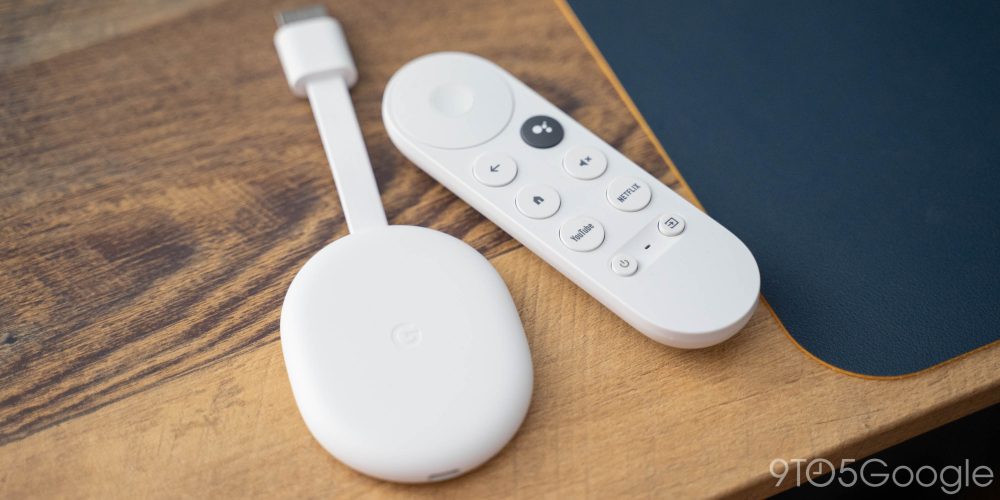
TV manufacturers and other set-top-box makers will also be able to use Google TV on their devices. That kicked off with Sony opening up sales in early 2021. On the more affordable end of the spectrum, TCL is also now selling 4K TVs with Google TV on board, and even has plans to launch a super-sized 8K model.
Another big partner for Google, Hisense, recently confirmed it has no immediate plans for Google TV and instead will stick with the older Android TV experience. Samsung also has no plans for the platform.
By 2022, Google will phase out Android TV as a consumer platform, pushing more devices to debut with the updated interface. Android TV will still exist, but only in limited places such as Pay TV devices.
You can read the latest coverage on Google’s platform below.