Stay up to date on news from Google headquarters. Be the first to learn about plans for Android, Google Plus, Google Apps, and more!
Stay up to date on news from Google headquarters. Be the first to learn about plans for Android, Google Plus, Google Apps, and more!



Google has announced that its entire operations will be powered entirely by renewable energy in 2017.
[We’re] thrilled to announce that in 2017 Google will reach 100% renewable energy for our global operations — including both our data centers and offices. We were one of the first corporations to create large-scale, long-term contracts to buy renewable energy directly; we signed our first agreement to purchase all the electricity from a 114-megawatt wind farm in Iowa, in 2010. Today, we are the world’s largest corporate buyer of renewable power, with commitments reaching 2.6 gigawatts (2,600 megawatts) of wind and solar energy. That’s bigger than many large utilities and more than twice as much as the 1.21 gigawatts it took to send Marty McFly back to the future.
The achievement will by a significant one, The Verge noting that the company’s worldwide operations consumed almost as much power last year as the entire city of San Francisco. And Google believes the move will benefit consumers as well as the environment …

I typically review Android phones, so looking at Google’s new non-phone products this year — including its Daydream VR headset, Google Home, and now Google Wifi — has been a nice change of pace. Over the last month, though, these posts have only gotten further and further from being phone reviews. The Daydream View uses an Android phone to function, while the Home is an always-listening Chromecast without the screen — although it functions very similarly to using Assistant on the Pixel.
The Google Wifi, as you probably already know, is a router. It’s what Google hopes will replace that little gray box that probably sits in the corner of your office, collecting dust since the cable guy came a couple years ago. Thankfully this isn’t just any router, though. This is the successor to the OnHub, and that means we get an attractive design, as well as a delightfully user-friendly app that lets you “set it and forget it” if you want to, but puts all the most important features at your fingertips if you ever need them…
Google is teasing a next-generation ReCaptcha algorithm for websites to tell real visitors from bots which it promises will require no user interaction at all. The new system will be called Invisible ReCaptcha.
The earliest Captcha systems – an ancroynm for Completely Automated Public Turing test to tell Computers and Humans Apart – were one of the biggest annoyances on the web, requiring users to figure out numbers from messy graphics. Switching instead to simple additions was an improvement but still a nuisance, before Google raised the bar with a system where all we had to do was tick a box …

With the debut of Google’s latest application, Trusted Contacts, users can now share their exact GPS coordinates with friends and family members in case they are ever in danger or need assistance. Thankfully, once the application has been configured properly, there is a quick and easy way to send out an alert with your location to all of your trusted contacts…
Expand
Expanding
Close
This morning Google introduced a new location sharing application called Trusted Contacts that allows you to share your exact GPS location to friends and family. Before you can share your location, though, you first have to go through the process of adding contacts to the application…
Today Google officially released Android Nougat 7.1.1 for the Google Pixel, Pixel XL, Pixel C, and several Nexus devices. With the over the air firmware update file now out in the wild, you can sideload the update instead of waiting for it to eventually come to your device…
Since getting a good camera, which almost entirely put my enthusiasm for DSLR photography to sleep, the single biggest tangible enhancement my smartphone has got is Android Pay. It’s the one thing I truly use every single day, and one that has simplified my life immensely on so many occasions.
And now, it seems, Google is adding some extra sugar on top…
One of the best features found in Google’s brand new Trusted Contacts application is the ability to share your exact location with others. This allows your friends and or family members that you have setup as trusted contacts to easily check to make sure you have made it to your destination safely as well as allowing you to send a message asking for assistance if needed…
It’s that time of the year again, and with Christmas approaching, people are starting to freak out over what presents to buy to friends and family. So of course Google is looking to joining the ritual, and to do so it updated its Santa Tracker app with a couple of nice additions…
Revealed today by Check Point Research, there’s seemingly another Android malware campaign in the wild. This one goes by the name of Gooligan, and, according to Check Point, it’s already breached as many as 1 million Google accounts. And this number is still rising by 13,000 accounts on a daily basis.

From the beginning, Google+ has attracted a community of photographers who continue to share their work on the network. You may have seen those images as backdrops for your Chromecast or Fiber TV box. With a pair of new apps, Android and Mac devices will now have the ability to set those images as wallpapers and screen savers.

There are nearly 1.5 million applications currently on Google Play and with so many to choose from, finding interesting new experiences can be a hassle. As we have the last several months now, today we’ll be showing you another 5 Android apps that you should definitely give a shot…
Google‘s commitment to staying ahead of the game in the field of artificial intelligence is clear, and with the rise of machine learning in particular (whose usefulness has been proven time and time again in a number of applications) the race for talent-hiring is fierce. And today, the company has scored another significant point.
Following the important catch of ex-Snapchat head of research Jia Li last week, the search giant has today secured another spot in the ever-increasing AI-centered competition between tech companies. This time it comes from Twitter…
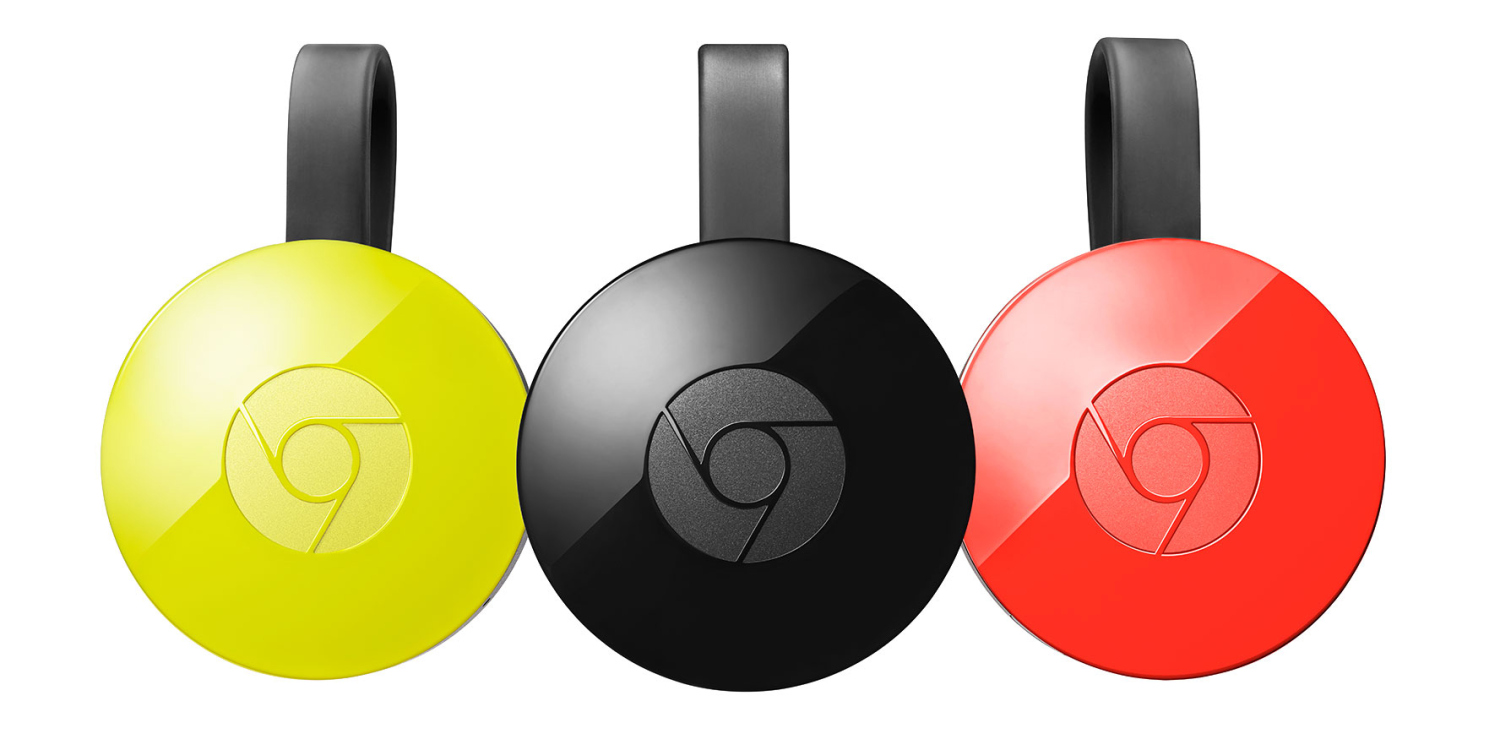
Early this year Google rebranded the Chromecast app to Google Cast, a new name to better suit the ecosystem of devices compatible with the technology. At the time it made sense, keeping Google’s physical and unique Chromecast family separate from the speakers and TVs which also packed the technology. Now Google is going back on that.
A couple of Google announcements today highlight the astonishing progress being made in artificial intelligence. A Google Research blog post explains how the company’s switch to neural learning for Google Translate means that the machine can translate between language pairs it has never explicitly learned, while a DeepMind project showed that AI can lip-read better than people.
The company said that Google Translate no longer has individual systems for each language pair, but instead uses a single system with tokens indicating input and output languages. The AI learns from millions of examples, and it was this that made the team wonder whether it could translate between two languages without specifically being taught how to do so …
Following its initial announcement earlier this summer, Google announced that a revamped version of its Sites web-page creation tool was on the way. Now, after months of feedback received through its Early Adopter Program, the new edition is live and free for everyone to try…
Google introduced a feature that lets you to see the popular times of businesses and destinations in Search and Maps last year, and today that feature is getting a really cool addition: the ability to see the relative popularity of a given place in live time. Google also says it is adding the ability to see how long people usually stay at a given location as well as more specific business hours…
Google’s goal for Google Wifi is to make creating a strong mesh wireless network through an entire home easy and relatively affordable. We already know the setup process is a breeze, but we’ve yet to see exactly how strong Google’s product is. Now, Google is putting it to the test.
We’ve seen Google play around in retail spaces before, but nothing has ever stuck. Currently, the best bet for buying Google hardware in a local store is at a Verizon store or your local Best Buy. Now, Google is expanding its footprint in the latter…
The beautiful thing about artificial intelligence is that due to its relatively back-end nature its applications seem to be virtually endless.
Today is music’s lucky day, as sound is the latest area which has undergone Google‘s AI surgery in its recent wave of “experiments”…
We don’t need to further emphasize just how important AI and machine learning are for Google. Whether it be in its cloud services or inside of its Assistant-powered devices, like the Pixel phones and Home, we know that there is substantial room for improvement through technology, and the Mountain View firm is all for it.
Now, it seems, it’s low-res and blurry pictures’ turn…
There aren’t that many people left that still care about Google+, but that doesn’t mean Google has given up on the platform — at least not yet. Today, we learn via famed Google Product Director Luke Wroblewksi that a nifty new feature is rolling out to the social network. You’ll soon be able to drag and drop images into the Google+ website to start a new post or add comments…