Google Home


Google Home and Google Assistant are ever maturing ecosystems, but they still lack in a major area — home automation. Since launch, Google has only made a couple of major additions to Assistant’s home control compatible products, but today the company is announcing new partnerships that open up the floodgates wide…
Google has a tendency to treat the United States with a bit of favoritism when it comes to new products. It can sometimes take months for a product or service the company debuts in the States to make its way to other countries, especially in the case of the UK. Today, though, Google is finally bringing two US products “across the pond” ─ Google Home and Google Wifi.

The internet was in an uproar today after finding out that Google had added a “Beauty and the Beast” segment to the “My Day” feature found within Assistant on the Google Home and Pixel. Although Google claims that this stunt wasn’t actually an advertisement, the negative public opinion was enough for the Beauty and the Beast piece to get removed.
Do you think Google should have ads read by the Assistant?

Speaking to the helpful nature of Google Assistant, asking “What’s my day like” plays a summary of your commute, reminders, and calendar events. Today, users have observed that during the ‘My Day’ feature on both phones and Google Home an ad for a new Disney movie plays.
The LG G6 is coming, but so far, the company has been pretty quiet regarding pricing and availability details for the phone. This week, though, US carriers are finally starting to reveal some of that information, and today, T-Mobile is giving us new details on when it will be offering the phone up for sale, as is rival carrier AT&T.
2017 is set to bring us a handful of impressive new flagship phones, and one that we’re excited to see debut sometime soon is the LG G6. Pre-orders have yet to open for the flagship, but LG has just revealed that it will be offering early LG G6 buyers a free Google Home along with their purchase.

Google today has announced an update to its Home app on Android and iOS that makes it easy to stream music from a variety of different music streaming services. Google made the announcement in a blog post, saying that the new feature offers a “dedicated space for all your favorite music.”

Plenty of new and exciting Google products launched over the last few years have left me underwhelmed. About anyone can tell you that I was high on the Google Glass train for a while (even though I didn’t actually own a pair until it was basically dead), and I’ve written countless times about how I just can’t find any use for Android Wear (or frankly, most wearables). And other more-recent new Google products, like Daydream View, have simply sat in my drawer for months on end.
I don’t know if, until now, any single tech product has entered my life since the smartphone that has ended up being just completely indispensable and necessary. Something like (forgive my rough estimates) 75% percent of my interactions with consumer tech over the last few years have been with either my phone or my laptop. That other 25 percent has been filled with things like traditional television, tapping around on a smartwatch, playing video games, or using some kind of tablet.
With the Google Home now a part of my daily routine, though, these numbers are changing. It’s a minor shift to be sure, but I’m starting to be able to assign a noticeable percentage of my tech interactions to this new product and I’ve found myself feeling somewhat more free from my phone lately…
There’s a lot to love about Google Home, but the hardest part about owning one is getting the placement just right so it can hear you from the most places. For many, like me, the ideal placement is near a TV or computer, but that can tend to have a negative effect if you’re actually using the speakers on those items. Luckily, there’s a solution.
Google today is taking heat for displaying a hoax news story in response to a query relating to whether or not former President Obama is planning a coup. The flaw was first noted by Danny Sullivan of SearchEngineLand.
A minor update to the Google Home app is rolling out now, bringing a much-requested feature (that, frankly, should have been there from the beginning). You can now view your currently-running alarms and timers in the Google Home app, as well as set a volume level specifically for them. A teardown of the app reveals some other much-requested features are in the works as well…
Google has today updated the official list of services that Google Home supports with mention of iHeartRadio. The music streaming service hasn’t been officially available on Google Home up to this point, but now it looks like Google is rolling it out…
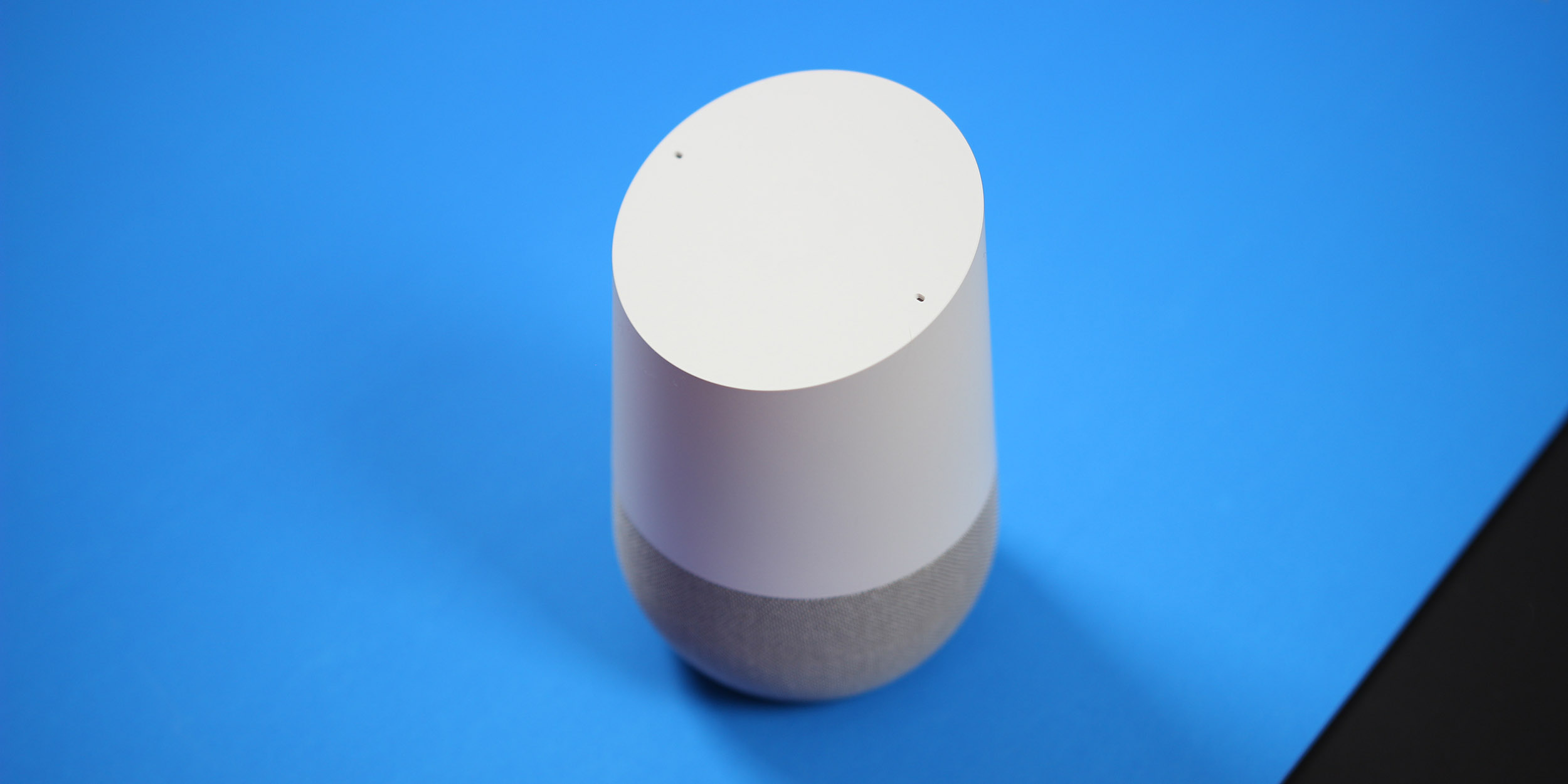
Google Home made waves last year as a competitor to Amazon’s popular Echo, but Home suffered from the fact that it is only officially available in a few select regions. Now, though, it seems like Google is expanding the reach of Home, aiming to get the device into the UK as early as this Spring.
One of the best things about Google’s hardware ecosystem is that everything plays together quite nicely. This is especially true between Google Home and Google’s Chromecast ecosystem, and Google is making it more compelling than ever to take advantage of that with a new promo…
This weekend is pretty much just MWC for those of us in the tech space, but this Sunday will also bring along the 89th annual Academy Awards ceremony. Ahead of that event, Google Assistant, both on the Pixel and on Google Home, is predicting winners for a handful of different awards…
The 2017 iHeartRadio Music Awards kick off in just a couple of weeks, and public voting is currently underway to determine this year’s award winners. This year, however, iHeartRadio is doing something a little different by partnering with Google to let users vote via their Google Home.
Similar to the Amazon Echo, Google Home now has the ability to shop, order, and purchase with just your voice. The feature began rolling out last night and allows users to order home essentials through Google Express and its over 50 partner retailers.
Since launch, Google Home has added a slew of new capabilities, mostly in the form of integrations with smart home appliances and other online services. The latest feature coming to Google’s smart speaker assistant might be the ability to make and receive phone calls.
Aside from having the Google Assistant built-in, having a Google Home around the house is great because it features a pretty loud and good sounding speaker. And in Google’s opinion, if you’re going to ever play music on the Home, you might as well stream everything from the company’s streaming service, Play Music.
To demonstrate how well the Home and Play Music work together, Google has announced that it is hosting a couple of block parties in LA and NYC…
Google Home has a lot going for it, but one area that is in constant need of improvement for any voice assistant is official tie-ins with third-party services. After all, it’s not just Google’s in-house services that we use every day. Keep reading for the full list of services that Google Home supports…
When Google unveiled the Google Home, the company talked about the ability to customize the home assistant’s look and feel by simply swapping out different colored bases. However, priced at $20 to $40 a piece, these bases were overpriced for many potential customers. If you’ve been holding out from purchasing one, now might be the time to buy, as Google is currently offering all bases for 50% off.
When Google announced the Pixel, Pixel XL, and the Google Home last year, it became very clear that the company was finally ready to take hardware seriously. To prove this, millions have been spent advertising their new products around the world. Now, Google is airing a commercial for the Google Home during Sunday’s Super Bowl…
Google Home is a strong competitor to Amazon’s Echo, but there are definitely a lot of places where the two beat each other. For Google Home, one of the areas it beats the Echo is with its ability to give you location-based information. For example, the estimated time to drive to your favorite restaurant from home. To do that, though, you’ll need to set it up. So, here’s how to set your home and work address on Google Home.
One of the biggest use cases for any home assistant is when you first wake up. It can be used as an alarm, to turn on the lights, and if set up properly, it can even turn on the coffee maker. However, another feature that both Google Home and Amazon Echo have is the ability to help you get going in the morning. So, let’s take a look at how to set up the ‘My Day’ feature on Google Home.