Abner Li has worked at 9to5Google since 2015 and in late 2020 took on the role of editor-in-chief. He is keenly focused on tracking what happens at Google, and is often the first to spot new features in Google’s ever-growing family of applications that are updated on a daily basis, including Search, Assistant, Maps, Workspace, Android, Chrome/OS, Wear OS, and YouTube Music.
To him, what Google does greatly impacts the technology space and modern life. Inside the company, he is particularly interested in the key products mentioned above, as well as services like Google Podcasts and Google Lens. Each are massive platforms that can be unwieldy to grasp, with Abner keenly bent on understanding their philosophy and future direction. He is most excited about Google’s plans for augmented reality glasses.
Abner spearheads the APK Insight program at 9to5Google to chronicle all changes in the company’s Android apps, often finding new features before they are officially announced. This includes redesigns and revamps, launches, and new products.
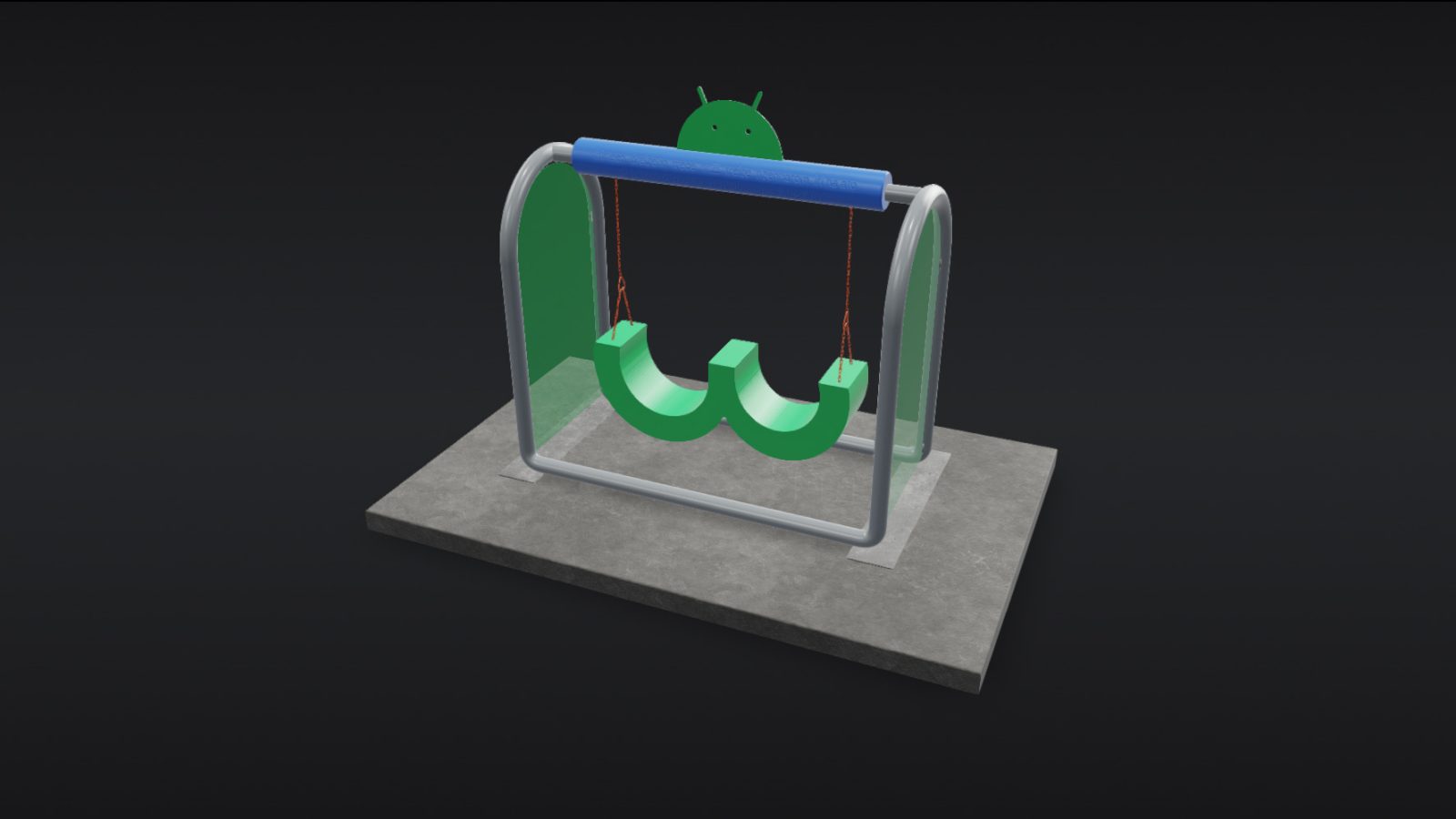
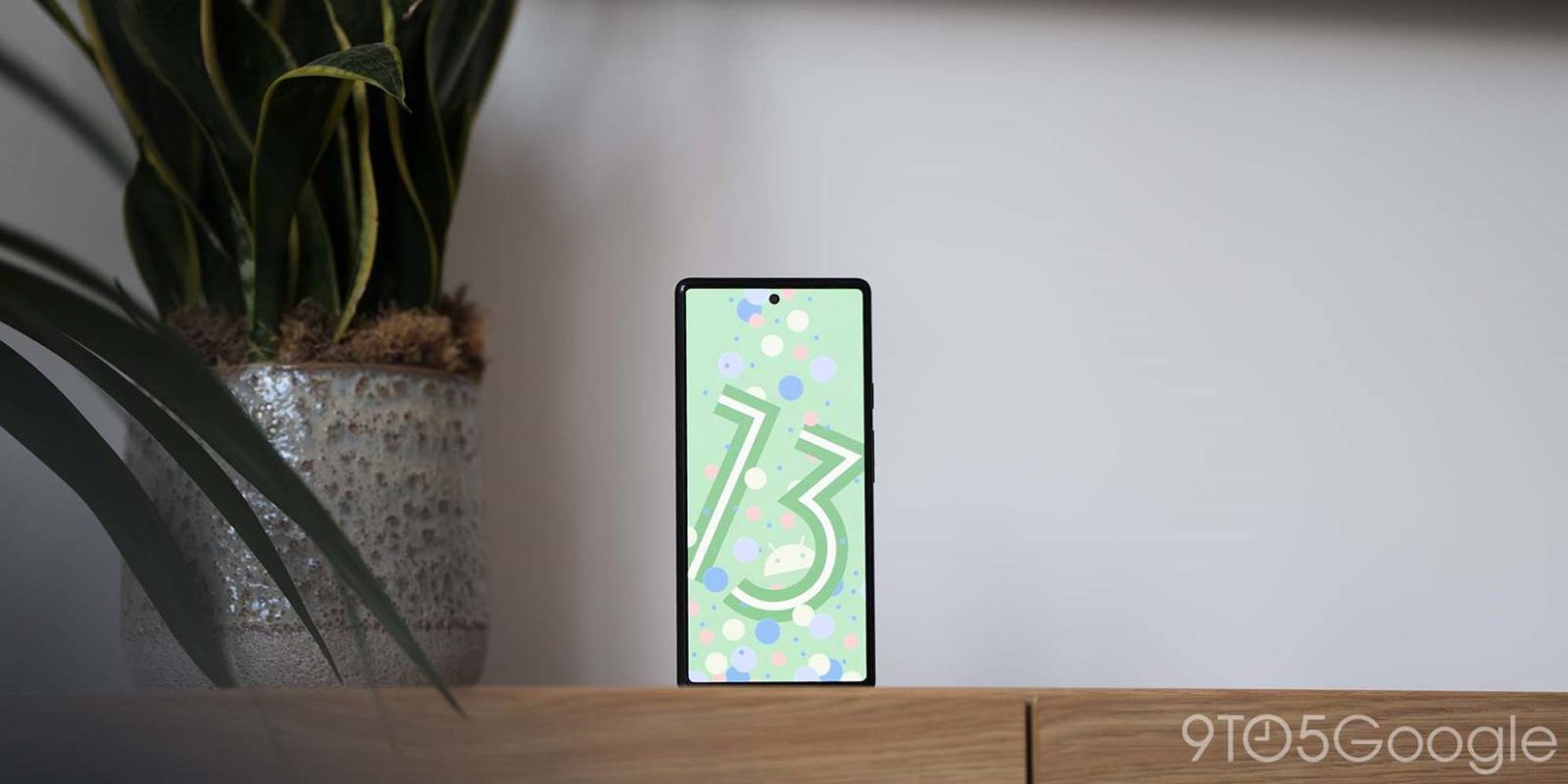
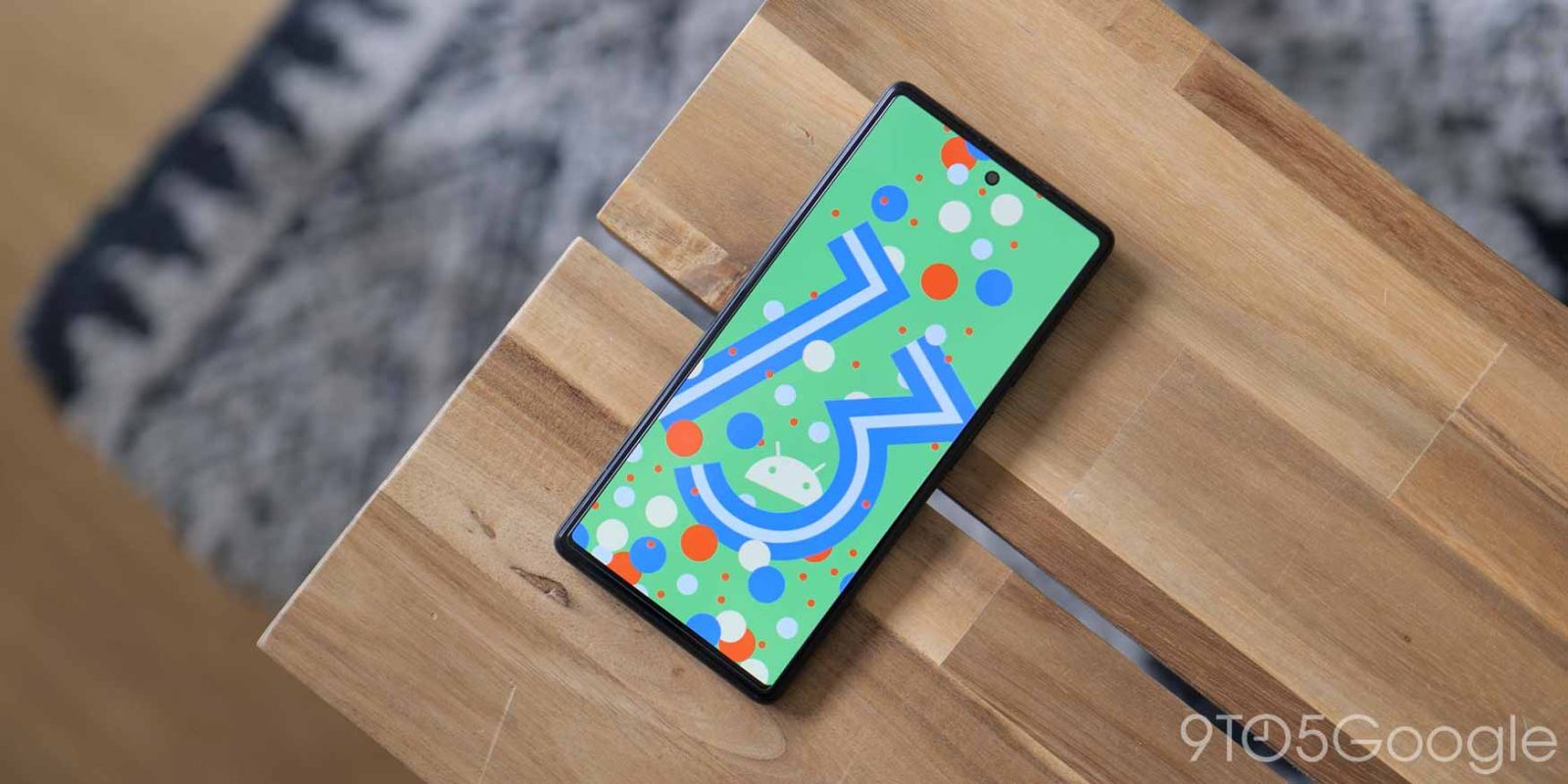
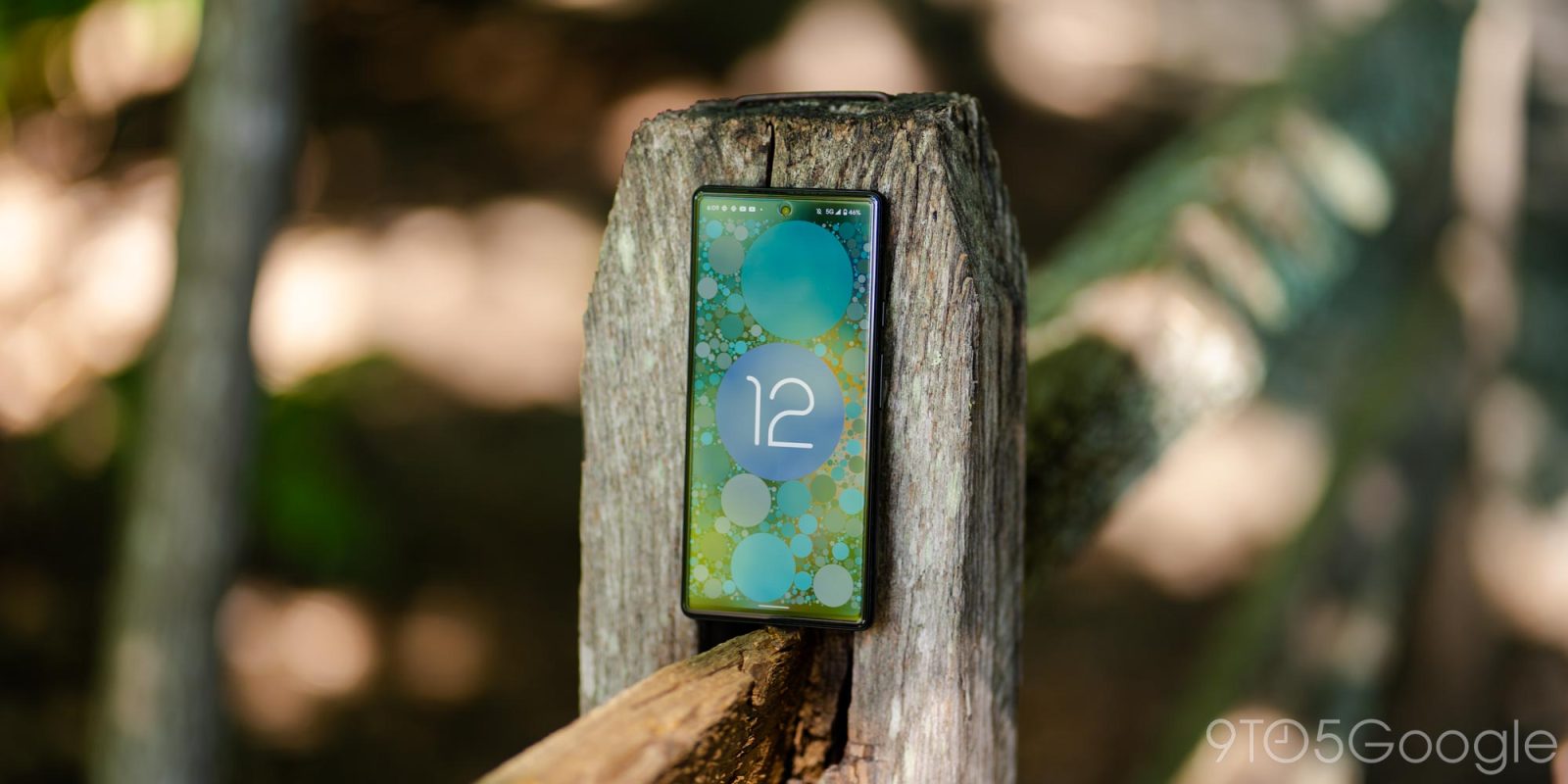
While Android releases are no longer named after desserts, Google continues to mark each major update with a “number” statue. The Android 13 statue – both the AR version and the real thing – is notable for also doubling as a swing.
The stable version of Android 13 starts rolling out to Pixel phones today, and those on the Android Beta Program can unenroll their devices after installing that update.
To make up for the delay at the start of this month, Google is promptly — factory/OTA images are already available — rolling out Android 13 on Pixel phones, complete with a detailed changelog.
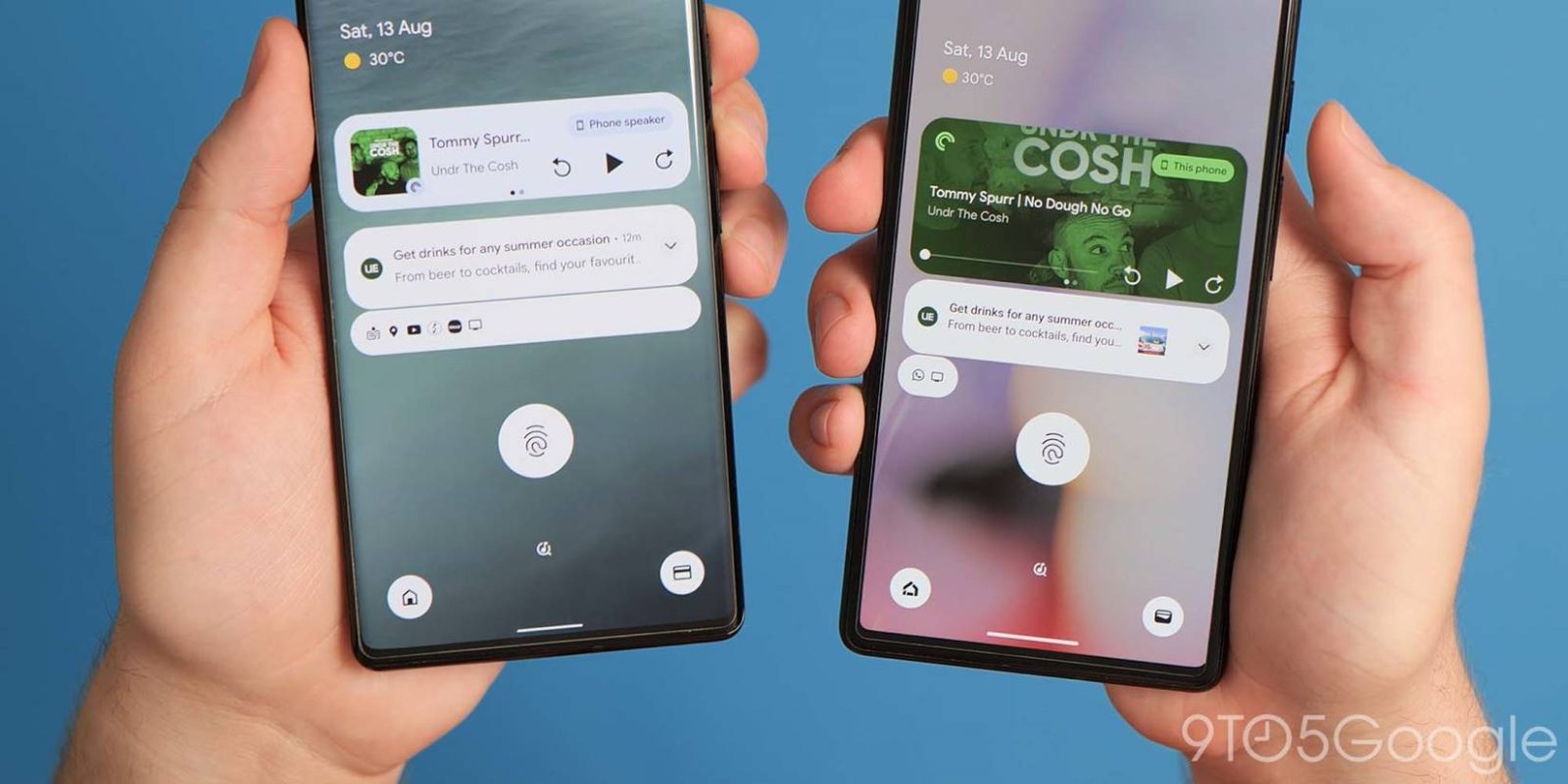
Compared to the massive redesign that arrived last year, Google is focused on refinement and just a few new features for Android 13, which is launching and rolling out today to supported Pixel phones.
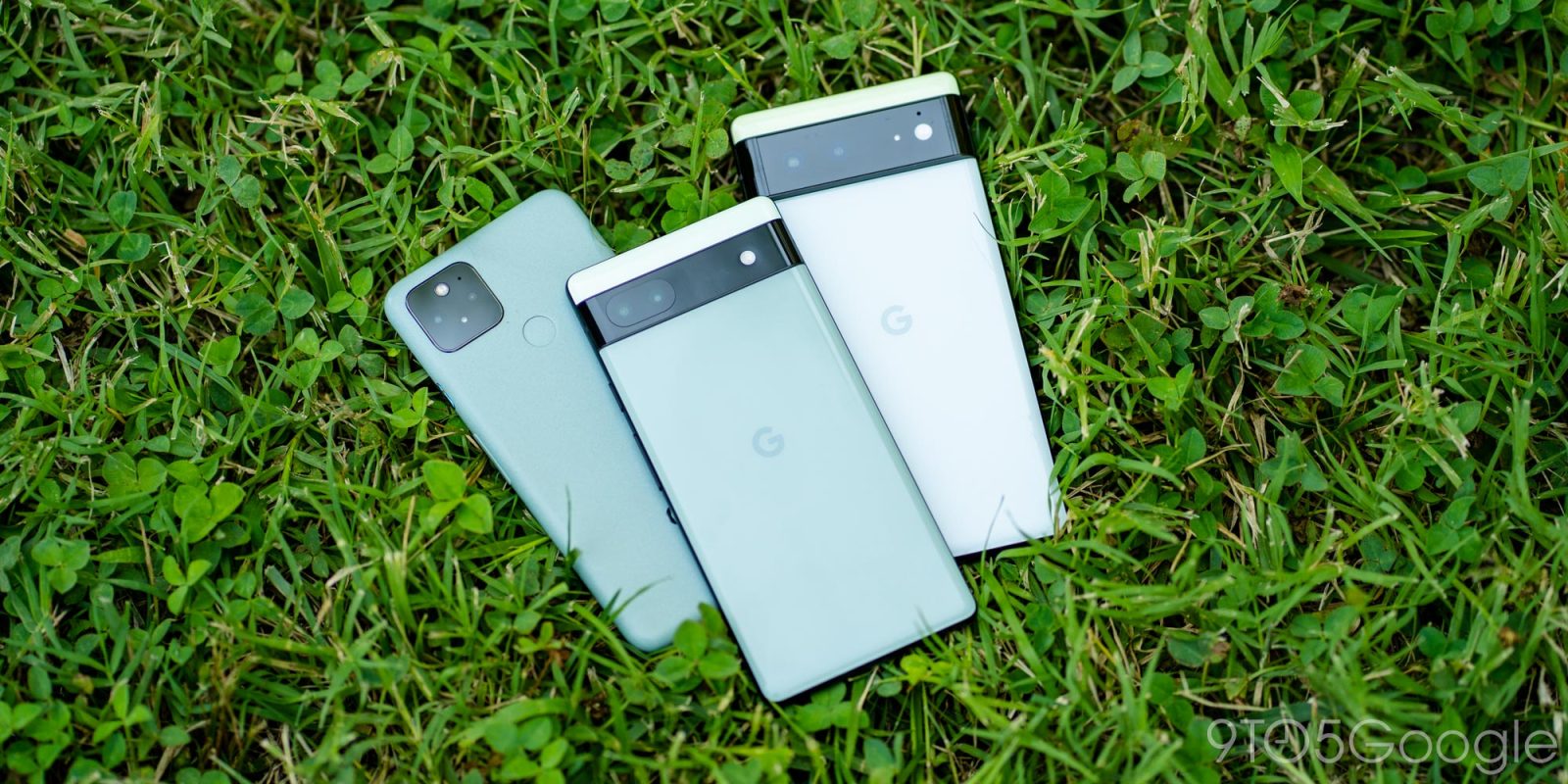
Retail availability of the Pixel 6 and 6 Pro are coming to a close, and the US Google Store is discounting the latter to $649 while the former is now $499.
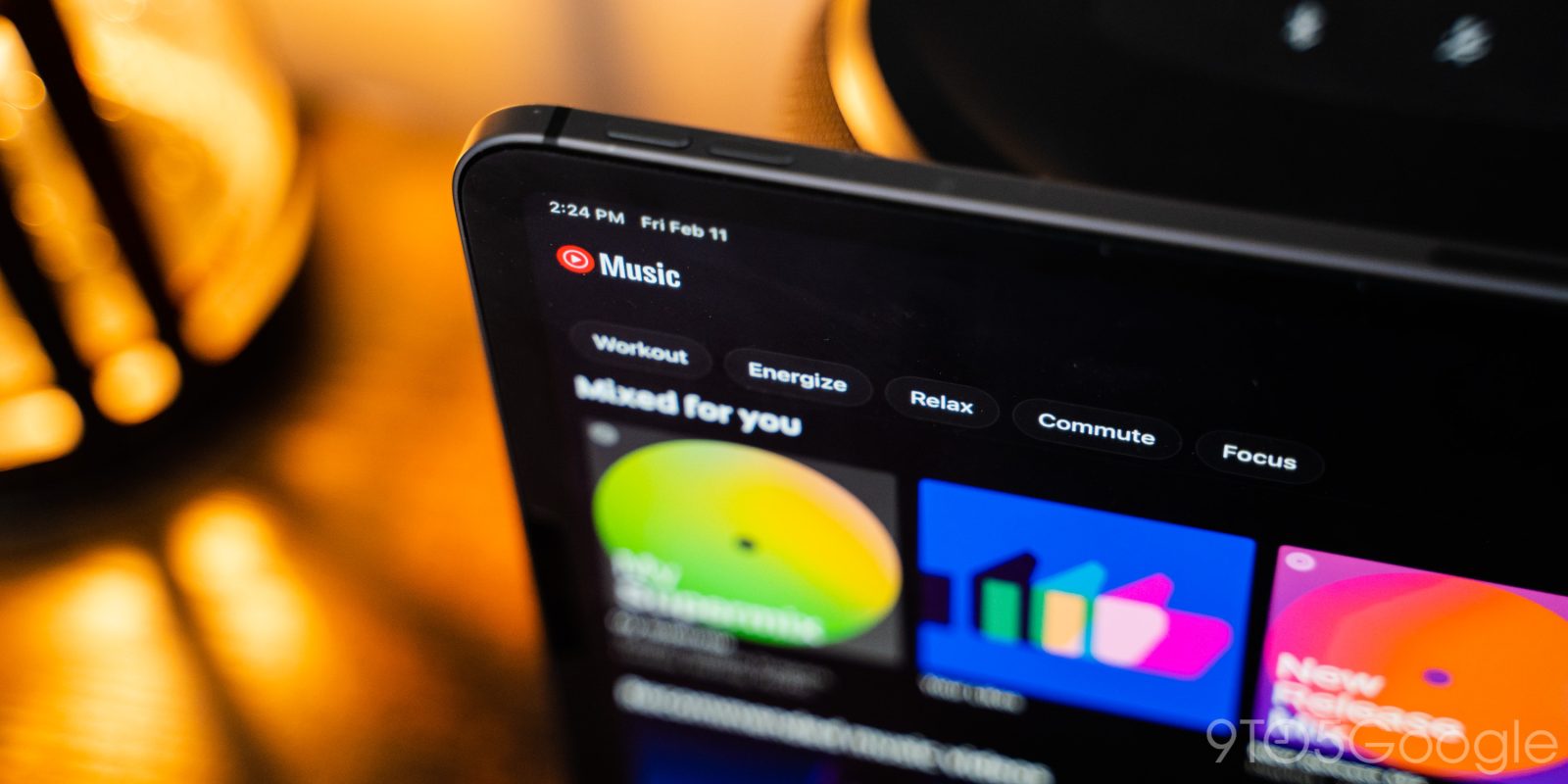
YouTube Music widely rolled out a redesign of its Now Playing screen on Android in June of 2020, brought it to the iPhone over a year later, and this UI is now appearing on the iPad.
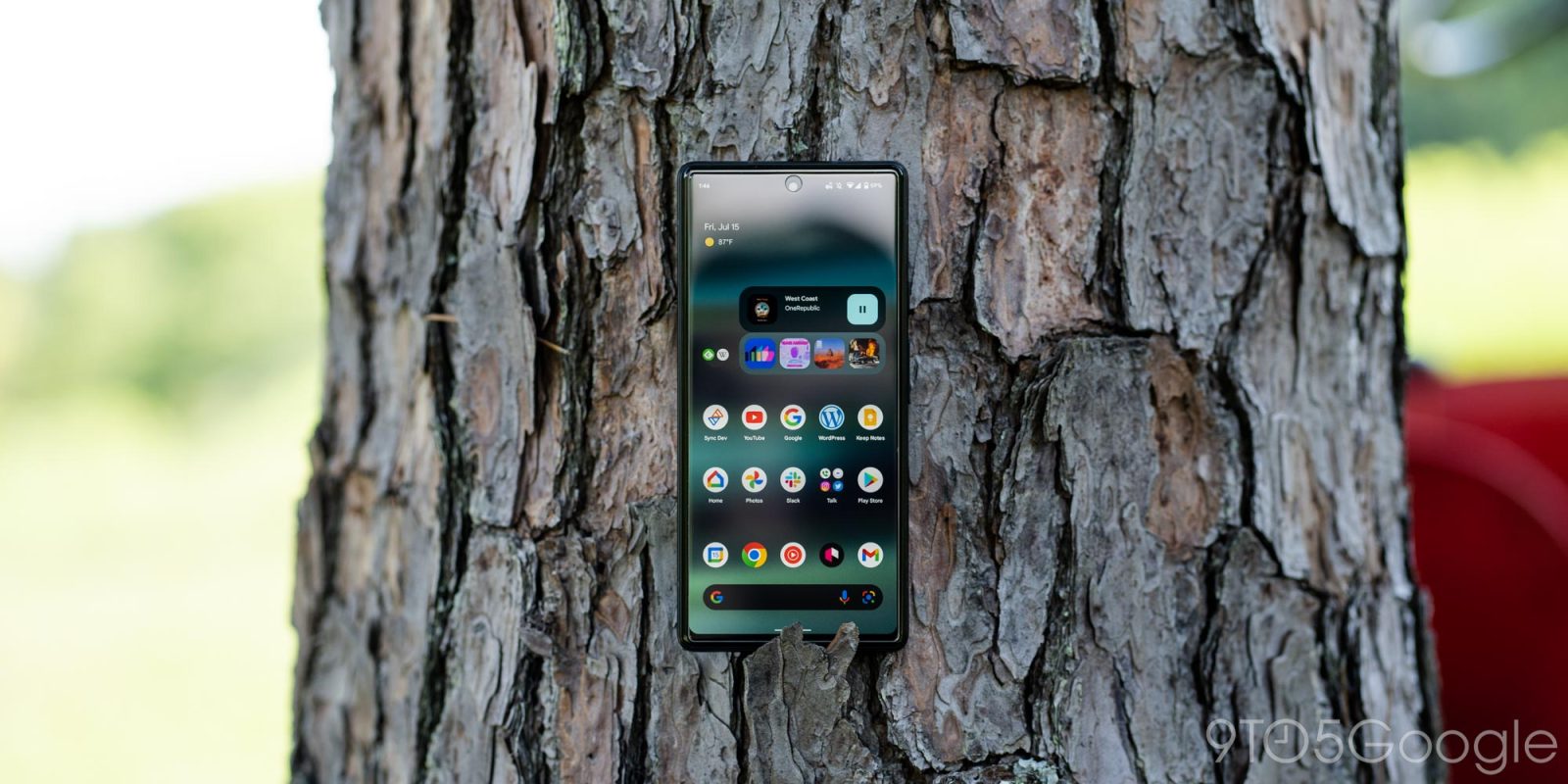
Until the fall, the Pixel 6 Pro is still Google’s flagship phone, but Target (in the US) looks to already be aggressively discounting the device to $270 – if you’re lucky.
Google is reportedly following Apple TV and Amazon Prime Video in letting users subscribe to other streaming services through a YouTube “channel store.”
Last August, Google rolled out a handful of Material You flourishes to Gboard for Android, and a few more are now coming to the keyboard, including the shortcuts bar.
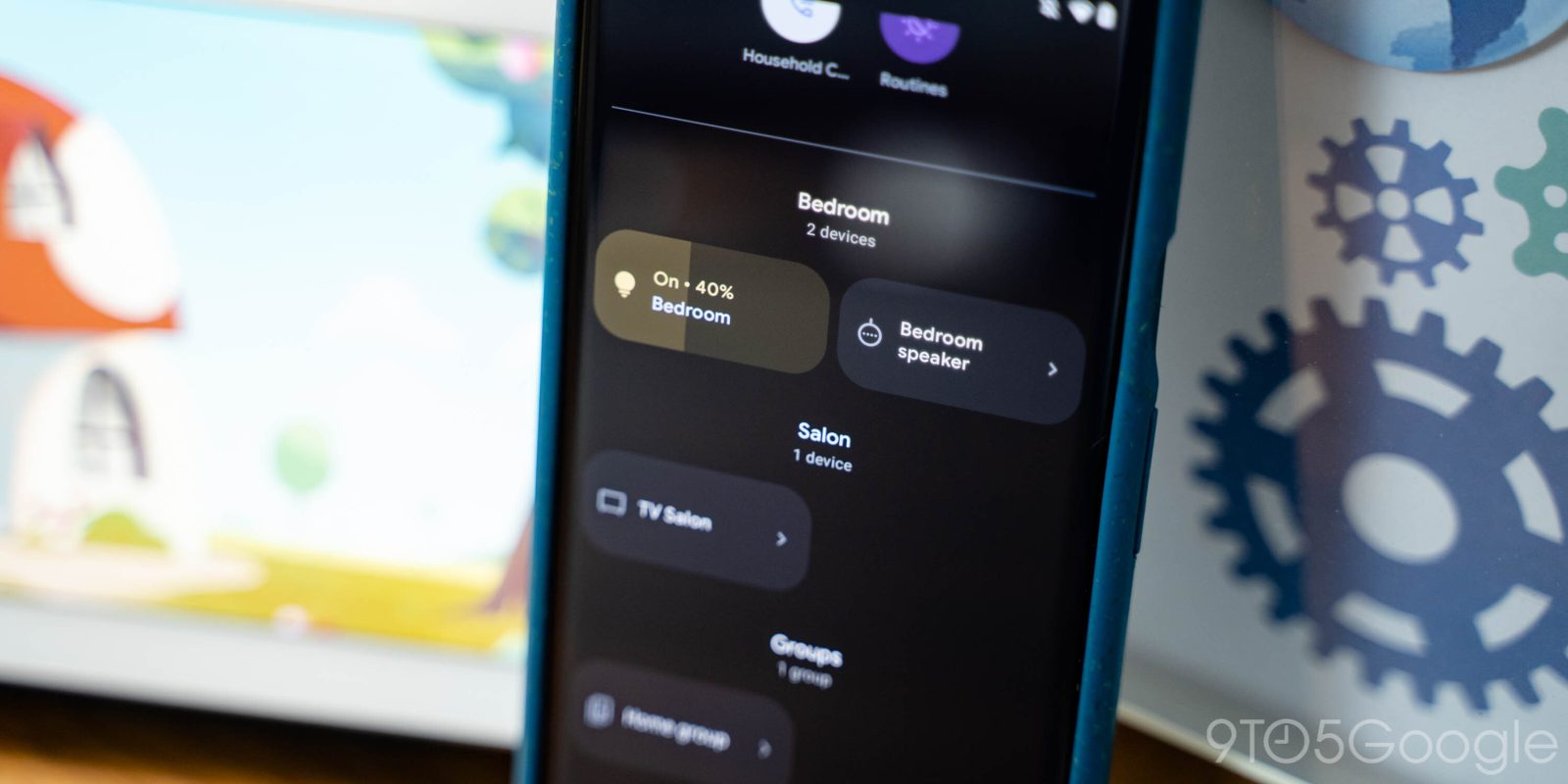
Earlier this year, Google revamped the two primary ways people interact with the Home app. The company is now teasing a “next generation design of the Google Home App” and is looking for testers.
In a sign of the times and following other tech companies, CEO Sundar Pichai told employees today that Google is “slowing the pace of hiring for the rest of the year.”
Back in June, it emerged that Google wanted to exempt political campaign emails in the United States from Gmail’s spam filter. This spurred a lot of backlash, but the company is proceeding with the pilot program after receiving approval today from the Federal Election Commission (FEC).